A:AnswerHello Ed1966, you want to know if the Xbox app is available on the Amazon 43” Class 4-Series 4K UHD Smart TV. At this the Xbox app is not available on the Amazon 43” Class 4-Series 4K UHD Smart TV, keep checking for future updates. Hope this has answered your question. Have an amazing day!
A:AnswerHi Saf. Most formats like like .mkv, .avi, .mp4, and .mov., etc, are supported but it all depends on the app you are using on the FireTV for playback. Apps will have specific requirements on format on the type of video file. Have a nice day.
A:Answer"Hello,
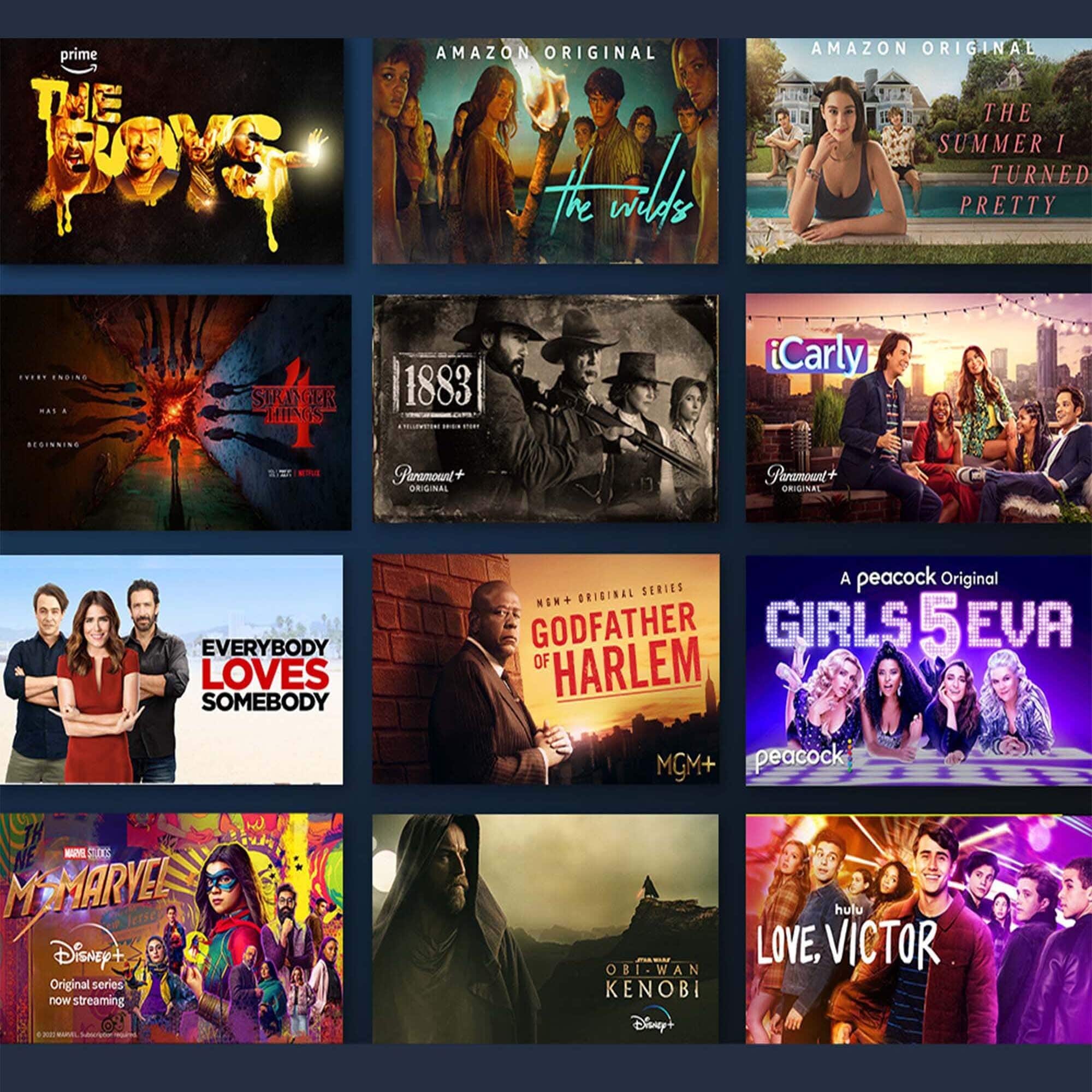
Yes, you can download apps on the Omni Series/4-Series Smart Fire TV! You can stream over one million movies and TV episodes. Netlfix, Hulu, and other favorites are available but subscription rates may apply. Apps like Tik Tok can also be downloaded!
Apps can be easily downloaded from the main screen on your Fire TV device. Here are the steps:
1. Use the main menu on your Fire TV to search for apps. You can also use your voice to search for specific apps. Just press the voice button on your Alexa Voice Remote or say what you would like out-loud.
2. Select the app you want to download.
3. Select Get or the shopping cart icon to start your download.
Once downloaded, you can begin streaming from your favorite streaming services. I hope this information helps. Have a great day!
A:AnswerHello! By default, the Fire TV starts up on the home screen. To get it to start up with the antenna input, from the Home screen follow these steps: Choose “Settings.“ Select “Display & Sounds.“ Select “Set Power.“ Change the setting to “Last input.“ As long as you have the same DVR connected to the Fire TV, you will be able to do same thing as you would on your old TV. Hope this helps! Have a great day!
A:AnswerIf you have not purchased this TV Package yet, DO NOT DO IT! A big mistake. The sound is terrible, and if you expect to take advantage of the free Apple/Fubo streaming, FORGET IT! I WAS CHARGED $85 FOR FUBO and no one wants to work on my refund. Again, STAY AWAY!
But, yes, it will work with xfinity.
A:AnswerHi bob! You can utilize the built in Bluetooth capability to connect headphones to your Amazon 4-Series TV. This will however direct sound to your headphones when connected and mute the internal speakers on the TV. Thanks for your question, have a great day!
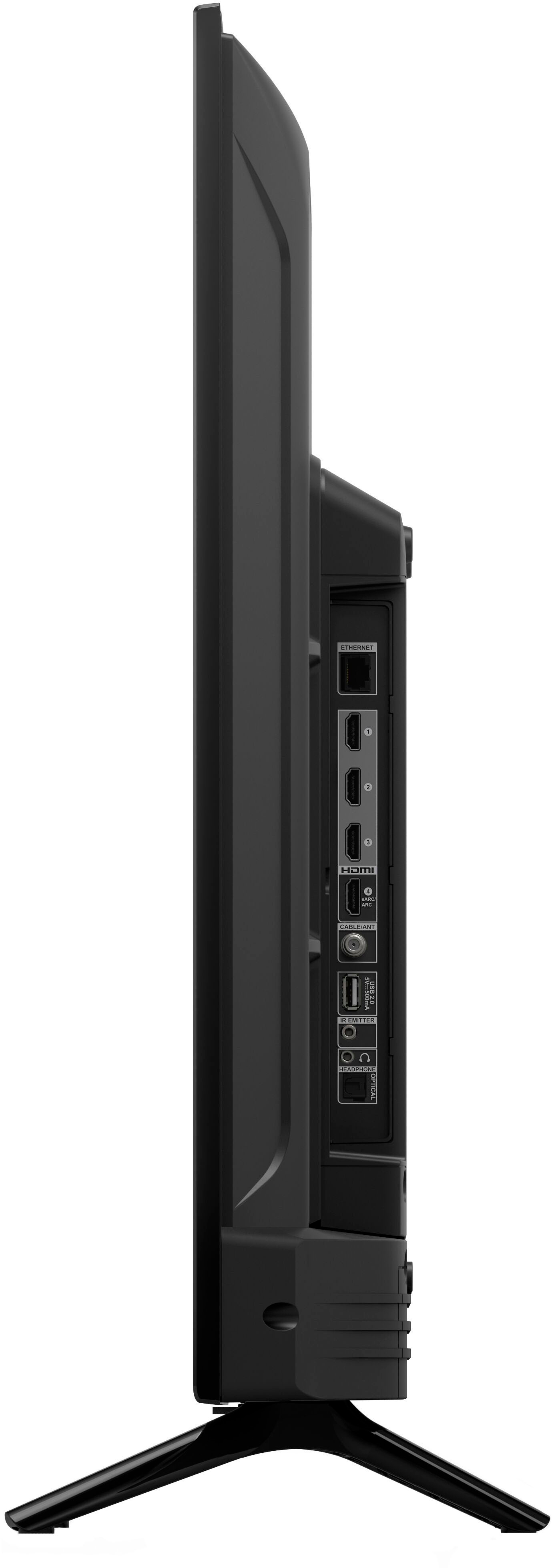
A:AnswerHello Peter1Dragon5862, you want to know if you are able to attach an external hard drive to the Amazon 43” Class 4-Series 4K UHD Smart Fire TV and want your videos. You are able to attach an external drive via the USB port and watch your videos from the hard drive Amazon 43” Class 4-Series 4K UHD Smart Fire TV as long as it is in a supported format at your own risk. Hope this has answered your question. Have an amazing day!
A:AnswerHello! Here are steps to follow to connect your soundbar to your Amazon Fire TV 4-Series: 1. Plug your multimedia device into an available input port. 2. For A/V receivers or digital sound bars, connect an HDMI ARC-compatible cable to HDMI input 1 for multichannel sound output. 3. Press and hold the Home button on your remote. If your Fire TV remote has a Settings button use that instead. 4. Select Inputs. 5. Select the input you want. Hope this helps! Have a great day!
A:AnswerHello, Robert. You can download the Roku App onto this Fire TV 4-Series. This app can be easily downloaded from the main screen on your Fire TV device. Here are the steps: 1. Use the main menu on your Fire TV to search for apps. You can also use your voice to search for specific apps. Just press the voice button on your Alexa Voice Remote or say what you would like out-loud. 2. Select the app you want to download. 3. Select Get or the shopping cart icon to start your download. Once downloaded, you can begin streaming from the Roku Channel app. I hope this information helps. Have a great day!
A:AnswerHello, you want to know if you will be able to use the voice commands on your Amazon 43" Class 4-Series 4K UHD Smart Fire TV to ask for Philo app to play specific channels. You will be able to use the voice command on your Amazon 43" Class 4-Series 4K UHD Smart Fire TV to control the Philo app to play specific channel and or program. Hope this has addressed your concern. Have an amazing day!