A:AnswerHi Steph! Yes, the 4-Series 4K UHD Smart Fire TV has bluetooth built in, which will allow for you to connect to headphones or speakers for listening. Thanks for the question, have a great day!
A:AnswerHi Nate! Yes, the AppleTV+ app is available on the Fire TV Device. Apps can be easily downloaded from the main screen on your Fire TV device. Here are the steps:
1. Use the main menu on your Fire TV to search for apps. You can also use your voice to search for specific apps. Just press the voice button on your Alexa Voice Remote.
2. Select the app you want to download.
3. Select Get or the shopping cart icon to start your download.
Hope this helps, enjoy your day!
A:AnswerI am much happier with the sound on this TV than I was with my previous one. A friend told me that I could have a sound bar that he was not using because he knew I was unhappy with my last TV's sound quality. I don't feel that I need to add one for this product.
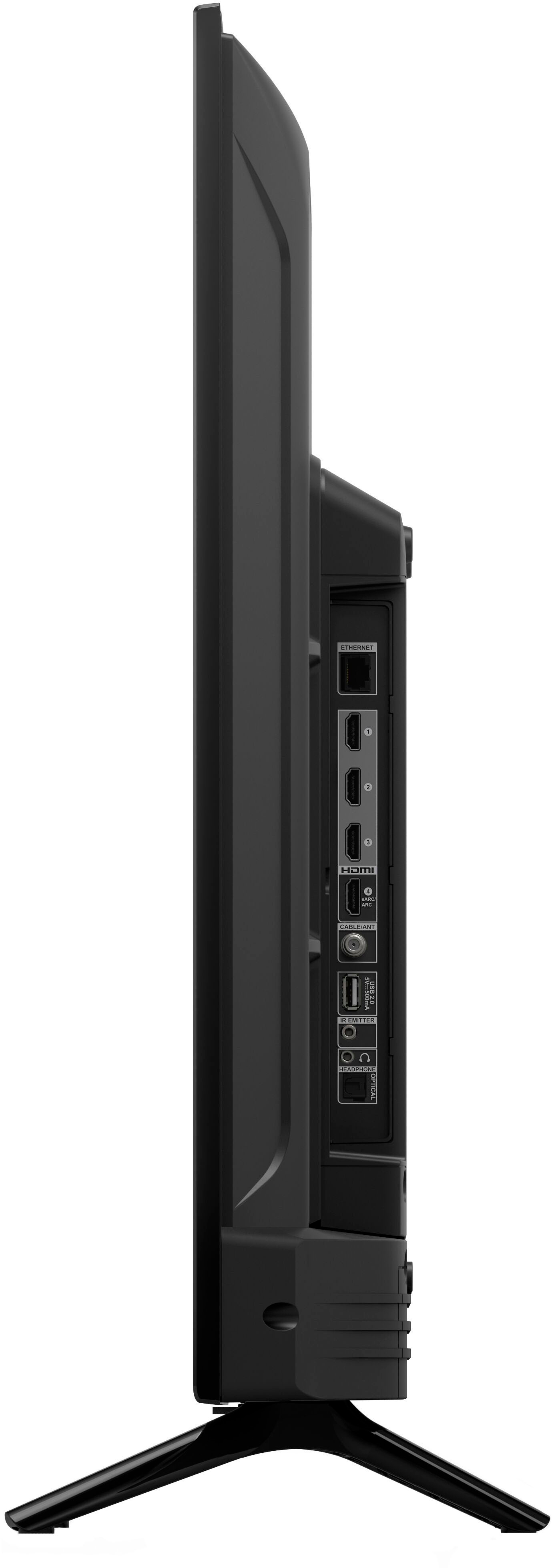
A:AnswerHi DebiS! To Add External Storage to Fire TV, follow these steps. Plug a flash drive into the USB port on the back of your Fire TV. It just takes a couple of seconds to format, and when it's done, head to Settings > About > Storage, and you'll see the extra space listed. Hope this helps, enjoy your day!
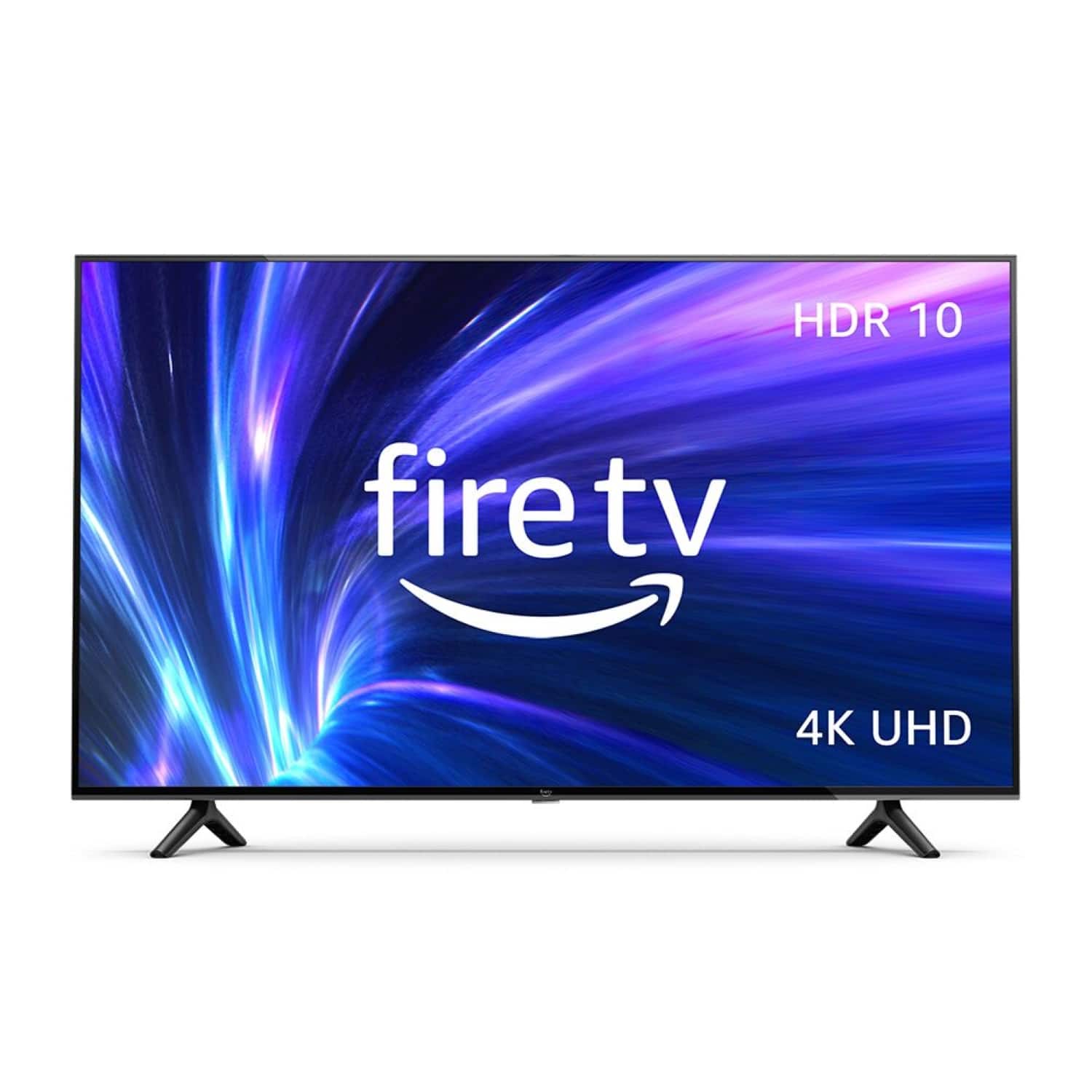
A:AnswerHello baker! Yes you can connect a number of different Bluetooth compatible devices to this model TV via the Settings icon. Thanks so much for your question and I hope you have a superb day!
A:AnswerHi Jeff,
You can set the TV to turn on to the last input used (e.g. cable tv) instead of the home screen. Go to Settings -> System -> Power and select Power On to Last used TV input.
Hope that helps!