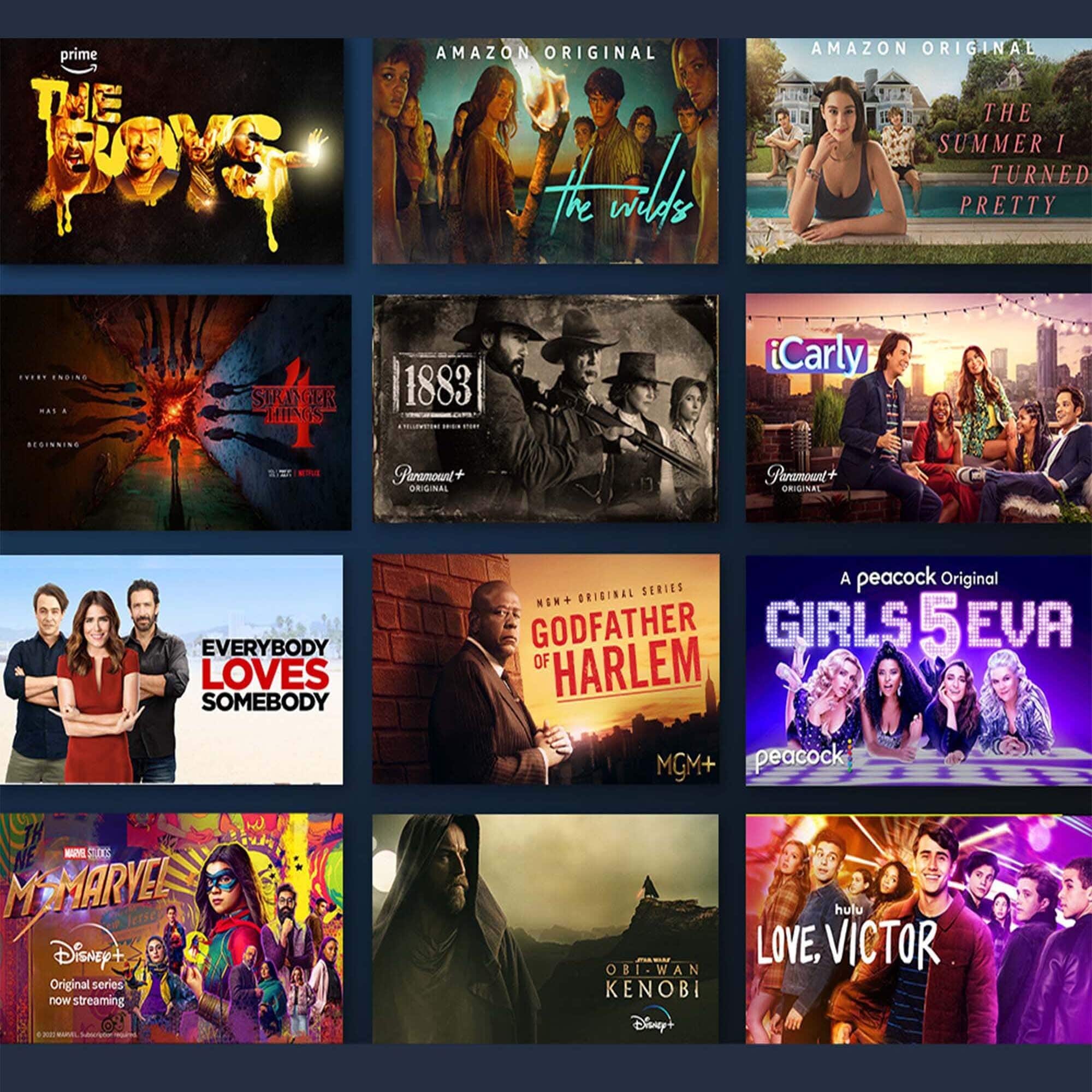
A:AnswerYes, ZOOM is an APP that can be used; however, ZOOM also need a microphone and camera. The TV does have a microphone which is used for Alexa, but no camera. Probably need to contact manufacturer about ability to use camera
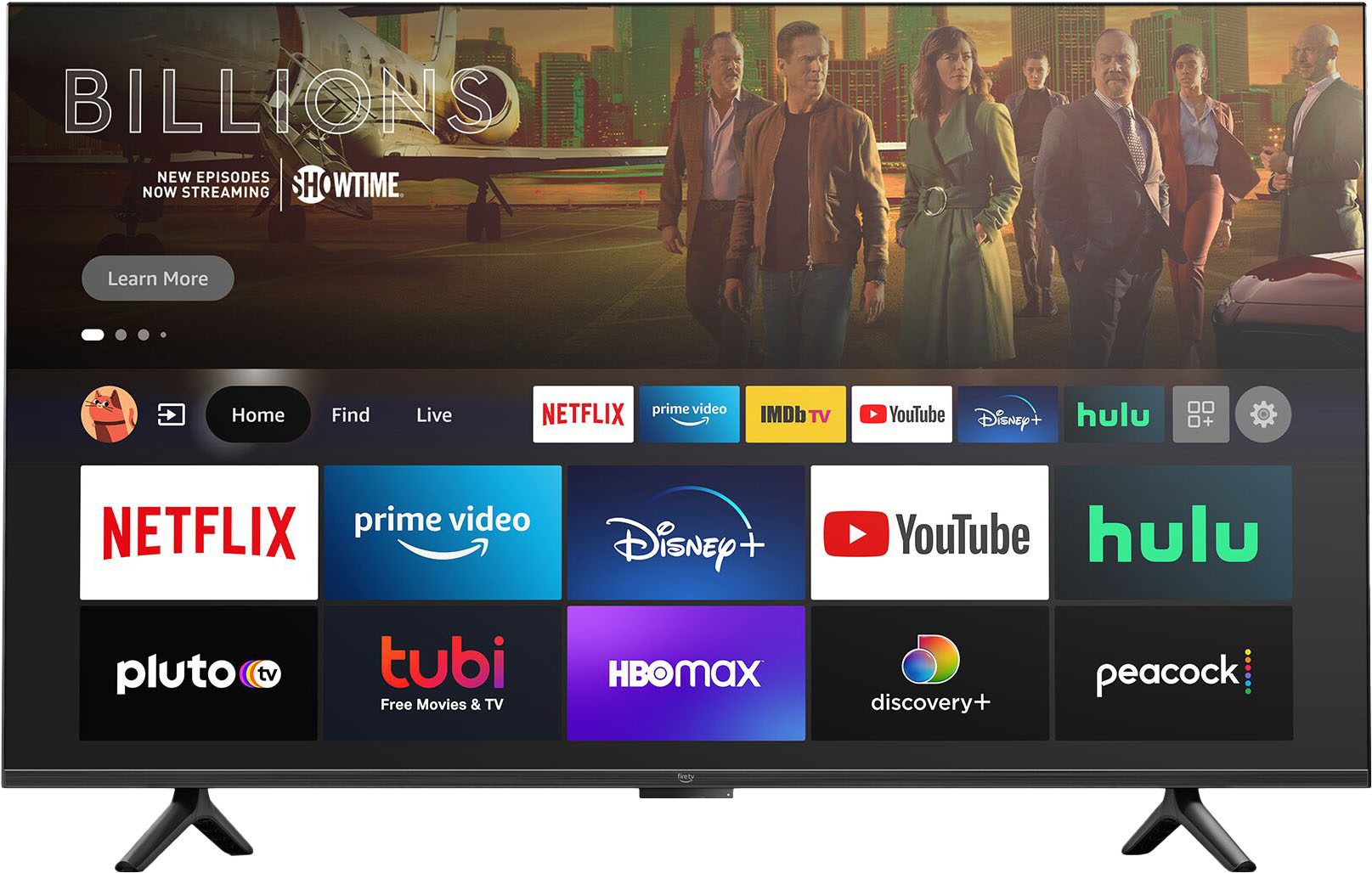
A:AnswerHi! Hello! Yes, the Dish Anywhere app is available on the Fire TV Device. Apps can be easily downloaded from the main screen on your Fire TV device. Here are the steps:
1. Use the main menu on your Fire TV to search for apps. You can also use your voice to search for specific apps. Just press the voice button on your Alexa Voice Remote.
2. Select the app you want to download.
3. Select Get or the shopping cart icon to start your download.
Have a great day!
A:AnswerHi Duncan! There is roughly 11.34gb of usable storage included with the Omni Series 4K UHD Smart Fire TV. Thanks for your question, have a great day!
A:AnswerYes
It is a premium add on. Click on the Find button on the home page. Then click on the search box below the find button. Type in discovery and then click the app in the search results.
A:AnswerI don't know the answer to that. We have Dish, but it runs through the Hopper/Joey, not an app. You might be able to get an answer on a FIRETV forum through Amazon. Sorry couldn't help.
A:AnswerHi DREW! The white light bar at the bottom of the TV does turn off when the TV is turned on, however Alexa is still active. I hope this helped answer your question, have a great day!
A:AnswerBoth ESPN and HBO Max are available for download on the Fire TV. There are also apps available for download that will allow you to mirror your iPhone to the TV.
Have a great day!