Questions & Answers
- Model:
- 4K43M600A/B08T6DZ81T
- |
- SKU:
- 6479709
Highly rated by customers for: Picture Quality, Ease of use, Price
Page Showing 41-54 of 54 questions
Q: QuestionCan this tv be hung on the wall.
Asked by Chet.
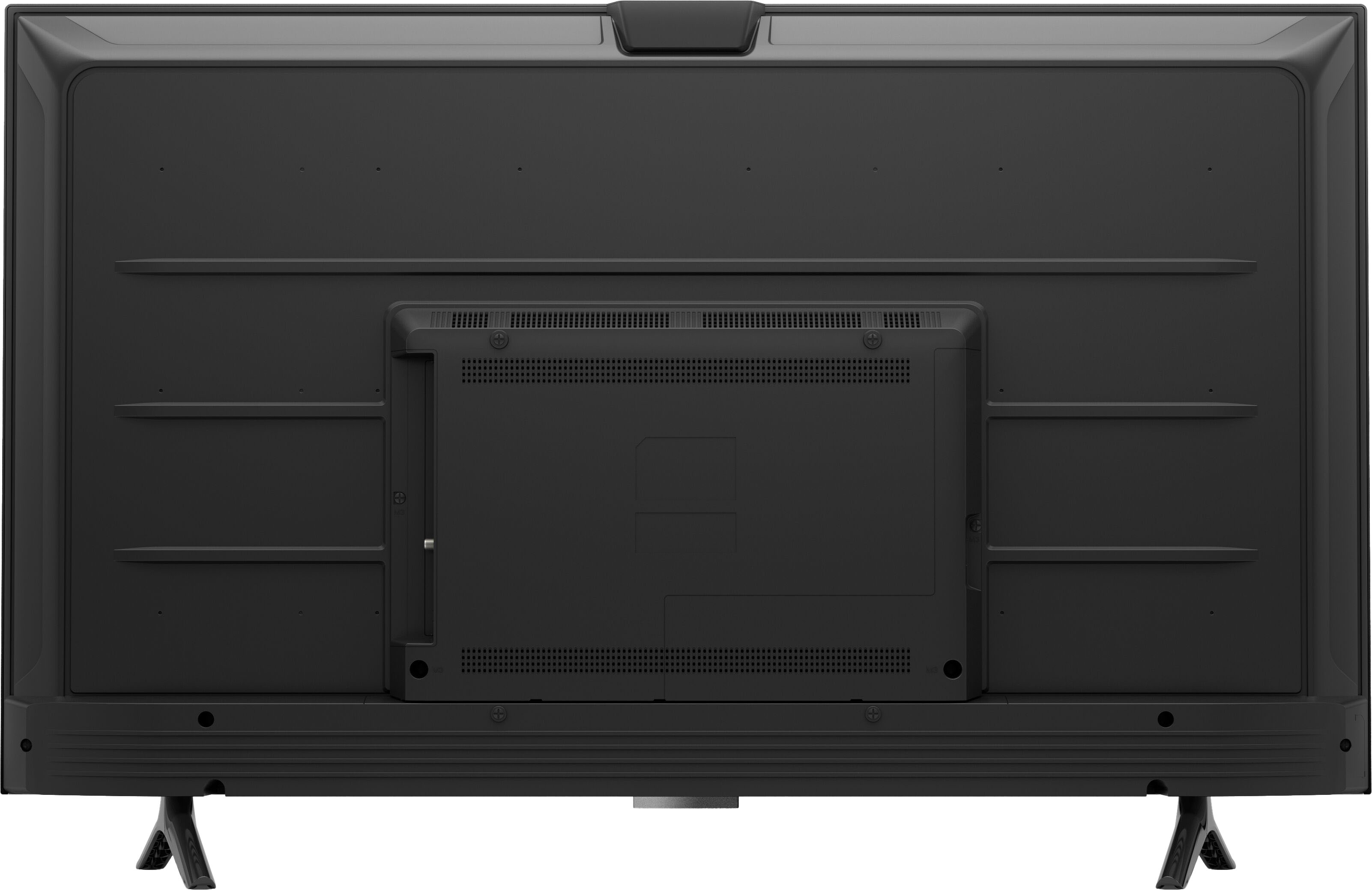
- A:Answer Absolutely, and it is lightweight. So much easier than our old tv!
Answered by Doug
Q: QuestionDoes this tv support the YouTubeTV app?
Asked by YouTubeTV.
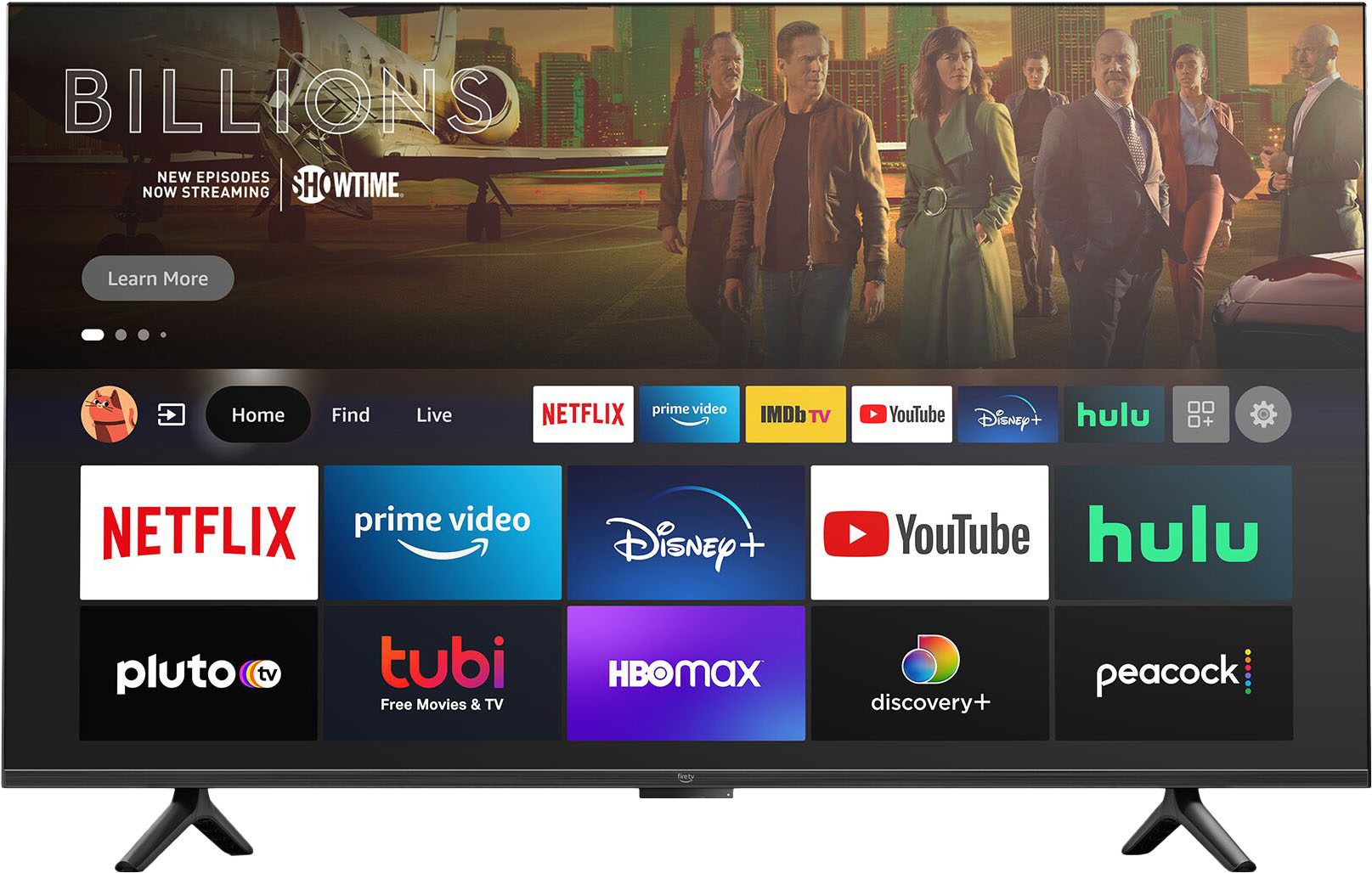
- A:Answer Yes this TV supports most all TV streaming apps including YouTube.
Answered by David
Q: Questionis this connected to the Internet
Asked by me.
- A:Answer Yes but you need a Amazon account.
Answered by SRRR
Q: QuestionHi! Can I download other apps to TV like Pandora?
Asked by Wondering.
- A:Answer Yes, Pandora was one of many available apps on the start page. It was one of the first I downloaded.
Answered by David
Q: QuestionI have Spectrum cable service with cable boxes in house but don’t want to purchase another box. Will I be able to load Spectrum app on the Amazon TV?
Asked by Sony.
- A:Answer We used the Roku and the spectrum app on that, and you can use your cable without a box. You just use a different input channel, and switch back and forth! Problem solved!
Answered by Doug
Q: QuestionDoes it come with a remote?
Asked by Aamberr.
- A:Answer Yes, it comes with a remote similar to the firetrap remote but with more features
Answered by SheriA
Q: QuestionWhat is “Omni” mean or do.
Asked by CharlieTundraofElburn.
- A:Answer Hello Tundra, you want to know what does Omni mean or do. Omni Series is Amazon's version of the Amazon Fire TV, made by Amazon instead of other manufacturer. Hope this has answered your question. Have an amazing day!
Answered by Amazon Devices Customer Support
Q: QuestionDoes this support air play or can I sling from my phone to this tv? Can I sling from a fire tablet.
Asked by kcd2.
- A:Answer Hi Sling! Yes, you can utilize Airplay 2 and Homekit on your Omni TV to stream content from your iPhone. Now users can stream, share, and control content from iPhone, iPad and Mac right to their Fire TV, including videos, photos, music, and podcasts. HomeKit lets users use Siri for TV controls like turning the TV on/off and changing the volume (must add TV to Homekit as an accessory). You can also mirror your Fire Tablet on your Omni TV. Here's how: From your Fire tablet, swipe down from the top of the screen and tap Settings. Tap Display & Sounds, and then tap Display Mirroring. Tap the name of your TV or media streaming device. ... To stop displaying the screen, swipe down from the top of the screen and tap Stop Mirroring. Thanks for your questions, have an amazing day!
Answered by Amazon Devices Customer Support
Q: QuestionDoes this TV support wireless headphones?
Asked by RWL1.
- A:Answer Hello, RWL1! The Omni Series is Bluetooth compatible, so if you have headphones that can connect that way, then you would be able to link those to your TV that way and use them. I hope that information helps. Have a great day!
Answered by Amazon Devices Customer Support
Q: QuestionCan this be paired with sonos speakers and how?
Asked by rsizemore.
- A:Answer Yea , just follow the instructions on the Alexa app
Answered by Kenc
Q: QuestionHow do I prevent the TV from turning off on its own after a while? It comes with a sleep timer but it doesn't appear to be the reason for it turning off. If you need a TV which stays on all the time, it seems you need to buy something else.
Asked by Anonymous.
- A:Answer did this work? Under preferences my Omni does not have the options they mentioned to turn this off. I'm sick of my TV turning off when I go do something for a short amount of time. AGH!
Answered by Anonymous
Q: QuestionCan I pair the TV with an existing directtv remote? (To put in channel numbers, etc) Or is the tv only usable with the included remote and voice control?
Asked by CemeteryDoll.
- A:Answer Yes
Answered by MCarmack
Q: Questionwhere do you find the manual for Amazon 43" Omni 4k smart hand free TV as it didn't come with one?
Asked by Anonymous.
- A:Answer Hello and thank you so much for your question! I am sorry you are having trouble locating an instruction manual for your TV. Included in the box should have been a quick start guide that explains all of the set up instructions for your TV set. If you are unable to locate it or if it did not come included, then you can locate a link for the quick start guide on the Amazon page for the device under "Included in the Box". If you would like more assistance with your TV you can locate the Help Menu under the Settings. In there you can find help videos and ways to contact customer service for guided assistance. I hope this helps answer your question and that you have a Happy New Year!
Answered by Amazon Devices Customer Support
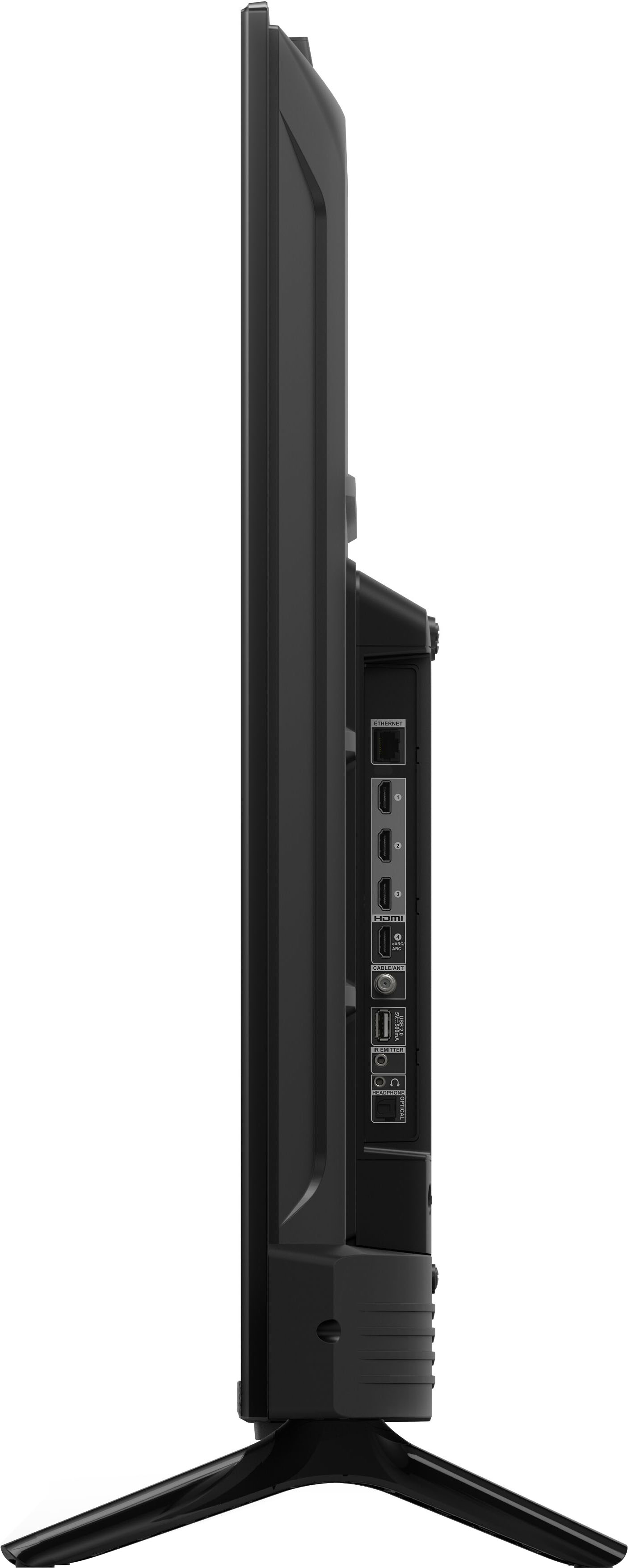
Q: QuestionWhat is the distance between the stand legs?
Asked by Burt.
- A:Answer Hello Burt! As this device is still currently in pre-release status, we do not have the full specific measurements for the width between the feet of the base just yet. We will have more details shortly. Thanks for your question and I hope you have an awesome day!
Answered by Amazon Devices Customer Support
Page 3, Showing 41-54 of 54 questions
Best-selling Best Buy
- $299.99$299.99The price was $349.99
- $14.99$14.99The price was $19.00
- $199.99$199.99The price was $349.99
- $24.99$24.99The price was $29.99
- $14.99$14.99The price was $19.00
- $139.99$139.99The price was $149.99
- $139.00$139.00The price was $399.00