A:AnswerHello Don. That should not be the case if you are linking the devices through the Alexa smartphone app with the same Amazon account you have set up for all 3 devices. You may want to contact Amazon customer care to have them troubleshoot with you further to see what the specific issue may be. I hope that helps some and that you have a tremendous day!
A:AnswerHi Lola! Yes, the Beachbody On Demand App is available for download on the Omni TV via the Amazon App store. Thanks for your question, have a great day!
A:AnswerHi I’m not sure it does that. But if you label your inputs you can use this feature-> For example You can say Alexa switch to cable, Alexa switch to Xbox, Alexa switch to PlayStation. The tv doesnt need to be on. once you ask Alexa to do this it automatically powers on and switches to the input you requested.
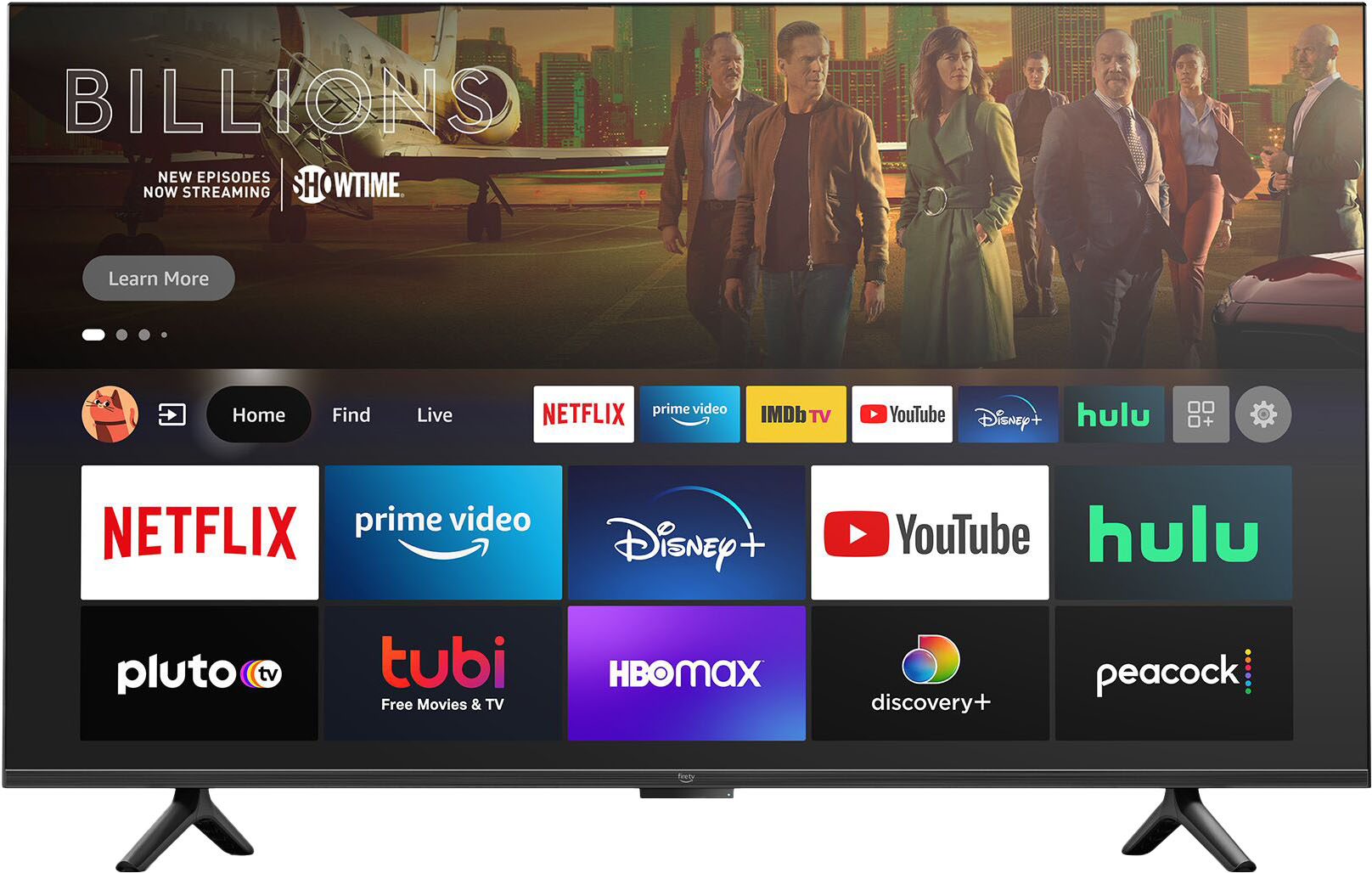
A:AnswerYes, you can but, it requires you to use developer options and sideload the apps. I wouldn't recommend it unless you know what you're doing. It may void your warranty.
A:AnswerHi! The Amazon Omni TV does have a sleep timer. You access it by pressing the settings button. It's the 5th selection moving downwards as the list populates. Hope this helps, enjoy your day!
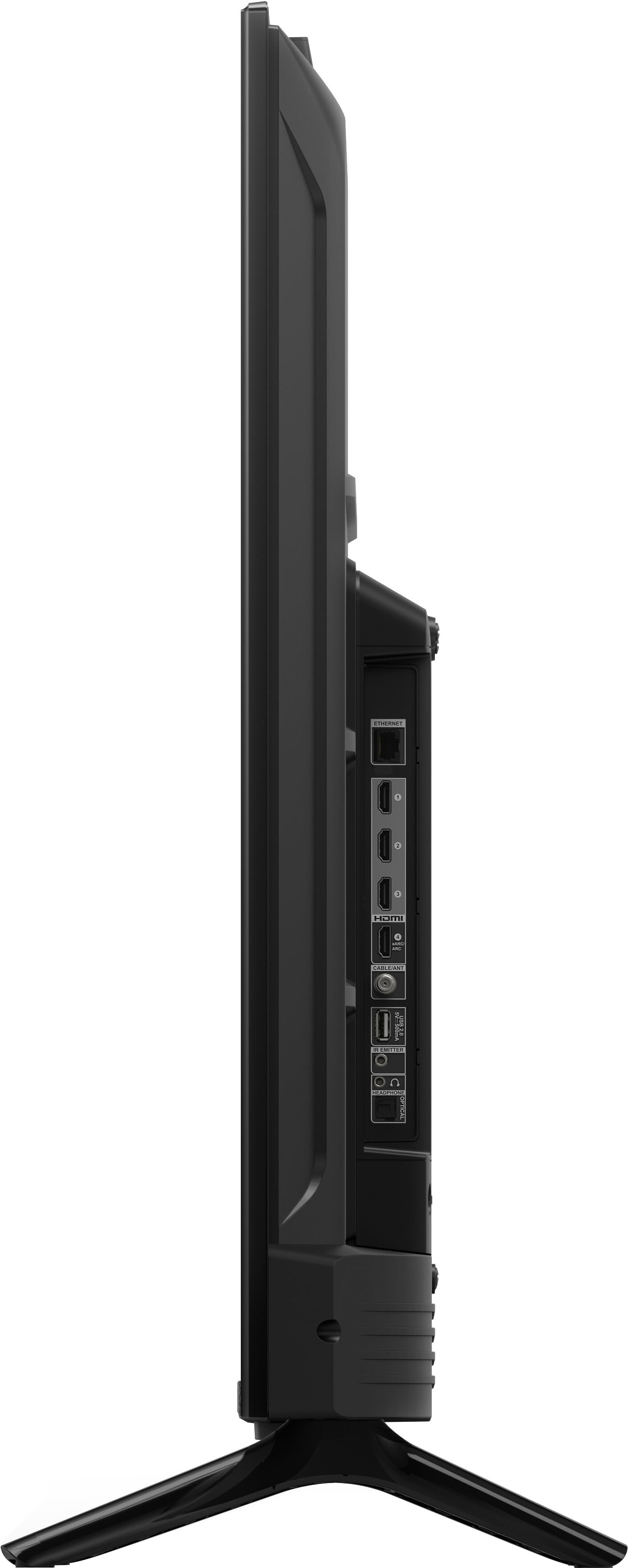
A:AnswerYou probably have Alexa turned off. The switch to Alexa is on the bottom of the tv towards the middle. If you have a red light in the middle bottom I believe that means it's turned off. I hope this helps.
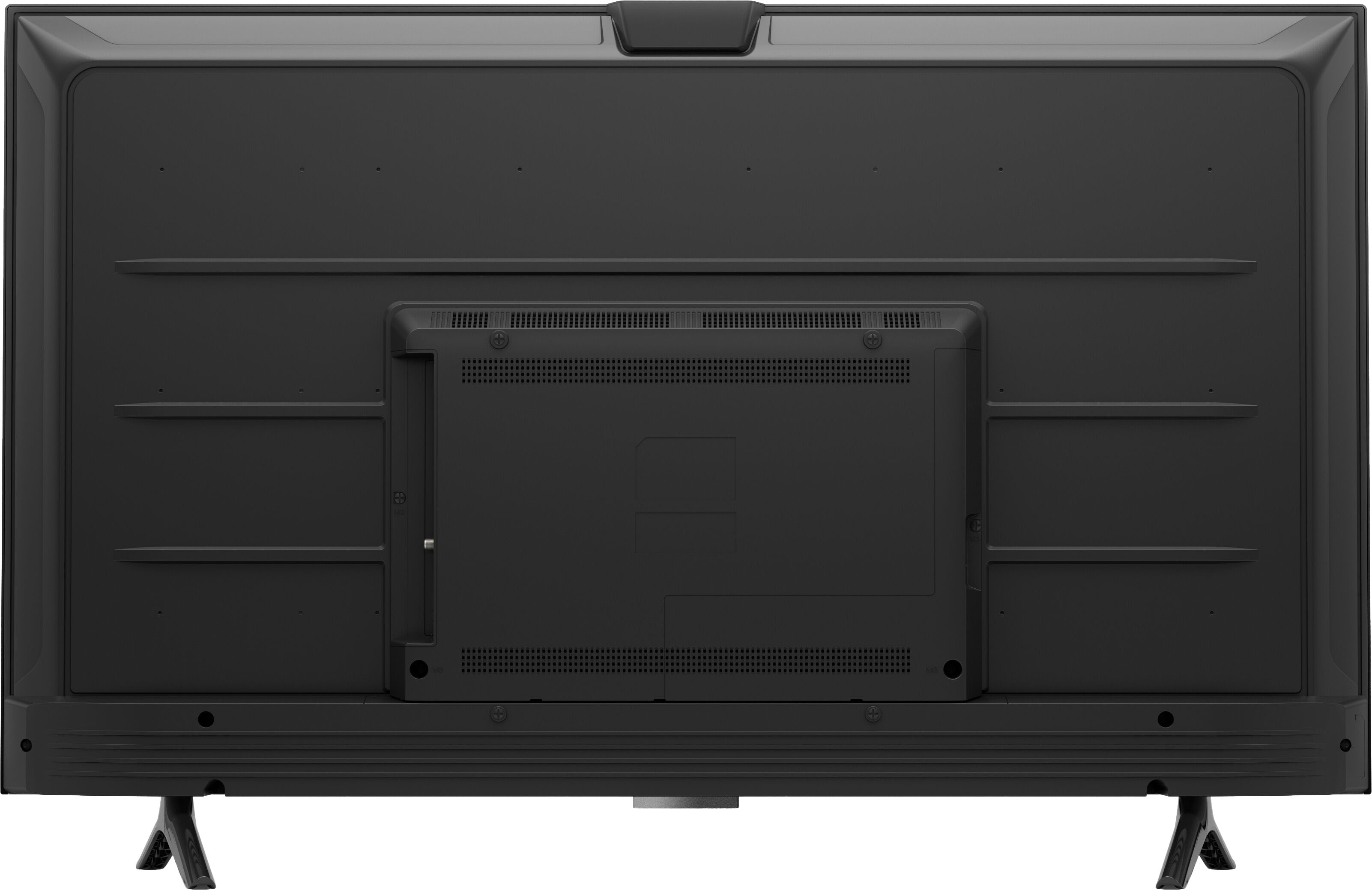
A:AnswerHello, you want to now if your current wall bracket for your 46" TV will work if a 50" or 55" Amazon 50" Class Omni Series 4K UHD Smart Fire TV hands free with Alexa. If your current TV VESA measurement is 300MMX300MM your current bracket will fit the Amazon 50" Class Omni Series 4K UHD Smart Fire TV, you can also check up to how many inches can the the wall bracket support. Hope this has answered your question. Have an amazing day!