Black Friday is hereAlso, shop the 24-Hour Flash Sale.Shop now

Main Content

Questions & Answers

Your price for this item is $103.99
Clearance
The comparable value price is $519.99
Page Showing 81-91 of 91 questions
  • QuestionCan you download the Direct Tv Stream app on this TV like I can on the Firestick?

    Asked by Paul.

    • Answer Hi Paul! Yes, you have access to the same app library as on the Firestick devices. Direct TV Stream is available for download. Thanks for the question, have a fantastic day!

      Answered by Amazon Devices Customer Support

  • QuestionI have a 55 imch firetv 4-series.. does this have blue tooth that i can connect outside speakers

    Asked by Anonymous.

    • Answer Hello! Yes, the 4-Series Fire TV does have Bluetooth capabilities. You will be able to connect a Bluetooth device to your Fire TV for sound. I hope that information helps, have a great day!

      Answered by Amazon Devices Customer Support

  • QuestionCan I download the spectrum app

    Asked by Twizzy.

    • Answer If the Roku ap is available you can download Spectrum using Roku.

      Answered by Cwrkr

  • QuestionWhat is the width of the stand

    Asked by Karma.

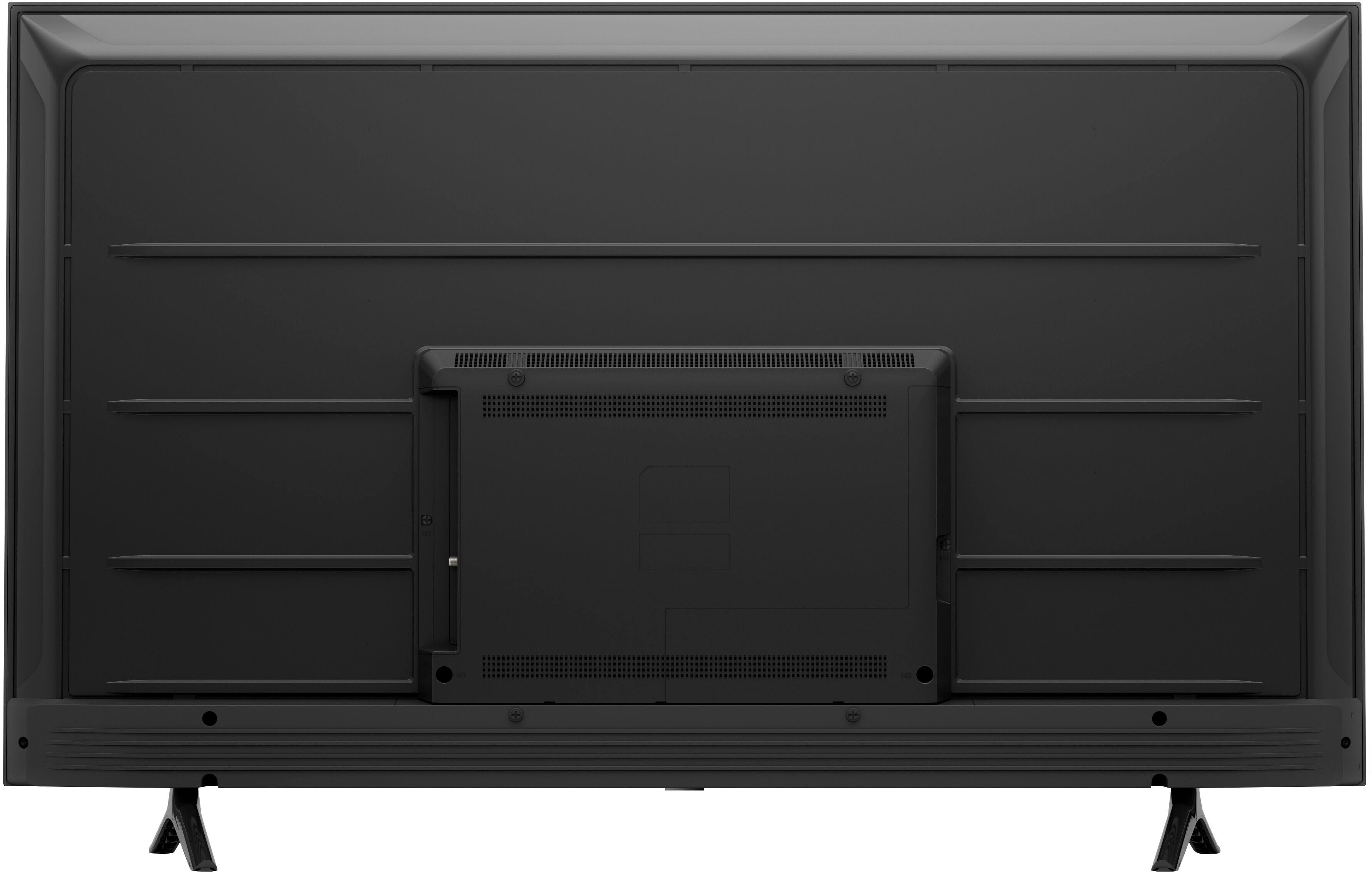
    • Answer Hello Karma, I understand you want to know the width of the stand on the Amazon 55" Class 4-Series 4K UHD. The width is 2'9" between the legs. I hope this has address your concern. Have a great day!

      Answered by Amazon Devices Customer Support

  • QuestionCan you use a center stand with this tv?

    Asked by Centerstanddave.

    • Answer Thank you for your question about the Amazon 4-Series TV. The distance between the legs on this TV is about 33 inches and is not compatible with a center stand. If the distance between the legs is too wide, you can also mount this TV on the wall. Hope this helps and have a great day!

      Answered by Amazon Devices Customer Support

  • QuestionWe have a ROKU box and wonder if this Amazon 55" Class series 4 still needs the box, or if there is a built in "box." thanks.

    Asked by marko.

    • Answer This TV operates as if it has a built interface similar to a fire stick. If you want Roku features you'd still need a Roku box. However, you're able to access apps without a box.

      Answered by EmilyB

  • QuestionWho is the manufacturer?

    Asked by Brandy.

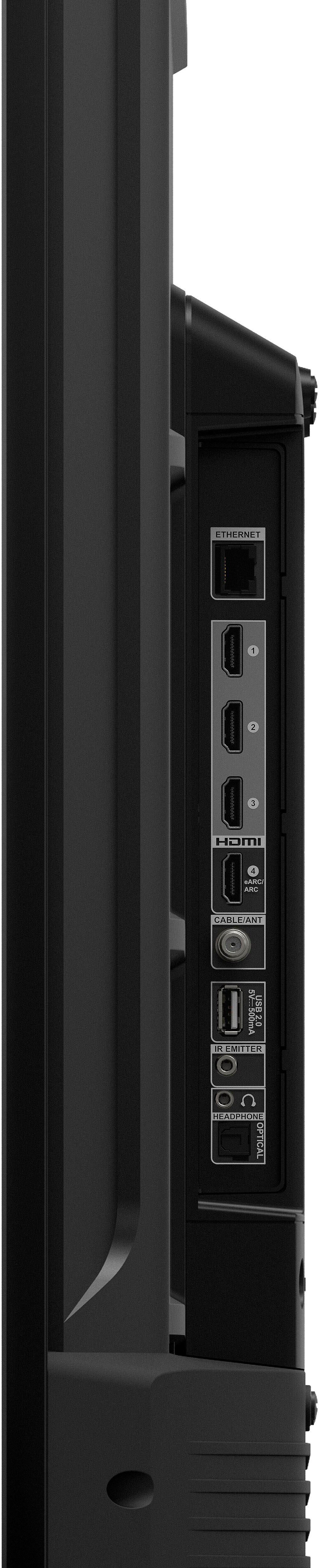
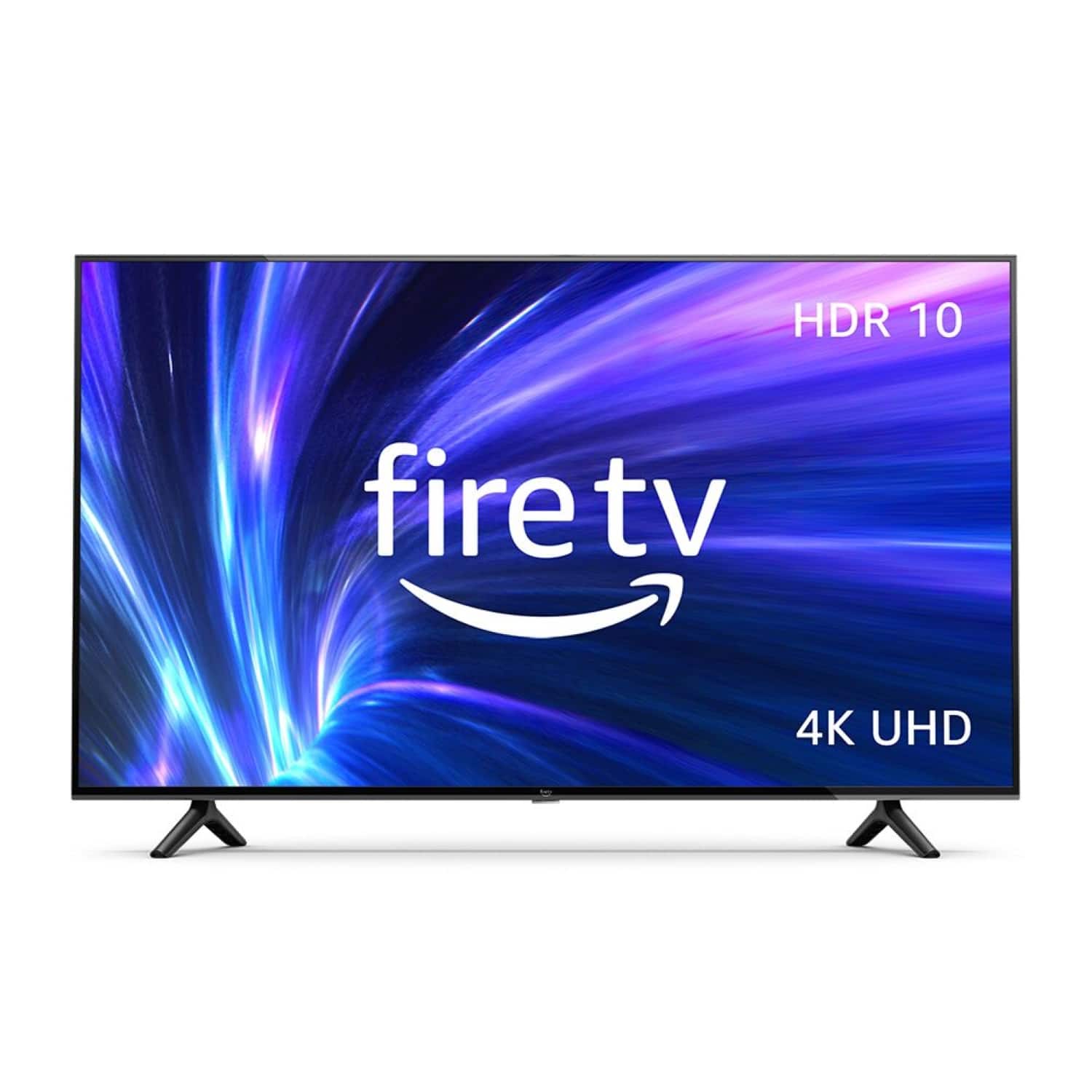
    • Answer Hi Brandy, Thank you for your question about the Amazon 4-Series TV. The 4-series is part of the first line-up of Amazon branded smart TVs. We worked with established brands, such as TCL, to bring these TVs to life! The 4-Series TV offers brilliant 4K entertainment that brings movies and shows to life with support for vivid 4K Ultra HD, HDR 10, HLG, and Dolby Digital Plus. The TV comes with a Fire TV Alexa Voice Remote that allows you to press and ask to find favorite apps, movies, and shows, plus check the weather, sports scores, and more. You can watch what you want by streaming over 1 million movies and TV episodes. Watch favorites with subscriptions to Netflix, Prime Video, Disney+, and more. With the 4-Series TV, all your entertainment is in one place. Watch live and free TV, play video games, and stream music. It is smart and always getting smarter - Fire TV adds new Alexa skills, features, smart home capabilities, and voice functionality all the time. You can connect all your devices with the 3 HDMI inputs to connect to cable or satellite and video game consoles. The HDMI eARC lets you add audio equipment for enhanced sound. I hope this information helps, and have a great day!
      Answered by Amazon Devices Customer Support

  • Questionhow do i hook it up to my cable box?

    Asked by karenz.

    • Answer Hi karenz! This television has hdmi inputs for hi resolution sources, including cable boxes. Hope this helps, enjoy your day!

      Answered by Amazon Devices Customer Support

  • QuestionWhere was this made

    Asked by LT.

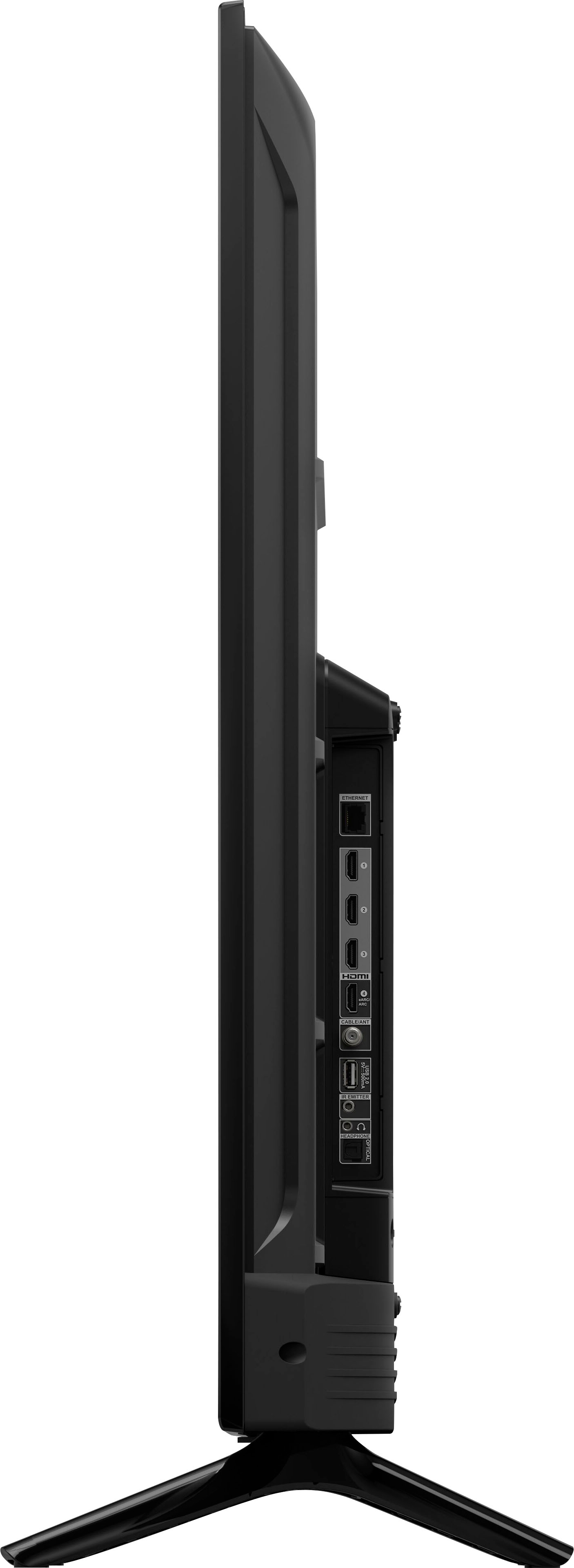
    • Answer Hello, LT! Thank you for your question about the Amazon 4-Series TV. The 4-series is part of the first line-up of Amazon branded smart TVs. We worked with established brands, such as TCL, to bring these TVs to life! The 4-Series TV offers brilliant 4K entertainment that brings movies and shows to life with support for vivid 4K Ultra HD, HDR 10, HLG, and Dolby Digital Plus. The TV comes with a Fire TV Alexa Voice Remote that allows you to press and ask to find favorite apps, movies, and shows, plus check the weather, sports scores, and more. You can watch what you want by streaming over 1 million movies and TV episodes. Watch favorites with subscriptions to Netflix, Prime Video, Disney+, and more. With the 4-Series TV, all your entertainment is in one place. Watch live and free TV, play video games, and stream music. It is smart and always getting smarter - Fire TV adds new Alexa skills, features, smart home capabilities, and voice functionality all the time. You can connect all your devices with the 3 HDMI inputs to connect to cable or satellite and video game consoles. The HDMI eARC lets you add audio equipment for enhanced sound. I hope this information helps, and have a great day!
      Answered by Amazon Devices Customer Support

  • QuestionCan I screen share on this tv from a laptop? Does this tv have web browser or do I need to get a chrome stick?

    Asked by Anonymous.

    • Answer Hello, you want to know if you are able to screen share from your laptop and want to know if the Amazon 55" Class 4-Series 4K has a web browser. You are able to screen share from your laptop via HDMI as you put the correct setting on your laptop, and the Amazon 55" Class 4-Series 4K UHD has an internet app while in the Fire TV app. Hope this addressed your concern. Have a great day!

      Answered by Amazon Devices Customer Support

  • QuestionHow do I turn on the 4K on the tv?

    Asked by jill22.

    • Answer Hello, The 4k entertainment, brilliant picture quality, Dolby Digital Plus, access to more than 1 million movies, and TV episodes, and the magic of hands-free control with Alexa to your living room! The 4K experience turns on as soon as your TV turns on, I hope this helps, have a great day!

      Answered by Amazon Devices Customer Support