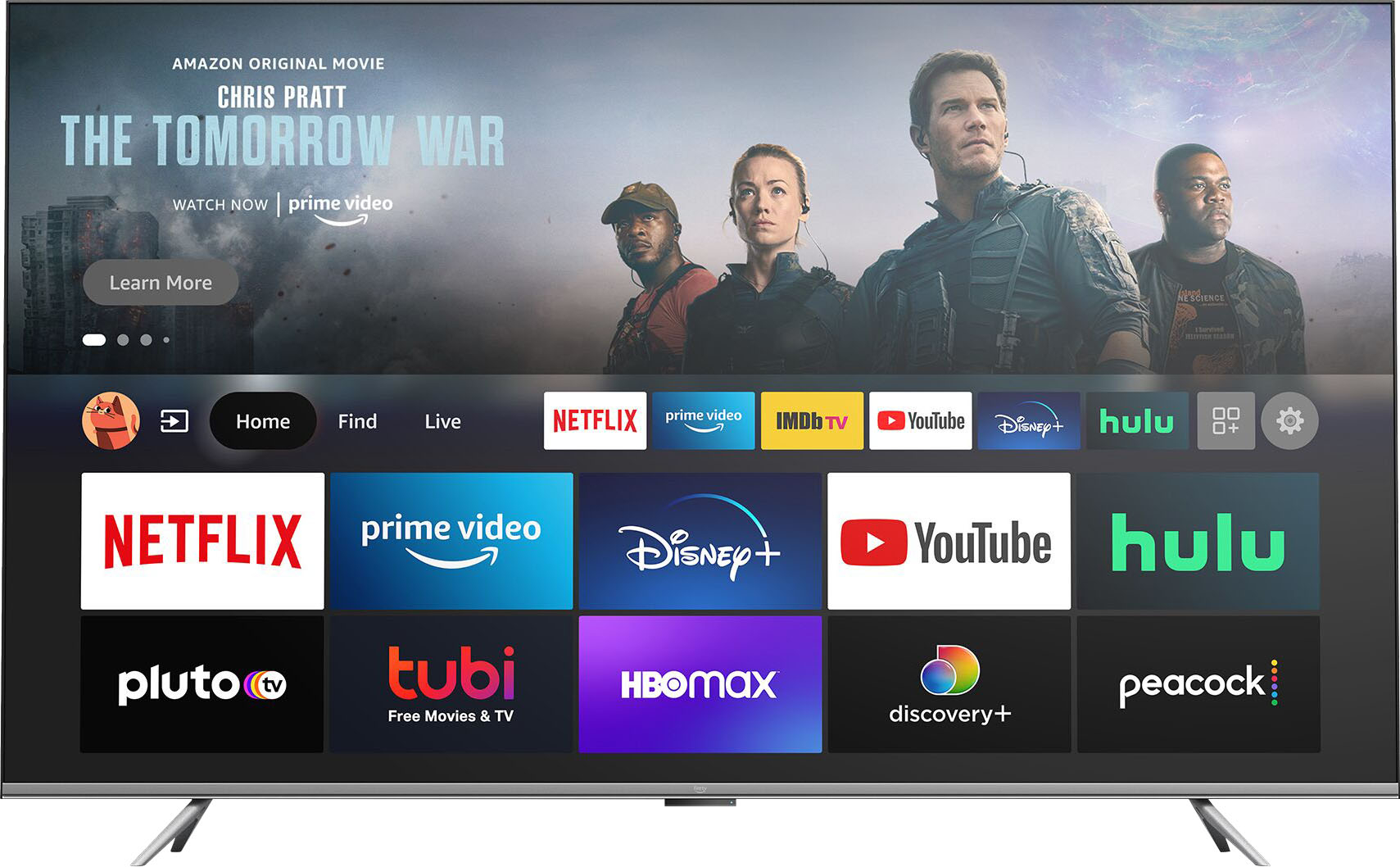
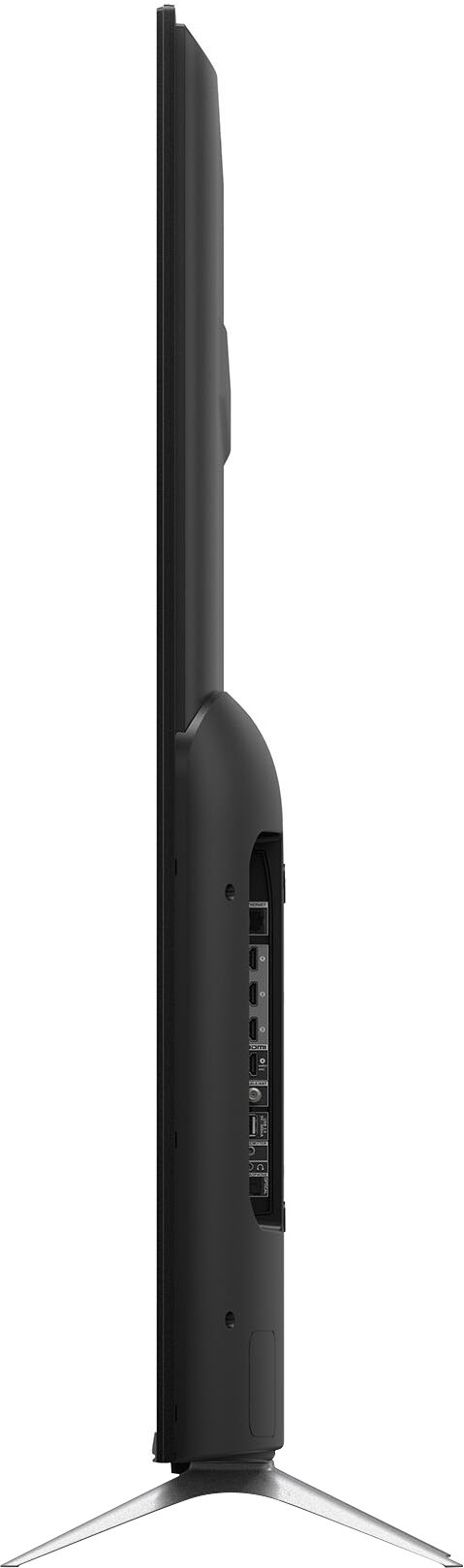
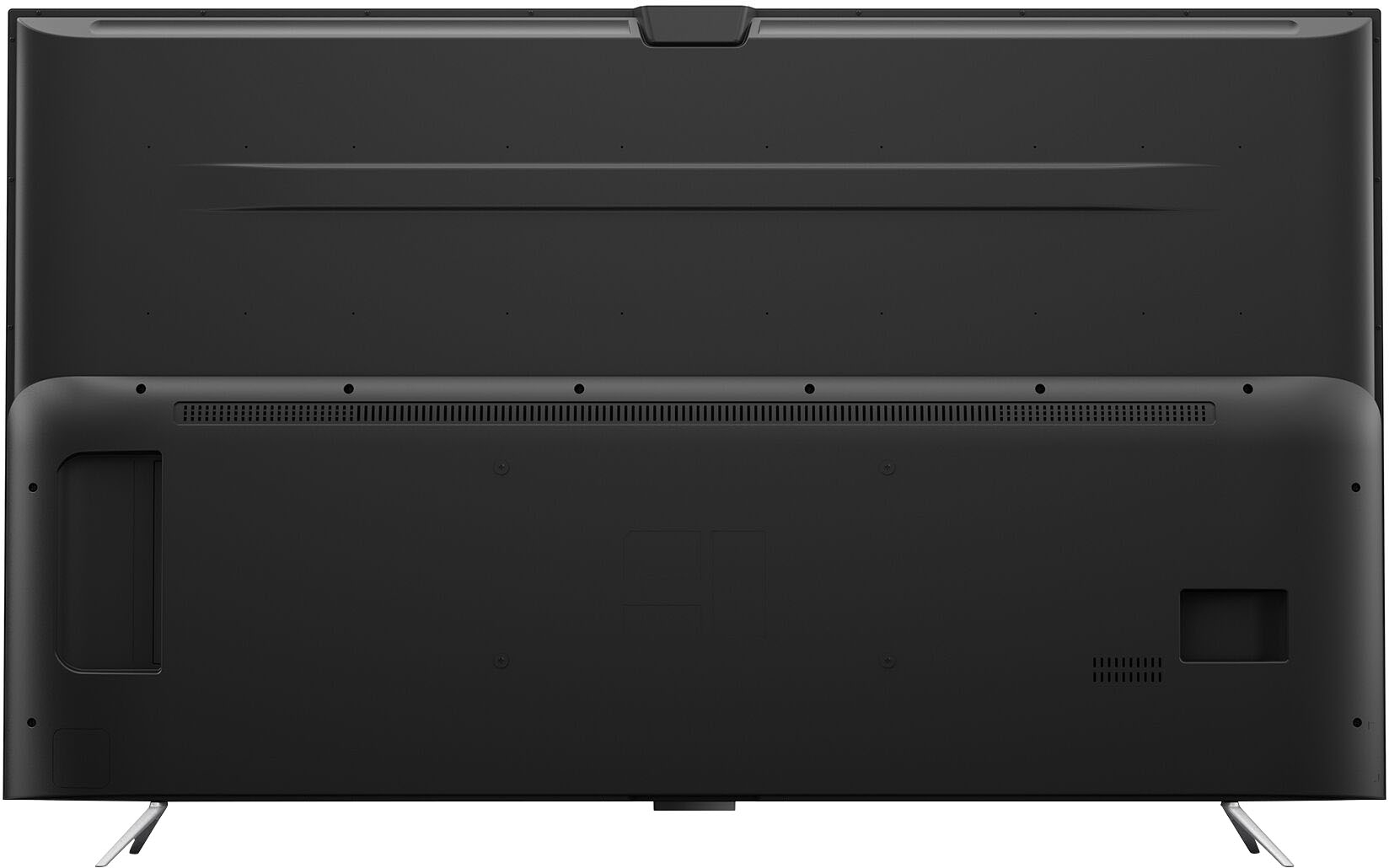
A:AnswerHi Gonzo2855! The 65" Amazon Omni TV has a built in Ethernet port you can hard wire if you are looking to connect this way. This may or may not improve the speed over your WiFi connection. Hope this helps, enjoy your day!
A:AnswerHi Dots! Hello! You can create a home theatre group with a Fire TV device using your Alexa app. Follow these steps to set it up:
1. Set up your Fire TV and Echo devices, then check for software updates.
2. Open the Alexa app .
3. Open Devices .
4. Select Plus and scroll to the bottom of the screen.
5. Select Set Up Audio System.
6. Select Home Theater.
7. Select your compatible Fire TV device.
8. Select up to two compatible Echo devices to use as speakers.
9. Select left and right speakers when using two Echo devices.
10. Name your home theater and assign it to a room in your house.
11. Devices in your speaker group should be in the same room as your television.
12. Follow the directions on your TV to finish set up with Fire TV.
Have a great day!
A:AnswerHi RKTravel! The Omni Series TV, like most smart TVs, is not weatherproof, and is not suited for use in extreme temperatures. Please do so at your own discretion. Thanks for the question!
A:AnswerEverything supported in the current android tv market , not really a fancy screen for gaming but will get job done remember it’s only a 60hz screen.
A:AnswerHello, b!
Sorry for any confusion. The dimensions for the product (without the stand) are 57.1” x 33.3” x 2.9”. I hope that helps. Have a great day!
A:AnswerI measured the screen at 65, but the picture display isn’t on the entire screen. There are black bars on the tv screen. I looked them up, and they are apparently known as ‘pillar boxing’.