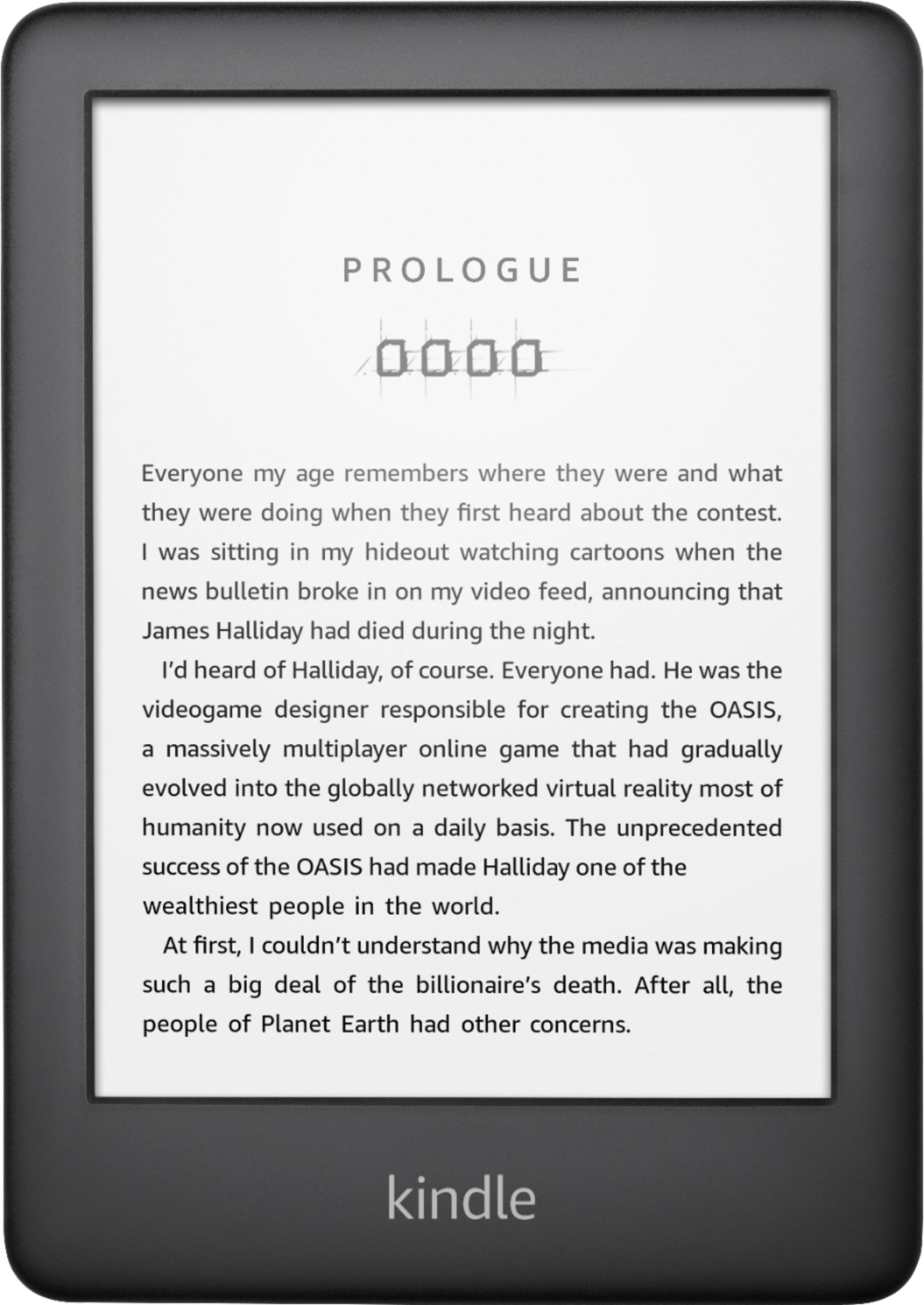
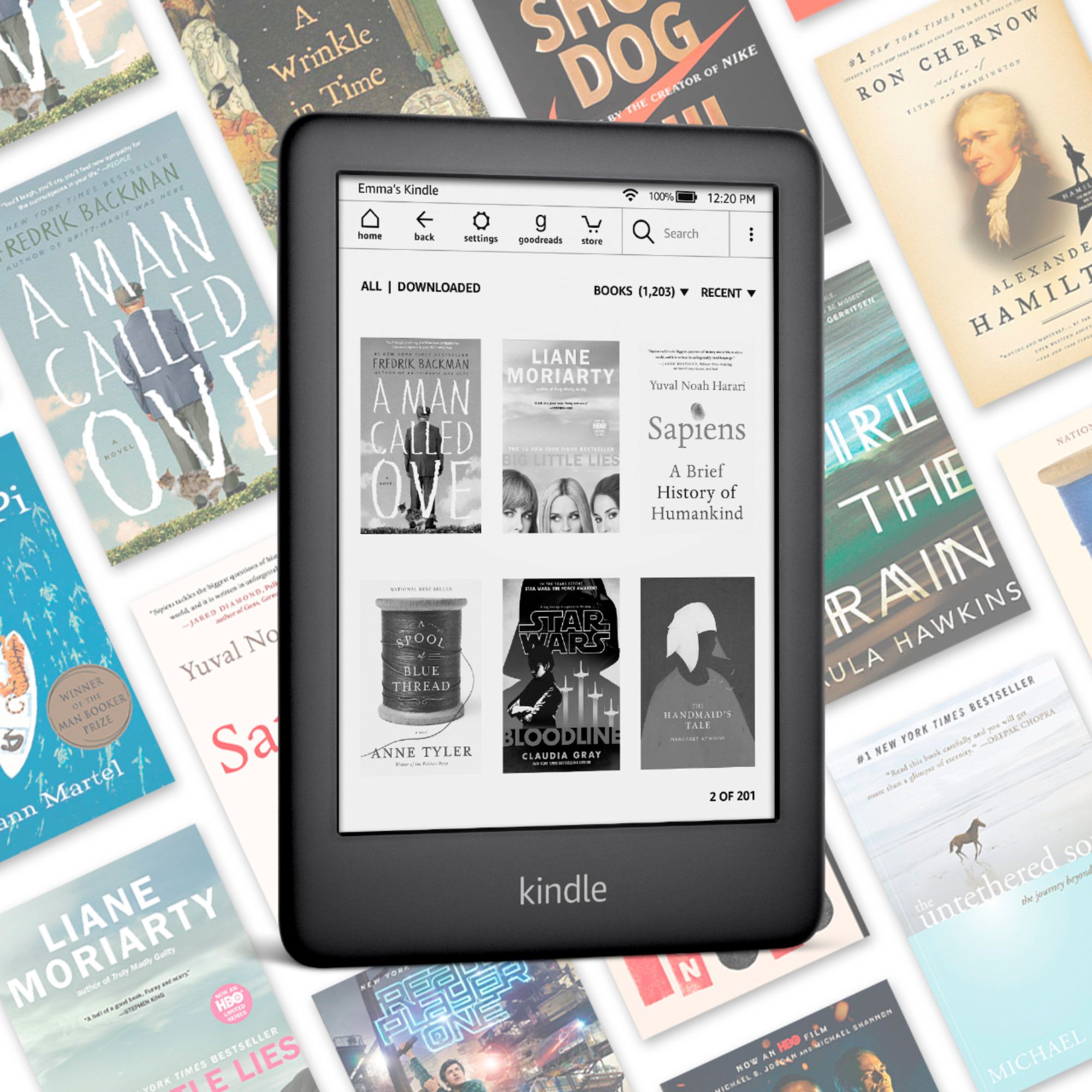
A:Answer Hello, yes Kindle devices are compatible with Libby. Here are the instructions on how to deliver content to your Kindle:
From libbyapp.com, go to Shelf > Loans.
Tap Read With...
Tap Kindle.
You'll be taken to Amazon's website to finish getting the book.
If you're signed into your Amazon account, verify the "Deliver to:" device and tap Get Library Book.
If you're not signed into your Amazon account, tap Get Library Book, and sign in.