A:AnswerHi JoeM1, Yes you can! As long as you are registered with your local library, you can go to their website and browse it for an ebook or Kindle section. Depending on the site, you'll then sign into your Amazon account at checkout and follow the instructions for sending to your device. Hope this helps!
A:AnswerThe manual says it's head phone and blue tooth compatible. I think you have to choose the audible option when you down load the book. At least that's what I've seen in purchase options.
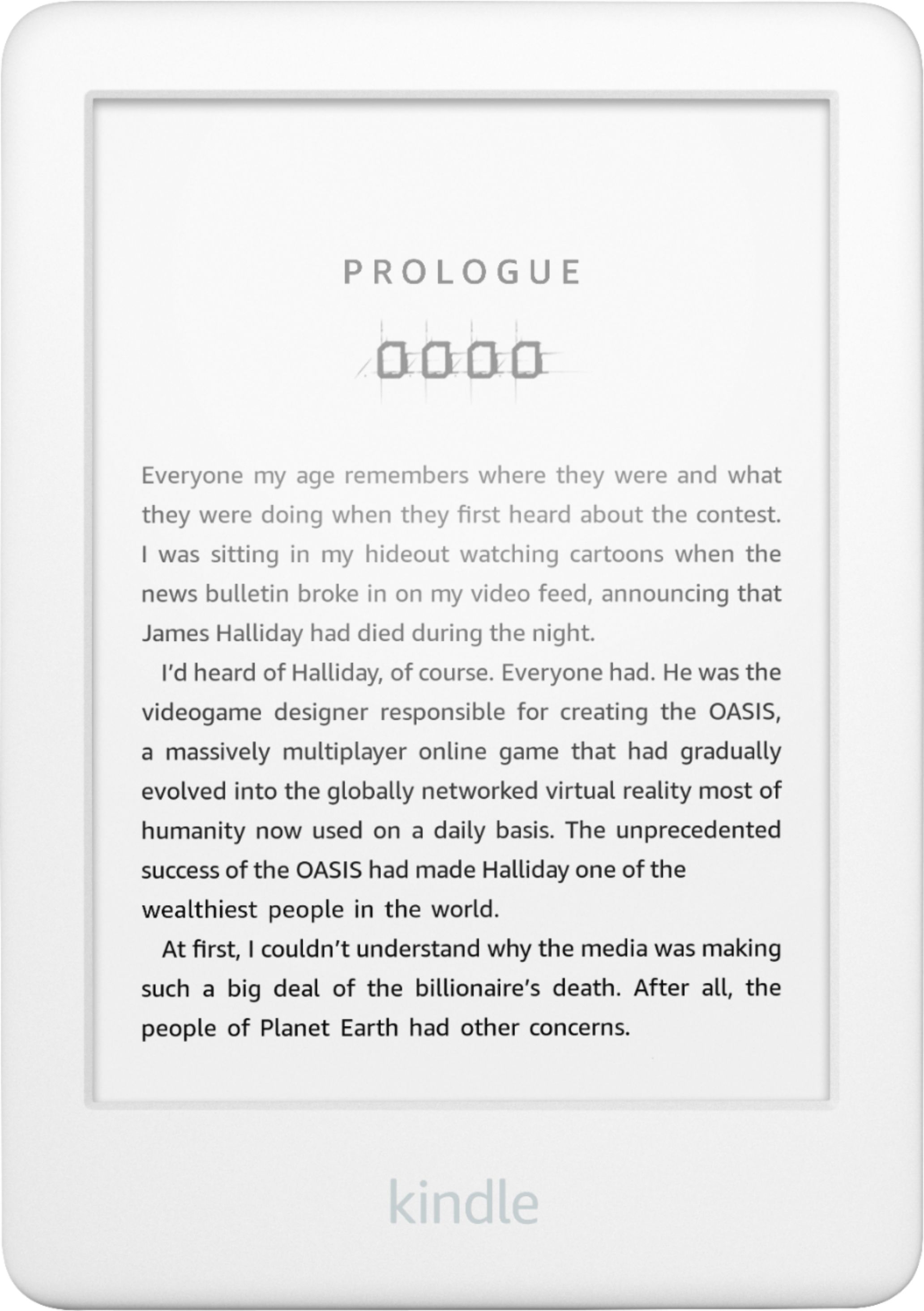
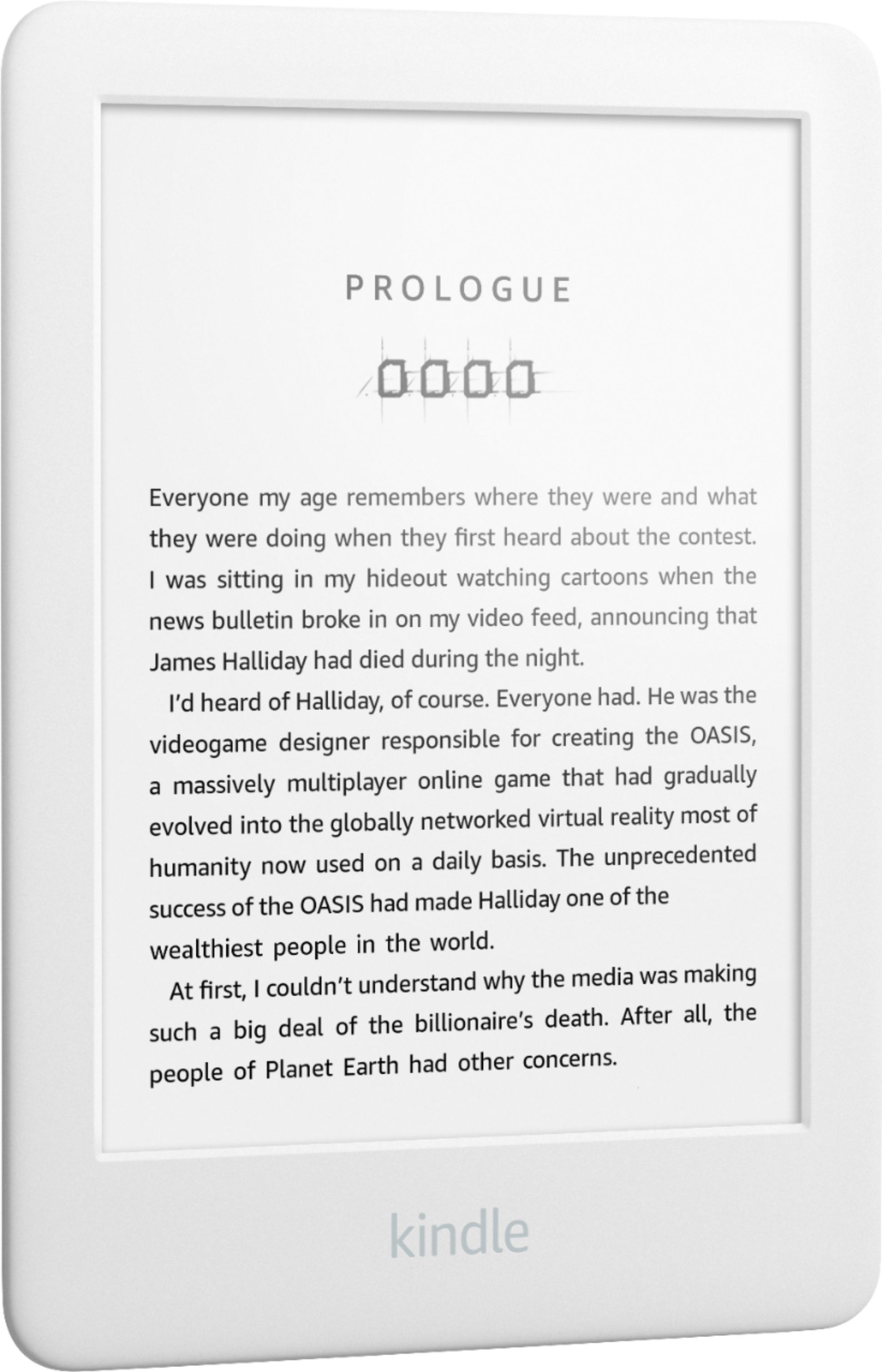
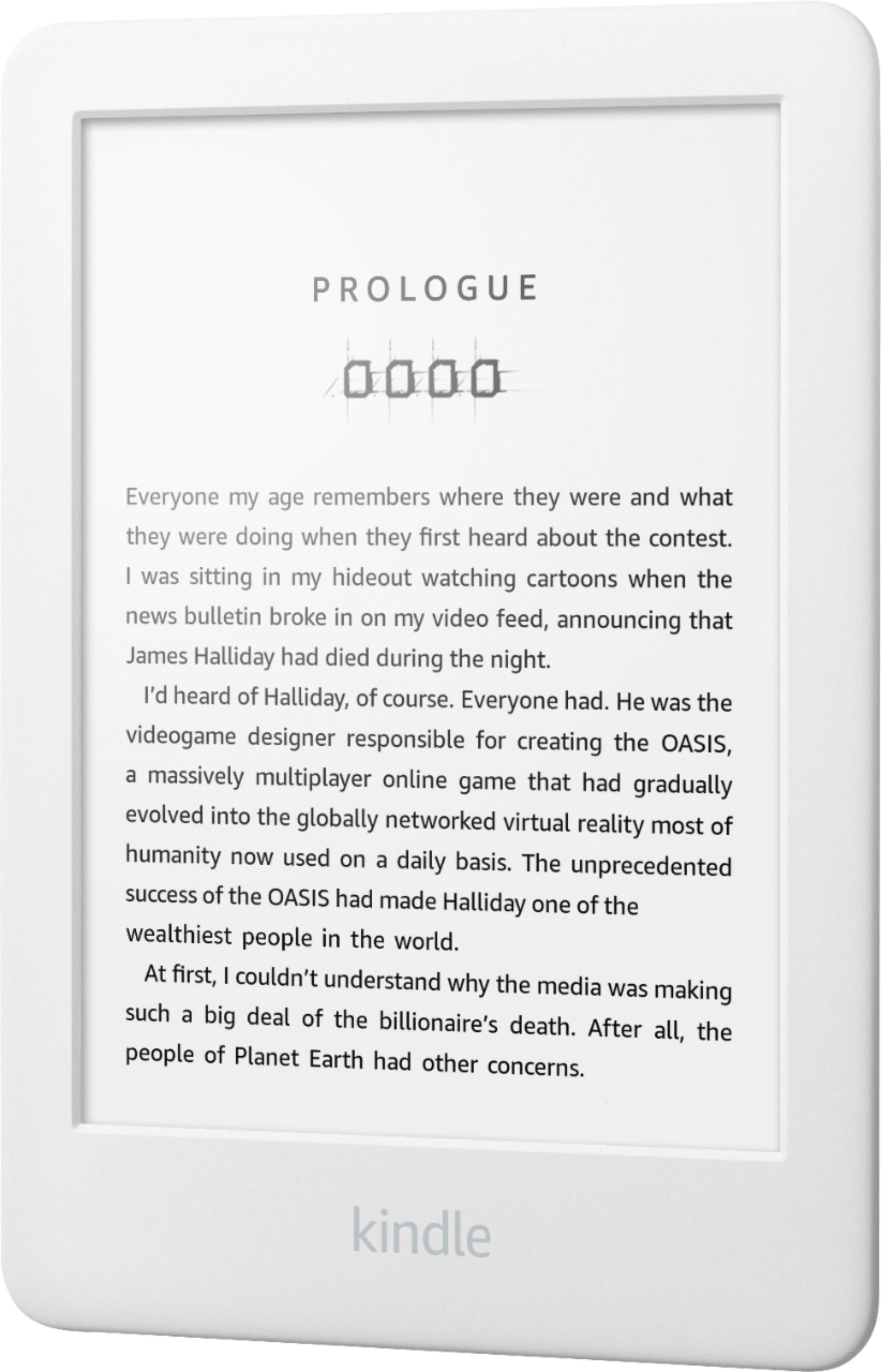
A:AnswerHello! The Kindle 6" is an E-reader used for reading. It does not have a speaker on it and cannot play music. Hope that helps answer your question. Have a great day!
A:AnswerHi Richard,
This model does not have 3G built in. You can connect it to available WiFi networks or if you have a hotspot available on your mobile device you can connect it to that. Double check with your carrier for the specific terms of using a hotspot though.
Have a great day!
A:AnswerHi there,
The current devices do require an active internet connection. They do not have 3g built into them. As long as you are around a wifi network, you will be able to access the Kindle Store.
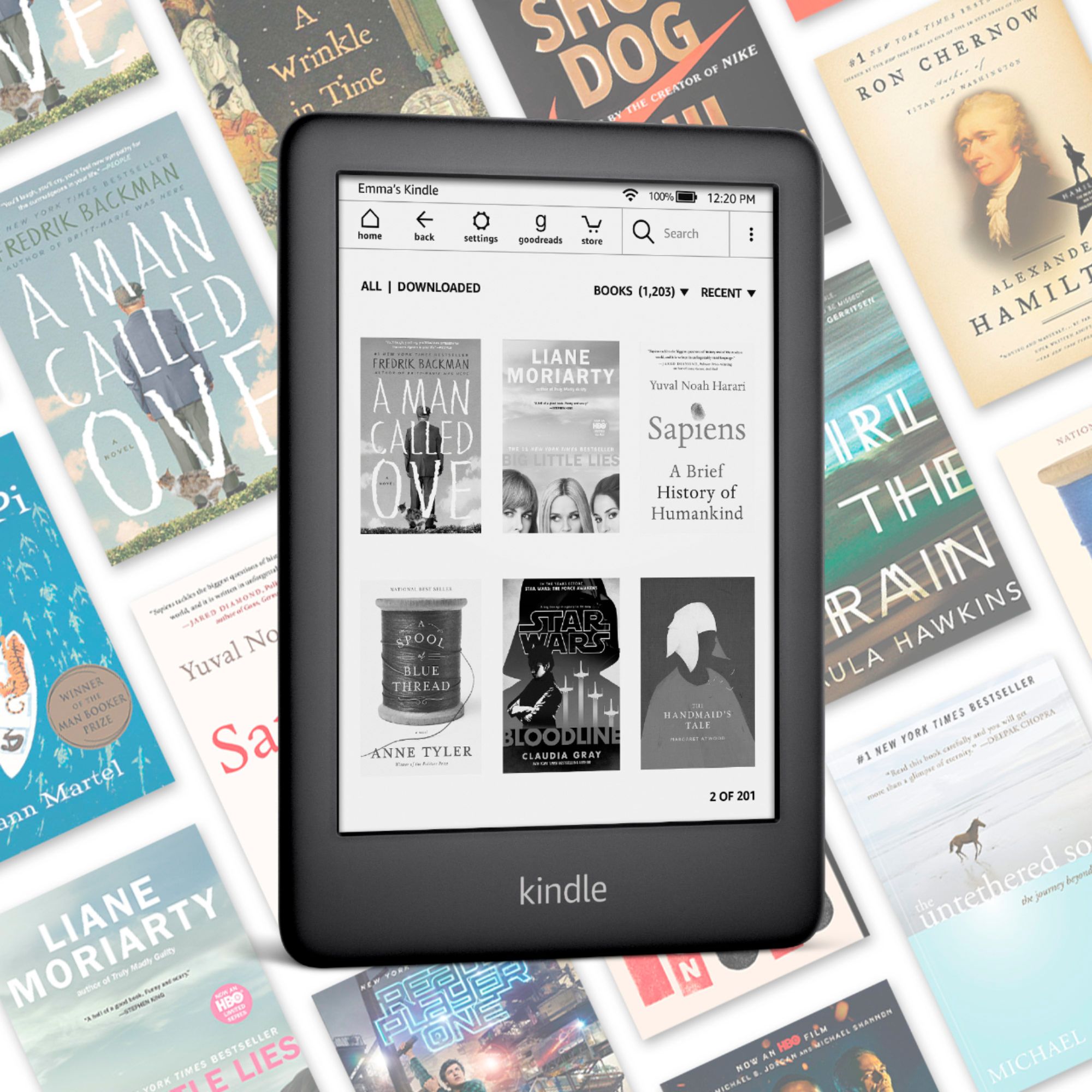
A:AnswerHello! Depending on the size of the books, it can be upwards of 3,000 books on a 4 GB Kindle. Larger books can take up more space, so 3,000 is not a set in stone number. The only difference between the 4 GB and 8 GB Kindle is storage size. You would be able to hold many more books on the 8 GB Kindle. Have a great day!
A:AnswerHey Weety,
Here are instructions on how to send PDFs to your Kindle.
To find your Send-to-Kindle e-mail address, visit the Manage your Devices page at Manage Your Kindle.
Documents can only be sent to your Kindle devices or apps from e-mail accounts that you added to your Approved Personal Document E-mail List. To add an e-mail account, visit the Personal Document Settings page at Manage Your Kindle.
To send a document to your Kindle device or app, simply attach it to an e-mail addressed to your Send-to-Kindle e-mail.
It is not necessary to include a subject in the email.
Supported File Types:
Microsoft Word (.DOC, .DOCX)
HTML (.HTML, .HTM)
RTF (.RTF)
JPEG (.JPEG, .JPG)
Kindle Format (.MOBI, .AZW)
GIF (.GIF)
PNG (.PNG)
BMP (.BMP)
PDF (.PDF)
Hope this helps!
A:AnswerHello Tymwym, you can as long as the library allows you to download books to your computer into a file format that is supported by Kindle (Kindle Format 8 (AZW3), Kindle (AZW), TXT, PDF, unprotected MOBI, PRC natively; HTML DOC, DOCX, JPEG, GIF, PNG, PMP through conversion; Audible audio format (AAX)).