A:Answer Hi Sunspot,
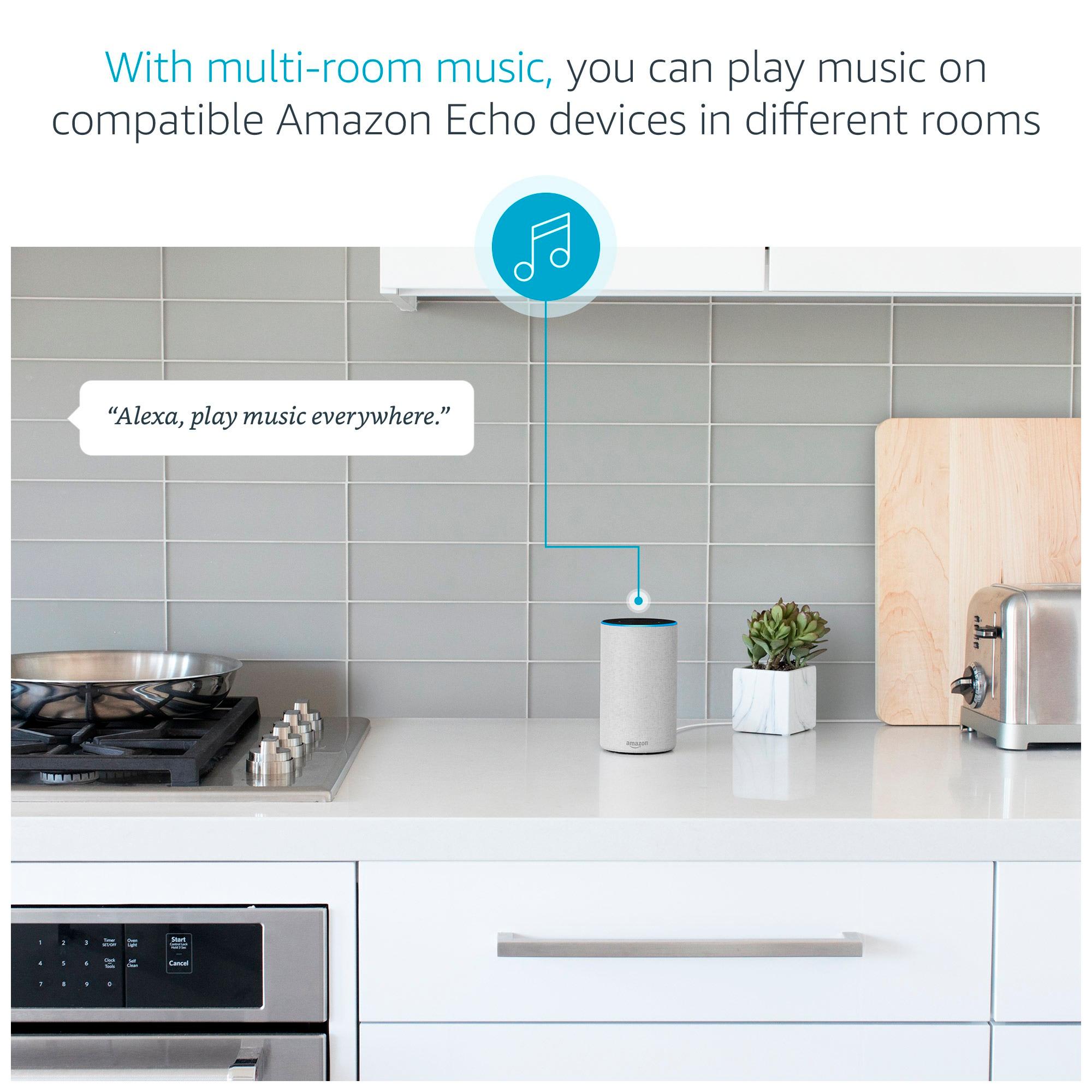
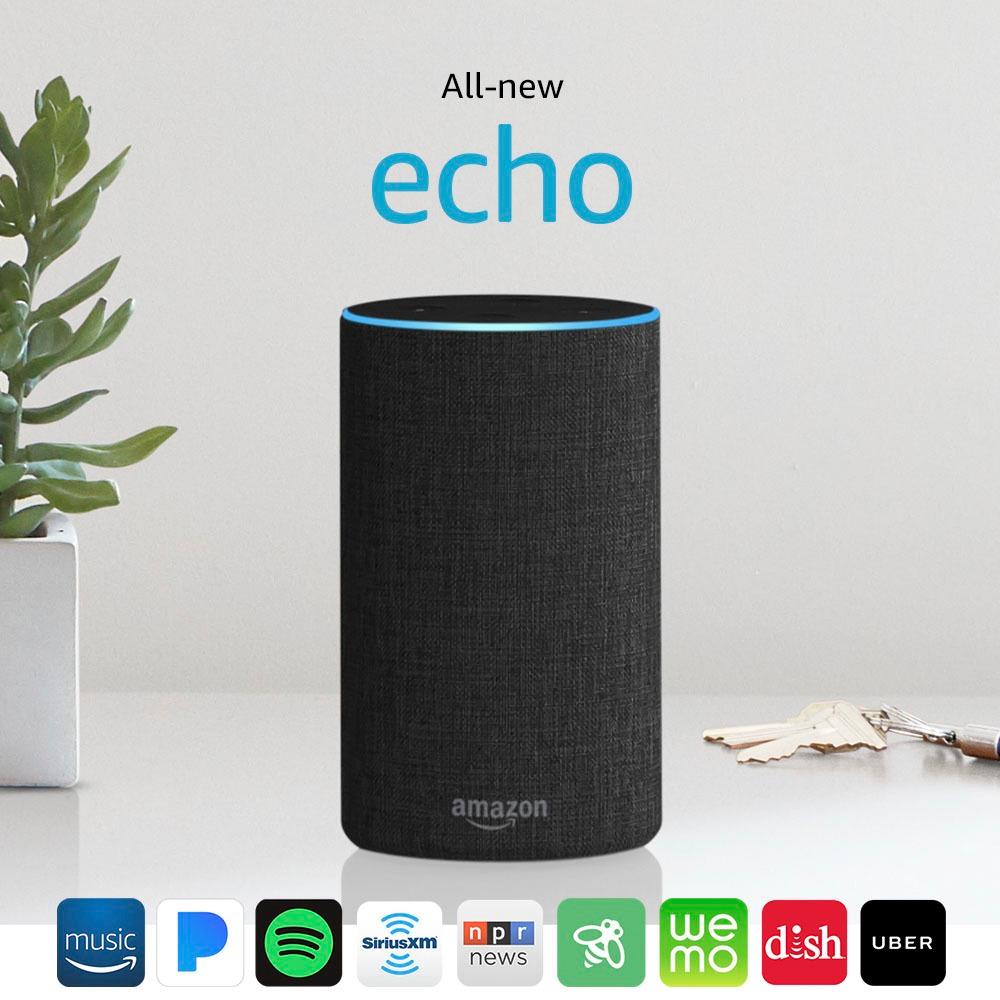
You must first connect (or link) your music service (Pandora, I heart radio, spotify, siriusxm) with your Echo first.
Open your app and touch the three horizontal bars on the top left of the app. When it opens, touch Music, Video & Books. Scroll down until you see your music service and touch that name. When it opens, you will see the "Link Your Account" in blue. Just touch there and follow the prompts. Repeat that with your other services and there you go.
Alexa will also wake you to your favorite station or song in the morning. In the menu, go to Reminders & Alarms. You can tell her to wake you at the same time every day, or set it to a different time each night. Touch "Manage Alarm Volume", you can adjust the volume of your alarm in the morning. The first time I set the alarm, I did not do this and it awakened me quite abruptly:)
If you have any other problems, you can call Amazon tech Support and follow the prompts until you get to Echo support. They are open 24 hours a day.
Good Luck! I hope you enjoy yours, as much as I am enjoying mine.
Happy Holidays
P.S. There are many things you can link to your Echo... lights, plugs, switches, A/C controllers, cameras, motion sensors.... that will allow you to turn on lights and other features just by saying... Alexa, turn on Master bedroom light.