Questions & Answers
- Model:
- B085WTYQ4X
- |
- SKU:
- 6460246
Highly rated by customers for: Sound Quality, Fit, Battery Life
$23.99Your price for this item is $23.99
Clearance
Comp. Value: $119.99
The comparable value price is $119.99
Page Showing 1-9 of 9 questions
Q: QuestionI was wondering if these ear buds will read my incoming texts to me? If so how do I do this?
Asked by onetwin.
- A:Answer Hello, Onetwin. The Echo Buds cannot read incoming texts, but it does give you an alert that you got a message. You can make calls and send messages from the Echo Buds just by asking Alexa. I hope that information helps. Have a great day!
Answered by Amazon Devices Customer Support
Q: QuestionAre these ear buds compatible with the PlayStation four?
Asked by Anonymous.
- A:Answer Hello! The Echo Buds use Bluetooth 5.0 Hands-Free Profile. As long as the PlayStation supports this Bluetooth functionality you should be able to pair them. I hope this helps, have a great day!
Answered by Amazon Devices Customer Support
Q: QuestionHow do you send hands free text message? Do you need to enable a feature?
Asked by Shawn.
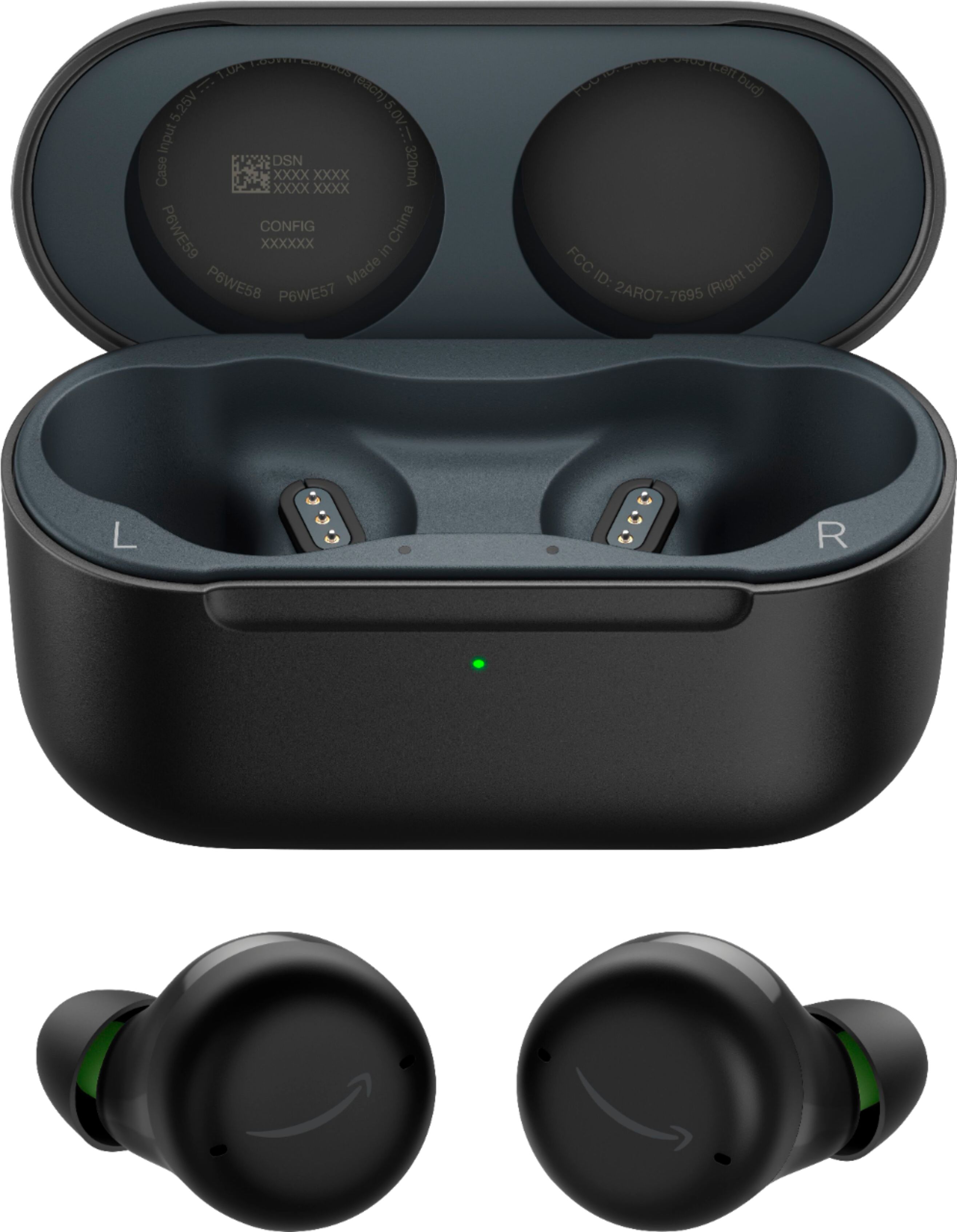
- A:Answer Hi Shawn, thank you for your question. Regarding being able to send hands free text messages, you can use Echo buds with voice assistants, like Siri and Google Assistant, and create touch shortcuts to access them. Note: For Echo Buds (2021 release, 2nd gen) and Echo Buds (2023 release), customize your tap controls in the app to set a gesture for using voice assistants. Make sure that your phone has Siri (iOS) or Google Assistant (Android) enabled. Place Echo Buds in your ears. Use tap controls to access the voice assistant feature. For Echo Buds (2019 release, 1st gen), press and hold the touch sensor until you hear a chime. For Echo Buds (2021 release, 2nd gen) and Echo Buds (2023 release), use the custom tap control you have set in the app. Hopefully this helps. Have a great day!
Answered by Amazon Devices Customer Support
Q: QuestionDo the earbuds work with your location services off?
Asked by Bud.
- A:Answer My Earbuds have no service in my location Northlake TX.. ;-(
Answered by rowya
Q: QuestionCan you use them with a laptop in addition to the phone, also I read a comment that Alexa requires "full access to my phone contacts, location, emails, calendar etc." is this right, understand some access for making calls but to listen to music? Thank U
Asked by RK200.
- A:Answer Hi RK200, The Echo Buds are just like any other bluetooth headphones, with the exception of a few things like they have Alexa built into them for hands free help. As long as the device you would like to connect them to has Bluetooth capability, yes, you can connect them to the device. I hope this information helps. Have a great day.
Answered by Amazon Devices Customer Support
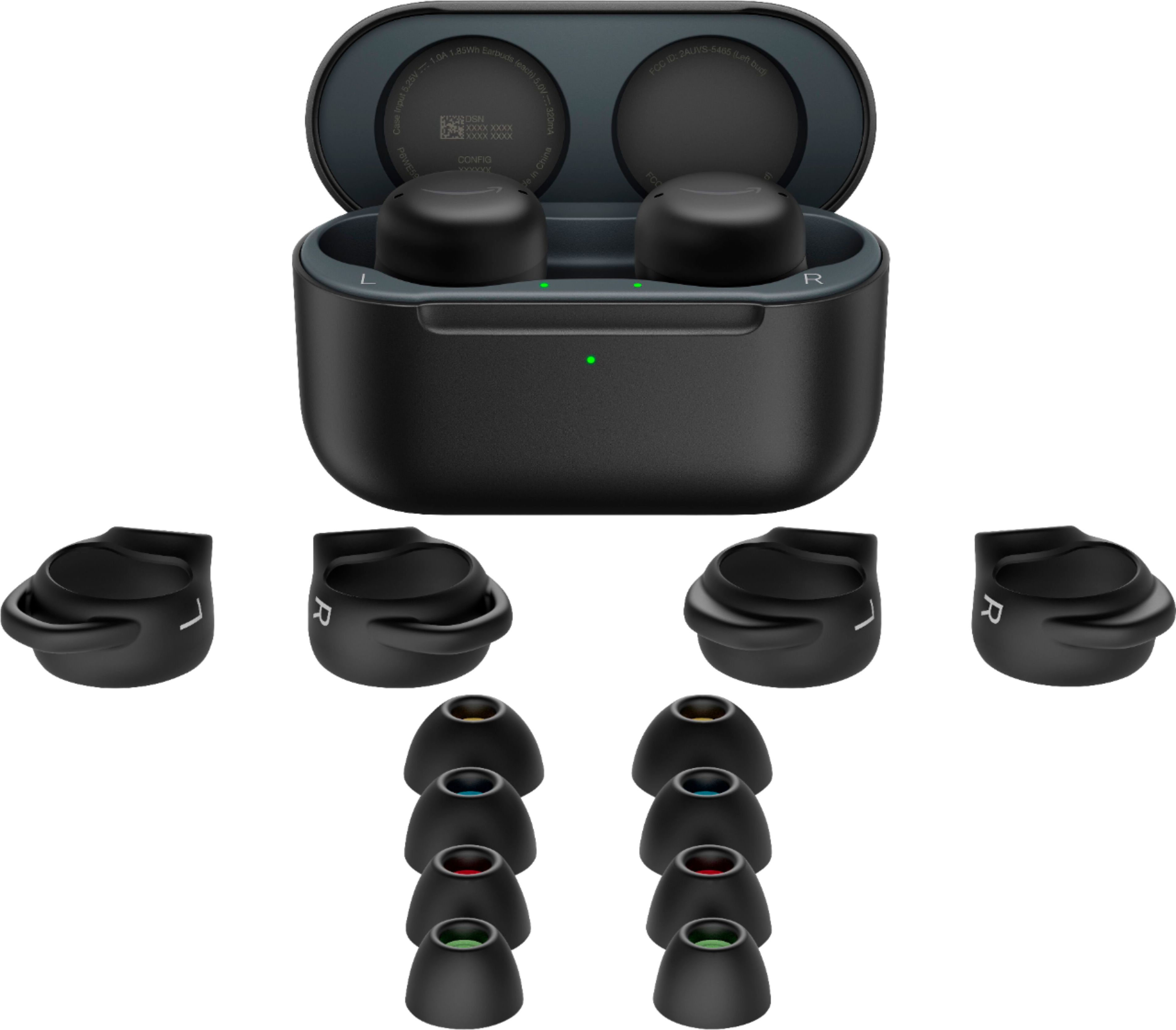
Q: QuestionAre these the buds with the wireless charging? I believe the wireless charging buds are $20 more.
Asked by Disappointed.
- A:Answer Not wireless. Those are $20 more. USB-C is what I have.
Answered by MiRV
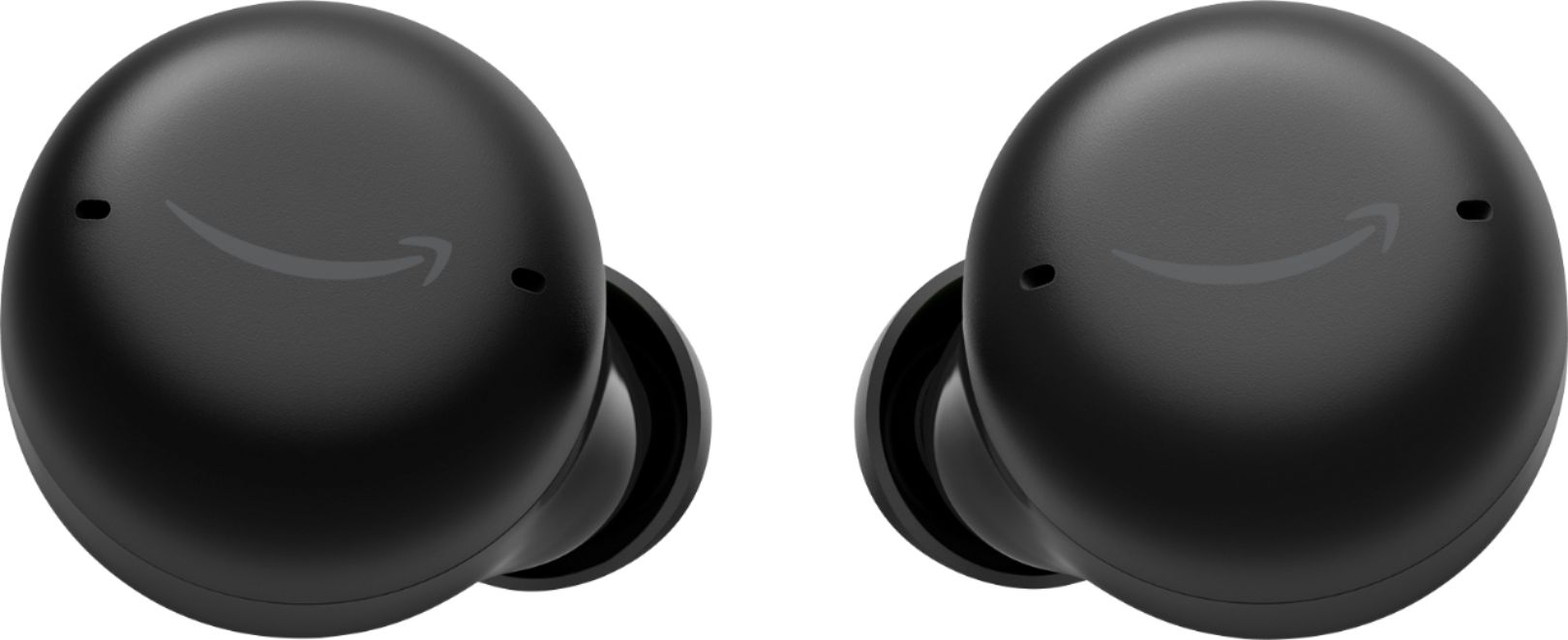
Q: QuestionCan you use both of these independently or do you have to use them both at the same time.
Asked by Raymond49er.
- A:Answer You can use them independently. If you leave one of the buds in the case and put the other in your ear either will work by itself.
Answered by Jonestc
Q: Questionhi Amazon Team Thank u for answering part of my previous question, could u comment on "full access to my phone contacts, location, emails, calendar etc." is this right? Does it require these permissions by default e-g for only listening to music? Thanks
Asked by RK200.
- A:Answer Hello RK200! The full access required for the Echo Buds is so that you can utilize Alexa to do tasks such as making a phone call, telling you the weather, letting you know what is next on your calendar, etc. In order to listen to music only you do not need to allow access. By allowing access to these on your handset, you will have full access to the suite of features that come with Alexa. These permissions would be accepted used through use of the Alexa app necessary to set the Echo Buds up. I hope this clarifies further for you and answers your question! Have an amazing day!
Answered by Amazon Devices Customer Support
Page 1, Showing 1-9 of 9 questions
Most-viewed items
- Black Friday Deal$219.99Your price for this item is $219.99
- No content$79.99Your price for this item is $79.99$129.99The comparable value for this item is $129.99
- Black Friday Deal$399.99Your price for this item is $399.99
- Doorbuster$149.99Your price for this item is $149.99
- $139.99Your price for this item is $139.99$179.99The comparable value for this item is $179.99
- $209.99Your price for this item is $209.99$349.99The comparable value for this item is $349.99
- Black Friday Deal$398.00Your price for this item is $398.00
- Doorbuster$197.99Your price for this item is $197.99
- Black Friday Deal$169.99Your price for this item is $169.99
- Doorbuster$39.95Your price for this item is $39.95
- Black Friday Deal$179.99Your price for this item is $179.99
- Black Friday Deal$199.00Your price for this item is $199.00
- Black Friday Deal$159.99Your price for this item is $159.99
- Black Friday Deal$248.00Your price for this item is $248.00
- Doorbuster$199.99Your price for this item is $199.99
- No contentBlack Friday Deal$129.99Your price for this item is $129.99
- Doorbuster$124.99Your price for this item is $124.99
- $298.99Your price for this item is $298.99$429.00The comparable value for this item is $429.00
- Black Friday Deal$216.00Your price for this item is $216.00
- Black Friday Deal$199.00Your price for this item is $199.00