A:AnswerNo fee to use the device. However, internet is required and if you want to use any subscription services like Netflix, Hulu, etc...they would require a membership but again, no fee for the device itself.
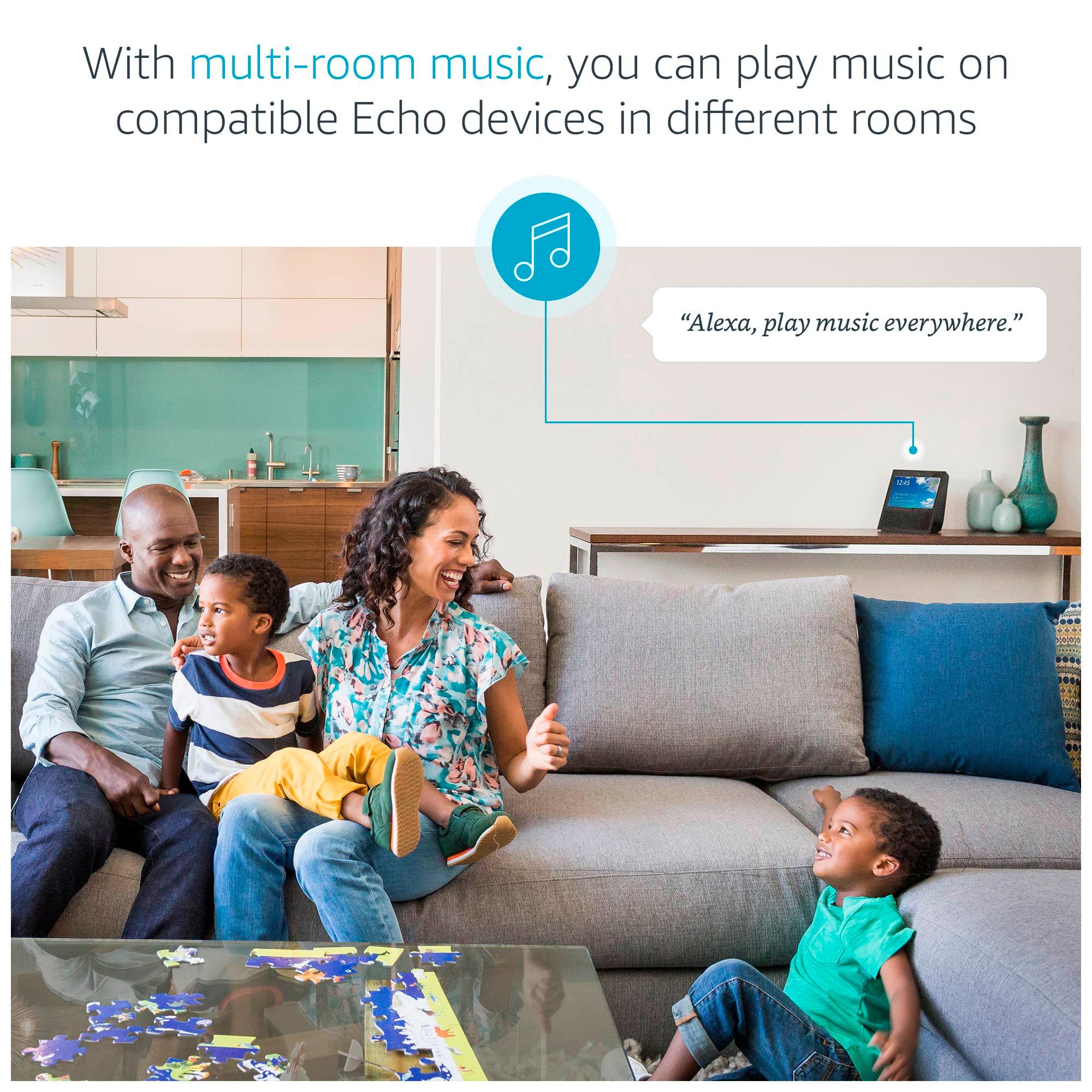
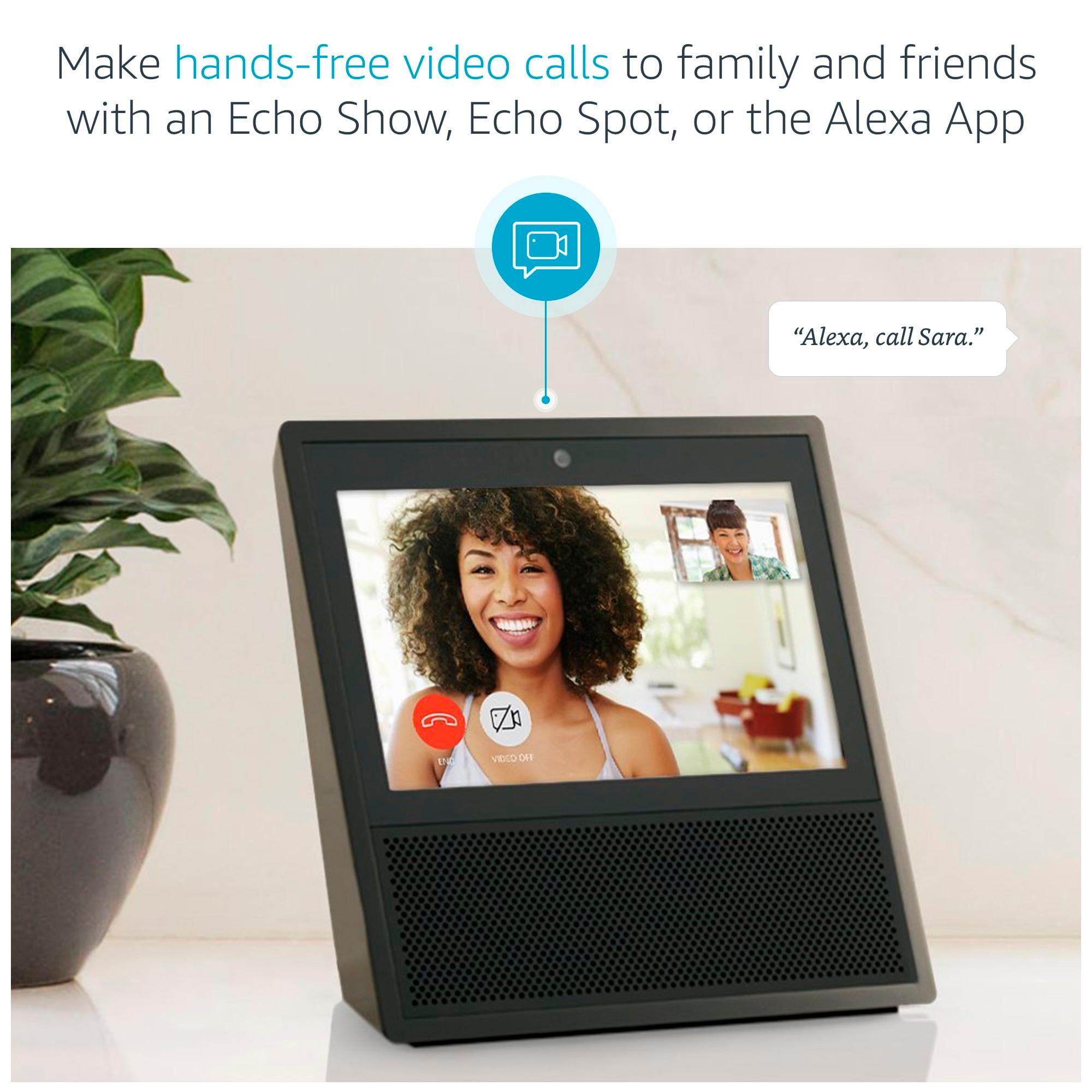
A:AnswerYes, so long as you set them up you can call between any Echo device. I regularly call from my phone to basic Echo, Echo Dots, and Echo Show devices, however you can also call from device to device.
A:AnswerYes you will be able to video call her from your echo show once she sets it up to her WiFi and logs into an amazon account. If she doesn’t have one it is very simple and free to set up. Also you can video call from the Alexa app on any smart phone or tablet or answer an incoming video call to your echo show from your smart phone/tablet if you are not home or around your device. We have recently set these up for some elderly family members in Washington and California and they use it every day and love it! We can now see them as well from Michigan
A:AnswerYes depending on the ecosystem you have. It works with a lot of products. A good majority of smart home products have a “works with” description, like amazon echo, google home, Apple HomeKit.
A:AnswerFrom what I’ve read yes. You can use a mobile number without the need for the Echo Connect once you set up the drop-in feature and sync your contacts in the Alexa app.
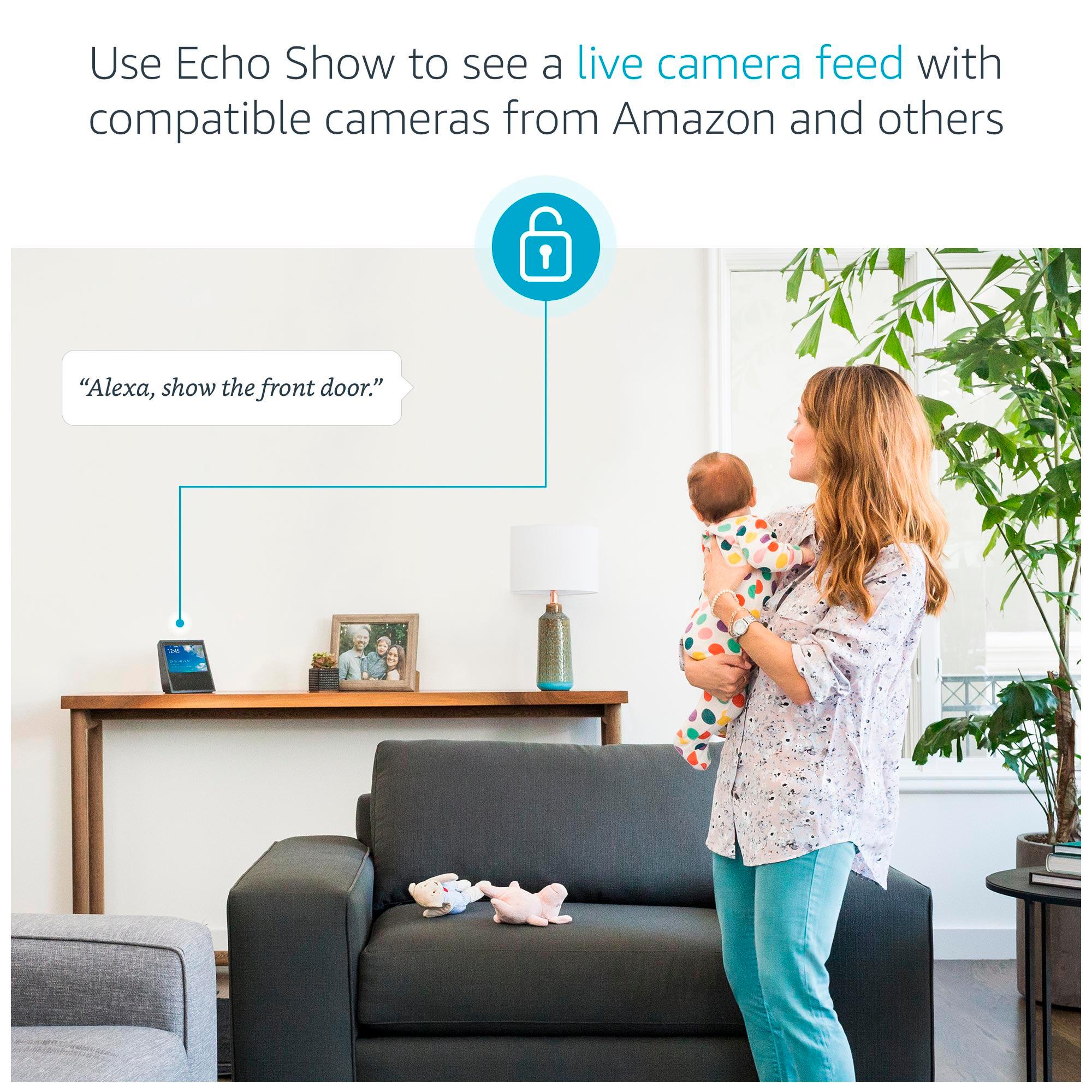
A:AnswerI use it with my arlo cameras. It also works with Iris by Lowe's. There are other systems that it works with. Just go to "skills" on the app or website and search for your system.