
Black Friday is hereShop new DoorbustersShop now

Skip to content
Gift Ideas
26 Cypress St
Williston, VT 05495
Open until 9 pm
Find Another Store
Main Content

Questions & Answers

Your price for this item is $349.99
The comparable value price is $399.99
Page Showing 1-20 of 54 questions
  • QuestionHow many speakers does the Echo Show 21 have?

    • Answer The Echo Show 21 is equipped with a total of 4 speakers.
    This question and answer was generated by AI based on customer and product data.

  • QuestionDoes the Echo Show 21 have privacy features?

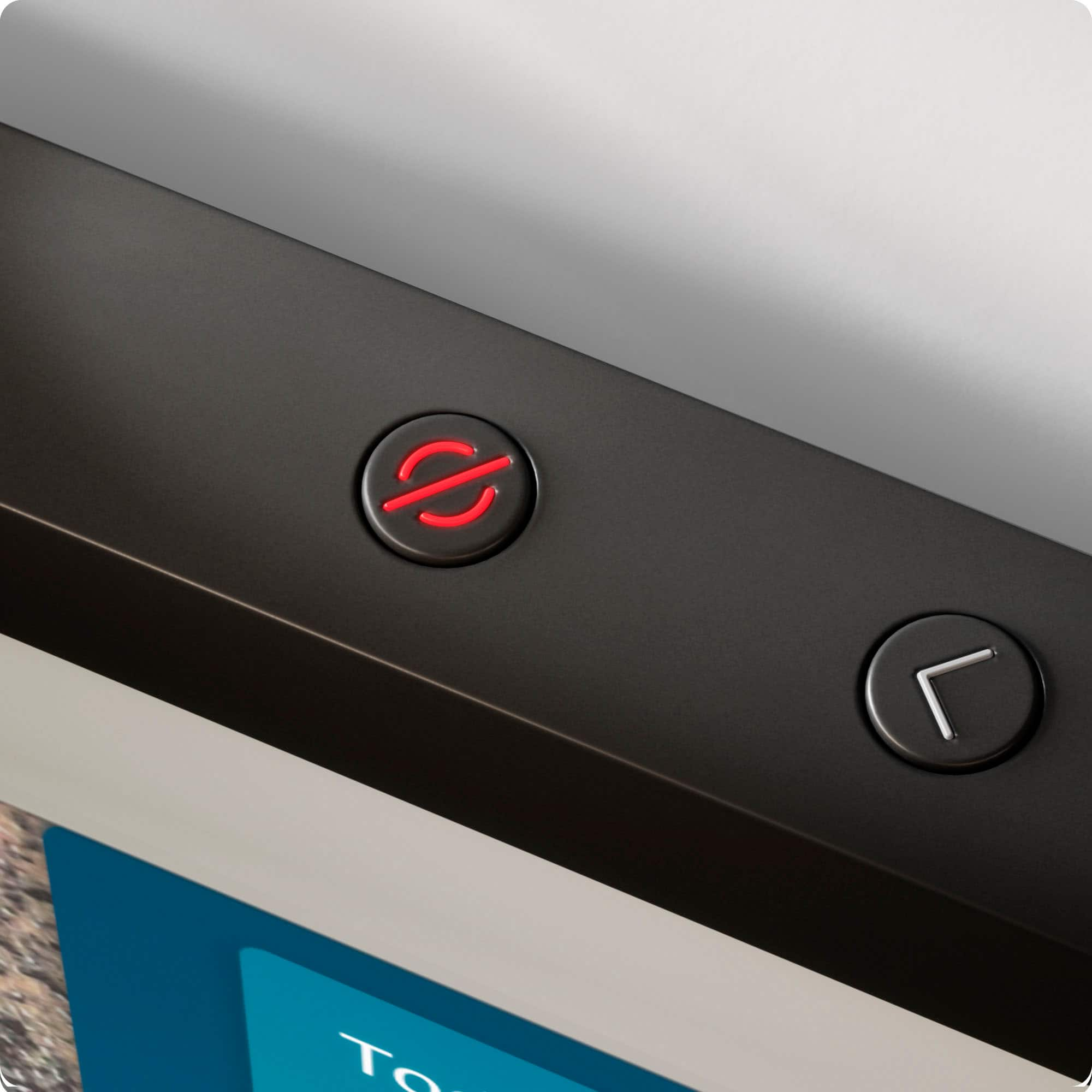
    • Answer Yes, it is designed with privacy in mind and includes a mic/camera-off button and a built-in shutter to cover the camera.
    This question and answer was generated by AI based on customer and product data.

  • QuestionWhat is the screen size of this Echo Show?

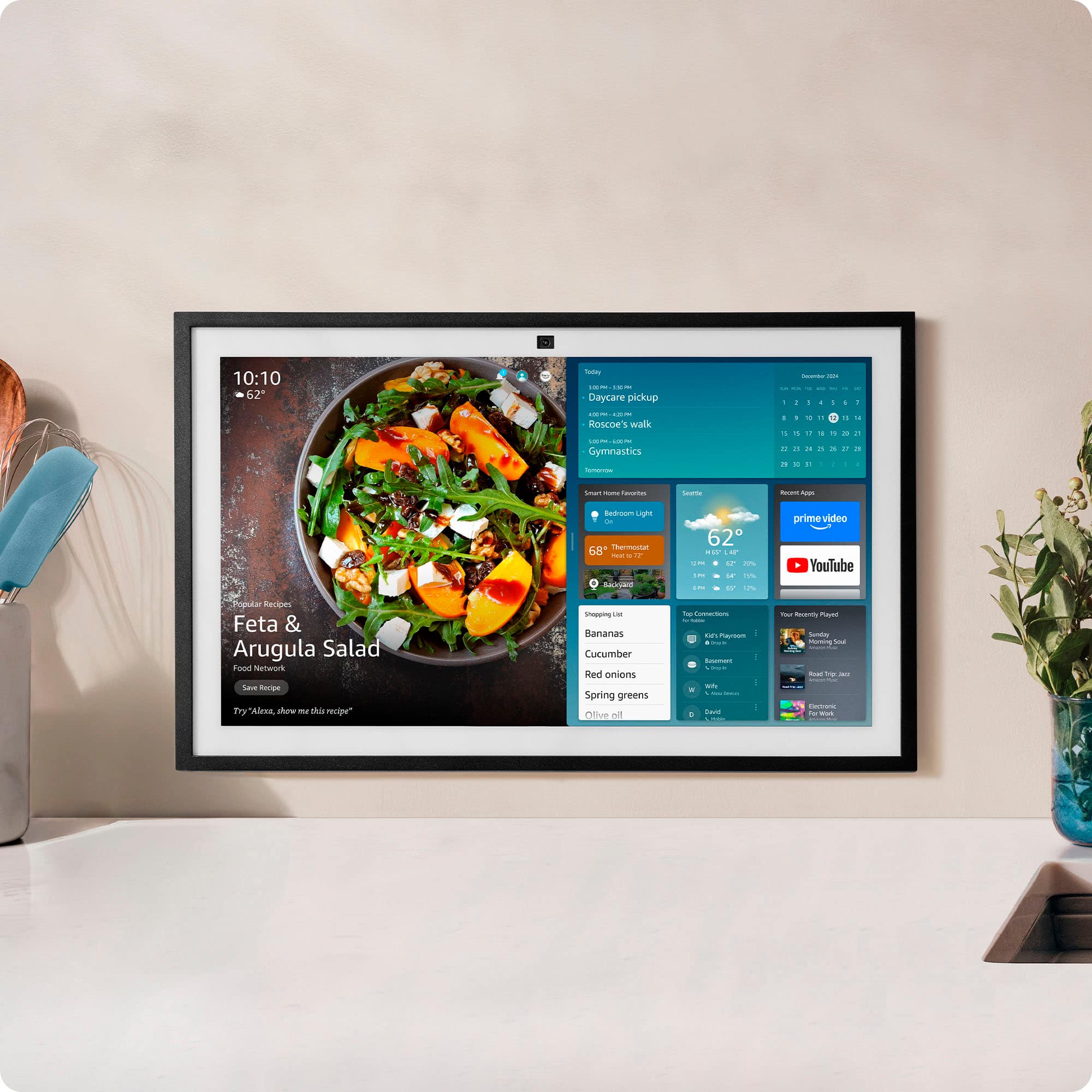
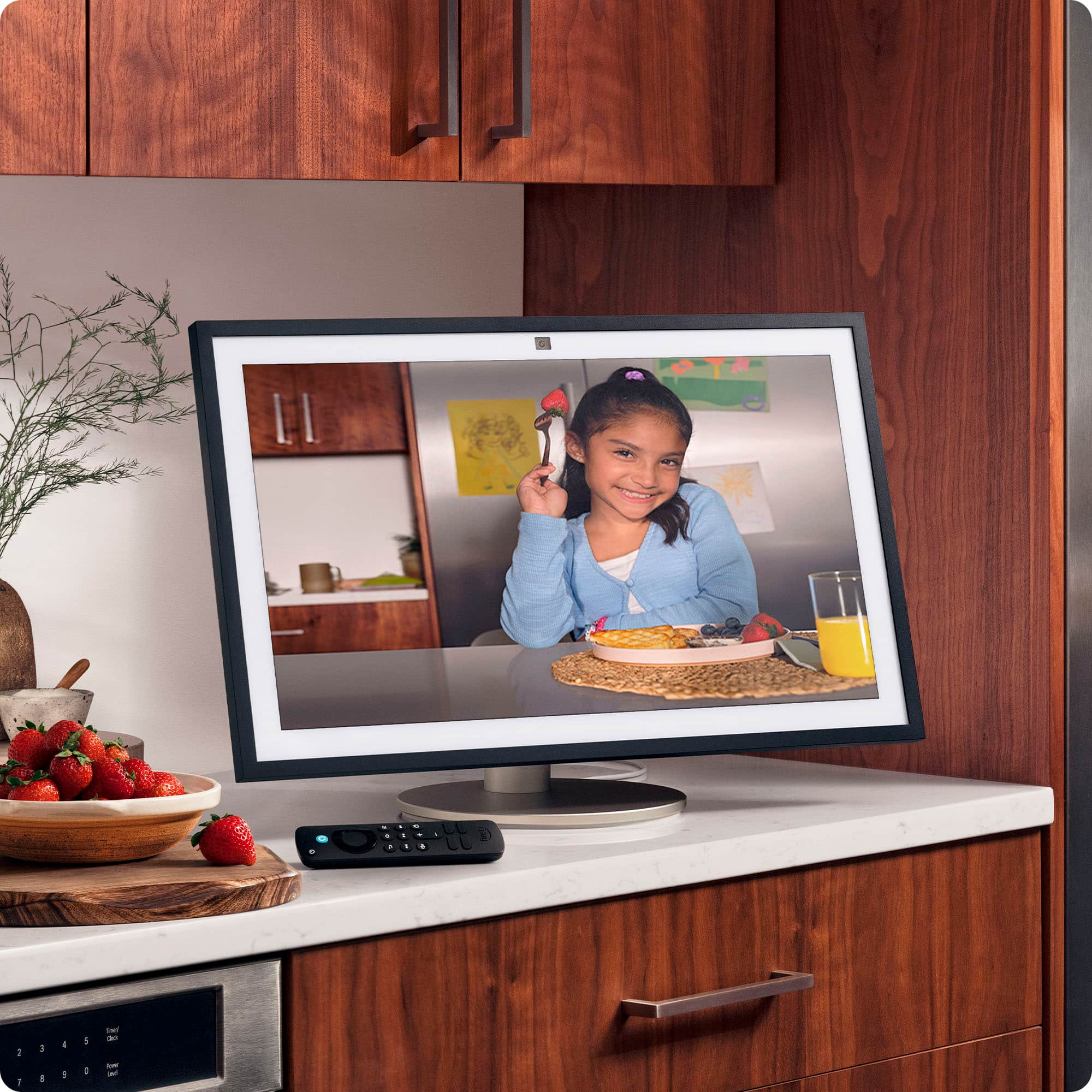
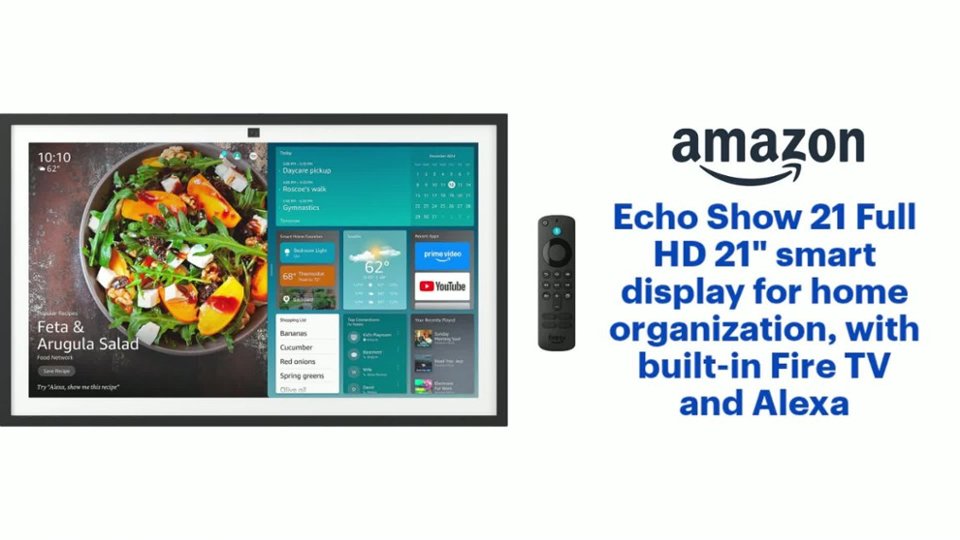
    • Answer The Echo Show 21 features a 21-inch screen.
    This question and answer was generated by AI based on customer and product data.

  • QuestionDoes this device have built-in speakers?

    • Answer Yes, the Echo Show 21 has built-in speakers.
    This question and answer was generated by AI based on customer and product data.
  • QuestionCan I make video calls with this device?

    • Answer Yes, you can make video calls with the Echo Show 21. It has a center-placed camera with auto-framing, a wide field of view, 3.3x zoom, and noise reduction technology.
    This question and answer was generated by AI based on customer and product data.
  • QuestionCan I load any type of app that will make this a full screen calendar?

    Asked by JoelH.

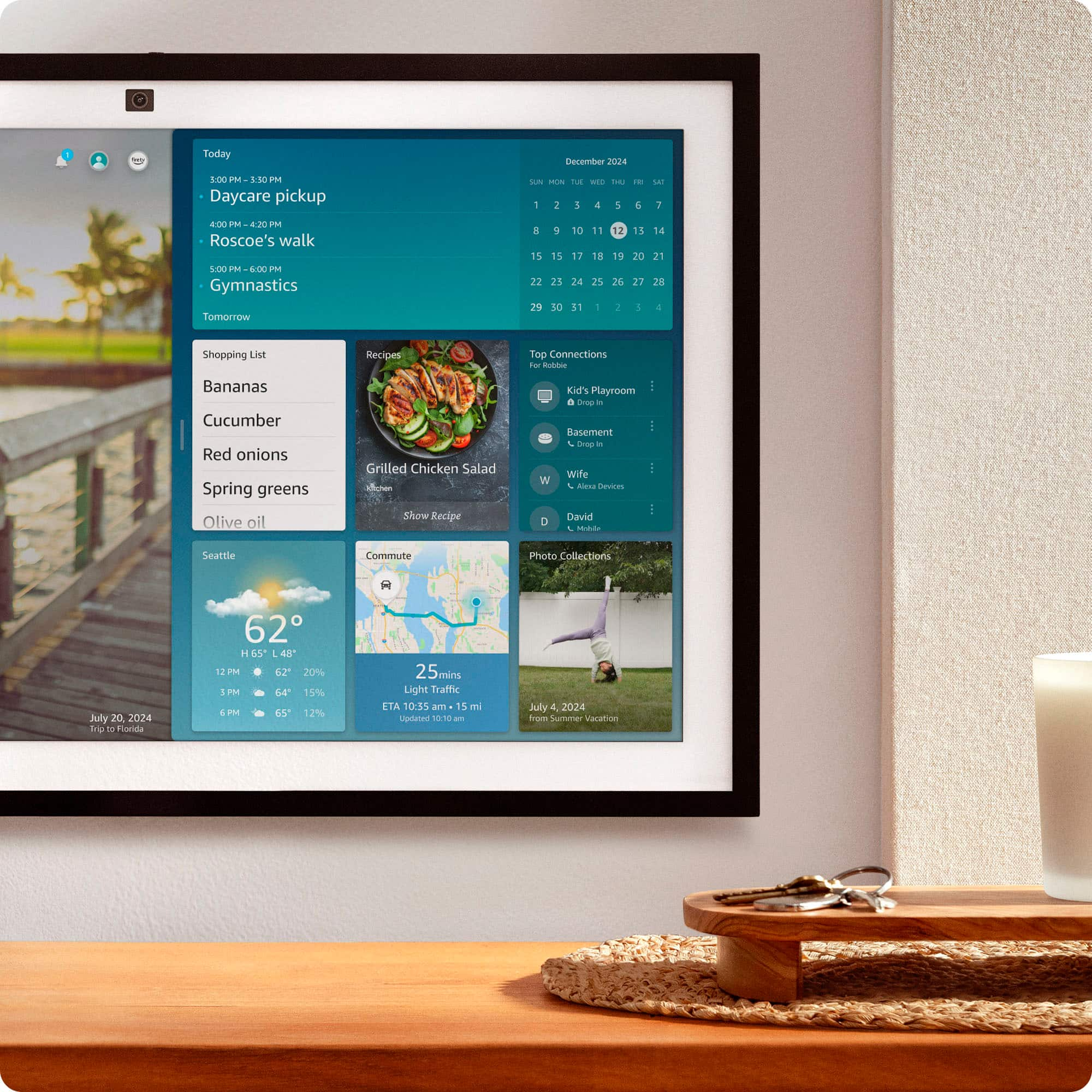
    • Answer Hello Joel, Thank you for your question. Microsoft, Google and iCloud calendars can be synced with your Echo Show 21. Here are the steps from the Alexa app: -Open the Alexa app . -Open More and select Settings. -Select Calendar. -Select your account provider, and then select Connect Account. Follow the on-screen instructions. Repeat these steps for each calendar you want to link. Hope this helps, have a nice day!

      Answered by Amazon Devices Customer Support

  • QuestionHow much internal memory does this have?

    Asked by BrianN.

    • Answer Hello BrianN, The Echo Show 21 has 3GB of onboard RAM. This will allow you to seamlessly stream your favorite movies, shows or videos while still allowing for your routines, calendar and other widgets to function in the background without any lag. The Show 21 comes with 16GB of on board storage which will allow you to download widgets, apps and photos. If you find yourself running low on storage space due to photos, you can also download the Amazon Photos App. This app will allow your device to cycle through your photos from the cloud. You are able to display all photos, favorites, or curate albums in any way that you would like to display them. I hope this helps!

      Answered by Amazon Devices Customer Support

  • QuestionIs there a way to add a digital tv antenna to watch local OTA tv ?

    Asked by watchtv.

    • Answer Hi there! While there isn't a way to attach an antenna directly to the Echo Show 21, there are devices that allow you to access OTA TV via an antenna through streaming apps. The one I've seen in stores most often is the Tablo, which allows you to connect an antenna to the Tablo device and then access channels via the Tablo app on the Echo Show 21's Fire TV mode. You can find the Tablo app easily by asking Alexa once you're in the Fire TV mode on the 21. I hope that helps, have a great rest of your day!

      Answered by Amazon Devices Customer Support

  • Questiondoes echo show 21 come with a wall bracket

    Asked by Anonymous.

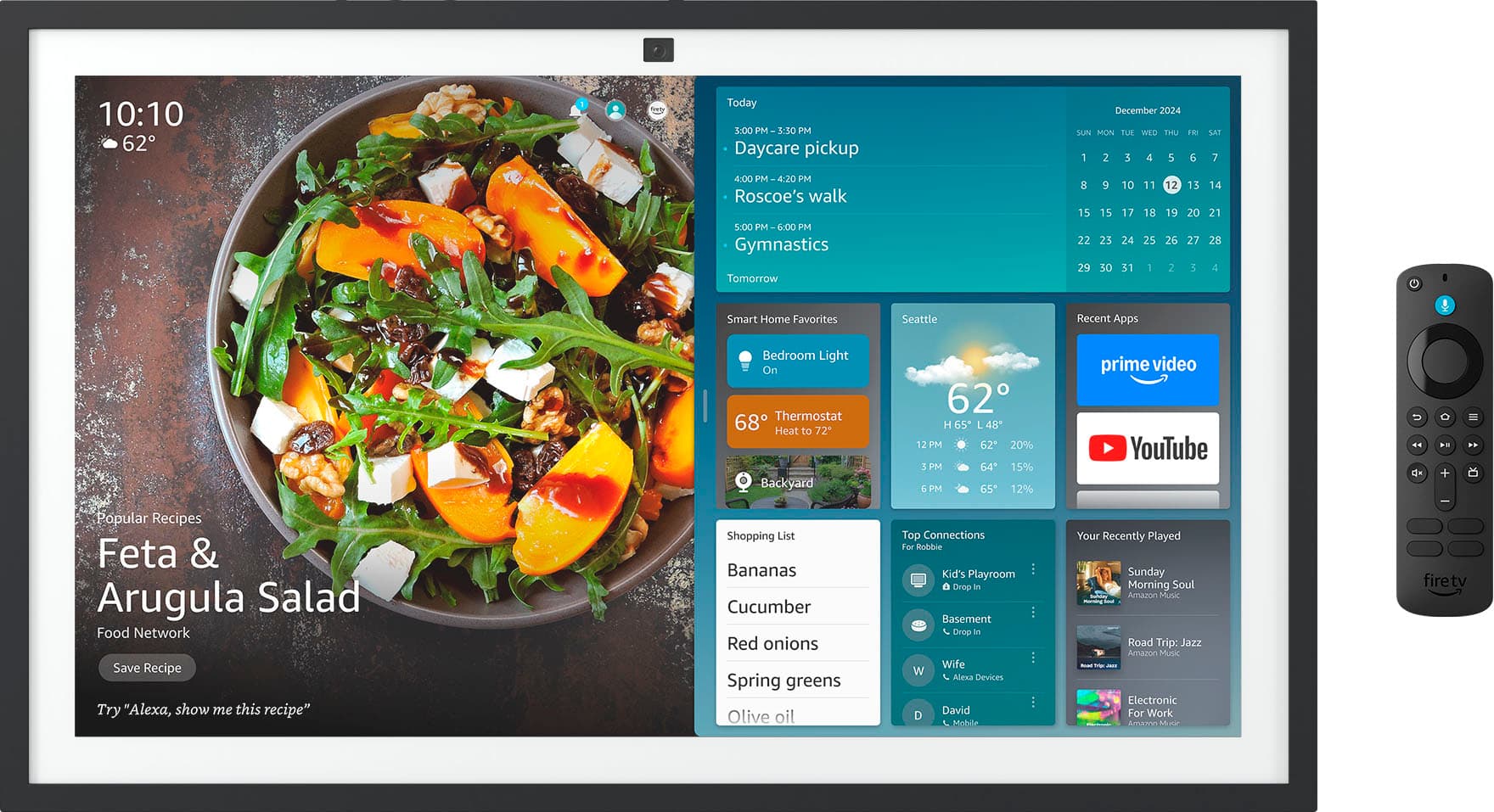
    • Answer Hello! Thanks for reaching out regarding the new Echo Show 21. This device comes with an Alexa Voice Remote and wall mounting equipment. Hope this helps! Have a wonderful day!

      Answered by Amazon Devices Customer Support

  • QuestionCan the device show my reminders from my iphone?

    Asked by Al.

    • Answer Help AI, you want to if the Amazon Echo Show 21” Full HD smart display for home organization will show your iPhone reminders. The Amazon Echo Show 21” Full HD smart display for home organization will not show you your iPhone reminders, however you are able to link your iCloud/Apple Calendar to Alexa so calendar events created on your iPhone appear on your device. Hope this has answered your question. Have an amazing day!

      Answered by Amazon Devices Customer Support

  • QuestionCan I view my blink cameras on this?

    Asked by Anonymous.

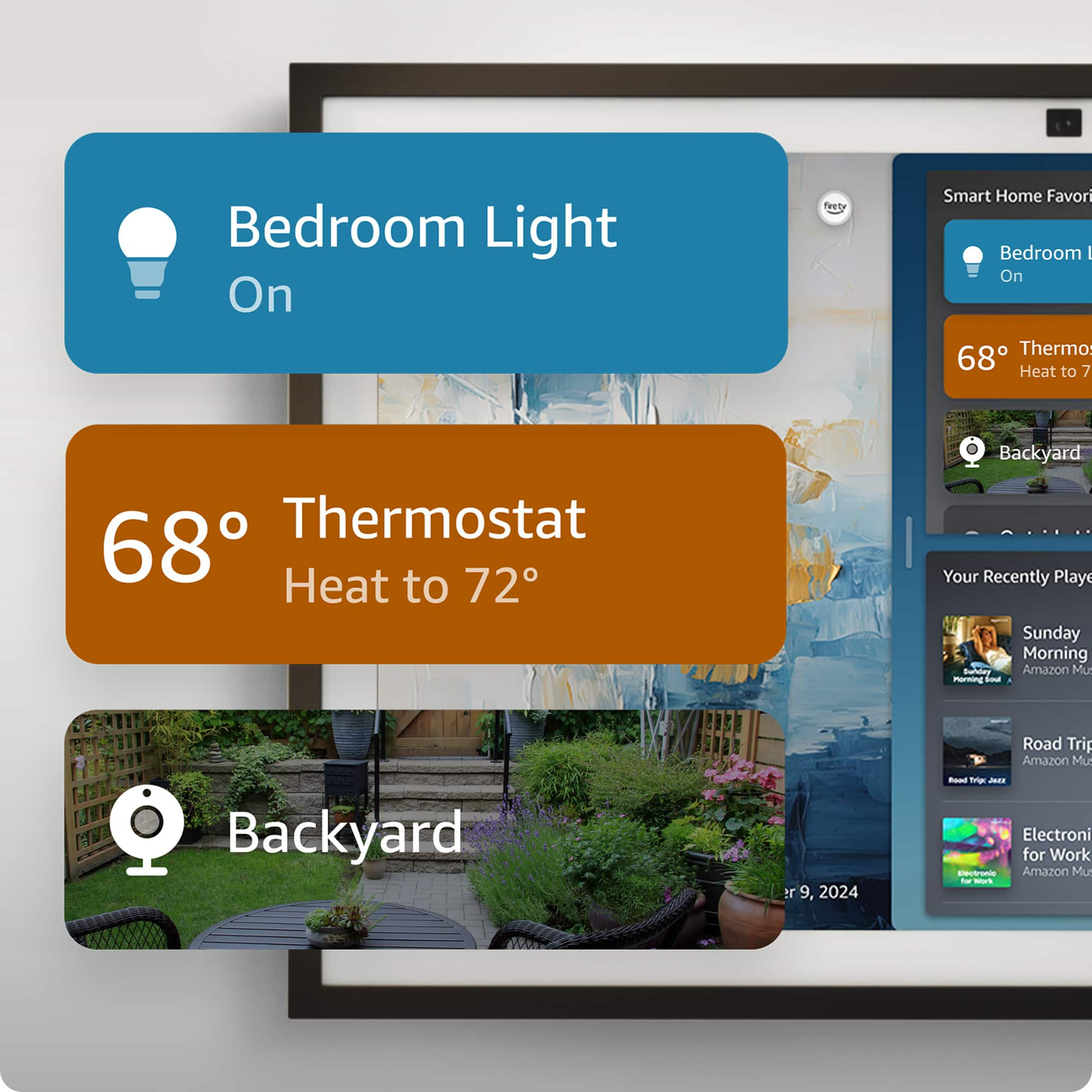
    • Answer Hello. Thanks for reaching out! The Echo show 21 can be used to view your Blink camera feed. To start a live view from your Blink camera, simply say "Alexa, show [camera name]." Please note that the live view will last for 5 minutes. I hope this helps. Have a great day!

      Answered by Amazon Devices Customer Support

  • QuestionDOES THE ECHO SHOW 21" COME WITH A STAND

    Asked by Steve.

    • Answer Hello Steve and thank you for your question! No, the Amazon Echo Show 21 does not include the stand, only the hardware to mount the device to the wall. There are plenty of stand options available for purchase to suit a wide variety of needs/uses both online and in store. Hope this helps! Have a great day!

      Answered by Amazon Devices Customer Support

  • QuestionHow many cameras can be attached to this system?

    Asked by john.

    • Answer Hello and thank you for asking this question. There is no specific limit to how many cameras the Echo Show can access, that depends on the brand of cameras you connect it to. Lets say you have both Ring and Blink cameras, even though they use separate apps after you enable the Ring and Blink skill in the Alexa application you will be able to access both on the Echo Show. I hope this answers your question and that you have a great day.

      Answered by Amazon Devices Customer Support

  • QuestionAm I able to connect a USB port to the Echo Show 21?

    Asked by Disappointed.

    • Answer Hello ChellyBoo! The Echo Show21 does not have a standard USB port. However, it does have a Micro USB port that is primarily used to connect a micro-USB to ethernet adapter for the use of hard wiring internet to your device. I hope this information helps. Have a great day!

      Answered by Amazon Devices Customer Support

  • QuestionDo you need a subscription with that

    Asked by Kevin.

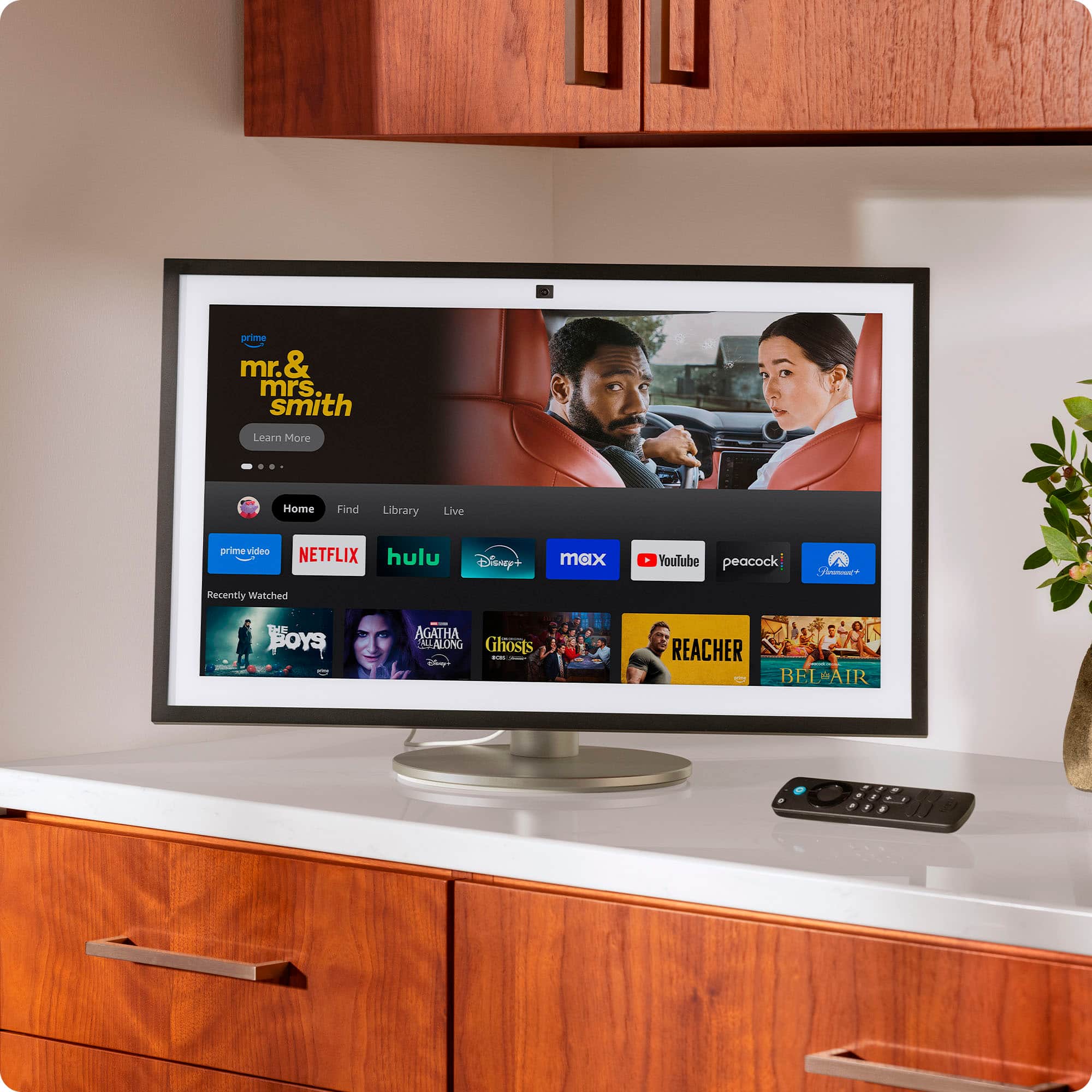
    • Answer Hello Kevin and thank you for your question! No, you do not need a subscription to enjoy the Amazon Echo Show 21. There are some features, such as the FireTV capability, that benefit from subscription based streaming services; these are optional and not required. Hope this helps! Have a great day!

      Answered by Amazon Devices Customer Support

  • Questionwhat kind of wall mount can be used

    Asked by mount.

    • Answer Hi Mount, The Amazon Echo Show 21 comes with its own wall mounting hardware included in the box, including a mounting bracket, screws, anchors, and a template for easy installation. This basic fixed bracket allows you to securely attach the device to a wall (such as drywall, wood stud, or concrete) in either landscape or portrait orientation. It supports the device's weight (around 7-10 lbs) and provides a flush-to-wall setup without extension. For detailed instructions, Amazon provides a step-by-step guide, and you can optionally hire a professional via Amazon Home Services. Hope you have a great day.

      Answered by Amazon Devices Customer Support

  • QuestionCan I print the shopping list?

    Asked by Frankb25.

    • Answer Hello Frankb25 and thank you for your question! There are two ways to print your shopping list from the Amazon echo show 21: 1. Print using voice commands: - Connect a printer: First, you need to set up your printer in the Alexa app. - Print the list: Say, "Alexa, print my shopping list" to print it. - Troubleshooting: If printing fails, try removing and re-adding the printer in the Alexa app or disabling and re-enabling the Printer skill. 2. Print from the app or website : - Access your list: Open the Alexa app or go to "Your Lists" on the Amazon website.- Open and print: Once the list is open, use your browser's standard print command (e.g., Ctrl+P on a computer) to load the print preview and print the list. Hope this helps! Have a great day!

      Answered by Amazon Devices Customer Support

  • QuestionCan I download the owlet app on here?

    Asked by Donna.

    • Answer Hello Donna and thank you for your question! No, the Owlet app/camera is not compatible with the Amazon Echo Show 21. Hope this helps! Have a great day!

      Answered by Amazon Devices Customer Support

  • QuestionIs this plug- in only or does is have a battery to power it?

    Asked by biglen.

    • Answer Hello and thank you for asking this question. The Echo show 21 requires being plugged into an outlet to be used and does not contain any batteries. I hope this answers your question and that you have a great day.

      Answered by Amazon Devices Customer Support

  • QuestionDoes it have a photo share/ rotating screen saver for family photos?

    Asked by Cade82.

    • Answer Hello Cade, thank you for your question. Yes, the Amazon Echo Show 21 functions as a digital photo frame with a rotating screen saver for family photos, using Amazon Photos to display a slideshow of your uploaded pictures as a rotating background on the home screen. You can upload photos to your Amazon Photos account via the Amazon Alexa app or the Amazon Photos website, then set the Echo Show to display them from a selected album. I hope that helps, have a great day!

      Answered by Amazon Devices Customer Support