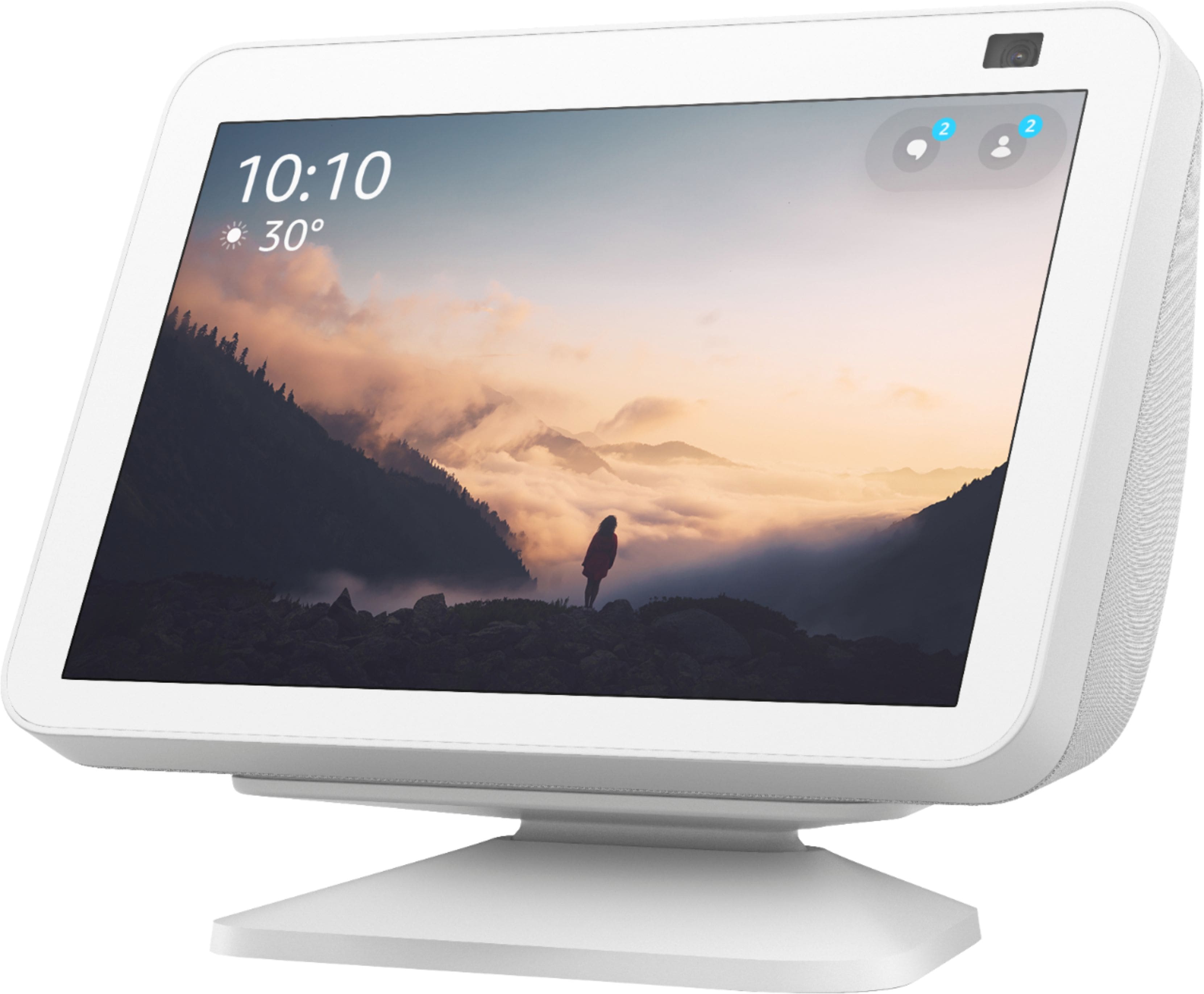
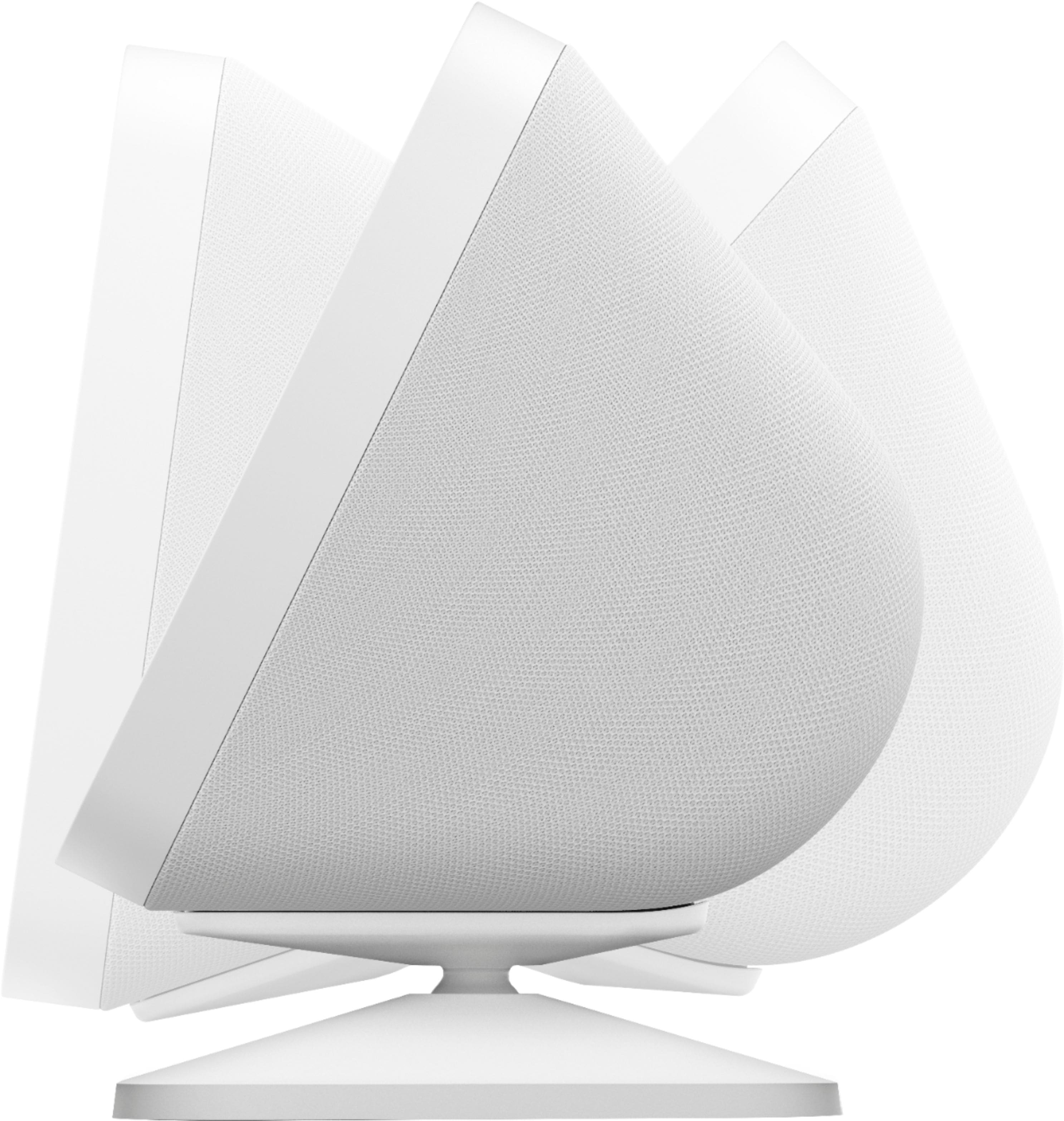
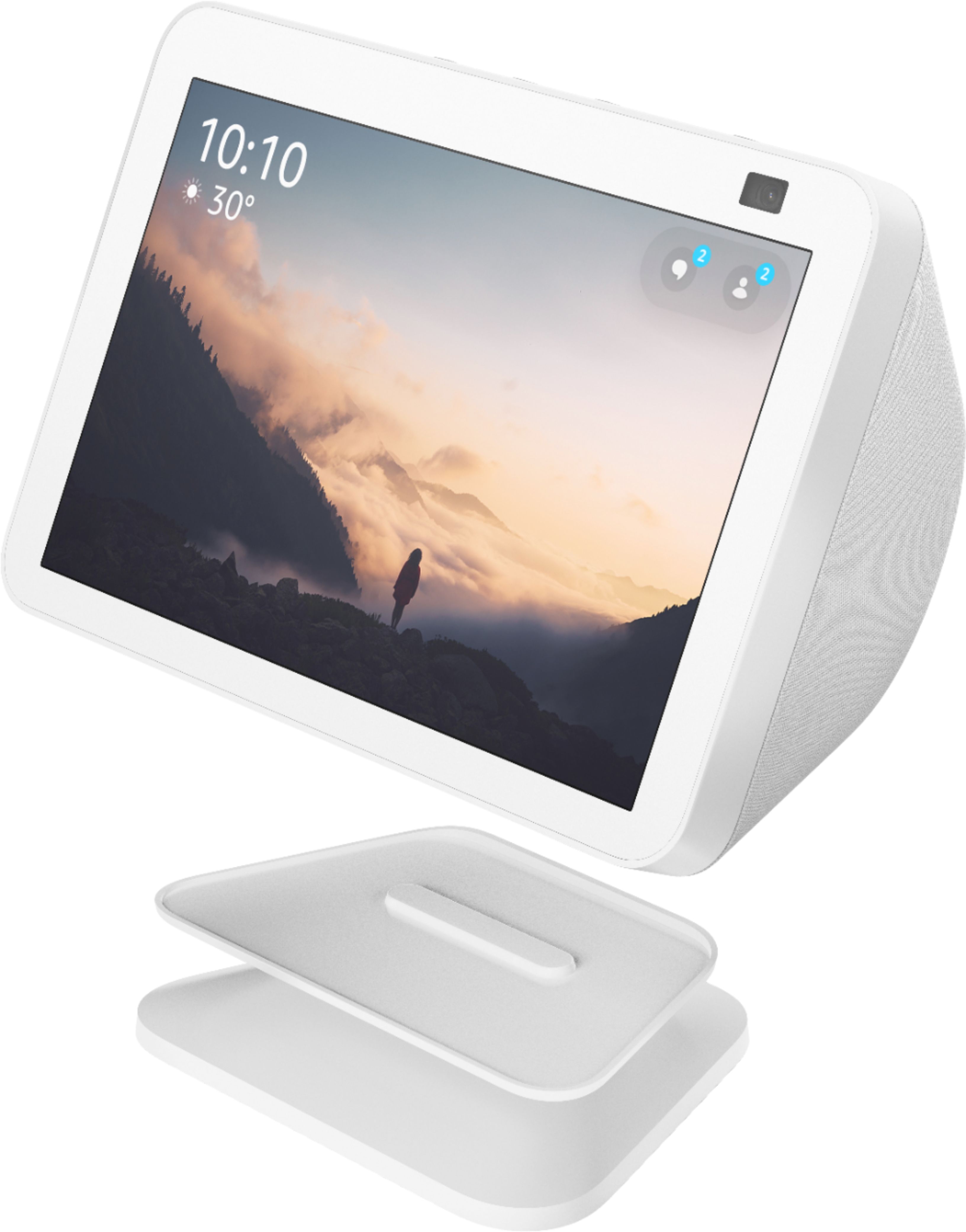
A:AnswerIt allows the echo to not be directly on a surface. I have one and use this stand to keep it up off countertops since it's in my kitchen. You can also move the echo up and down to position screen to your liking for easier viewing. If you are using echo in bedroom as mainly an alarm clock I don't think it would be necessary. If you plan to use in kitchen for cooking or have it somewhere where water could get at it I would use the stand.
A:AnswerHello Sinus1! Thank you for your question on our Echo Show 8 Accessory Stand. This accessory allows you to adjust the viewing angle vertically but it does not swivel left or right as you can just move the whole device and stand together left or right. I hope this answers your question and you have an awesome day!
A:AnswerHello Sinabun54! Yes, this device is compatible with Ring devices by linking your Ring account in the Alexa Smartphone app. You can tap Devices in the bottom of the screen, tap the plus sign in the top right of the screen to add a device, then follow the onscreen prompts to select which type of device and name brand you are linking to it. Once completed, you will be able to ask Alexa to see the name of the camera as well as other features and routines. I hope this helps answer your question and that you have a tremendous day!
A:AnswerHi Compatible, thank you for your question. Echo Show 8 features "Alexa" as it's smart home assistant. You are able to control a vast majority of your smart home devices, including Google devices, with the Alexa assistant. Hopefully this is helpful. Have a wonderful day!
A:AnswerHi, Swipe down from the top of the display and select (the cog icon).
Scroll down and select Home & Clock.
Select Clock.
Choose between Recent Clocks, Modern, Playful, Photography, Classic Personal Photos.
Thank you!