
Main Content

Questions & Answers

$179.99
Page Showing 1-10 of 10 questions
  • QuestionDoes this device have a touch screen?

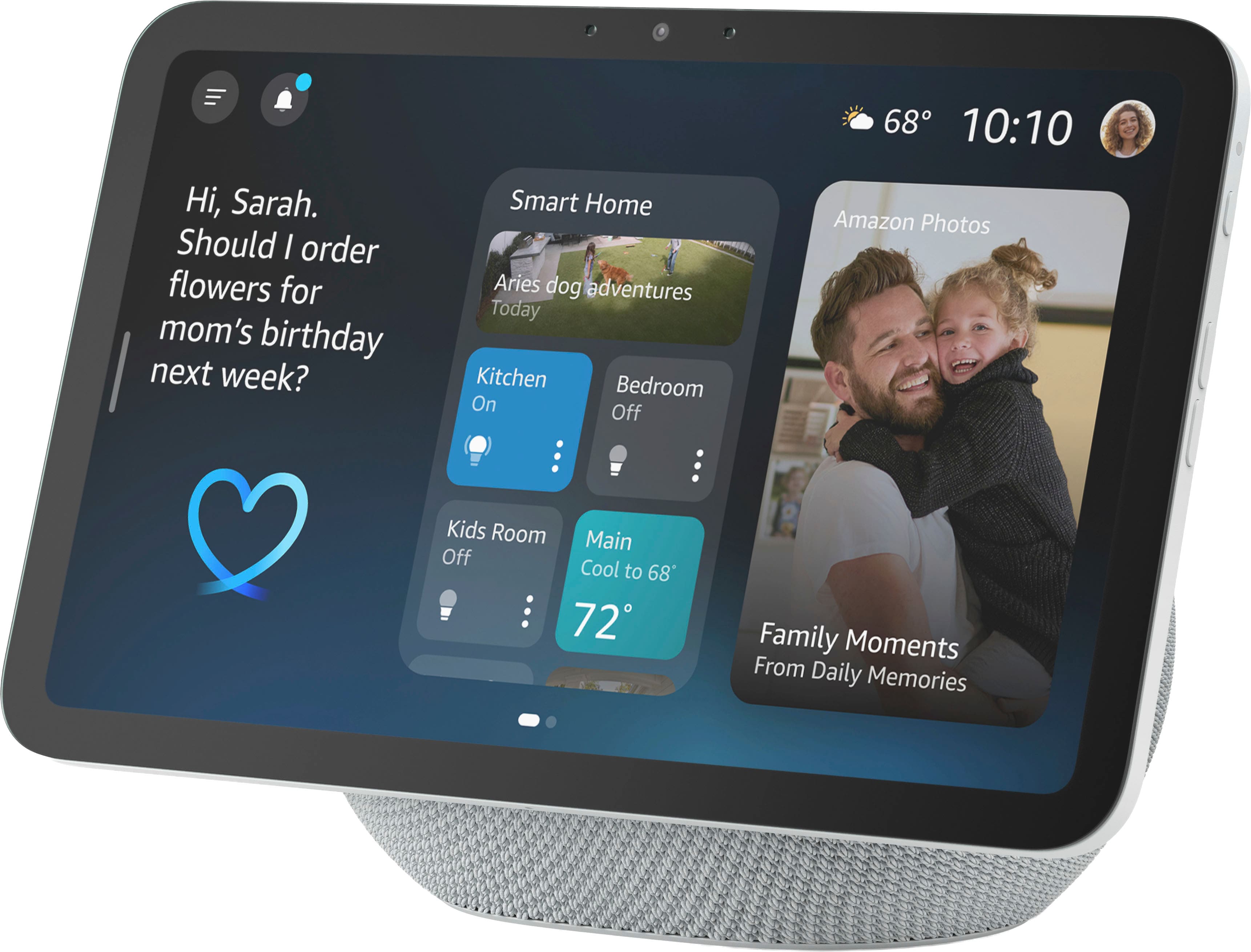
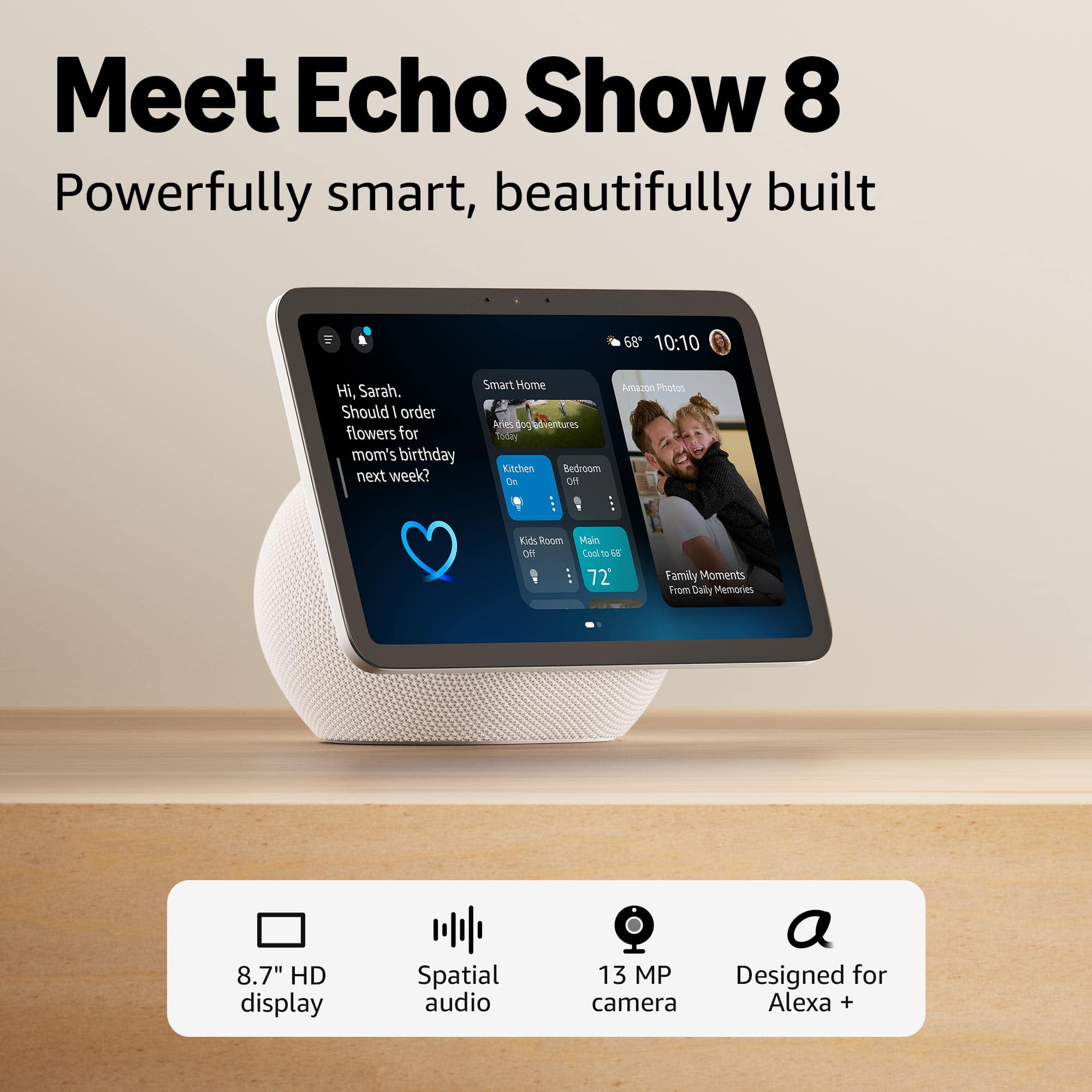
    • Answer Yes, this device has a touch screen.
    This question and answer was generated by AI based on customer and product data.
  • QuestionCan I make video calls using this device?

    • Answer Yes, you can make video calls with a centered, auto-framing camera.
    This question and answer was generated by AI based on customer and product data.

  • QuestionIs this device compatible with the Amazon Alexa?

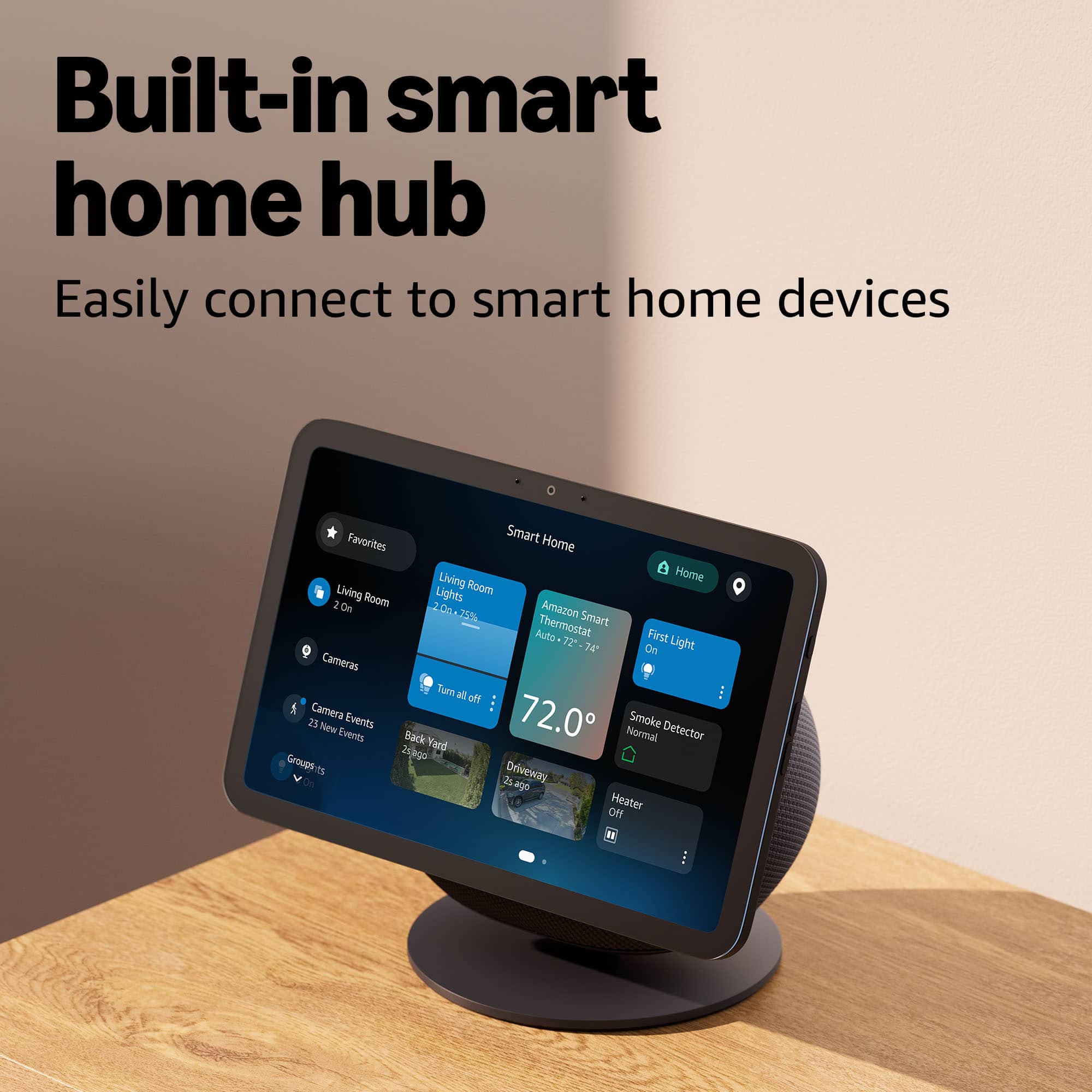
    • Answer Yes, this device works with Amazon Alexa.
    This question and answer was generated by AI based on customer and product data.

  • QuestionDoes this device have built-in speakers?

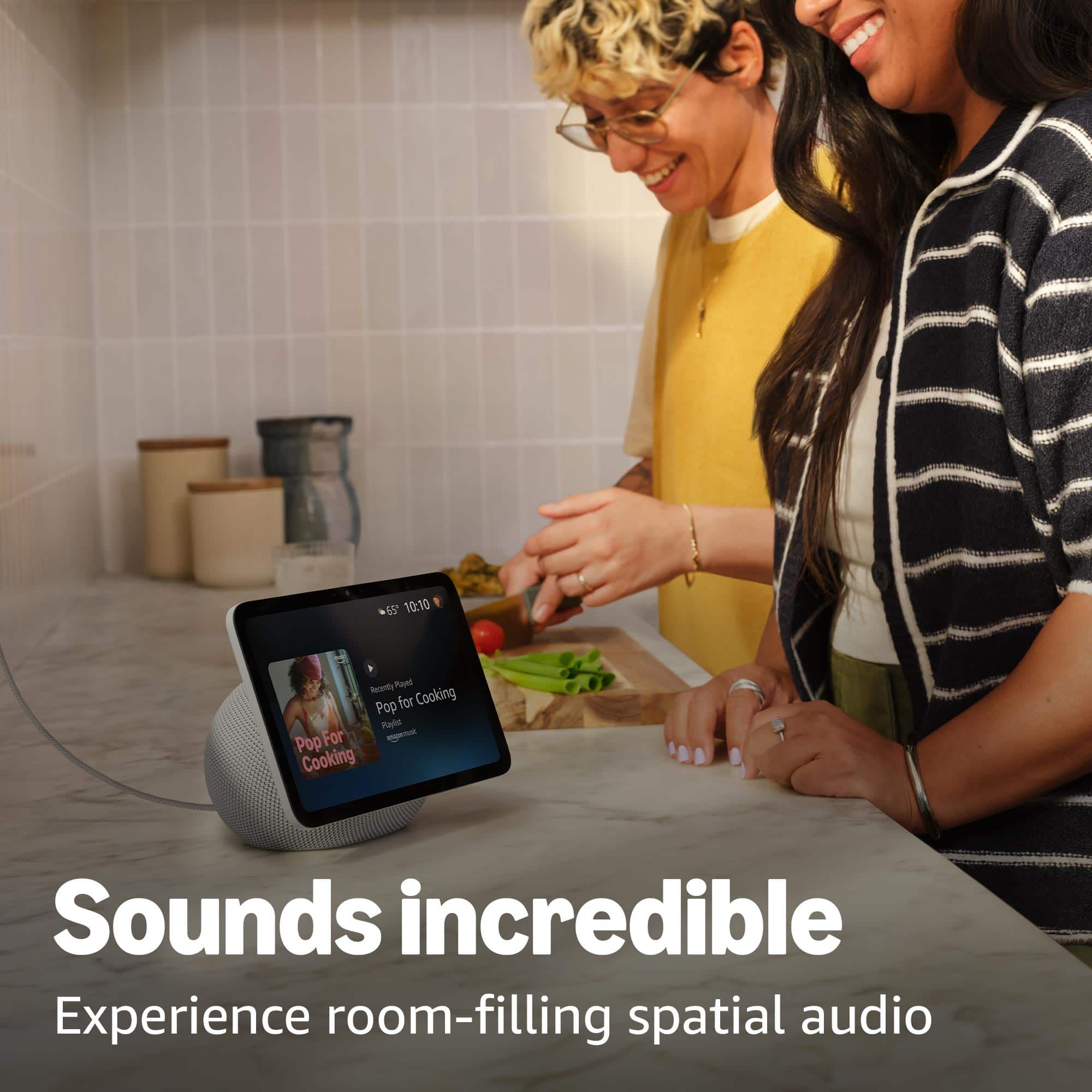
    • Answer Yes, this device has built-in speakers.
    This question and answer was generated by AI based on customer and product data.

  • QuestionDoes this device support wireless multi-room audio?

    • Answer Yes, this device supports wireless multi-room audio.
    This question and answer was generated by AI based on customer and product data.
  • QuestionCan I stream videos on this device?

    • Answer Yes, you can stream videos on Prime Video and Netflix on this device.
    This question and answer was generated by AI based on customer and product data.

  • QuestionWhat is the screen resolution of this device?

    • Answer The screen resolution is 1340 x 800.
    This question and answer was generated by AI based on customer and product data.
  • QuestionHi, can Alexa be upgraded when it time for it to upgrade?

    Asked by Babydoll.

    • Answer Hello Babydoll, The Echo Show 8 will automatically update its software when it's idle. Usually automatic updates will be pushed to the device overnight. If you would like to manually check for updates, you can simply say "Alexa, Check for Updates". She will check to make sure your device is up to date. You can also do this from the Show 8's home screen. From the Home Screen, Swipe down from the top of the screen and you will see what looks like a Gear. This is the Settings option. Once you tap on "Settings" tap on "About". Once you tap "About" you will see an option that says "Check for Software Updates". By tapping on this button, your Alexa Device will check to see if their are any available updates and will prompt you asking permission to download. I hope this helps!

      Answered by Amazon Devices Customer Support

  • QuestionDoes it come with a stand

    Asked by Art.

    • Answer The speaker is the stand.

      Answered by BriandC

  • QuestionWhat are actual dimensions of Echo Show 8 newest?

    Asked by Ladybird.

    • Answer Hello Ladybird and thank you for your question! The Amazon echo show 8's dimensions are 8.2”W x 5”D x 5.9”H. Hope that helps! Have a great day!

      Answered by Amazon Devices Customer Support