Main Content

Questions & Answers

$215.26
Page Showing 1-20 of 22 questions
  • QuestionDoes this Amazon device have a touch screen?

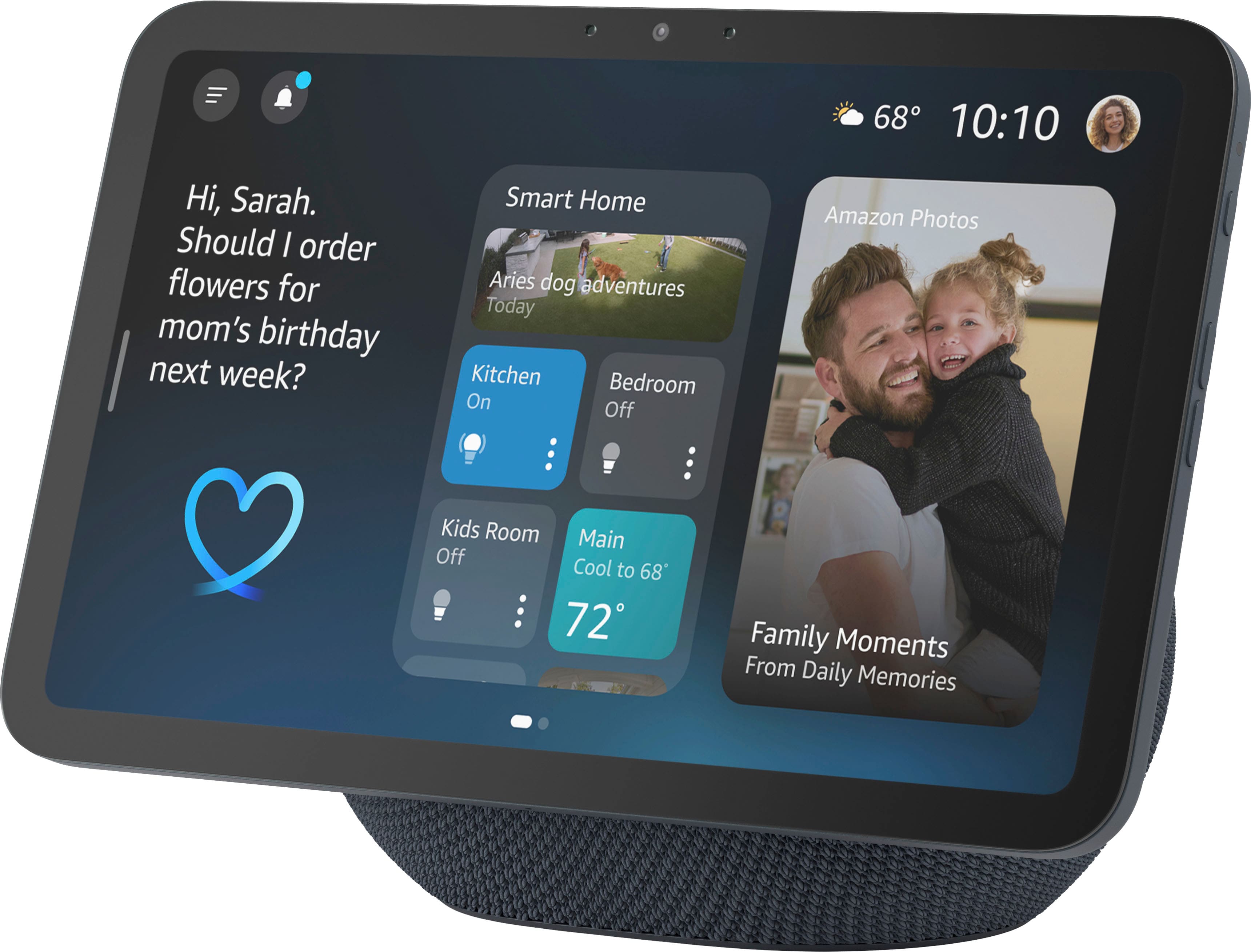
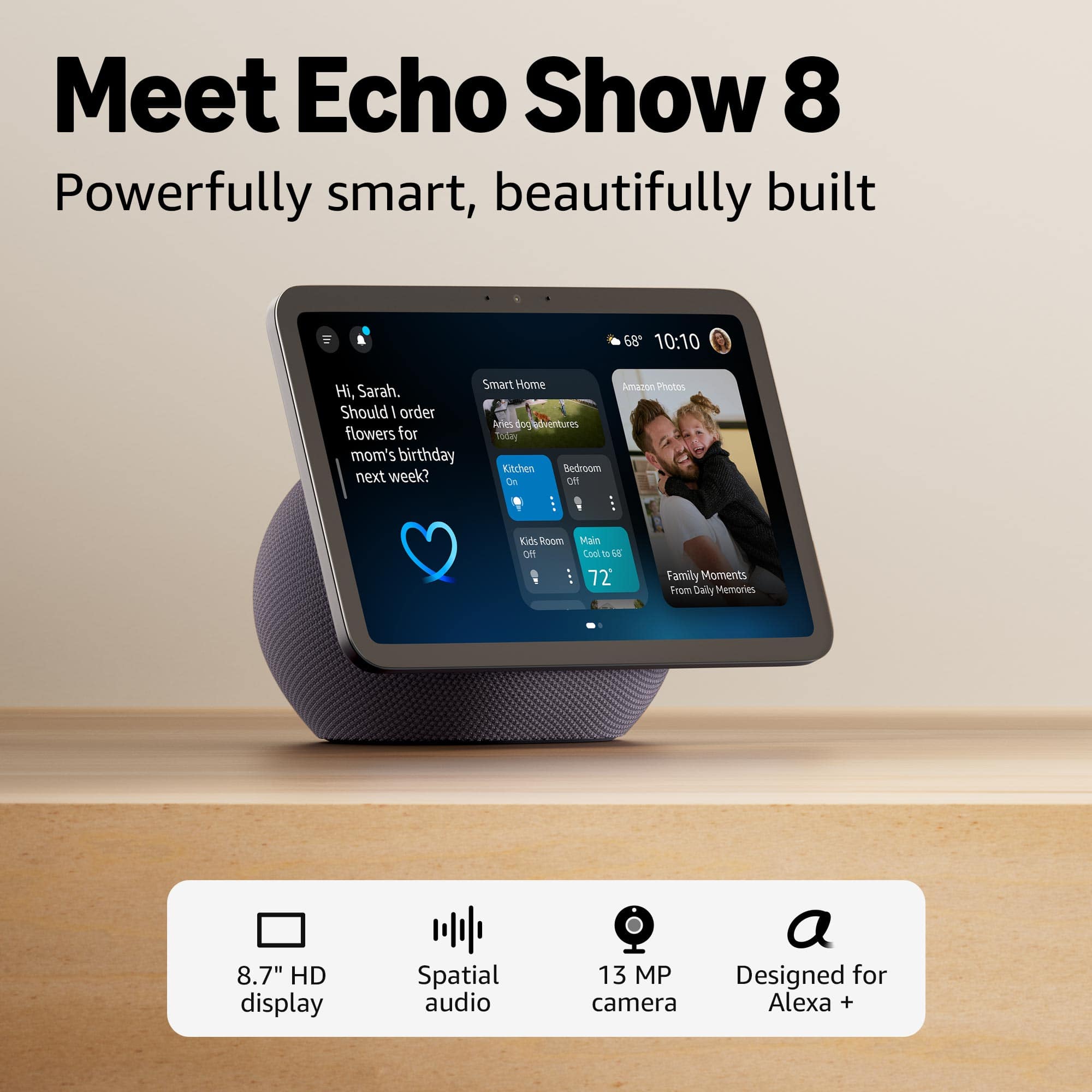
    • Answer Yes, this Amazon device has a vibrant HD touchscreen.
    This question and answer was generated by AI based on customer and product data.
  • QuestionCan I stream videos on this Amazon device?

    • Answer Yes, you can stream videos on Prime Video and Netflix.
    This question and answer was generated by AI based on customer and product data.
  • QuestionIs it possible to make video calls using this device?

    • Answer Yes, video calls are possible with a centered, auto-framing camera.
    This question and answer was generated by AI based on customer and product data.
  • QuestionDoes this device have wireless connectivity?

    • Answer Yes, this device has bluetooth wireless connectivity.
    This question and answer was generated by AI based on customer and product data.
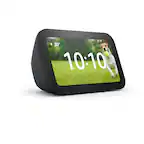
  • QuestionHow many speakers does this Amazon device have?

    • Answer This Amazon device has three speakers.
    This question and answer was generated by AI based on customer and product data.
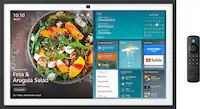
  • QuestionCan I control smart home devices with this Amazon device?

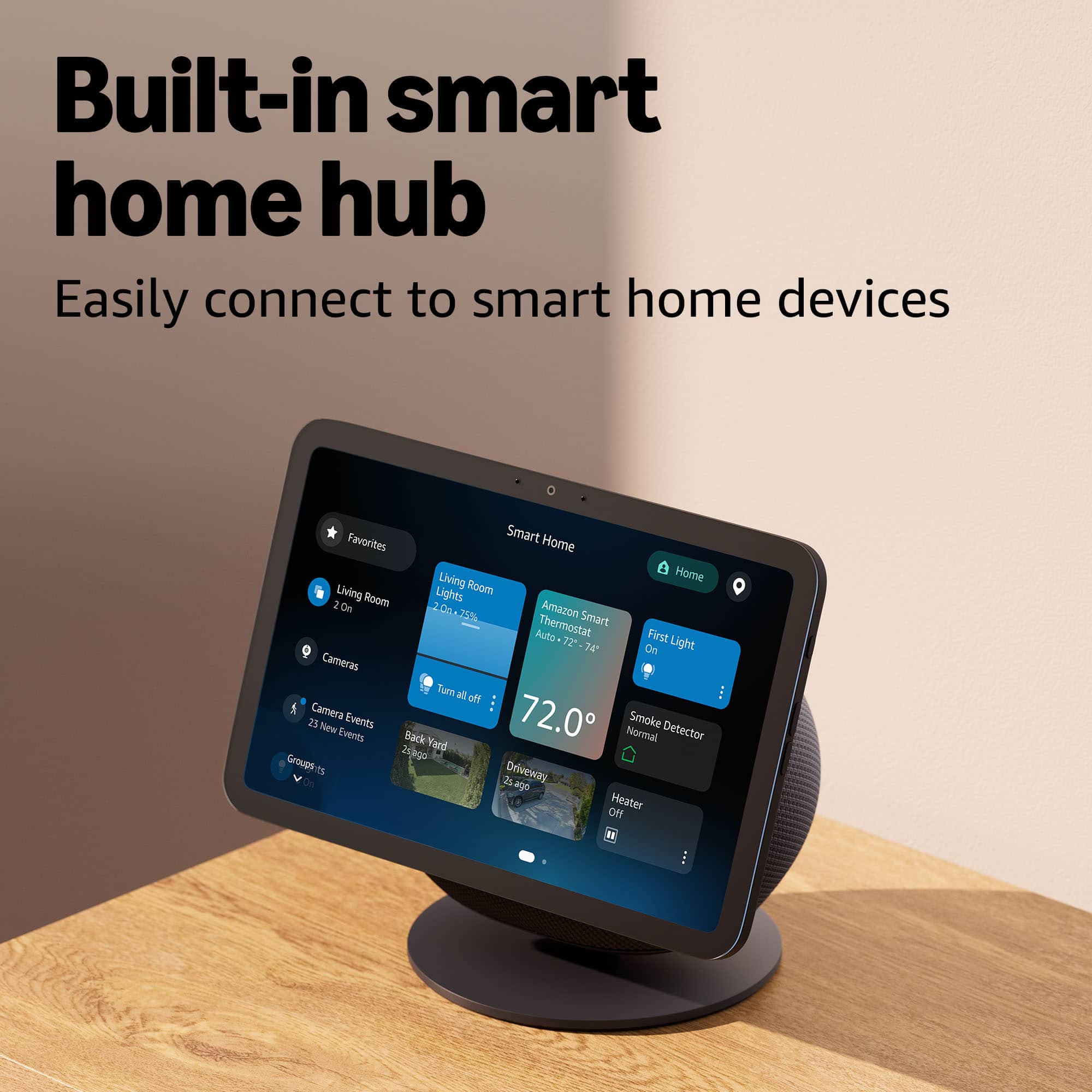
    • Answer Yes, you can pair and control smart home devices.
    This question and answer was generated by AI based on customer and product data.
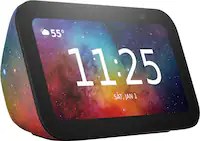
  • QuestionDoes this device work with Amazon Alexa?

    • Answer Yes, this device works with Amazon Alexa.
    This question and answer was generated by AI based on customer and product data.
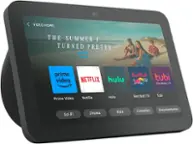
  • QuestionDoes this work with Blink cameras?

    Asked by Griffi3107.

    • Answer Hello Griffi3107, Yes, The Echo Show 8 will allow you to view you view your Blink Cameras. Here are the steps to enable the capability: In the Alexa App on your Smart Phone and tap the "More" (Bottom Right) and Select "Skills and Games". Search for Blink Select the "Blink SmartHome Skill" and tap "Enable to Use" You will be prompted to enter to link your Blink Account. Log in using your Blink Credentials to link to your Amazon Account. After this is completed, you can simply tell your Alexa device "Alexa, Discover my Devices". You can also do this through the app by tapping "Discover Devices" You will be able to Configure the camera functionality on the Alexa App by tapping "Devices" and then "Cameras" From here, you will be able to configure Motion alerts as well as 2 way communication. I hope this helps!

      Answered by Amazon Devices Customer Support

  • QuestionCan I run all my echo devices through this device, even echo devices at another location, can I set it to have my current devices play in stereo?

    Asked by Michael.

    • Answer Hello Michael! The Amazon Echo Show 8 (newest model) cannot directly control all your Echo devices through itself, but it works as part of your connected Alexa ecosystem. You can create Multi-Room Music groups using the Alexa app that include your Echo Show 8 and other Echo devices, which allows you to play synchronized music across multiple devices in different rooms by saying "Alexa, play music everywhere" or on a specific group name. However, there are important limitations: Multi-Room Music groups work within the same home/location on the same Amazon account, and devices at different physical locations (like a vacation home or office) cannot be included in the same Multi-Room Music group, and audio from video content doesn't play on Multi-Room Music groups. For stereo pairing, you can create a stereo pair, but this requires two identical Echo devices (e.g., two Echo Show 8s or two Echo Studios) placed in the same room to create left/right channel stereo sound, and the Echo Show 8 cannot be paired in stereo with different Echo models. The key limitations are that multi-room music and device grouping only works for devices registered to the same Amazon account and connected to the same home network location, you cannot group or control Echo devices at another physical location (like a second home) through multi-room music features, and while the Echo Show 8 (newest model) features spatial audio for enhanced sound on the device itself, this is a single-device feature, not a multi-device capability. have a great day!

      Answered by Amazon Devices Customer Support

  • QuestionCan you turn off or dim the display via voice command? TIA

    Asked by lake.

    • Answer Yes you can by saying "Alexa, turn off the screen" or " Alexa set brightness to 50%" Hope that helps!

      Answered by Amazon Devices Customer Support

  • QuestionCan you find recipes like a book?

    Asked by Anonymous.

    • Answer Hello, Yes! I use my Echo Show 11 to search for recipes all the time! It works great! I simply say, "Alexa, Find me a recipe for...". The really cool thing is that if you would like her to, Alexa can save recipes that you like. She also has the capability with Alexa+ to remember any dietary restrictions in the home or even certain things that people in the home might not like. I don't like Onions but my wife loves them, so if I look up a recipe she'll say "Would you like to find me recipes without onions?" We use it for cooking almost on a daily basis. I hope this helps!

      Answered by Amazon Devices Customer Support

  • QuestionDoes this require purchasing Amazon prime or do I just need wi fi

    Asked by Dave.

    • Answer Hi Dave! No, you do not need an Amazon Prime subscription to use the Echo Show 8; you only need Wi-Fi and a free Amazon account. While Prime provides benefits like Prime Video, the device functions as a smart speaker, screen, and assistant without it. You must have Wi-Fi for setup and continuous operation. I hope this answers your question!

      Answered by Amazon Devices Customer Support

  • QuestionCan you watch Disney + on the device ?

    Asked by Grodrig.

    • Answer Hello Grodrig! Unfortunately there is currently no native Disney+ app for the Echo Show 8. However, it is available on larger devices like the Echo Show 15 and Echo Show 21 due to their native Fire TV support. I hope this answers your question and I hope you have a great day!

      Answered by Amazon Devices Customer Support

  • QuestionHow do I get to join Zoom Meeting on the echo show 8?

    Asked by Diana22.

    • Answer Hi Diana, That is a great question! If you have a Zoom account, you should sign in to the Zoom for Home app for the best experience. In order to sign in, simply say “Alexa, open the Zoom app”. Follow the on-screen instructions to sign in using your Zoom account. In order to easily join meetings we recommend you connect your calendar in the Alexa app. This will allow you to ask Alexa to start your Zoom meetings by saying, “Alexa start my Zoom meeting.” To connect your calendar in the Alexa app, follow these steps: - Open the Alexa app. - Tap More and tap Settings. - Tap Calendar & Email. - Select your account provider, and then tap Connect Account. - Follow the on-screen instructions to link your calendar. Repeat these steps for each calendar you want to link.

      Answered by Amazon Devices Customer Support

  • QuestionDoes this device act as a Matter thread router?

    Asked by SKrueger.

    • Answer Hello ScottK, The Echo Show 8 does have a built-in hub for Matter, Thread, and Zigbee devices. I hope this information helps. Have a great day!

      Answered by Amazon Devices Customer Support

  • QuestionDoes the Echo show 8 include the adjustable stand?

    Asked by Wondering.

    • Answer Hello Wonderling and thank you for your question! No, the adjustable stand for the Amazon Echo Show 8 is sold separately. Hope this helps! Have a great day!

      Answered by Amazon Devices Customer Support

  • QuestionWill the echo Show 8 have home controls on it ?

    Asked by BAMAPJ.

    • Answer Yes it does

      Answered by ShaneJ

  • QuestionCan I Set the device in other languages, such as Spanish or Italian? Thanks,

    Asked by JuanB.

    • Answer Yes u can

      Answered by ShaneJ

  • QuestionCan I watch netflix on this

    Asked by Jigh.

    • Answer Hi Jigh, Yes, you can watch Netflix on the Amazon Echo Show 8 (all generations), as it has a native Netflix app. I hope this answers your question!

      Answered by Amazon Devices Customer Support

  • QuestionDo this wok with ring doorbell

    Asked by Rosco.

    • Answer Dear Rosco, Yes, the Echo Show 8 works great with Ring doorbells! You can: See and talk to visitors when your Ring doorbell is pressed View your Ring camera's live feed anytime by asking Alexa Get motion alerts on your Echo Show 8's display Use two-way talk through the Echo Show 8 to communicate with visitors Just make sure to enable the Ring skill in the Alexa app to connect your devices. Your Echo Show 8 will then automatically announce when someone's at the door and display the video feed. Thanks for reaching out and have a great day!

      Answered by Amazon Devices Customer Support