A:AnswerHi KP,
Yes, you can access Google Sheets on the Amazon Fire HD 10 through your web browser!
While the tablet runs Fire OS (which limits direct app downloads), you can:
Use Google Sheets via browser: Navigate to sheets.google.com in Silk Browser for full functionality
Access Gmail app: Available in Amazon's App Store for easy integration
Use Microsoft Office 365: Available as an alternative for document editing
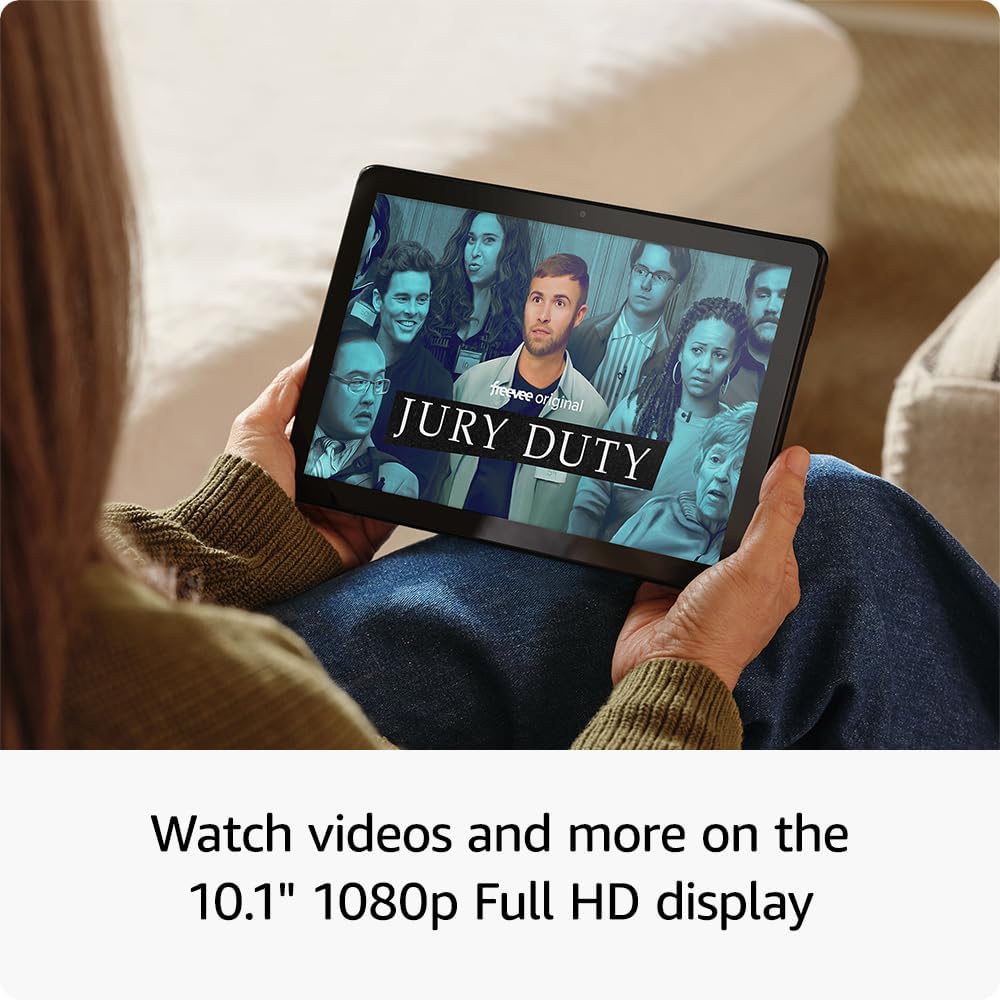
The tablet's 10.1" Full HD display and responsive touchscreen make editing spreadsheets quite comfortable, though a keyboard case might help for extensive work. I hope this information helps, have a great day!
A:AnswerHello!
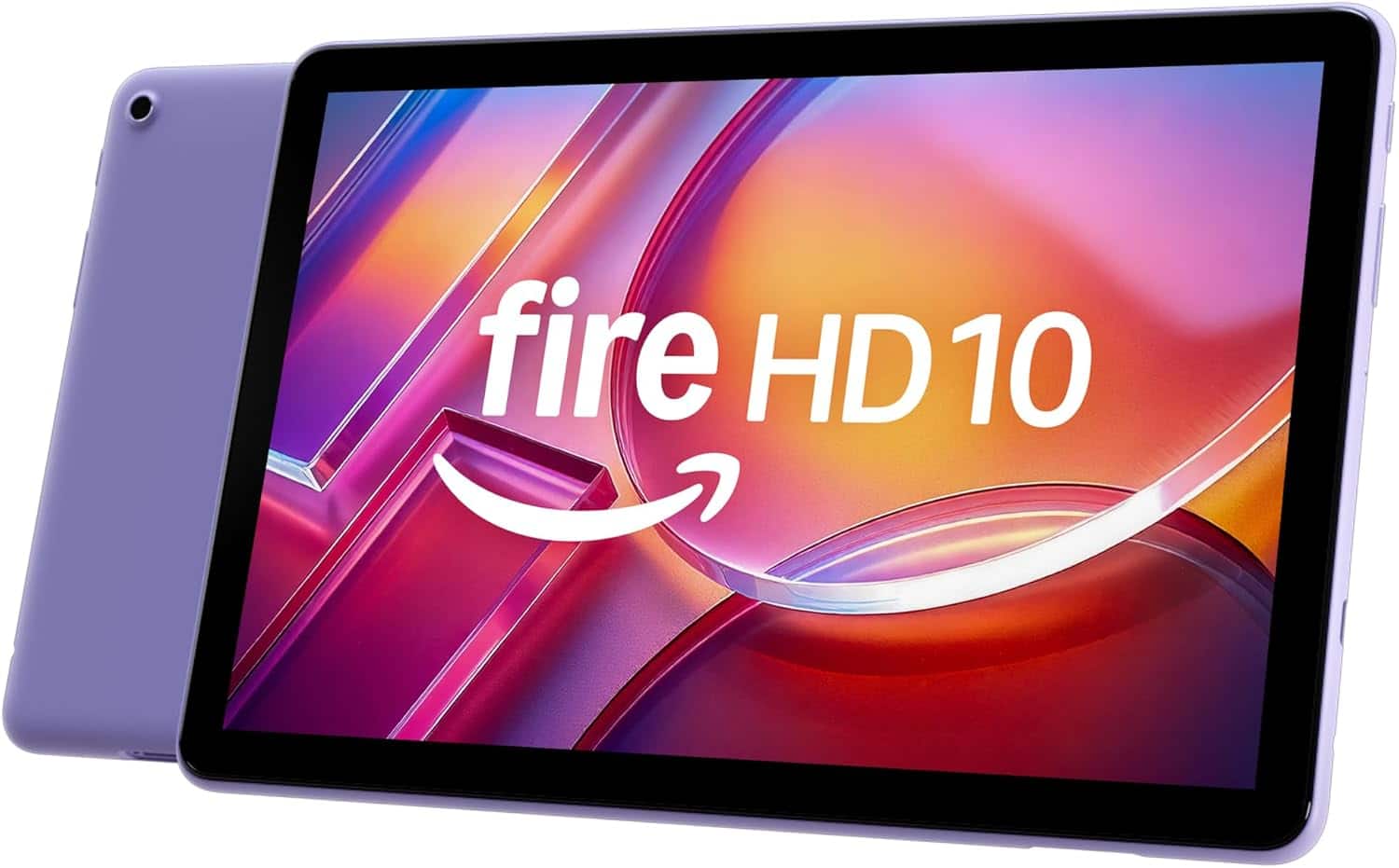
Yes, There are several different options for the Fire HD 10 Tablet on Amazon.com! We offer both silicone as well as foam safety cases in several different options and themes. There are also third party companies sold by Amazon.com that will also fit the fire HD 10. All of the cases will have a spot or the tablets headphone jack as well as protective button covers to make sure that any accident drop or ding wont lead to any stuck volume or power buttons!
I hope this answers your question!
A:AnswerHello Amber911 and thank you for your question! The Amazon Fire HD 10 is internally built into the device. Trying to access of remove will void the warranty and could cause the battery to explode/catch fire. Accessing the battery is not advisable. Hope this helps! Have a great day!
A:AnswerHello,
Yes, you can use your Amazon Fire HD 10 Tablet on a plane. Download the content you would like beforehand. When on your flight place your device in Airplane mode and use your downloaded content. You can also use in-flight WI-FI on your Fire Tablet if it is offered by your airlines. I hope this information helps. Have a great day!
A:AnswerHi there!
To get the parental controls on your Fire HD 10, swipe down twice from the top of the screen, tap the Settings icon, then go to Profile and Parental Controls. Lastly toggle the "Restrict access to current profile" to "On"
From that point you can then restrict access by turning on parental controls and setting a password that you will use to manage all settings and purchases. Those settings also include restricting web browsing, screen time limits and curfews. Creating a Child profile for more specific settings and age-appropriate content.
You can use the Amazon Parent Dashboard to manage settings remotely as well!
Hope this answers your question! Enjoy your weekend!
A:AnswerHello and thank you for your question! Currently, the Marvel Unlimited App is not available on the Amazon App Store. Hope this helps! Have a great day
A:AnswerHi David! Yes, you can use the Fire HD 10 with a keyboard to take notes. Just make sure you purchase a compatible keyboard for your Fire HD 10 tablet. Hope this helps! Have a great day!
A:AnswerHello
Yes you can. Roblox is available for download on Amazon Fire tablets through the Amazon Appstore. I hope this information helps. Have a great day!
A:AnswerHi Rusty, thank you for your question. The Fire HD 10.1 does not include a protective case in the package contents although there are protective cases available for purchase. I hope this helps, have a great day.
A:AnswerHello Diana,
Looking at Best Buy's Website, they do have an option for Trade in for Amazon Kindles and Fire Tablets. I would however, recommend going in to your local best buy with your device. It's difficult to answer the value of a device for trade in without Geek Squad or the Best Buy Mobile Team evaluating the model and condition of your device.
I hope this helps!
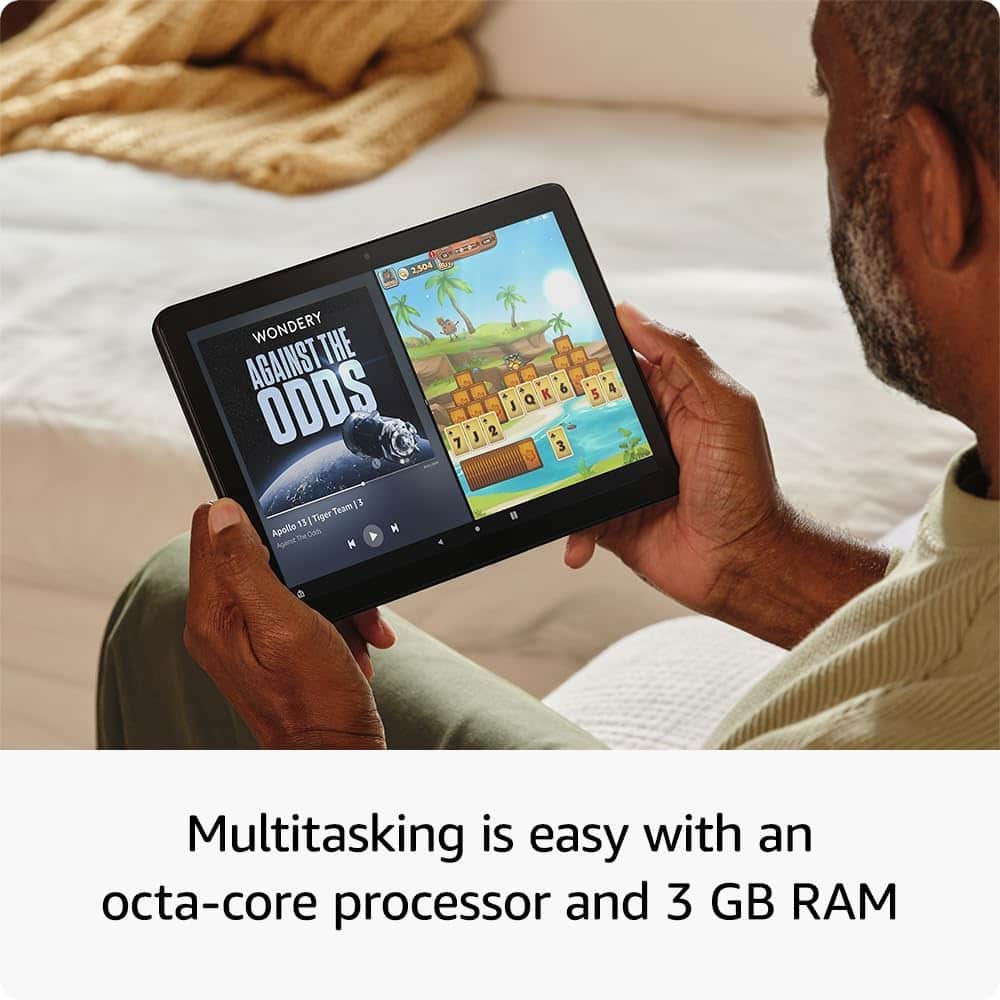
A:AnswerHello Tamstan! With an octa-core processor that performs 25% faster than the previous generation and 3 GB RAM, you can seamlessly move between your favorite apps. The 10.1” Full HD display with 1920 x 1200 resolution shows off your entertainment in vibrant clarity. I hope this information helps, have a great day!
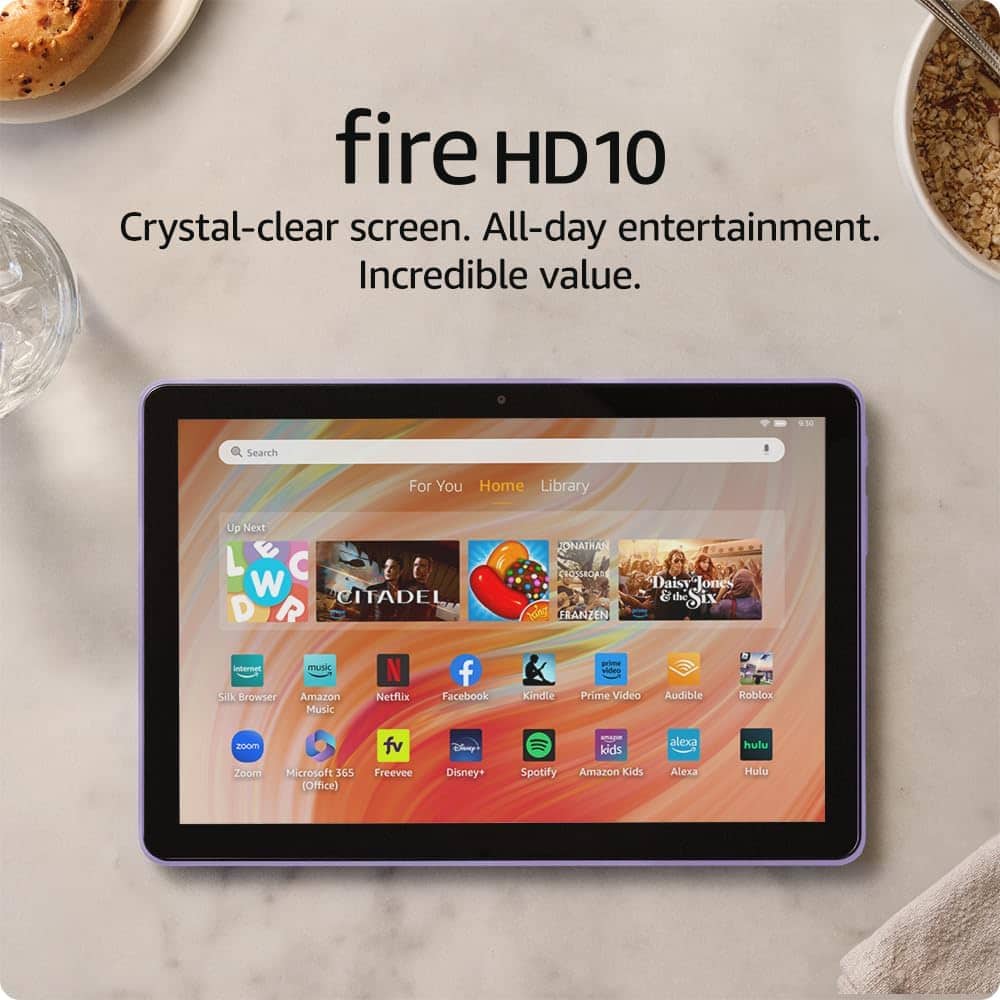
A:AnswerYes it all depends on the apps you download. There are many programs and games for children. Just make sure you have a time schedule for use for them.
A:AnswerHi Dk,
Unfortunately the Amazon Fire HD 10 is not compatible with Mobile Sheets. It works on devices running Android 4.0.3 or higher, A device running Windows 11 or Windows 10 version 1809 or higher, An iPad or iPhone running iOS version 13.6 or higher or a Mac with an M1 or M2 processor. I hope this helps, Have a great day!