A:AnswerHello, Alpha14!
Any books you have purchased through Amazon for the Kindle would be tied to your Amazon account. Make sure that you use that same account when you set up your new tablet. Once you do that, you would be able to download all of the books from the Kindle app on the tablet. As far as the movies, if you have purchased those on your Amazon account, you would also have access to those. As far as everything else, you can use the Backup & Restore feature to do that. With the Backup & Restore feature you can back up everything that is integrated with backup and restore.
First ensure that the first device is connected to the Wi-Fi and has the Backup & Restore feature ON in Settings > Device Options > Backup & Restore. When you set up the new Fire Tablet, you will have the option to set it up as a new device or restore your content from a backup.
Backup & Restore is initiated in the out of the box experience to restore content from a previous device and is also available on the device settings at: Settings > Device Options > Backup & Restore. Enable backup if it is not already enabled. Press the Back Up Now button.
How it works:
Backups are automatically completed daily if device is connected to Wi-Fi and on standby for long enough, or can also be manually started from settings.
Note: In-app purchases are not backed up unless this service is provided by the app developer.
Only one backup is saved for each device, older backups are automatically deleted. Backups do not count against your Cloud storage.
I hope this information helps. Have a wonderful day!
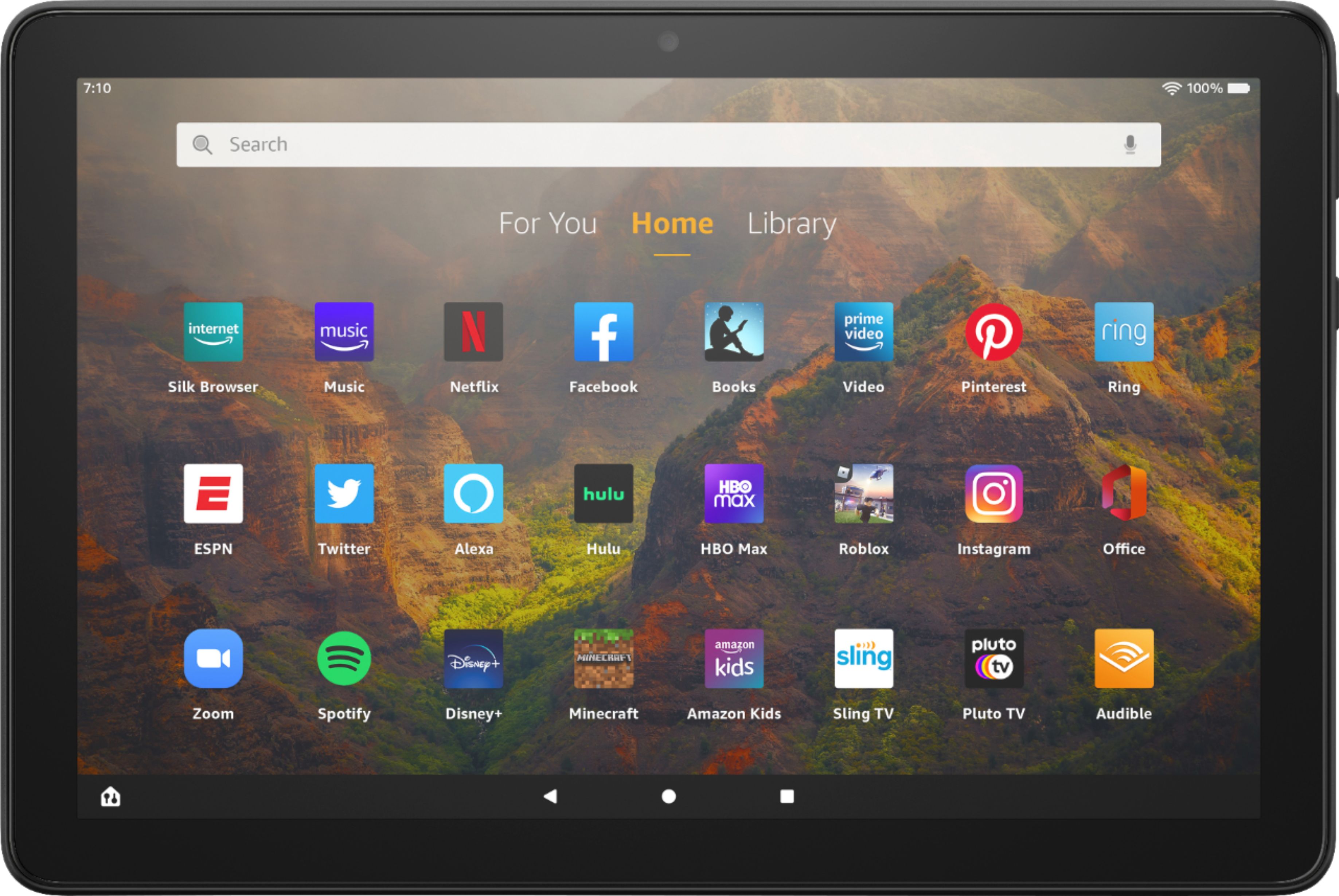
A:AnswerHello JtotheG! Yes this product is ad based meaning that the lock screen does have advertisements that display when the device is locked. Thanks so much for your question and have a phenomenal day!
A:AnswerHello, Eric!
The Fire HD 10 tablet does have an aux port for you to connect headphones to the device. You can also connect Bluetooth headphone to the device if you wish to go that route. I hope this information helps! Have a great day!
A:AnswerHello HittingTheRoad! Yes all 3 of these apps are available and compatible with this Fire HD tablet. You can find them by tapping Appstore on the home page and searching each one in the search bar of the Appstore. I hope this answers your question and you have the best day!
A:AnswerHello,
To answer your question simply, No unfortunately you cannot connect a Fire stick directly to your tablet, it needs an HDMI port to stream.
You can mirror your screen to your Fire TV device as long as it fits the following criteria:
-Your device needs to support screen mirroring. The following devices don't support screen mirroring: iOS and MacOS, Android devices older than Android OS 4.2 (Jelly Bean), Android devices that do not support Miracast, Windows devices that do not support Wireless Display (WiDi)
-Check if your Fire TV can screen mirror. To check, hold down the Home button on the Fire TV remote. If you see a Mirroring icon, your device is compatible.
-Connect your Fire TV and the device you want to mirror to the same Wi-Fi network.
-Move your devices within 30 ft (10 m) of each other.
I hope that helps! Have a great day!
A:AnswerHi Barbie,
Yes you can! On your Fire 10.1 Tablet o to your settings app on the home screen and follow these steps:
Tap Display
Tap font size
Use your finger by sliding it along the bottom of the screen with the small dot to find a font size that fits your need.
Hope that helps!
A:AnswerHello Dano! While the Yuzu Reader app isnt available, you can read your Yuzu digital content online with one of the compatible browsers on this tablet. Compatible browsers include the most recent versions of Mozilla Firefox, Internet Explorer, Safari, Microsoft Edge, and more. Hope this helps!
A:AnswerHi Reader071! Yes, this tablet does have an option for blue light filtering. You can access the feature by tapping the new Blue Shade option in the quick settings menu. Aside from filtering out blue light, it also lets you add warm color filters and the ability to lower your display brightness even more than usual for nighttime reading in a dark room. Hope this helps, enjoy your day!
A:AnswerHello! Yes, you can print from the All-New Fire HD 10. As long as you have a wireless printer, the setup is easy! If you're printing for the first time, you'll need to Add a Printer to Your Fire Tablet.
Make sure that your printer is turned on and connected to Wi-Fi.
Select Print from the menu for the item or web page that you want to print.
Select your printer from the list or select All Printers for nearby printers.
Select the number of copies or tap More options to choose the paper's size, color, and orientation.
Tap Print.
Thanks for your question, have a great day!
A:AnswerHello Gigi! There are a plethora of 3rd party accessories available for this device and some of those are with keyboard support. The official Amazon branded case for this device is only a folio cover and does not include a keyboard. I hope this answers your question and you have a tremendous day!
A:AnswerHello Catlady,
You can now download the Blink App rights to your Amazon Fire Tablet! The app will work just like it does on your phone, allowing you to add devices, schedule and arm/disarm cameras, and livestream video to your tablet I hope this helps, Have a great day!
A:AnswerHi Erin! The Amazon App store offers several anti-virus programs - both free and paid options exist. Simply go to the App store on your tablet and decide which option is best for you. Have a great day.
A:AnswerHi Muggy! You cannot use the FaceTime app on the Fire HD10 tablet because FaceTime is an Apple app, and is not compatible with the Fire tablet. You can however do video calling through a variety of other apps, including the Alexa App that comes preinstalled on the device. Thanks for the question, have a great day!
A:AnswerHello Mac! Yes, ABC Mouse is available for download from the Amazon Appstore or from the Apps & Games icon if you are under a kid's profile. Thanks for your question and I hope you have an amazing day!
A:AnswerHello APerdue! There are a number of different compatible Notepad options and apps available for this device and would work well for note taking and organizing those notes. I hope this helps and you have a terrific day!