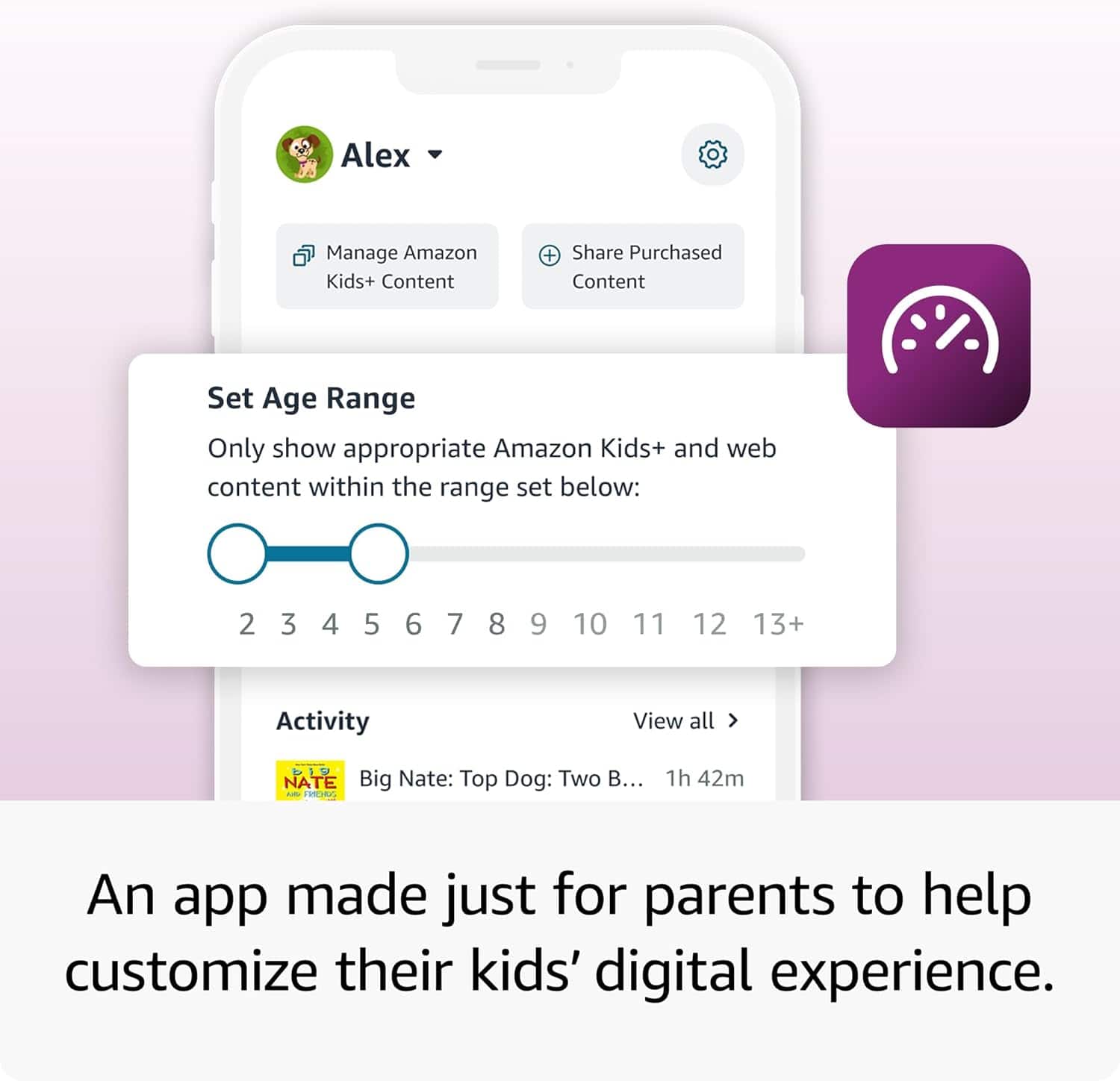
A:Answer Hello JABMI The new Kids Pro Fire Tablet is designed specifically for kids ages 6–12. The tablet will come with 1 year of Amazon Kids+, parental controls, a slim protective case, and a 2-year worry-free guarantee, just like the Kids tablets. In addition to the Kids+ content, the Kids Pro tablets include access to a digital store. With this, kids can request to download or purchase apps, while parents can approve purchases and downloads. The tablet also comes with a built in web browser. The web browser comes with built-in controls designed to help filter out inappropriate sites and let parents add or block specific websites at any time. I hope that helps explain the new Kids Pro tablet! Have a great day!