Questions & Answers
- Model:
- B07TMJ1R3X
- |
- SKU:
- 6412935
Q: QuestionIs the amazon Fire compatible with ring? Can I download ring on it?
Asked by Treabis01.
- A:Answer Hi lendal, You can access your cameras through using Alexa hands free via the Alexa app, but the native Ring app is not available at this time to control your settings and such. The Neighbors by Ring as well as Rapid Ring App are also available for download. I hope this information is helpful. Have a great day!
Answered by Amazon Devices Customer Support
Q: QuestionWhat browser does this syatem use. Google? Firefox?
Asked by David.
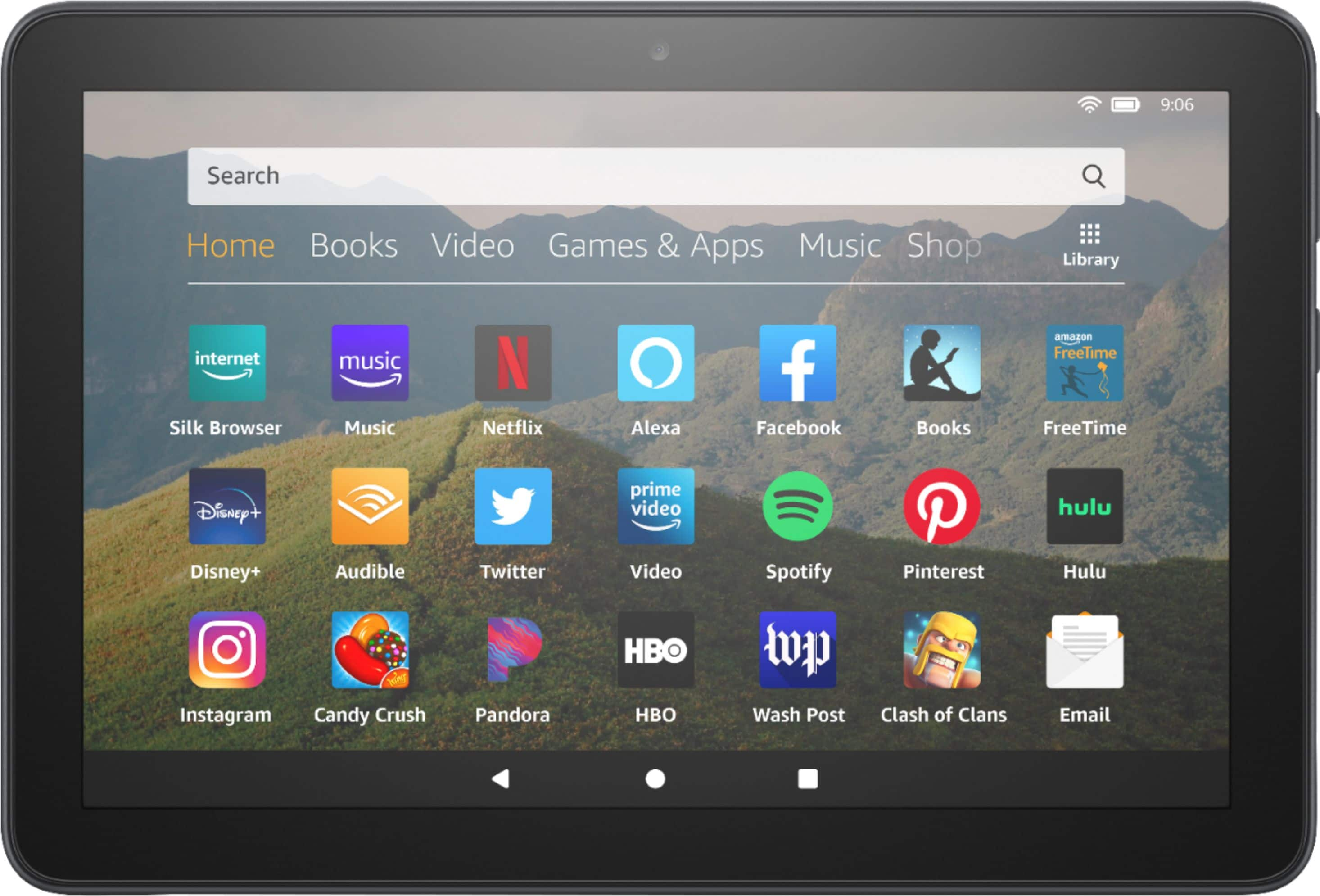
- A:Answer It comes with an amazon browser, but you can also install any other browser available in amazon app store or in the google store, however, for the google store you will have to "jailbrake" the tablet, this is not difficult to do though. You can find instructions on how to do that in youtube.
Answered by Willytexas
Q: Questioncan i do video calls with this tablet and email also
Asked by webb.
- A:Answer Hi Webb, You sure can! You could do video calls through the Alexa App, Skype, and Zoom. The tablet has an internet browser for your use as well. For the email: The Email app supports most POP, IMAP, and Exchange accounts, including Gmail, Outlook, and Yahoo! Mail, and will automatically populate server settings during setup for most popular email providers. However, if you're prompted to manually set up your email account, you'll need the email settings for your provider. To set up email on your Fire Tablet, follow these directions: Note: If no e-mail accounts have been added to the device yet, you will automatically start at step 3 below. From the Email app, access the left panel, and then tap Settings. Under Accounts, tap Add Account. Enter your e-mail address, and then tap Next. If your e-mail account isn’t recognised, you will see the Advanced Setup screen. For POP3 or IMAP accounts: Tap POP3 or IMAP at the top. Tap POP3 Server or IMAP Server, and then enter the server URL. For POP3, the URL is pop3.abc.com. For IMAP, the URL is smtp.abc.com. Tap Username, and then enter your username. Your username is typically your e-mail address. Tap SMTP Server, and then enter the outgoing SMTP server name (e.g. smtp.abc.com). Tap Security Settings and Ports. Verify that your Incoming and Outgoing Security Settings are correct. Consult your e-mail provider for the proper settings. For Exchange accounts: Tap Exchange at the top. Tap Exchange server, and then enter the server URL, which is exchange.mycompany.com. Tap Username, and then enter your username. Your username is typically your e-mail address without the domain (for example, johnsmith instead of [email protected]). Tap Security Settings and Ports. Verify that your Incoming and Outgoing Security Settings are correct. Consult your e-mail provider for the proper settings.Note: Exchange often requires you to accept device policies as determined by your system administrator. If required, you will be prompted to accept policies such as a device PIN/Password and encryption. Follow the prompts to complete the account setup. After configuring your e-mail account, tap Go to Inbox to immediately view the account you just added, or tap Add Another Account to repeat these steps to add another e-mail account. Note: If you’re unable to set up your e-mail account, you may need to contact your Internet service provider or system administrator to verify the information you’re entering is correct. Hope this information helps. Have a great day!
Answered by Amazon Devices Customer Support
Q: QuestionWhat gam s would be included
Asked by Linda.
- A:Answer Hello, There are hundreds of games available. Some are paid and some are free, it just depends on the developer of the app. You can visit Amazon's website to search for apps and games that are available ahead of time if you are looking for specific ones. Hope this info helps. Have a great day!
Answered by Amazon Devices Customer Support
Q: QuestionWhat type of charging port does it have?
Asked by Anonymous.
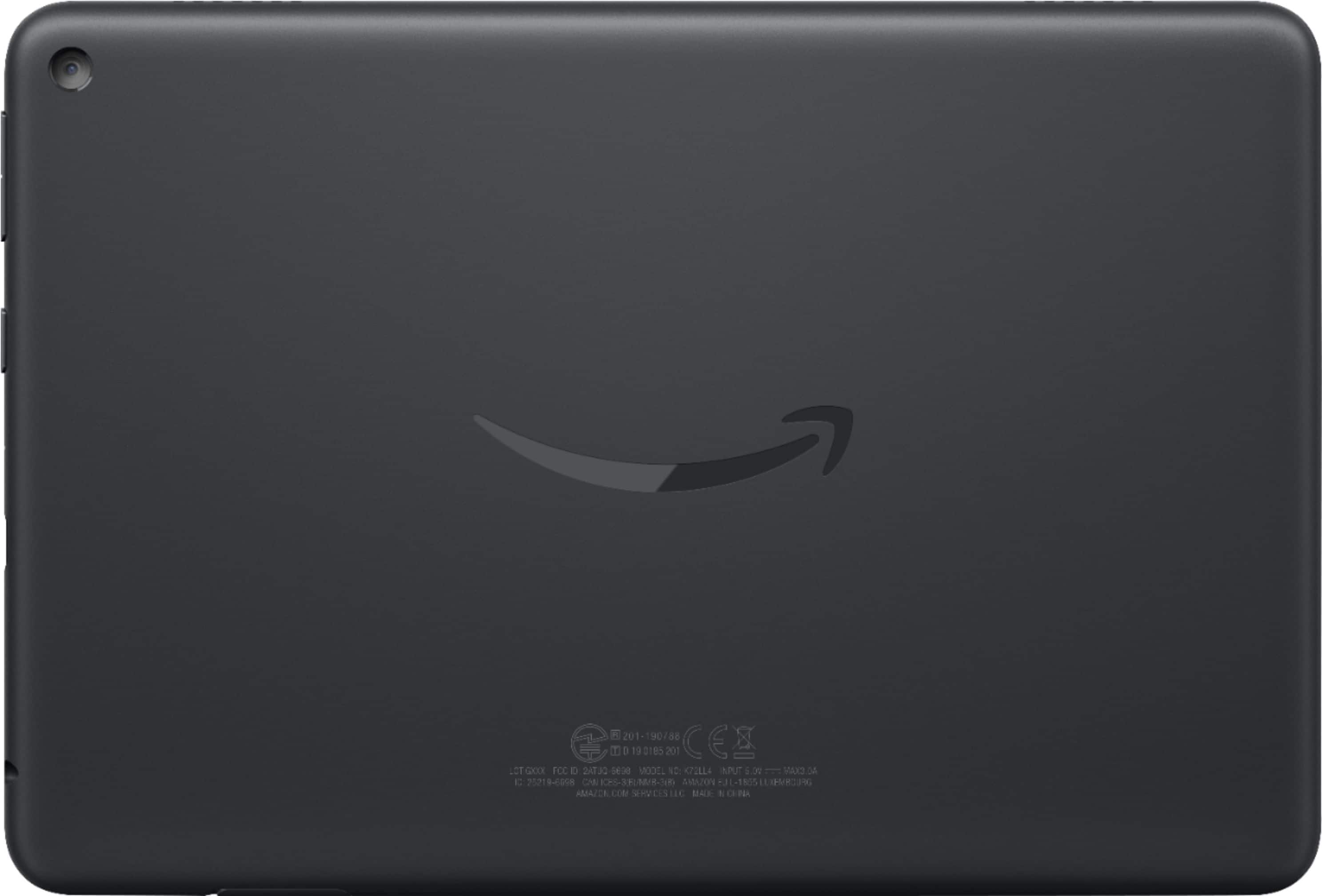
- A:Answer Hello, This tablet uses a USB C connection into the tablet. Hope that info helps.
Answered by Amazon Devices Customer Support
Q: QuestionDo you have to have amazon to use this tablet?
Asked by Redhead.
- A:Answer No you do not have to have Amazon. Using the app store, one can download puzzles, games and different apps. If you want to download books, then you will have to pay Amazon for this.
Answered by Phil
Q: QuestionCan this tablet out of the box make phone calls & send texts?
Asked by Taylor.
This question was asked about the related product: Amazon - Fire HD 8 10th Generation - 8" - Tablet - 32GB - White
- A:Answer Hello Taylor, the Amazon Fire Tablets do not support cellular service. They cannot make phone calls or send texts. There are however some apps you can download to send messages when connected to Wifi.
Answered by Amazon Devices Customer Support
Q: Questionthe fonts say huge but its not........i do have 6 of your Fire tablets and only 2 have me a large font........WHy?, i am tired to taking it back. The sales rep says he/she cant show that to me?????????????
Asked by tacknsew.
- A:Answer ?
Answered by NicoleHill
Q: QuestionCan I connect to Wi-Fi and google play in order to get the apps I want
Asked by Ricky.
- A:Answer Yes to both. Search youtube for instructions on how to connect it to google play.
Answered by Willytexas
Q: QuestionCan I connect & use this tablet with my RING doorbell camera ?
Asked by Rosario.
- A:Answer Hi there! The answer is yes! All you have to do is go to the app store on this device and download the Ring app. Hope this helps!
Answered by Amazon Devices Customer Support
Q: QuestionBattery has quit charging can it be replaced?
Asked by Termite.
- A:Answer If you Buy the warranty yes
Answered by Osvaldo
Q: QuestionWe just purchased a HD8 (10th generation) and after purchasing, I keep hearing about the HD8 PLUS model....are these two the same??? I am trying to purchase a charging dock for this tablet but am only seeing where you can purchase for a HD8 PLUS model...
Asked by fullofquestions.
- A:Answer Hi there! The charging dock will only work with the HD8 Plus. The difference between the HD8 and HD8 Plus is that the HD8 Plus comes with wireless charging capabilities and a better processor.
Answered by Amazon Devices Customer Support
Q: QuestionDoes it work offline and outside the united states? I want to send it as a gift to someone in Afghanistan.
Asked by Shab.
This question was asked about the related product: Amazon - Fire HD 8 10th Generation - 8" - Tablet - 32GB - White
- A:Answer Hello Shab, this Tablet will work anywhere. Some of the features and certain apps may not function due to location, but the tablet itself will work just fine. They will have to have wifi to complete the setup and download whatever movies and games they want to play while offline. I use mine to travel all the time and have never had an issue using it in other countries. Have a great day!
Answered by Amazon Devices Customer Support
Q: Questionquestion re Fire HD8 tablet. Screen background is green and type is light green as well. How can this be fixed to original coloring.
Asked by sasha.
- A:Answer This should help: https://www.youtube.com/watch?v=qP3sORJJ02s
Answered by TabletUser
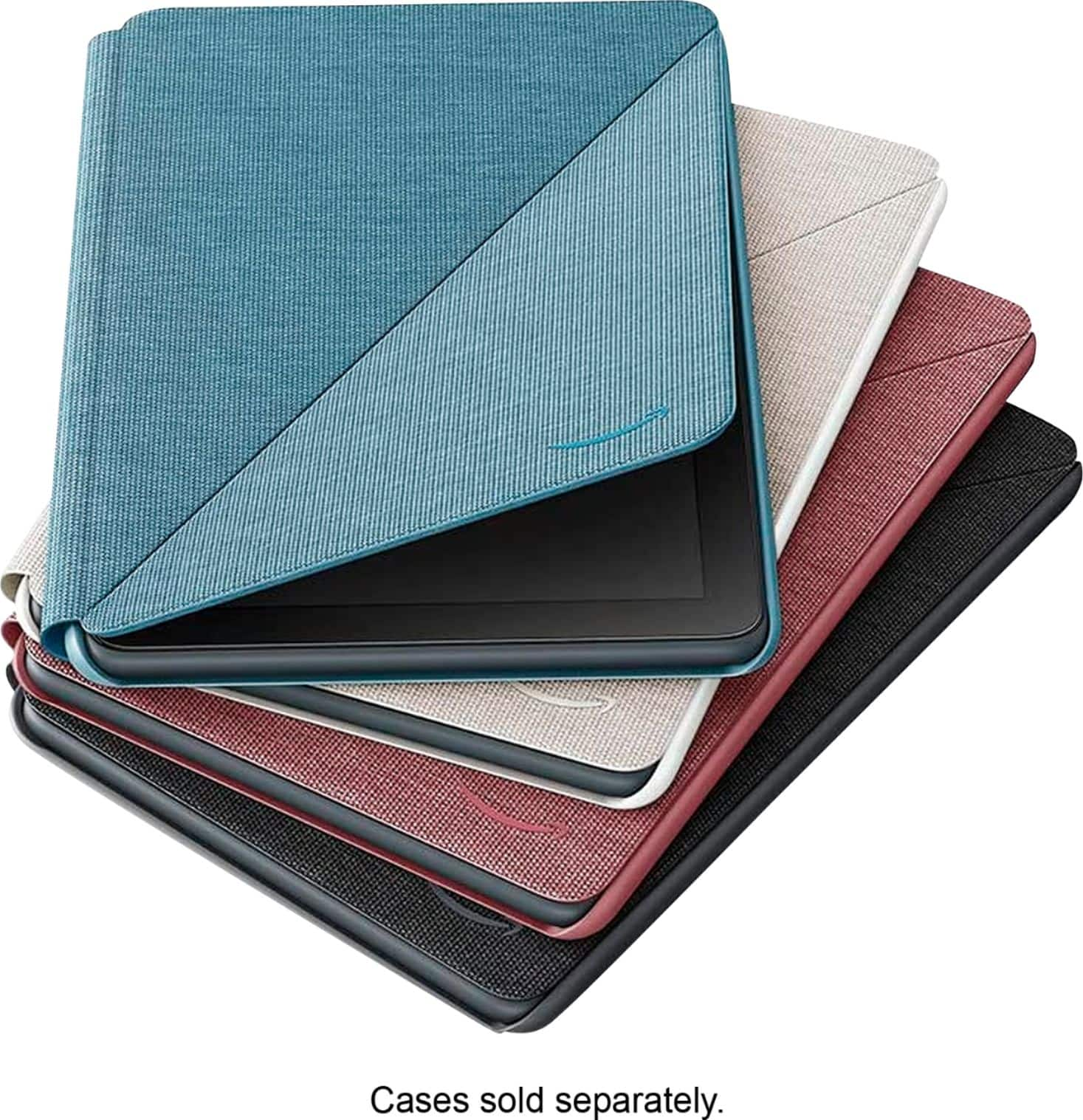
Q: QuestionTrying to find a cover that won't cover camera. My camera is under the volume controls. All covers I have found have the camera hole under the jack hole. Understand there are 2020 models--How do I know which one I have?
Asked by pvariz.
- A:Answer Hi there, To figure out what generation you have: pull down from the top of the screen, and then tap the gear icon. Under the Device section on the Settings screen, tap the “Device Options” entry. Look for the “Device Model” field. This displays the name (and generation) of your Fire Tablet.
Answered by Amazon Devices Customer Support
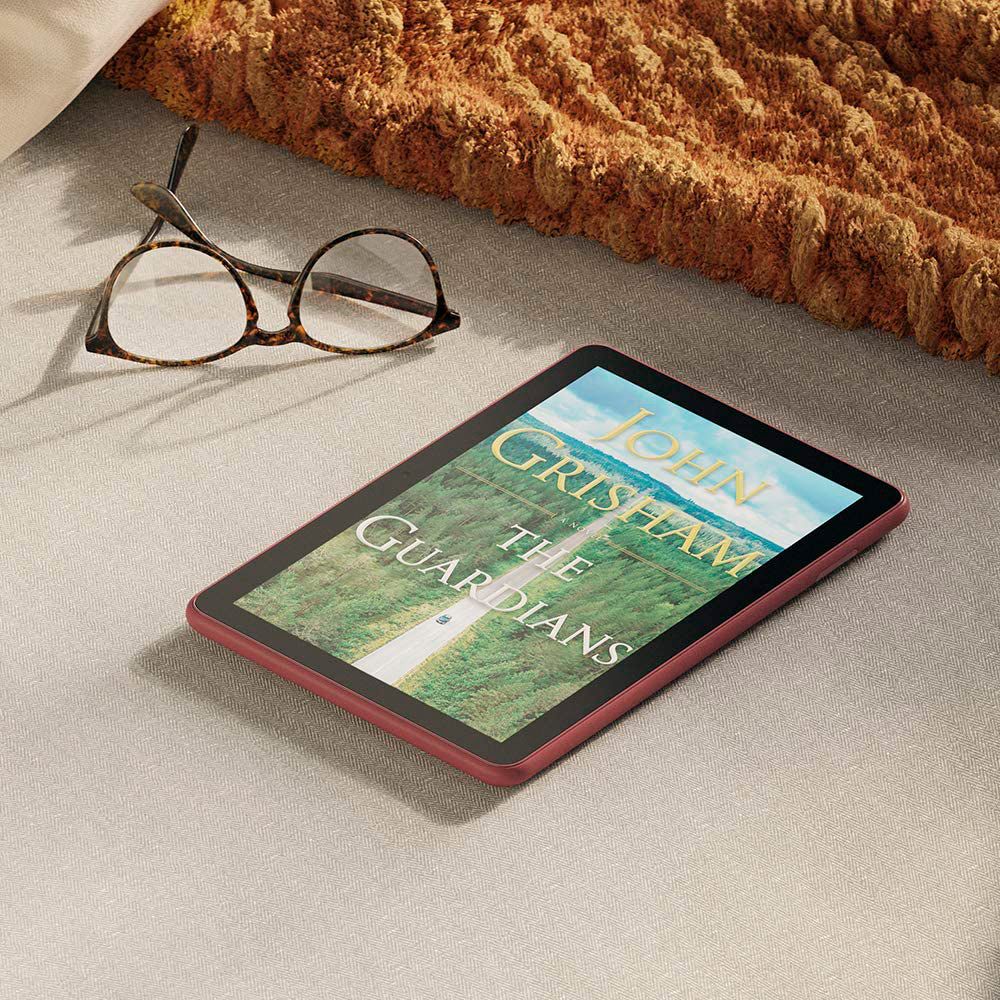
Q: QuestionCan you use this tablet to read kindel books?
Asked by Kenk.
- A:Answer Yes, absolutely.
Answered by Bradentonrog
Q: QuestionI want to buy this for my 2 year old grandson son, he likes to watch Elmo videos on YouTube. I wanted to know if this would be possible on this tablet?
Asked by LovelyLady.
- A:Answer Hello, LovelyLady! Yes, you can access YouTube on the Fire tablets! Have a great day!
Answered by Amazon Devices Customer Support
Best-selling tablets
- Black Friday Deal$179.99Your price for this item is $179.99
- Black Friday Deal$149.99Your price for this item is $149.99
- Black Friday Deal$69.99Your price for this item is $69.99
- $249.99Your price for this item is $249.99$349.99The comparable value for this item is $349.99
- Black Friday Deal$119.99Your price for this item is $119.99
- Black Friday Deal$79.99Your price for this item is $79.99
- Black Friday Deal$179.99Your price for this item is $179.99
- Black Friday Deal$54.99Your price for this item is $54.99
- Black Friday Deal$359.99Your price for this item is $359.99
- $258.50Your price for this item is $258.50$269.99The comparable value for this item is $269.99
- Black Friday Deal$799.99Your price for this item is $799.99
- Black Friday Deal$139.99Your price for this item is $139.99
- Black Friday Deal$499.99Your price for this item is $499.99
- $249.00Your price for this item is $249.00$399.00The comparable value for this item is $399.00
- $229.99Your price for this item is $229.99
- $399.99Your price for this item is $399.99
- Black Friday Deal$49.99Your price for this item is $49.99
- $779.99Your price for this item is $779.99$999.99The comparable value for this item is $999.99
- $319.99Your price for this item is $319.99$419.99The comparable value for this item is $419.99
- $189.99Your price for this item is $189.99$279.99The comparable value for this item is $279.99