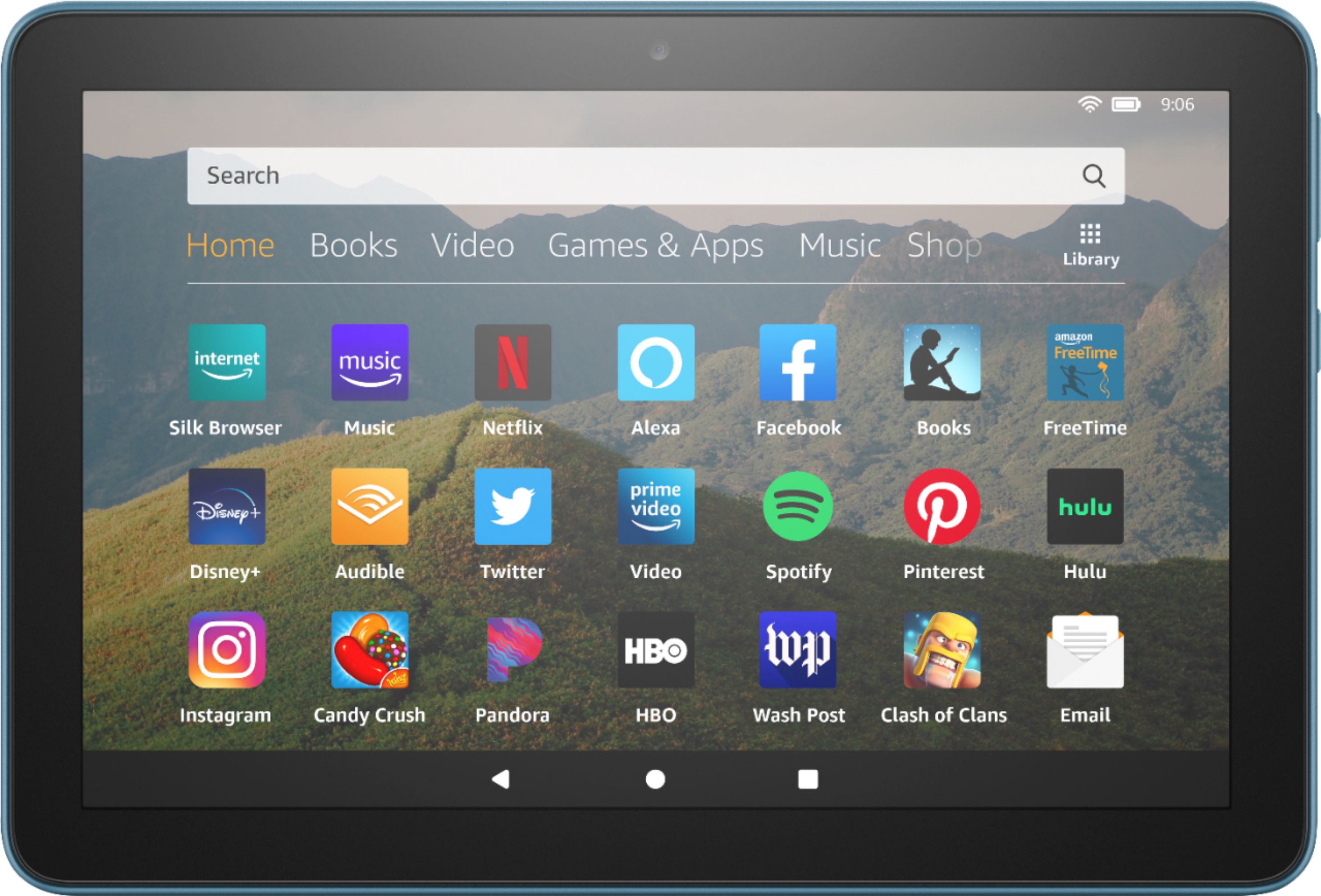
A:Answer Hello, Sharon! You could check with your local Best Buy to see if they sell it without special offers, but otherwise, you can turn them off through you Amazon account. Here are the steps: 1. Sign in to your Amazon account, and go to Manage Your Content and Devices > Devices. 2. Select the Kindle or Fire device from which you wish to remove Special Offers. .. 3. Look for a line that says Special Offers / Offers and Ads. ...4. Click the Edit link next to Subscribed, and follow the instructions to unsubscribe. Have a great day!