A:AnswerHello, Bubbles! Yes, there are a few ways that you can video chat with a Fire Tablet. You would simply need to download an app that will do that function for you. A couple of popular ones available are Skype and Zoom. Once you do that, you would set up the account (if needed) for the app and then you should be able to get started video chatting! Have a great day!
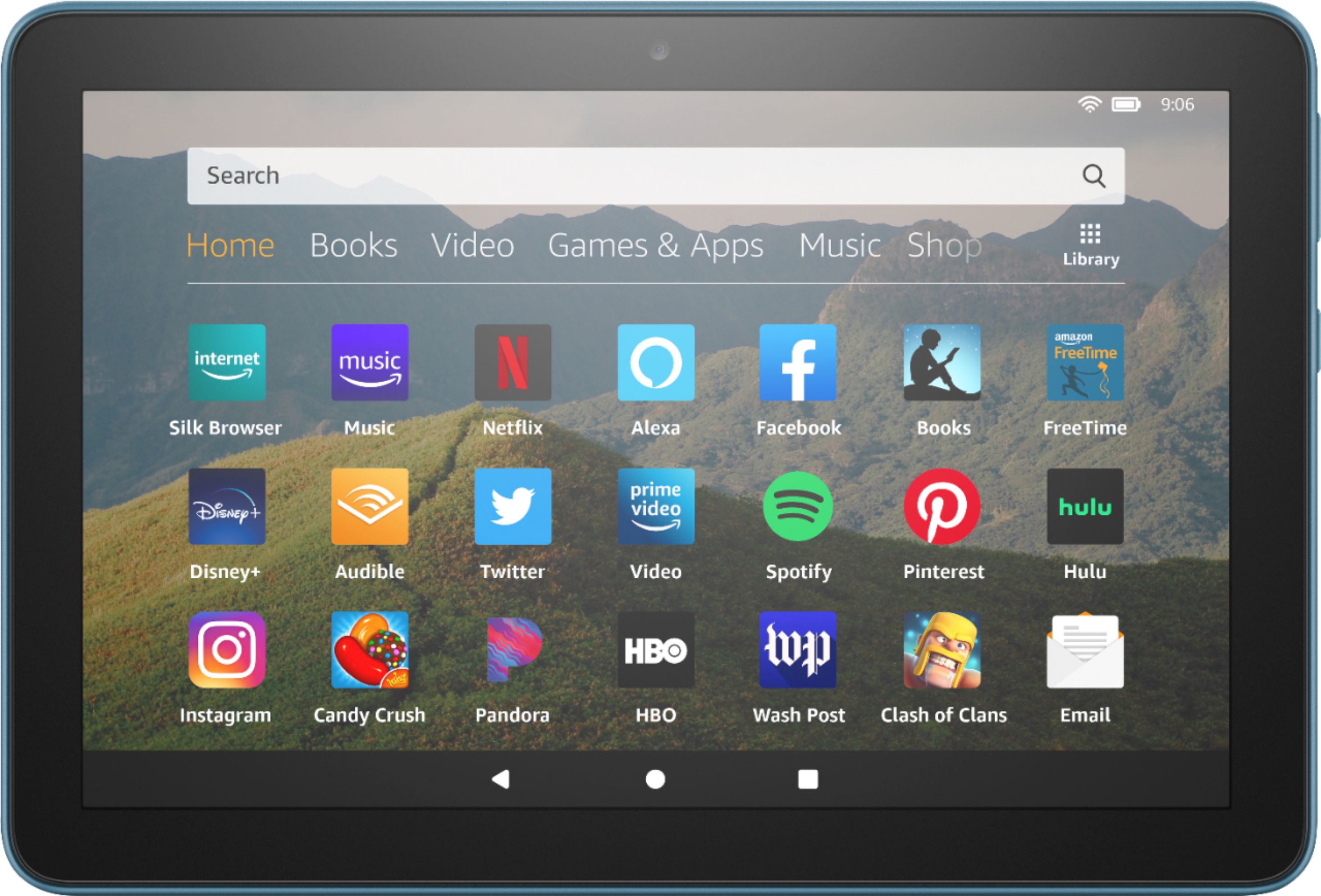
A:AnswerSome at least, It is Android based so most should work but that is not a promise that all will work on it. Some games take real gaming PCs to run right. This device is NOT in that league.
A:AnswerHello, vlm! The Fire HD 8 Tablet does not have Microsoft Excel or the Microsoft office suit available in the app store currently. Have a great day!

A:AnswerHello Chrysler, yes you can listen to podcasts on the Fire HD 8 plus, there are many apps available for streaming podcasts through the Amazon App Store. Hope this helps!
A:AnswerHello AngMarie74, the TikTok app is available for Fire tablets but unfortunately the official YouTube app is not. I'd suggest browsing our catalog of apps for yourself and seeing all the apps we offer for creating videos.
A:AnswerHello AuntKari, the tablet is easy to set up as it will walk you through all necessary steps like logging in to your Amazon account and connecting to WiFi. For other help you can access the "Help" icon on the main page that can walk you through tutorials and the user guide.
A:AnswerHello Timster, this tablet comes with special offers. You can remove special offers if you so choose after registering the device to your Amazon account.
A:AnswerHi There,
The Tablet itself does not have cellular capability built in. You would need to provide an internet connection for it. If you happen to have a hotspot available on your mobile device(check with your provider for terms and conditions/cost), you can use that to provide internet to the Fire Tablet!
Have a great day!