A:Answer Generally, all tablets allow you download movies to them in some manner.
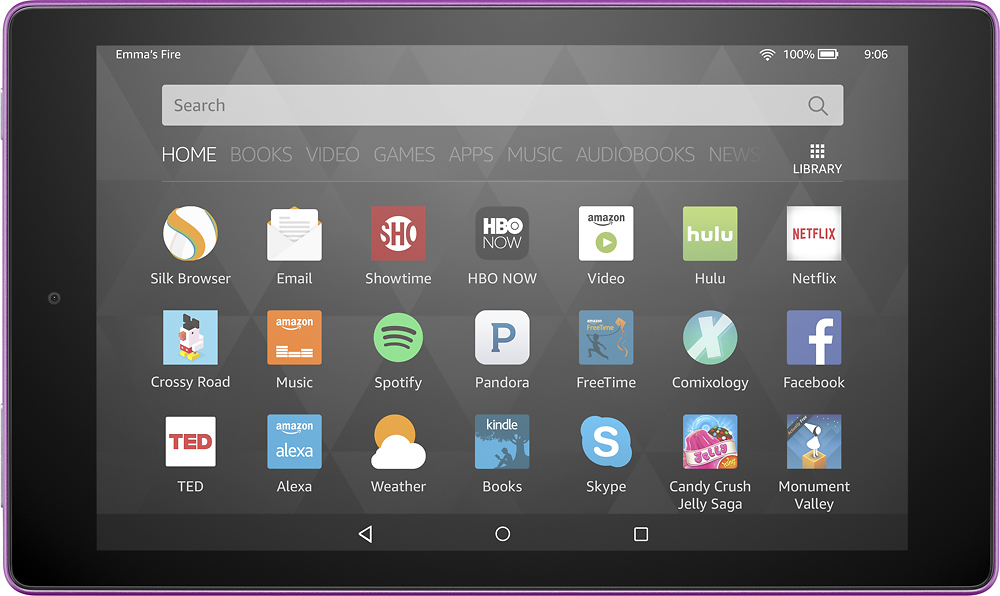
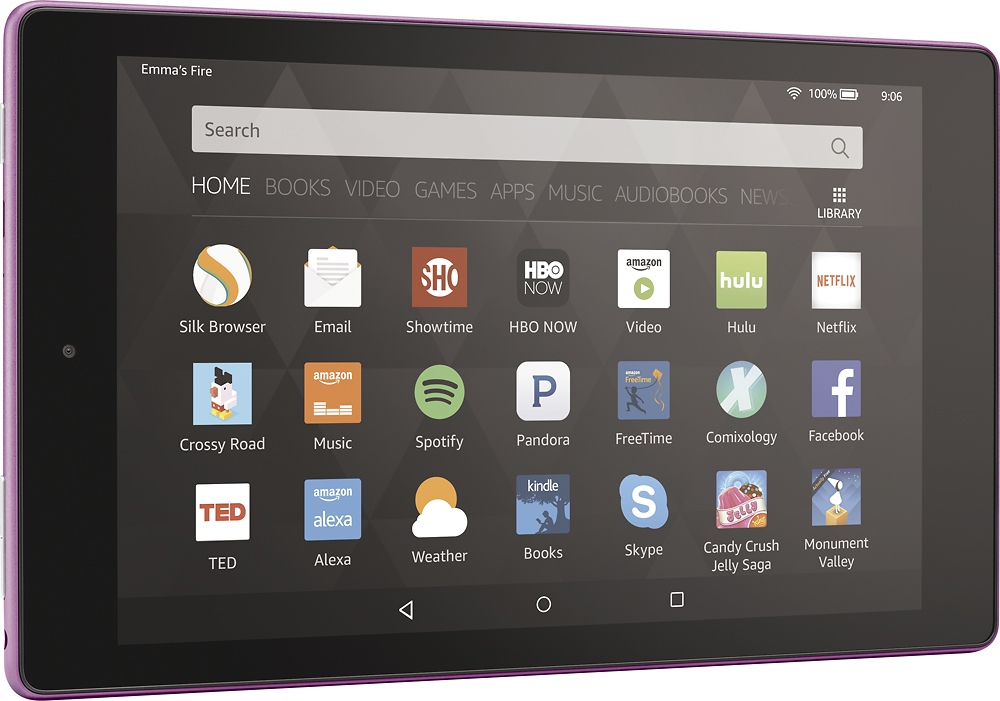
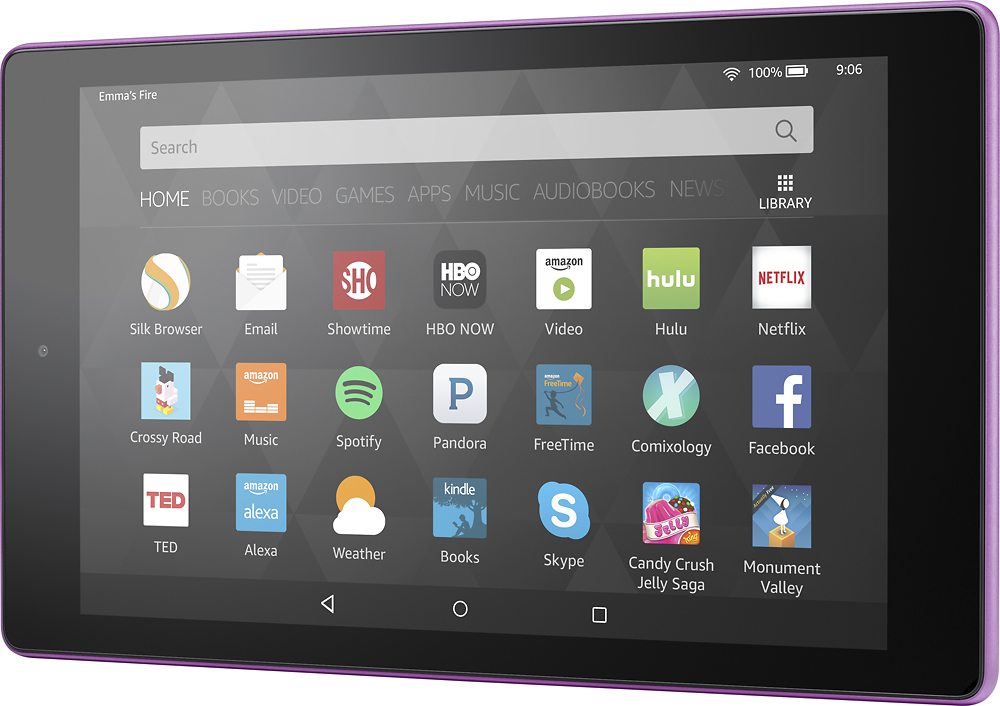
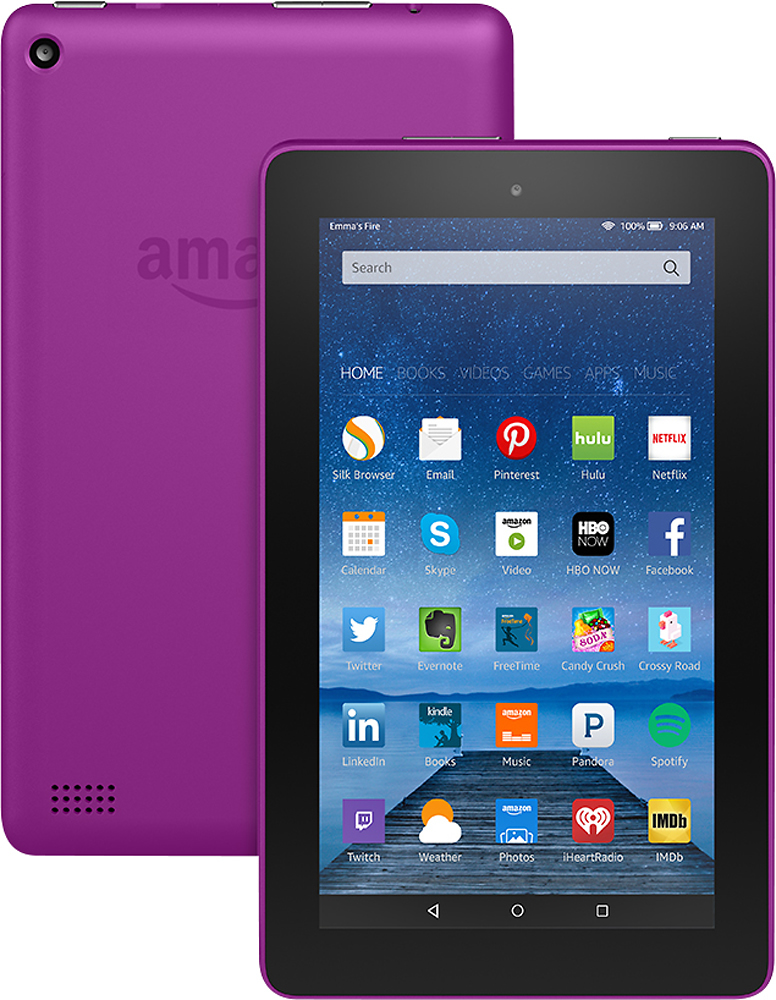
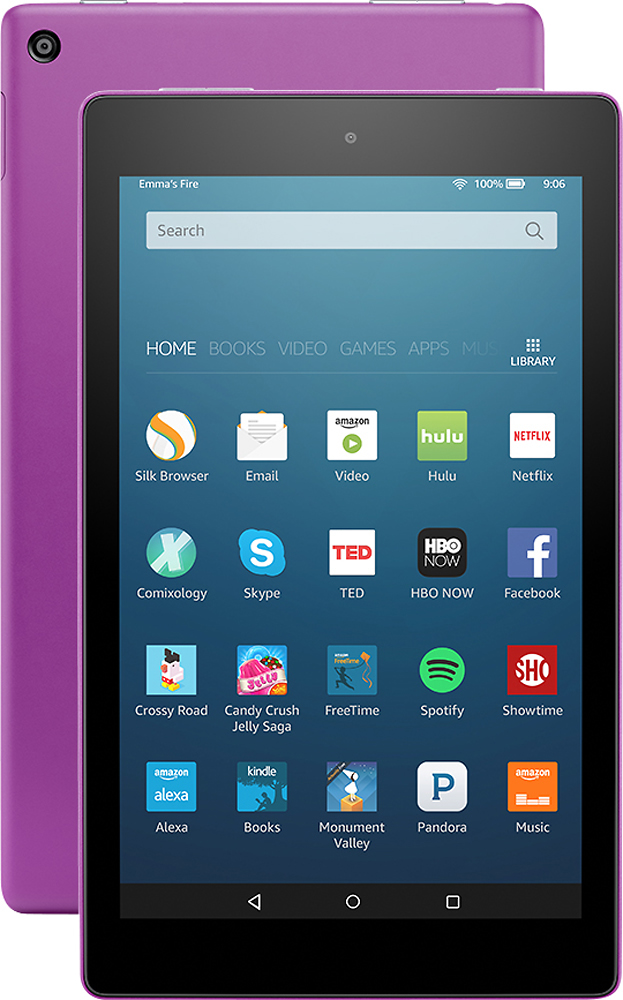
The Amazon Fire and Android (i.e., Samsung Galaxy) tablets work similar to a flash drive or external hard drive. If you connect them to your computer using a USB cable, the tablet storage should appear among the other drives on your laptop. This will allow you to "drag and drop" the movie files from your laptop hard drive to the tablets internal storage. If your tablet has an expansion SD card installed, the SD card storage should appear separately from your tablet's internal storage, giving you the option to copy the movie to the internal memory or the SD card memory.
For Apple products, iTunes is generally the easiest way to get movies and music files from your laptop to your tablet. You have to import the movie into your iTunes library on your laptop, connect your tablet to your laptop, and then sync your iTunes library with your tablet.