Black Friday is hereAlso, shop the 24-Hour Flash Sale.Shop now

Main Content

Questions & Answers

Your price for this item is $129.99
Page Showing 1-15 of 15 questions
  • QuestionCan I transfer what's on my Kindle fire to new Kindle

    Asked by ChrisS.

    • Answer All your information on your old Kindle will transfer to your new Kindle when you register it with Amazon

      Answered by Reenie

  • QuestionDoes it have swipe gestures capabilities?

    Asked by Anni.

    • Answer Hi Anni! Unfortunately Fire OS on the Fire HD 8 does not currently support swipe gestures, other than the swipe to type feature. The only other gesture controls are related to VoiceView, which is a screen reader that lets you use gestures to navigate your Fire tablet and interact with content with speech output. I hope that helps, have a great rest of your day!

      Answered by Amazon Devices Customer Support

  • QuestionHow do you shut off apps? Too many open seem to be draining the battery fast

    Asked by js.

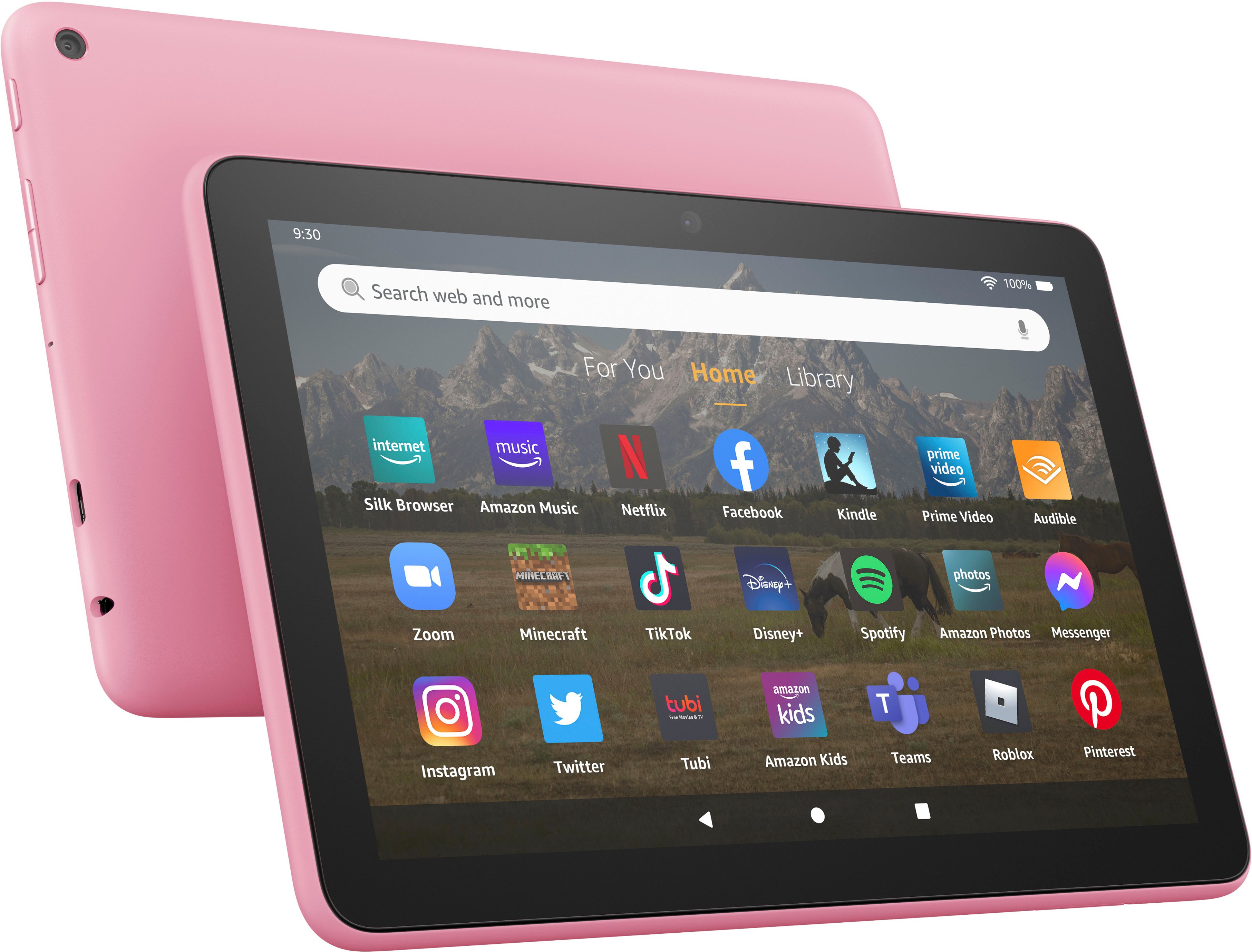
    • Answer Hell js, Thank you for your question. In order to terminate apps, look at the bottom of the Fire tablet, for the grouped 3 symbols: triangle pointing left, circle and square. Tap the square and you will be able to see the apps running by swiping right or left in a carrousel fashion. You can also use this feature to switch from one app to another. To terminate apps, swipe up, one after the other. When no apps are running, you will see the desktop with the apps icons. Hope this helps. Have a great day!

      Answered by Amazon Devices Customer Support

  • QuestionDoes this come with lock screen no ads?

    Asked by toy.

    • Answer Hi toy! All of the tablets available at BestBuy will come with lock screen ads, but you can remove them for a one time fee. To remove the ads: 1. Go to Manage Your Content and Devices. Select Devices, and then select your device. 2. Under Special Offers, click Remove offers. A pop-up window then displays the price to remove ads. 3. Select End Offers and Pay the Fee to proceed. Hope this helps, have a great day!

      Answered by Amazon Devices Customer Support

  • Questionis this tablet compatible with google playstore can i get google play books on this tablet

    Asked by Anonymous.

    • Answer Hello! The Fire HD 8 uses Amazon's App store and does not have Google Playstore. On the Fire HD 8 you can use apps like Kindle to buy and read books. I hope this helps, have a great day!

      Answered by Amazon Devices Customer Support

  • QuestionWhat is the age range for this tablet

    Asked by TeresaD.

    • Answer Hello TD- The Amazon Fire 8 HD Tablet is recommended for ages 6 and up. The tablet does have settings that allow for restrictions to be placed under a profile for children in the household as well. To add content to your Child Profile on a Fire Tablet, follow these steps: 1. Go to the Parent Dashboard 2. Navigate to the child profile you wish to manage and select Settings. 3. Select Add content. 4. Select the desired content category using the tabs above the list of content. 5. Add or remove content by toggling the switch next to them. Have a great day! "

      Answered by Amazon Devices Customer Support

  • QuestionCan I download games such as Minecraft and Roblox for my kids?

    Asked by AO.

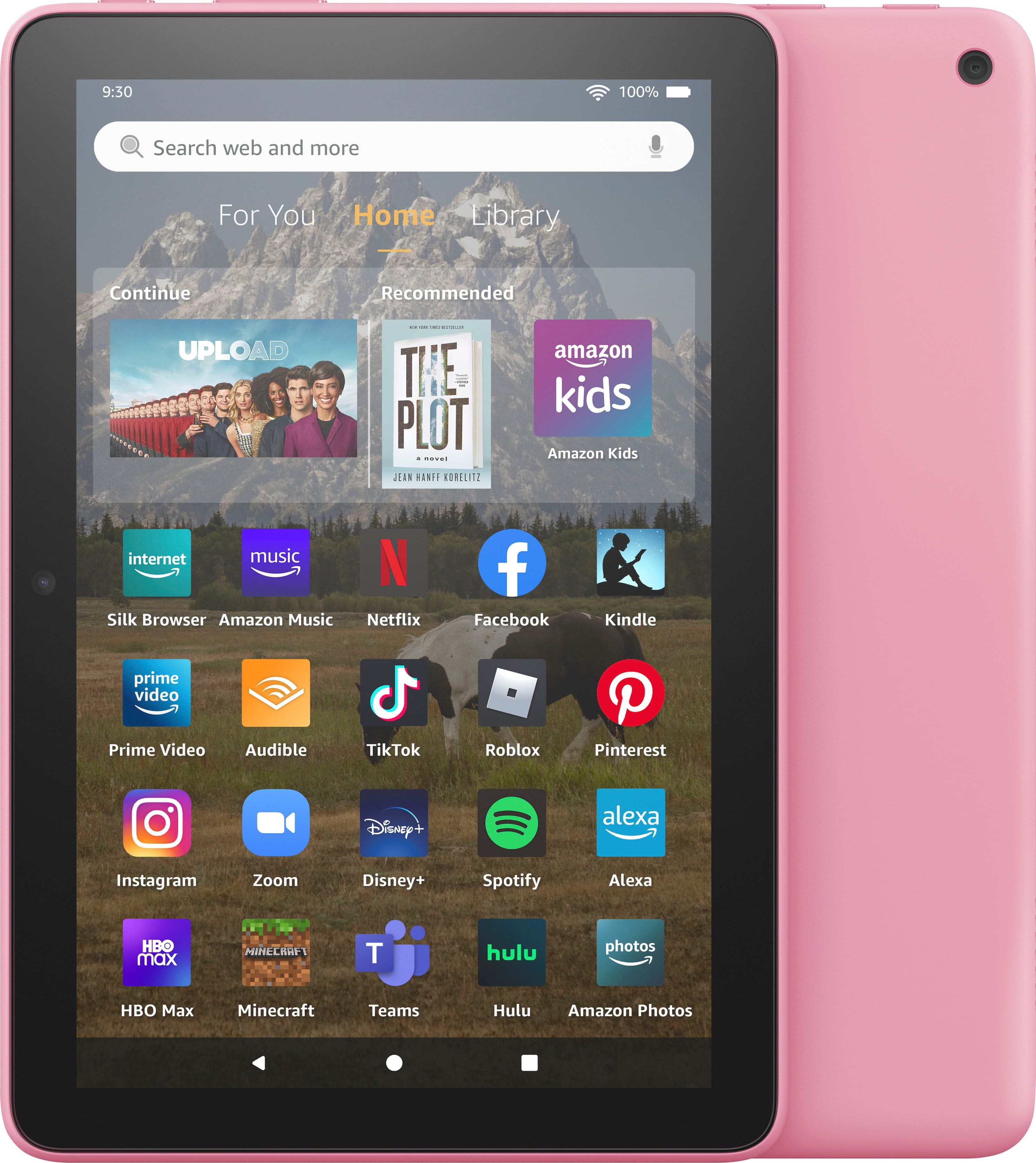
    • Answer Hello! Open the Amazon Appstore on your device. Search for the app you want to download and then select it. Fire HD 8 tablets come with access to a digital store where you can purchase eBooks and apps, or add your favorite games like Roblox and Minecraft. Hope this helps!

      Answered by Amazon Devices Customer Support

  • QuestionCan photos be loaded onto the tablet, and is it easy to do so?

    Asked by RockyR.

    • Answer Hi RockyR, the Fire HD8 can store photos. You can download them from your preferred cloud service or take photos using the cameras on the device.

      Answered by Amazon Devices Customer Support

  • QuestionWhat is the difference between the HD 8" and the HD Plus 8"?

    Asked by KimK.

    • Answer Even though the two tablets are identical, the extra GB of RAM and the wireless charging option on the Amazon Fire HD 8 Plus tip the scales in its favor.

      Answered by Anonymous

  • QuestionAm I able to put parental control/child locks to prevent downloading or seeing content that I don't want my child to see?

    Asked by KC.

    • Answer Hi KC! With parental controls, you can help keep your child from accessing certain things, avoiding accidental purchases, and set time limits with on-device controls. Here are the things the parental controls let you restrict access to: -Web browsing -Email, Contacts, and Calendar apps -Purchasing from the Amazon Store or Amazon Shop app -Playing titles from Prime Video -Specific content types or titles (for example, books or apps) -Wireless connectivity -The camera -Location-based Services You can also use the daily curfew option to schedule when your child can use the device. Enabling Parental Controls does not remove Mature or Adult-rated content from the device. You may encounter such content in Apps and Games, Music, and Books, or in Amazon store search results. To restrict the content available on the device, you can: -Create an Amazon Kids child profile and select which apps and content are available to that profile. -Block access to content on the device (for example, "Apps and Games," "Books," and "Music") by going to Amazon Content and Apps menu under Parental Controls and selecting the button next to each category to say Blocked. I hope that information helps! Have a great day!
      Answered by Amazon Devices Customer Support

  • Questioncan you download anything that would be on the app store

    Asked by Anonymous.

    • Answer Hello! Yes, you can download apps to your Fire Tablet like Netflix, Disney+, YouTube and so many more. You can download games and apps and use them on the go by following these steps: 1. Select Games & Apps or open the Apps or Games app. 2. Select an app from your Library to download it or search for a new app in the Store. Have a great day!

      Answered by Amazon Devices Customer Support

  • QuestionI am needing something to take to events to accept credit card payments as well as record videos. Can this tablet be added to my cellular plan?

    Asked by June.

    • Answer Hi June! The Fire Tablets do not have cellular capabilities at this time. You could however connect it to a Wi-Fi hotspot for internet connections away from your home though. Thanks for your question, have a great day!

      Answered by Amazon Devices Customer Support

  • QuestionWhich generation is this tablet?

    Asked by Anonymous.

    • Answer Hello, The Amazon Fire HD 8 (2022) tablet is the 12th generation of the tablet. The 12th gen tablet includes enhanced hexa-core processor for more responsive performance (up to 30% faster than previous gen) and up to 13 hours of battery life. Thanks for the question!

      Answered by Amazon Devices Customer Support

  • Questiondoes the kindle 8+ have an external sd slot?

    Asked by jc.

    • Answer Hi jc. The Amazon Fire HD8 has an external micro SD card slot, allowing you to expand to 1TB of storage. I hope I have answered your question. Thank you.

      Answered by Amazon Devices Customer Support

  • QuestionCan I use this tablet in public away from home? If so, please let me know what I need to do this. Thank you

    Asked by Glen.

    • Answer Yes. You can connect it to your phone's hotspot for internet connection. Might want to confirm that your mobile plan has unlimited data that includes hotspot usage. If not sure you can call your mobile provider and they can confirm what coverage you have. If you don't plan to use the tablet for accessing any personal info like your bank or anything else. Public Wifi connection is fine to use. I hope that helps answer your question.

      Answered by RobRiv