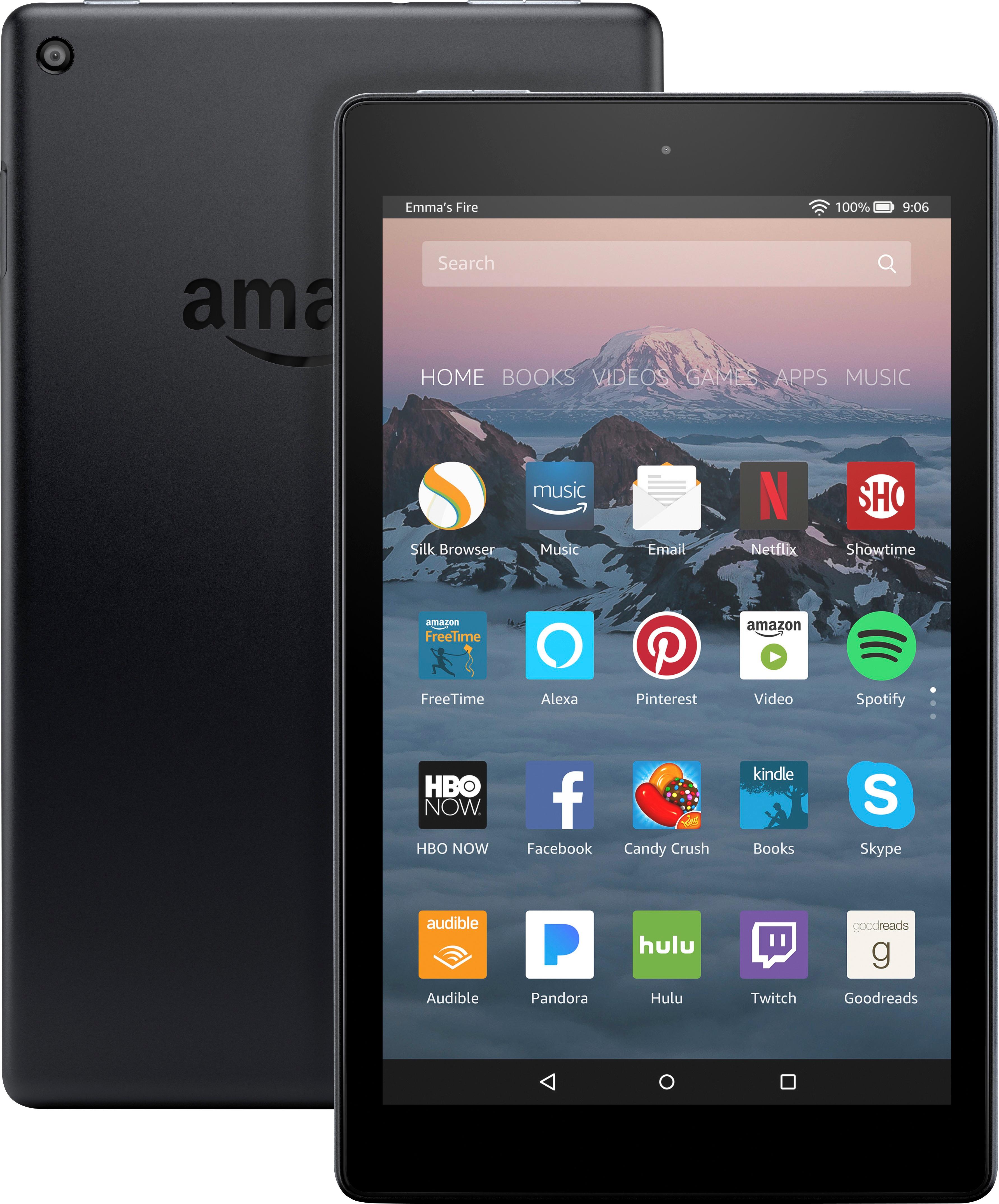
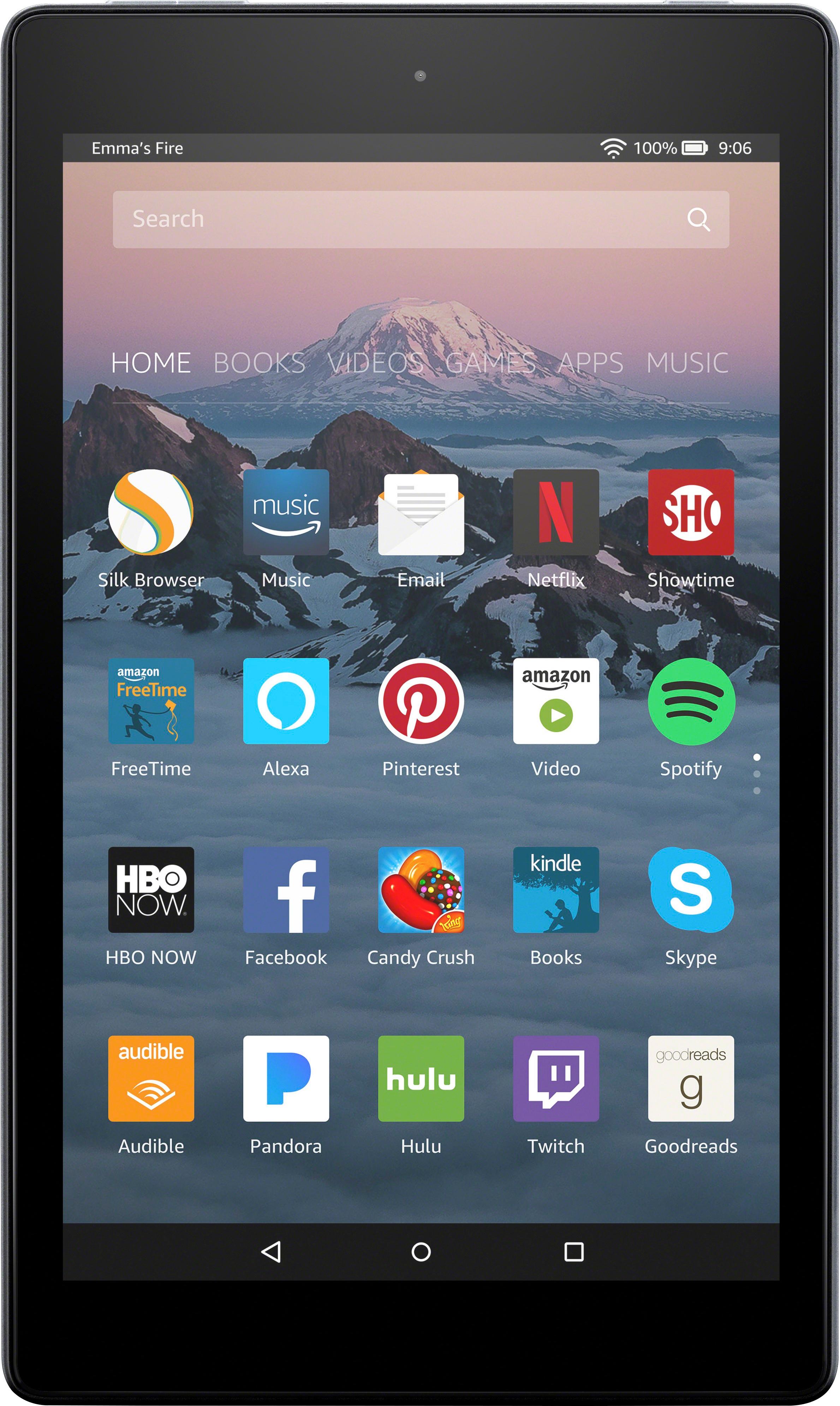
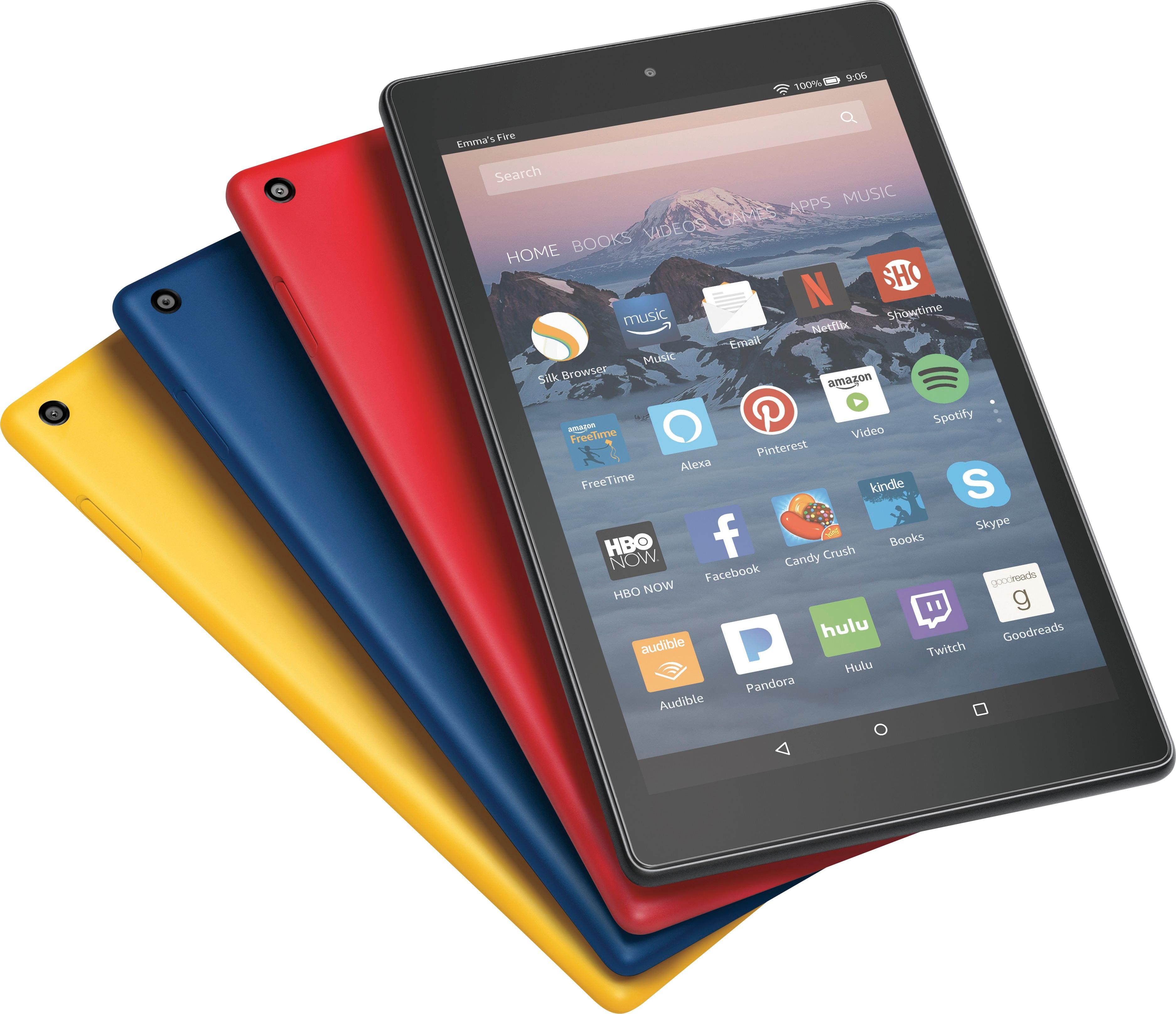
A:Answer At one end of the tablet you will see volume buttons, a headphone jack, a power jack and the power button. Hold down the power button until you see the screen flash and hear the amazon chime. It then will begin loading its setup instructions. From there, just follow the screen by screen instructions to personalize your tablet. It will give you tutorials as you go from one feature to the next; which you can also access later once the tablet has been setup. If the tablet does not turn on at first, you may need to charge it up or contact customer service for other options.