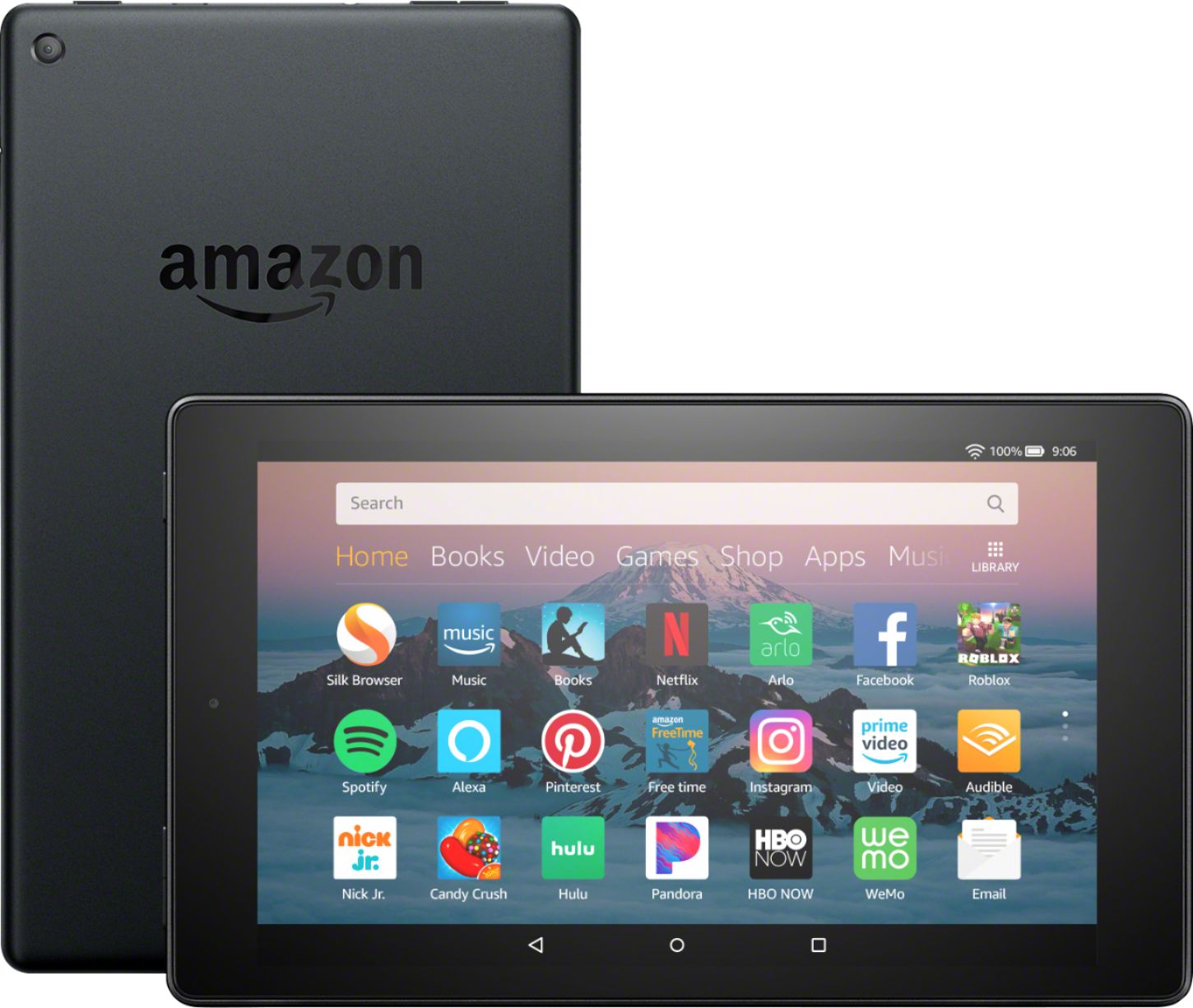
A:AnswerHello Fern, the tablet has a slot on the upper-right side to insert expandable storage. The slot can be easily opened by using your nail or another small, flat object.
A:AnswerI really don’t know I only bought it for a gift but I’m pretty sur you can if you can’t just return it just like any other item if you don’t want it
A:AnswerYes, but you have to side-load it yourself; follow the steps in this article:
https://www.howtogeek.com/232726/how-to-install-the-google-play-store-on-your-amazon-fire-tablet/
It's a few steps and might take half an hour or so (depending on your download speed) but it's not hard to do; just follow the instructions.
A:AnswerHD8 uses Wi-Fi only for wireless communications. So, any location that has Wi-Fi like home router, coffee shops, office could connect to HD8. To connect to cell phone data services, i.e. Internet, use a HotSpot device for T Mobile.
A:AnswerHello Bev,
The Fire HD 8 has a micro sd card slot you can use to transfer photos from your computer to the tablet without needing additional apps.
Hope this helps!
A:AnswerPerhaps this link can help you:
https://dmediamom.com/2013/10/03/upgrading-to-a-new-kindle-fire-how-to-copy-content-from-an-old-fire-to-a-new-one