A:AnswerI have to disagree with the answer No only to apps from Amazon. Yes you can use Google play apps if the developer has a website where you can download the filename. apk file from said website or any apk ending file that the Google Ply supports. You will have to go to settings to okay installs from unknown sources. I also installed from Amazon App Store the application ES File Manager free. It has a good file installer option. Oh, and don’t forget to install a free virus and/or virus and malware program from Amazon App Store. Hope this helps.
A:AnswerI love my new HD Fire. Yiu can do pretty much everything on it; emails, games, taking pictures and I'm sure more but I heard learned them yet lol
A:AnswerNo. Amazon's Fire OS is a proprietary OS and can only run apps made available through Amazon. Skype is not one of those apps.
While some people claim it can run android apps from the Google Store, I did not find that to be the case.
If you want to use skype on a tablet, the best recommendation is to spend a more money and step up to a tablet which runs either Windows or Android OS.
Quite frankly, I found the Amazon tablet to be a waste of money. It has very few useful apps and a lot of them were buggy. The OS is sluggish compared to Android or Windows, the touchscreen is not very responsive, and using one is an experiment designed to test one's frustration levels until one is left with the desire to place it on a solid flat surface and take a hammer to it.
A:AnswerYes it has an output for headphones or speakers.
It only has one USB port--the output requiring a USB-C connector. It's primary function is for charging the internal battery but also allows for connecting to a laptop for file transfers. So it cannot be used for thumb drives, other peripherals without an adapter.
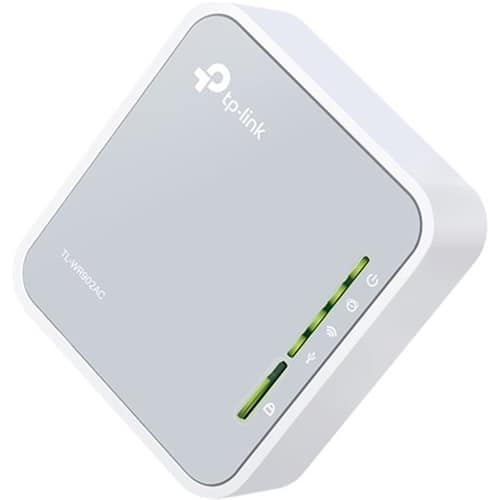
A:AnswerThe first thing to know is whether they have Internet in the home, and have ethernet cables. If they do, it is possible but not convenient to connect to the internet using their cable modem. I have successfully tried the following: First, buy an On The Go ("OTG") adapter; it will have a micro USB connector on one end that will plug into the charging port of the tablet. The other end will have a standard USB socket. Next, buy and insert a USB to ethernet adapter into the OTG USB socket, and connect an ethernet cable to the adapter. See photo. There will be a <-> icon at the top of the display showing you are connected to the internet via a cable. This means they will need to plug in these adapters, not accidentally disconnect them using the tablet, and will be limited to the length of the cable. Yes, it will work, but is definitely not convenient and borders on child abuse. A better option would be to buy a small travel router like this https://www.bestbuy.com/site/tp-link-ac750-dual-band-wi-fi-router-silver-white/5844810.p?skuId=5844810 to go with the tablets. Range may be limited (don't expect whole-house coverage), but it may be cheaper than buying the OTG cable and USB to ethernet adapter and cables. It will also be a better user experience.
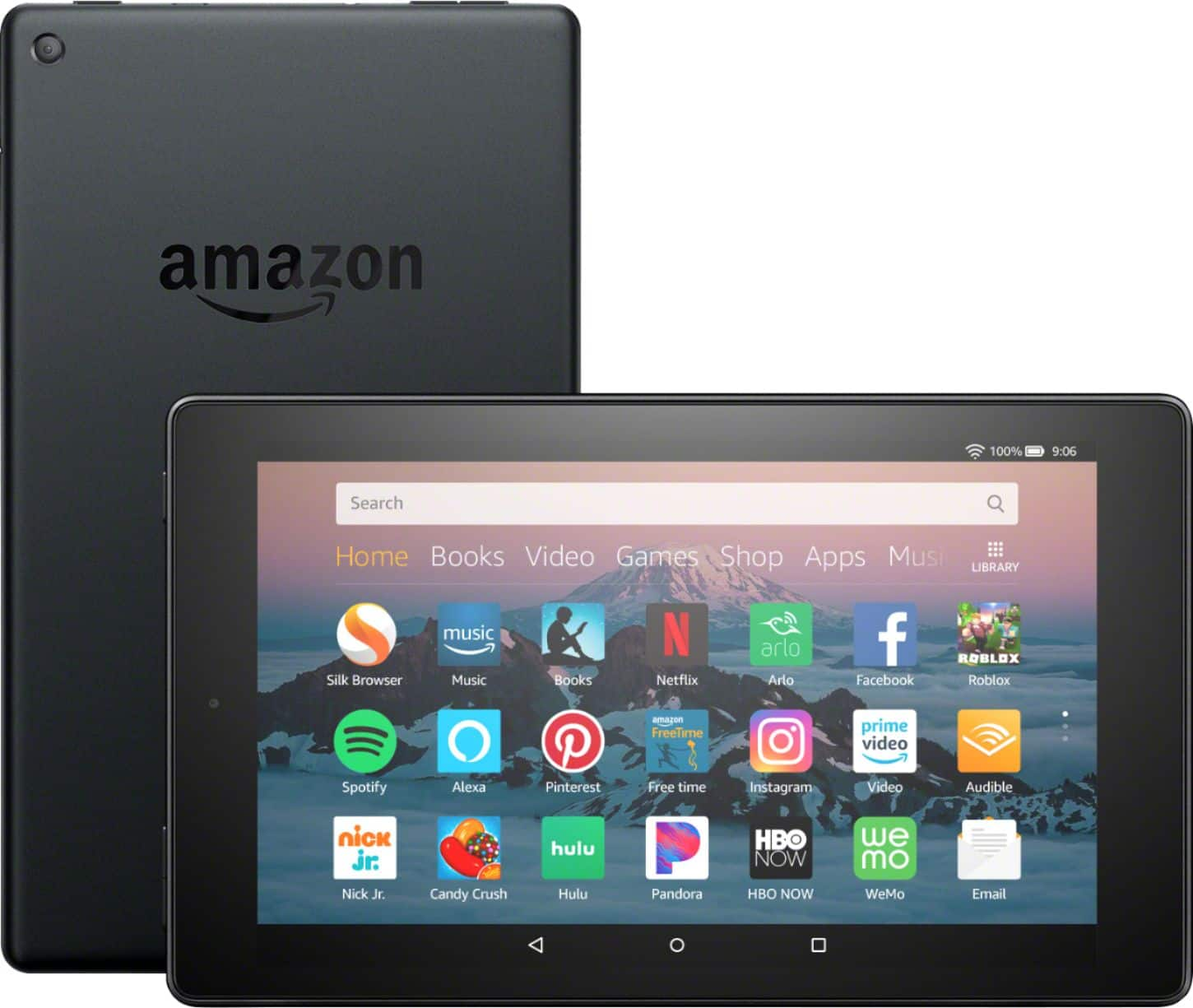
A:AnswerYes, using the proprietary Silk Browser provided in the OS. Unfortunately, there are no other browsers which are compatible because it uses a proprietary operating system. And even though the Fire OS Amazon uses is built off the same kernal as Android, it is a crap shoot whether or not an app made for android will work on this tablet.