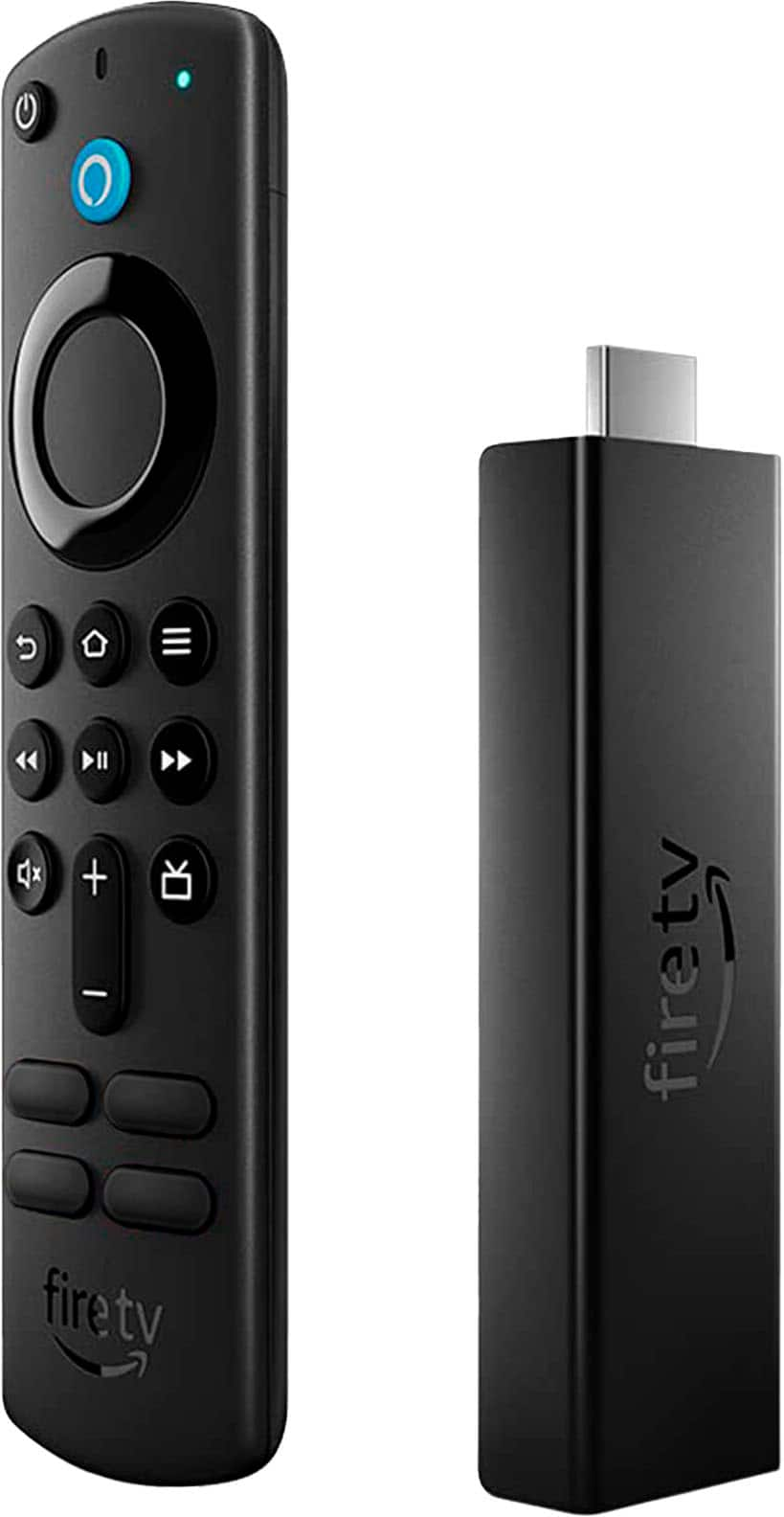
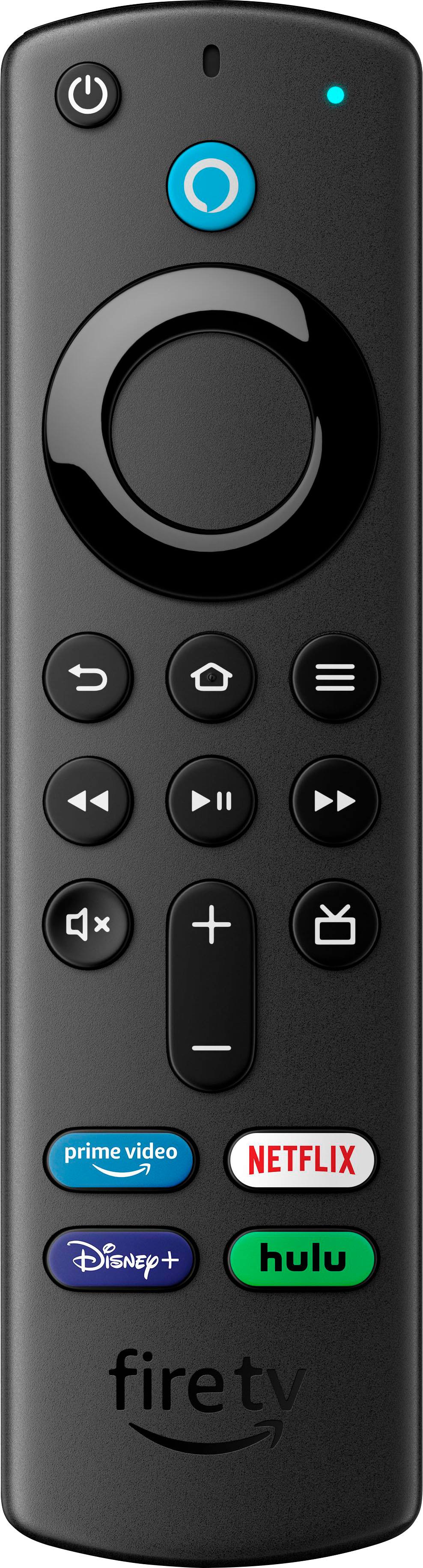
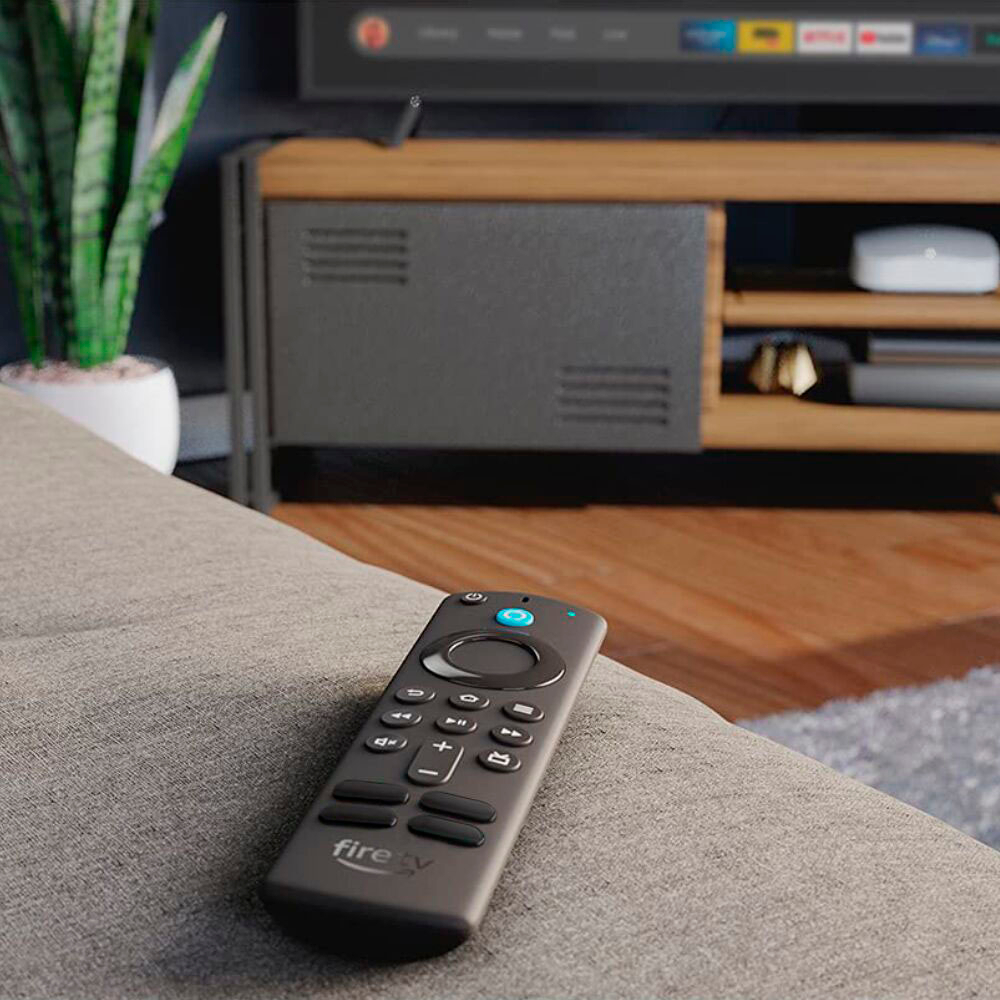
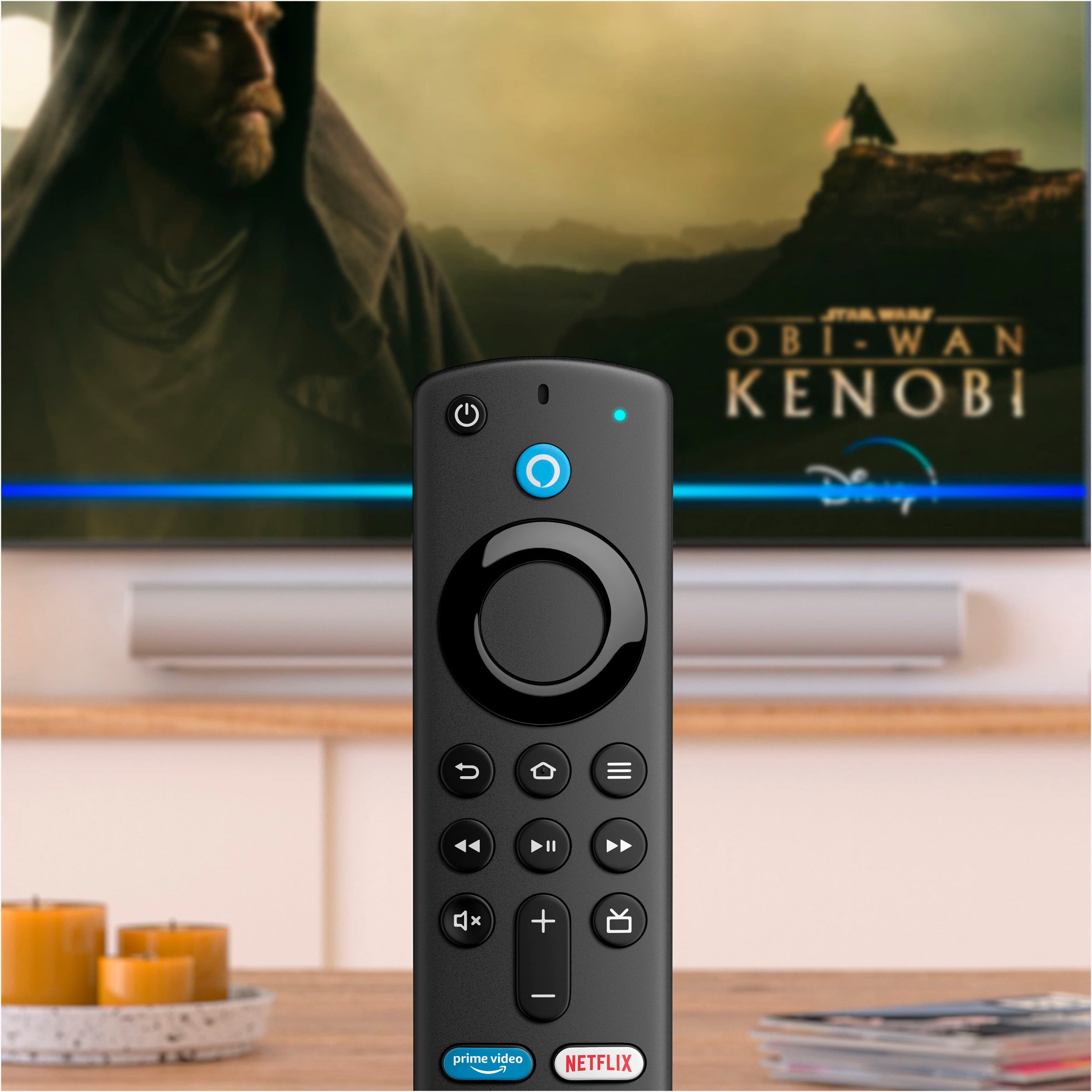
A:AnswerYou can use the circle to change channels, you have your volume control, you can also use closed caption and use the pause and rewind shows while watching different apps that aren't live TV.
A:AnswerNo, but you can buy an antenna and you will get the channels you want. I just did this a month ago. A bit of a learning curve for me with switching back and forth but all figured out now.
Insignia™ - Amplified Ultra-Thin Indoor HDTV Antenna - 60 Mile Range - Black (I think $39)
A:AnswerThey offer all the latest Fire Sticks. Also they typically go in lockstep with Amazon regarding price. That is, if Amazon puts a Fire Stick on sale, so will Best Buy.
A:AnswerThe short answer is no. While it is possible to rig something together to attach an ethernet cable to the firestick, there are other options available that do have the R45J port.
A:AnswerThe remote has Alexa built in. You can use the remote to tell Alexa to play music on your chosen device. Through the Alexa app you can also select your Echo to be able to control your Fire stick as well. Ex: “Alexa, play Frozen on Disney”. Also, you can connect the speaker through bluetooth to the Fire stick and play your tv audio through the Echo as well! My son actually has bluetooth headphones he connected to his Fire so he can hear tv without blasting it and waking up his little sister. Lots of great functions!