A:AnswerHi there! If none of your streaming apps are working on the other two Fire TV Sticks, I would check that they are connected to the correct WiFi network (the same as the working one). Turn on the TVs and make sure they are set to the correct HDMI input, check with the manufacturers instructions if you're unsure how to do that. Next, check the network status on your Fire TV device: Go to Settings (gear icon).
Select Network.
Find your network name.
Press Play/Pause on your remote to see your network status and follow the recommended steps.
Tip: On compatible devices you can also select Run Speed Test or Advanced to see detailed information about your connection. To learn more, go to What is the Fire TV Network Status Tool?
If you still can't connect, or don't see your network name, scroll down to Wi-Fi. Then, turn Wi-Fi off and on.
Forget your Wi-Fi network and then try connecting again. Have your Wi-Fi password and network name ready. If you can't find your password, go to Locate Your Wi-Fi Password for more help. To forget your network:
Go to Settings on your Fire TV.
Select Network .
Find your network name.
Press the Menu button and then the Select button on your remote to forget the network.
Restart your modem and router. If possible, move your Fire TV device and router closer to each other. To restart your home network devices:
Unplug your modem and router and then wait 1 minute.
Plug in your modem first and wait for the lights to turn on and for it to connect to the internet (about 1 minute).
Plug in your router and wait for the lights to turn on and for it to connect to the internet (about 1 minute). If you are still having issues at this point, I would reach out to Amazon's customer service directly. I hope that helps, have a great rest of your day!
A:AnswerHello Chet,
Thank you for your question. Yes you can control TV power and volume with the remote that is included with your Fire TV Stick 4K. Hope this helps, have a nice day!
A:AnswerHello TJE,
The Fire Stick 4k does support Dolby Vision, Dolby Vision Plus HDR, HDR10, HDR10+ and HLG. The Firestick 4k does not support 120hz pass through. Depending on your television it will scale the content streaming to 120hz or 60hz.
I hope this helps!
A:AnswerHello Bob and thank you for your question! Yes, You can watch live TV on supported apps and browse what's airing from the Fire TV home screen or the Live tab. Some apps do require a paid subscription.
To watch live TV on your device:
1. Download apps that offer live TV content from the app store. You can also pair a Fire TV Recast to watch over-the-air TV. If you have a Fire TV Edition TV, you can connect a live TV source (like a digital antenna) to your device.
2. Browse what's currently airing from the On Now row on your Home screen or the Live tab. You can also use the channel guide button on your remote. Hope this helps! Have a great day!
A:AnswerHi Momonthego59! The Fire TV Stick 4K doesn't have a brightness setting, you'll have to check adjust the brightness via the display that the Fire TV Stick is plugged into. Typically this is done via the picture settings on your TV, but check with the manufacturer's instructions for your particular brand and model. I hope that helps, have a great rest of your day!
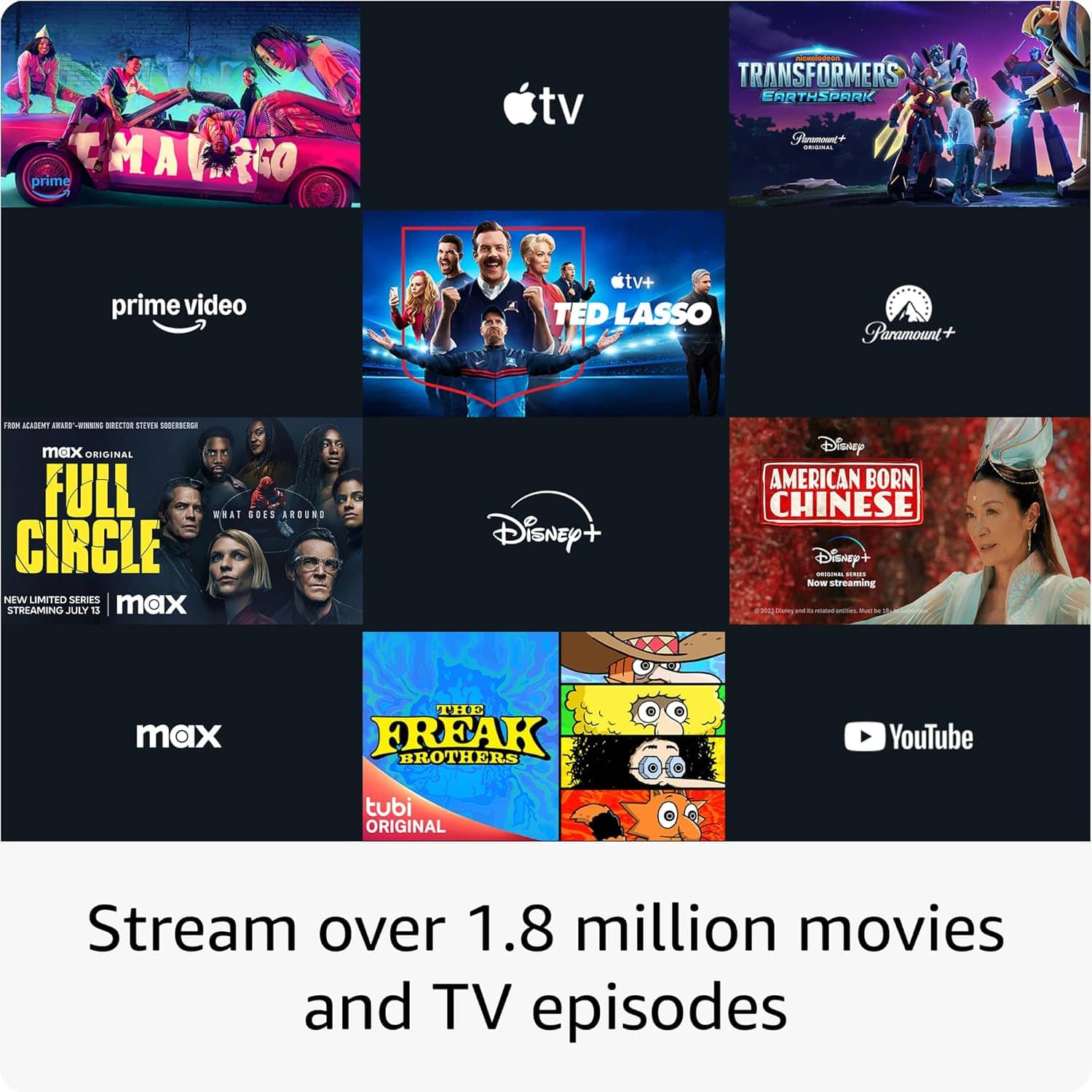
A:AnswerHello, there are thousands of apps to choose from that can be downloaded on the Amazon Fire TV Stick. All the most popular apps such as Netflix, Hulu, Disney+, YouTube and HBOmax are available. Have a great day!
A:AnswerHi there! To set a sleep timer on your Fire TV Stick 4K, just ask Alexa to turn off the Fire TV Stick after a certain amount of time. Something like "Alexa, turn off the TV in an hour" and Alexa will handle the rest! For best results, you'll want to make sure that your TV is set up to let the Fire TV Stick 4K handle the power via HDMI but most modern TVs will work that way out of the box. I hope that helps, have a great rest of your day!
A:AnswerHi Ed! There's tons of great free TV available on the Fire TV Stick 4K, and you can even browse through what's playing now using the built-in Guide feature! Some examples of free TV available are FreeVee, Peacock, Pluto TV, and Crackle. Depending on your location, you may also have access to a variety of local stations. I hope that helps, have a great rest of your day!