A:Answer Hello Dano and thank you for your question. According to xfinity's Stream app minimum system requirements for Amazon Fire device requirements:
Supported operating systems:
To access and watch 4K content on Amazon Fire devices, Xfinity Stream app version 8.6 or later is required.
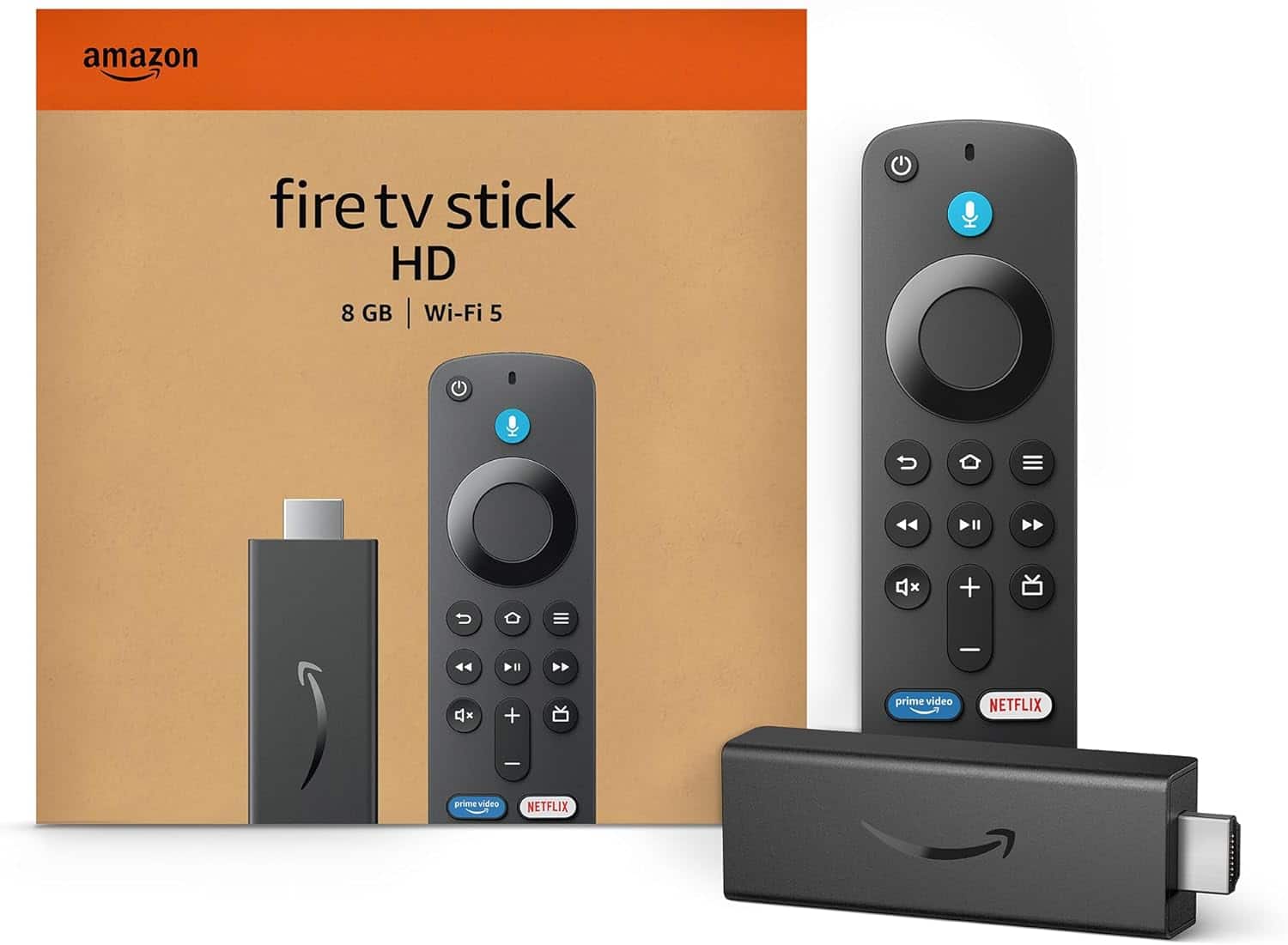
To download the Xfinity Stream app in the Amazon Appstore, your Amazon Fire TV, Fire Stick or tablet devices must be running Fire OS 6 or later.
Currently these devices are running Fire OS 6 or later:
Fire OS 7 & 8 Devices:
-Fire TV Stick 4K Max (2nd Gen, 2023)
-Fire TV Stick 4K (2nd Gen, 2023)
-Fire TV Stick 4K Max (1st Gen, 2021)
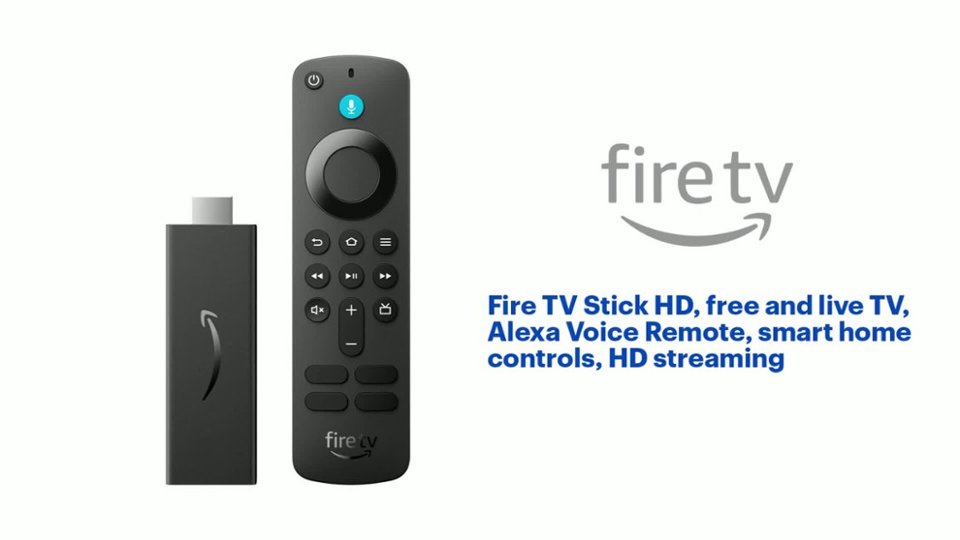
-Fire TV Stick (3rd Gen, 2020)
-Fire TV Stick Lite (1st Gen, 2020)
Running Fire OS 6 Devices (Older Models):
-Fire TV Stick 4K (1st Gen, 2018)
Hope this helps! Have a great day!