A:AnswerNo you do not have to join Amazon Prime service for this to work however it does give you access to a lot of content on the device. You can use it to play games, or use apps like Netflix, YouTube, HBO Go, Sling, Plex, and many others.
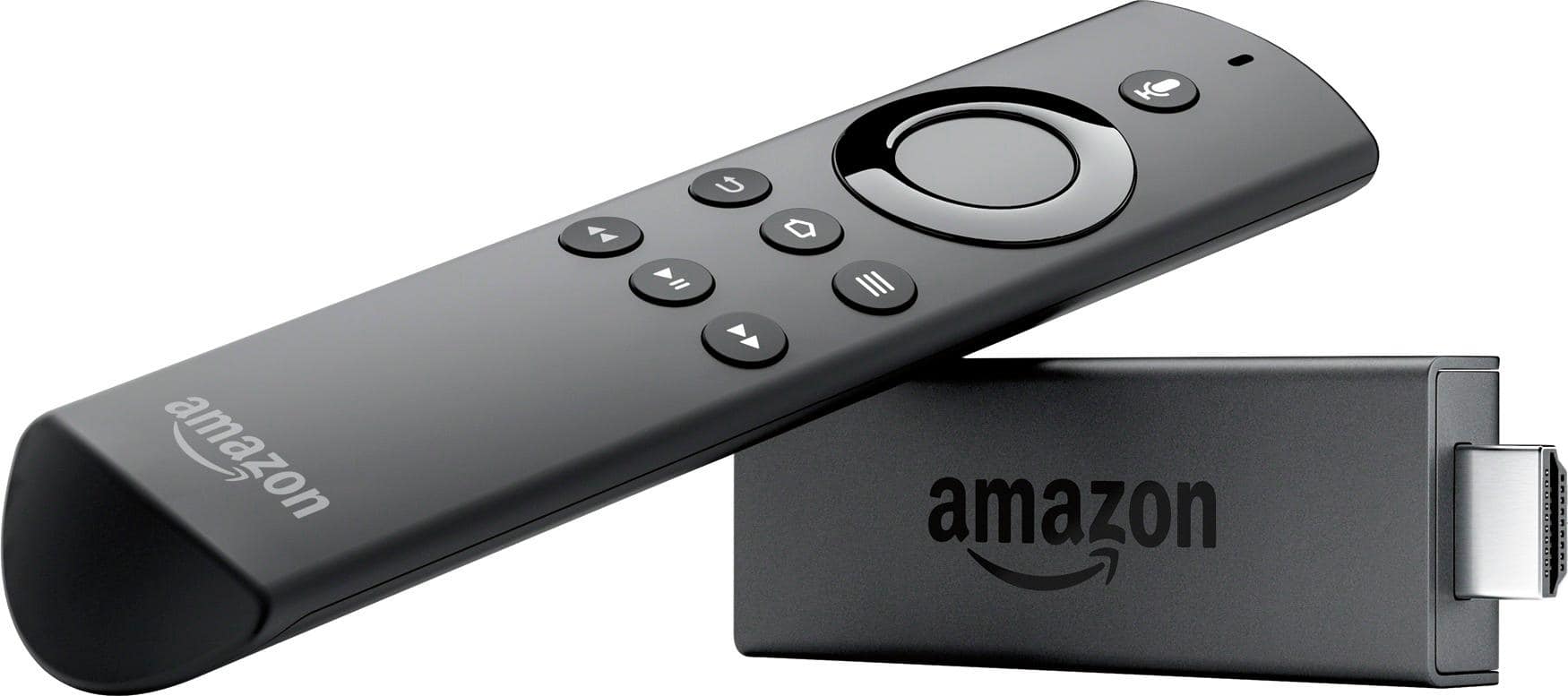
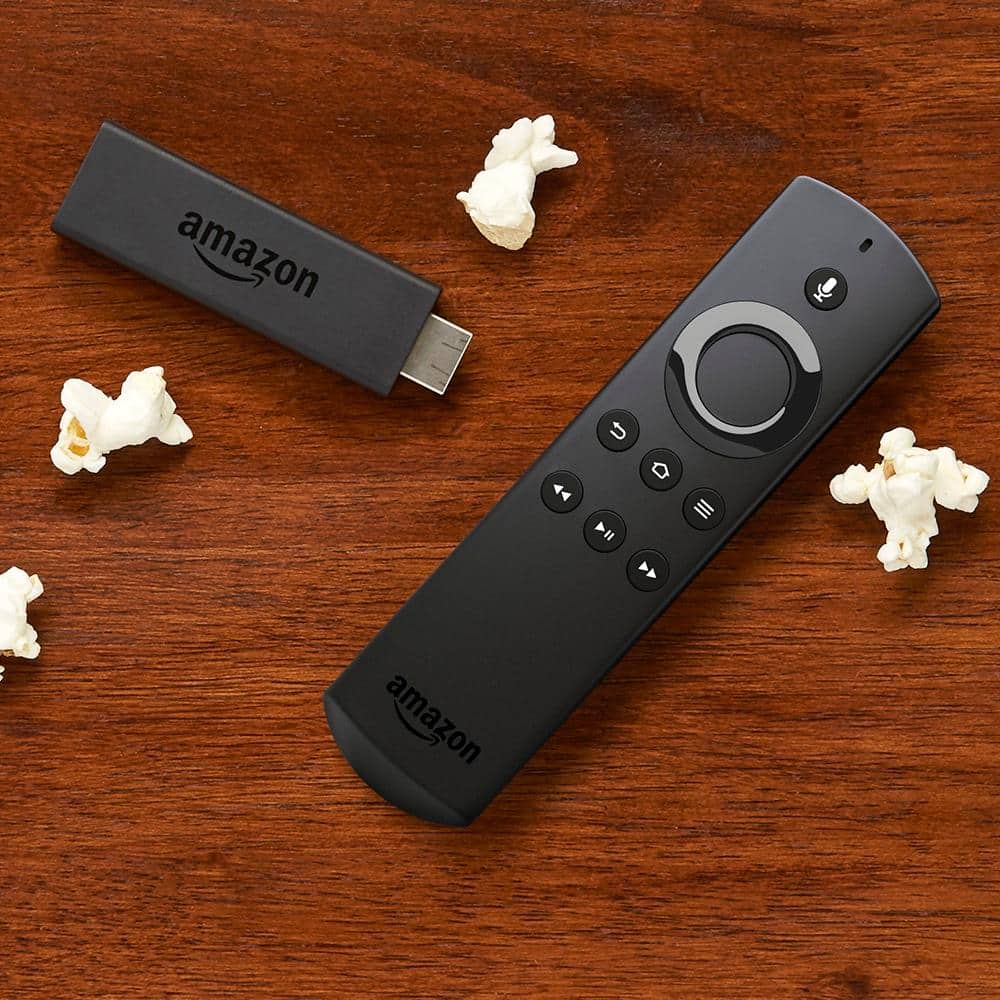
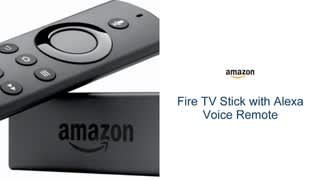
A:AnswerYes the remote has a home button, back button, play/pause button fast foward button, rewind button, and a menu button it also has a large button which is used to navigate up/down and sideways... also used as a select button when pressed in thd middle hope it helps...
A:AnswerAny firestick can be jailbroken, regardless if you have the alexia voice remote. I was able to jailbreak my firestick with an alexia voice function remote. You don't have to use the voice command function to control everything on your firestick, it is just a version of something like siri, where it will look something up, but not always be able to do everything for you.
A:AnswerYes you can and this is how I have it set up. My reciever has the fire stick, blue ray and cable box plugged into it. It even comes with a narrower extension dongle in case you don't have room since the fire stick itself is wider than a hdmi cable. I didn't have to use it for my set up, but I did for my dad's tv because there were some screws to the side of the tv input. I had to use the tv in my dad's set up since his reciever only has two hdmi inputs.
A:AnswerYou can move your firestick on multiple television sets, as it is plug and play. However, you will need to ensure that you have WiFi access where your trying to use your firestick.