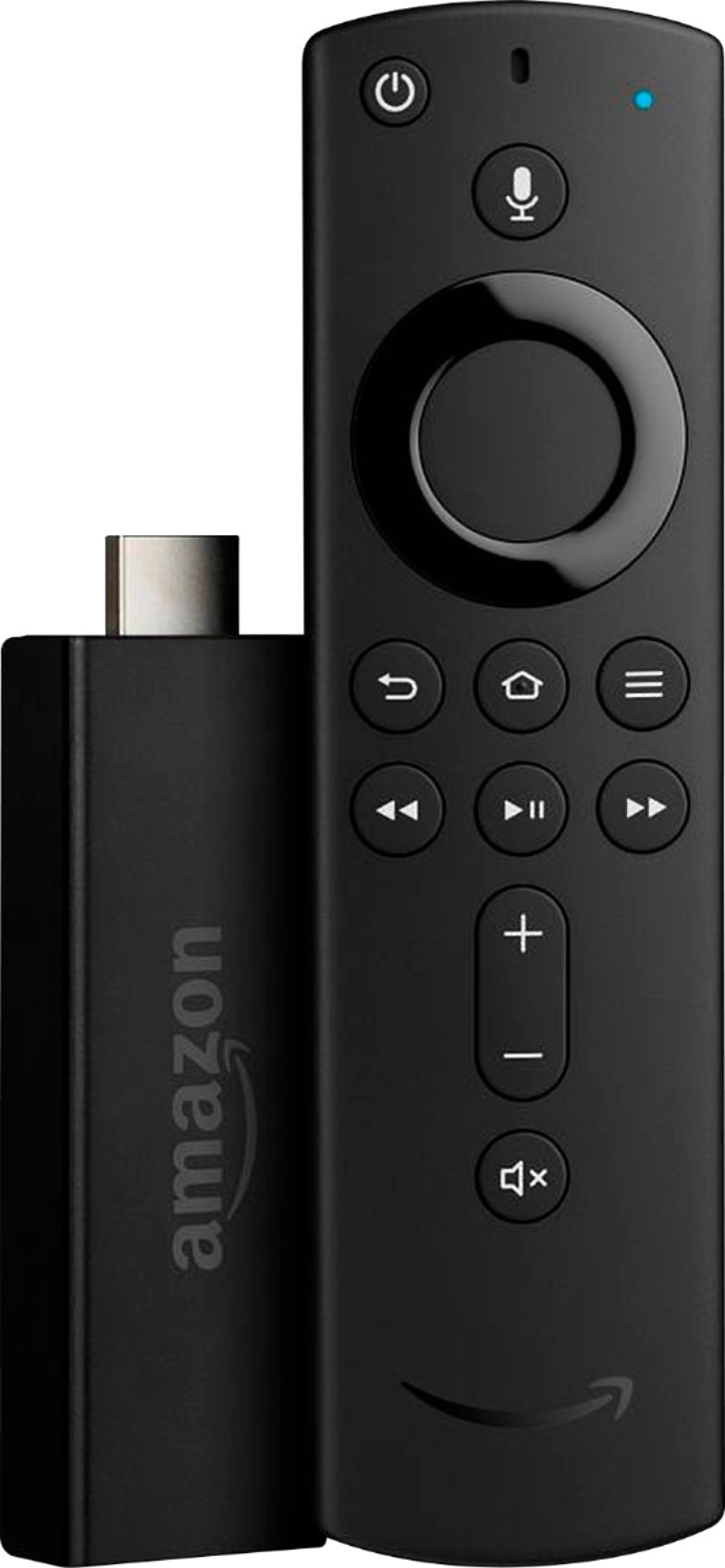
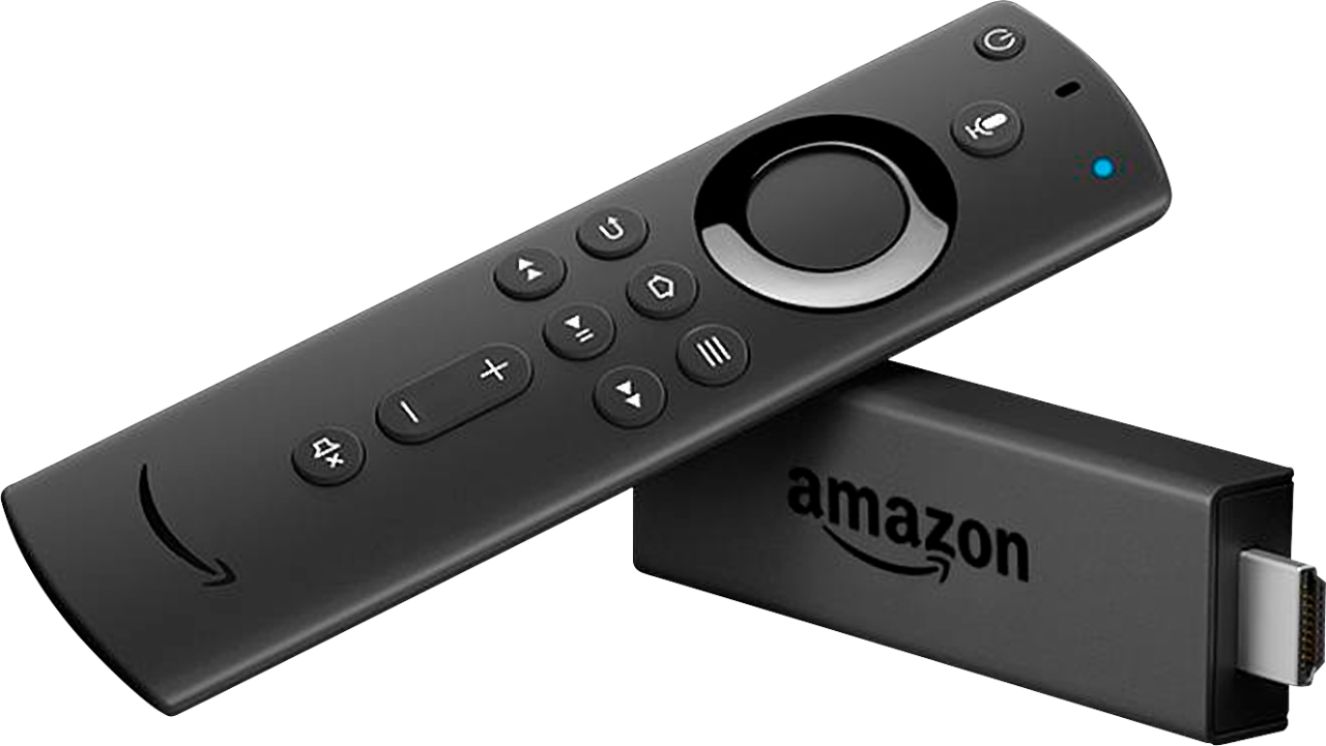
A:AnswerYou know what I dont know. I recently just got a firestick tv so I don't have to have all these remotes and I just wanted one and done. So will see how that works once I connect it
A:AnswerThe stick allows you to access any of your apps....we have Hulu live (which I love) and get tons of sports channels. Also we get the NFL ticket and NBA package and can also get those with our Fire Stick.
A:Answernot everything is preloaded. There are some apps that must be downloaded.
It would be great if these apps were free after the trial or in general
A:AnswerHi,
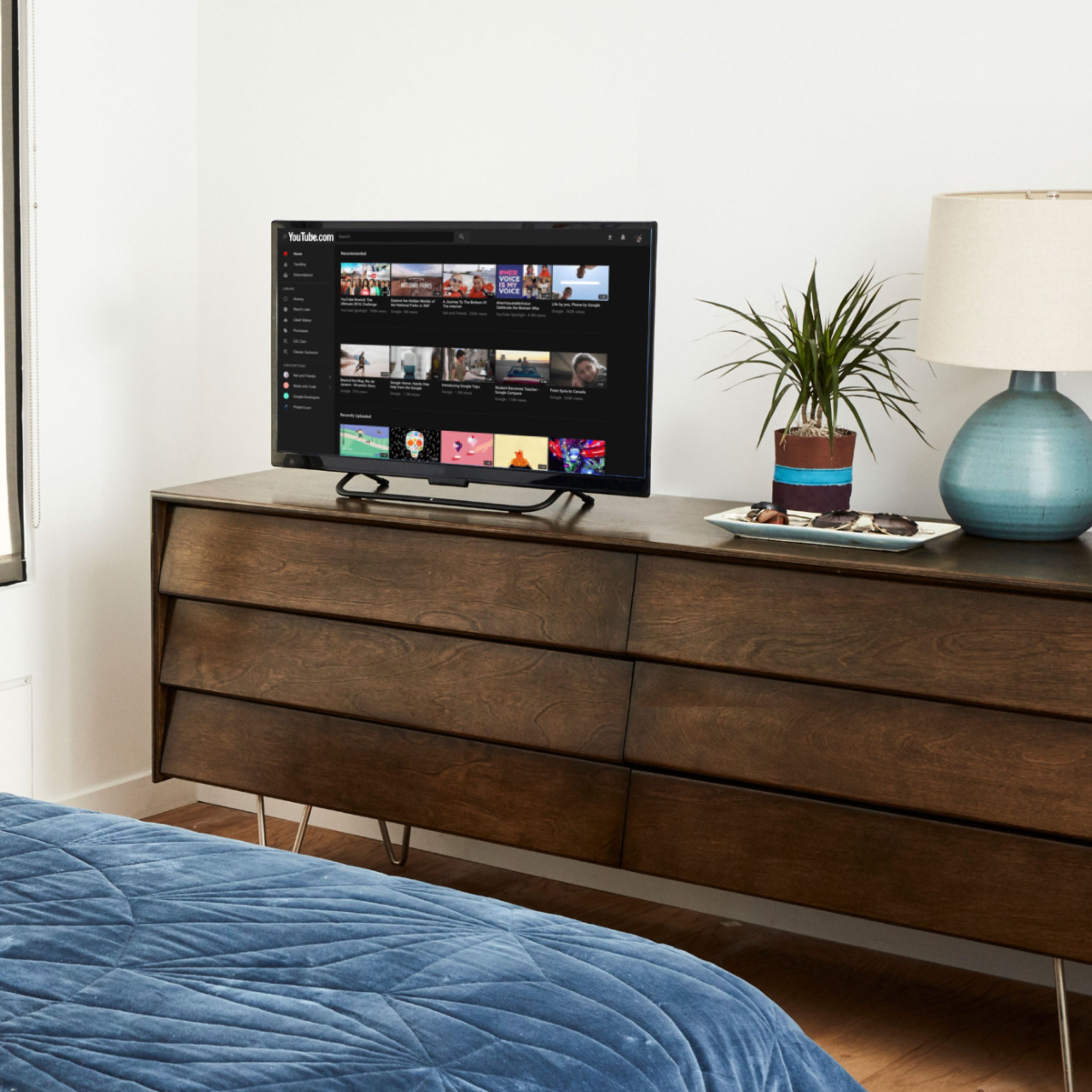
It works the same with or without a smart tv. On my smart tv with Roku the firestick just shows up as an app like all the rest. Then when you click on the app, it opens up and shows all the other options available on the firestick.
A:AnswerI use it just like watching cable tv. Just stream from your internet. No app to download. Plug and play. You may have too set up an account but that’s it.
A:AnswerNo not a major difference unless you "techy". Some of the differences I could point out are...
The processor performs better, that it has more memory, and the picture quality meshes well if you have a 4k tv.
Now don't get me wrong the regular one definitely get the (same) job done as well! I love the operation all of Amazon's devices! I also recommend an echo dot or echo show while you're at it or soon as possible!