A:AnswerHello, Pete70525!
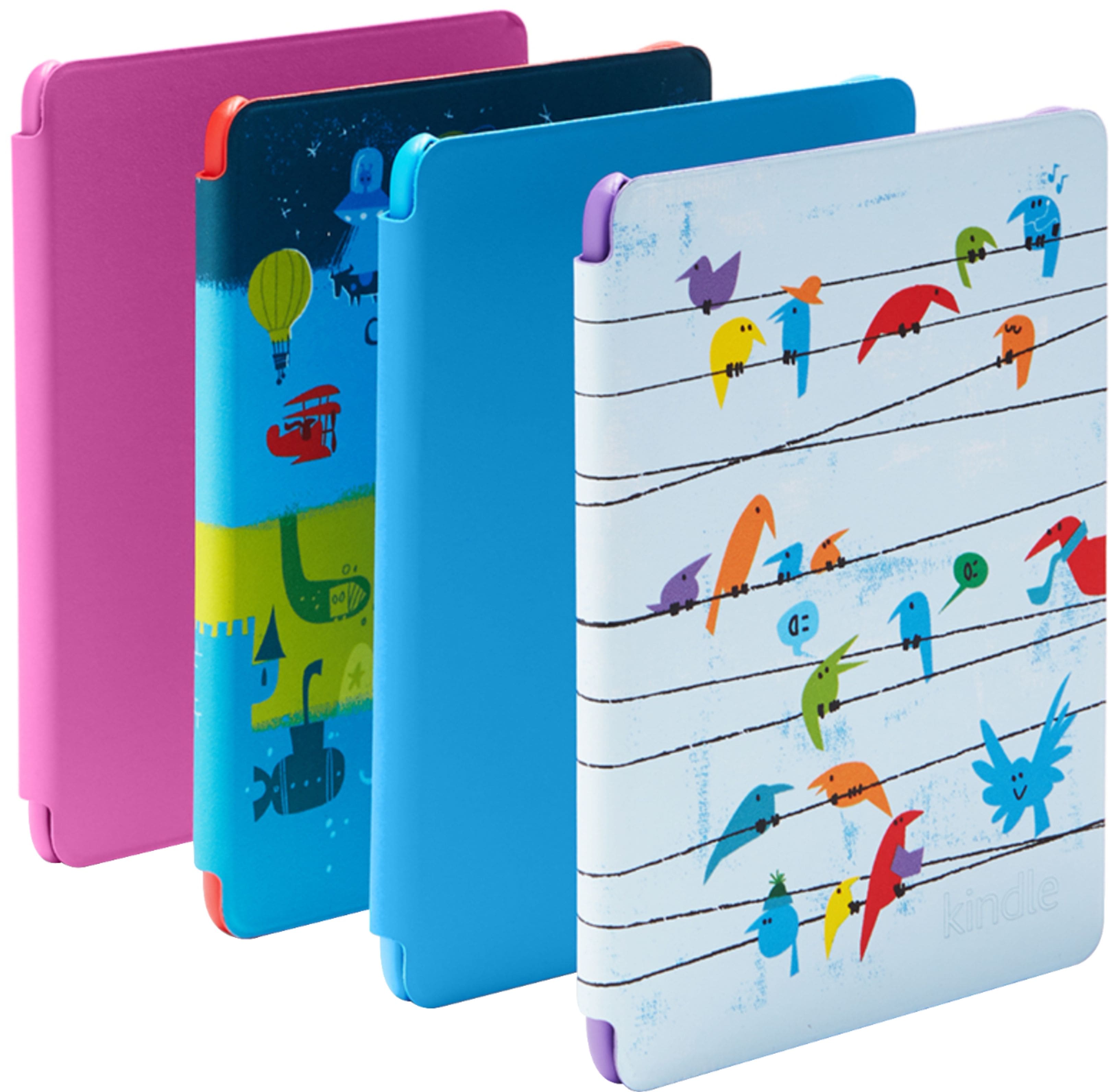
Thanks for your question about cases for the kids edition Kindle. When looking for the case for the ids edition, you can search for one that is for the 10th generation Kindle. Make sure it isn't for the Paperwhite or the Oasis, though. Those are different models that are shaped a little differently than the Kids Kindle. I hope that helps! Have a great day!
A:AnswerHello!
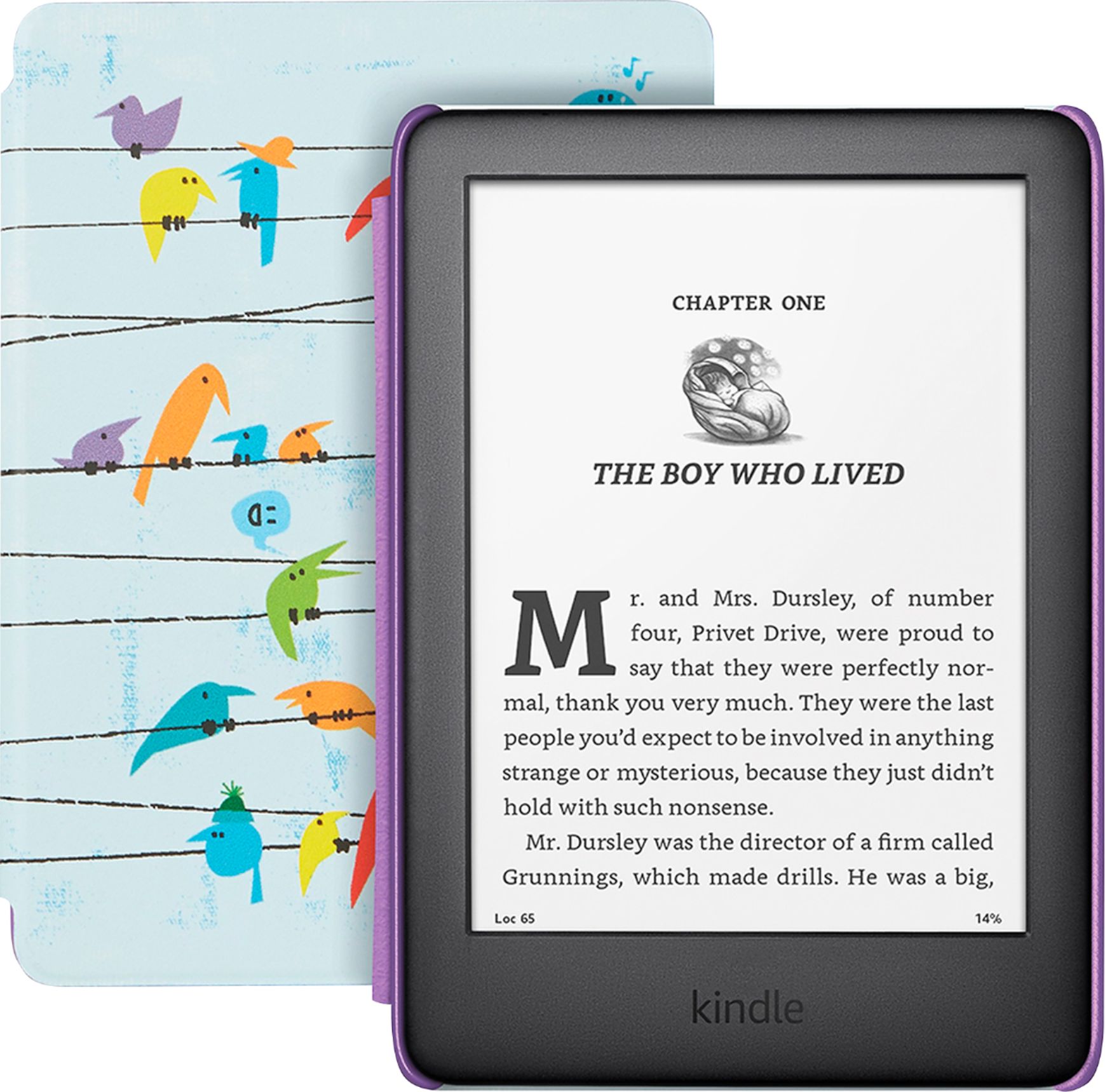
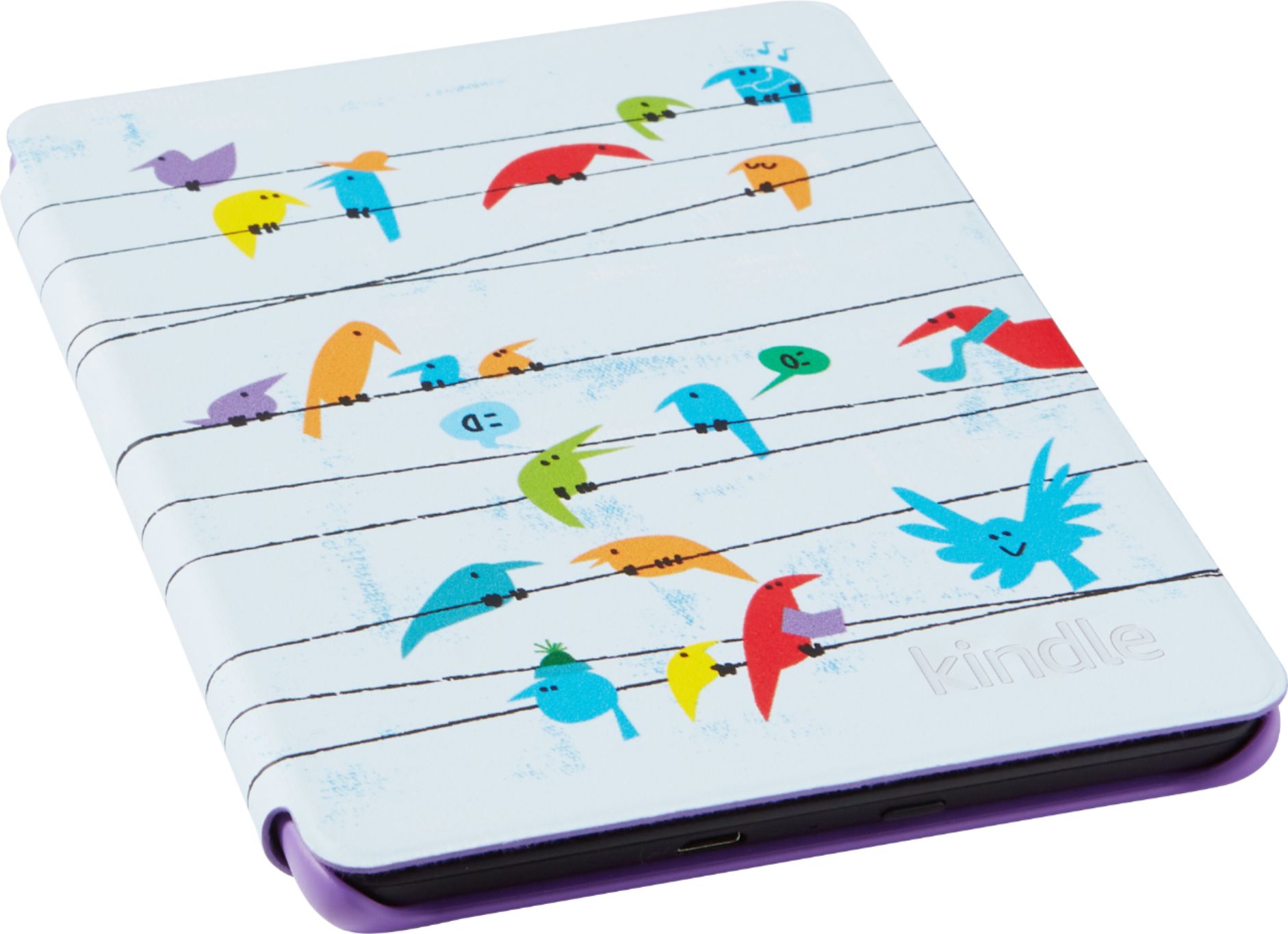
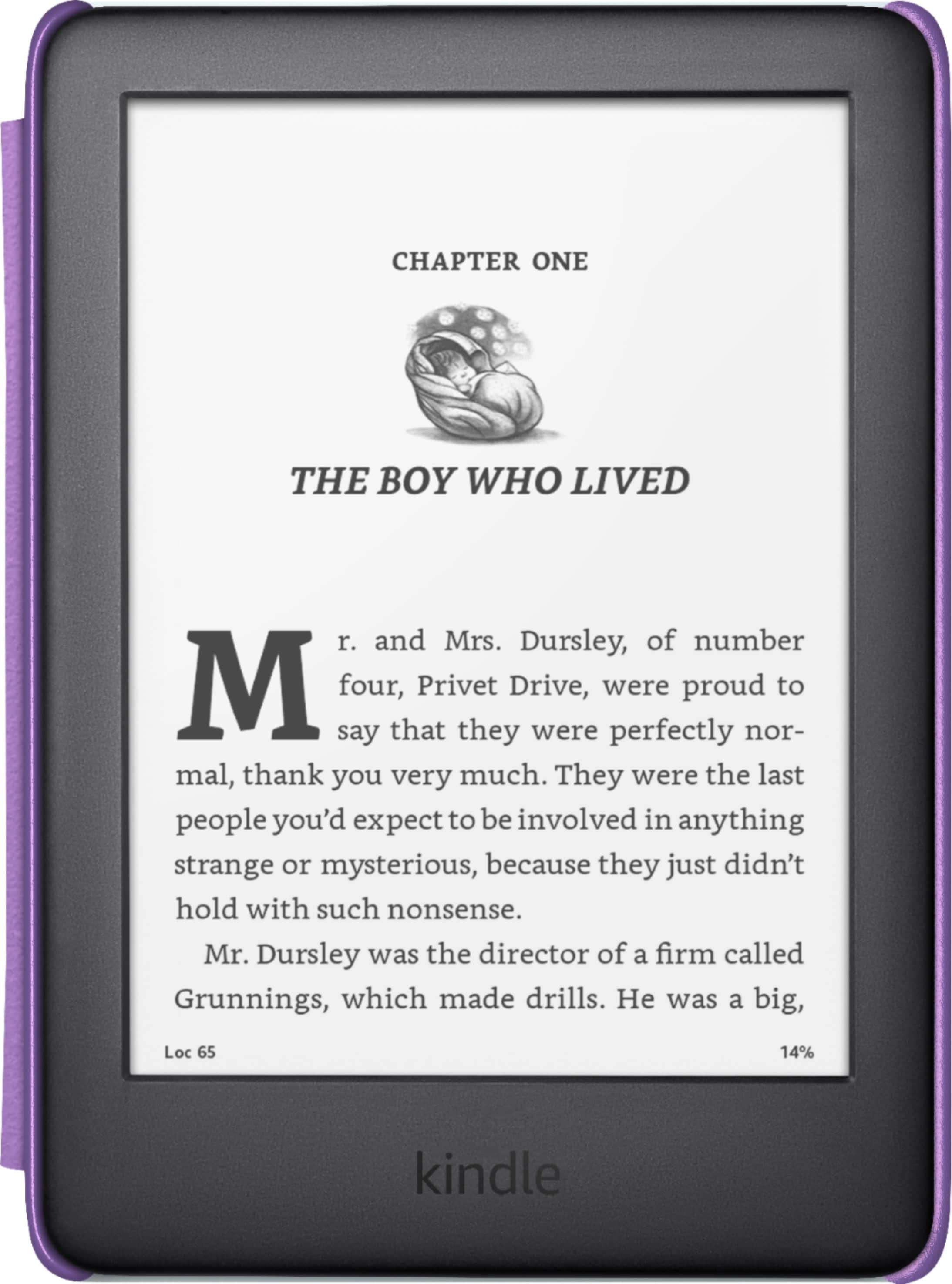
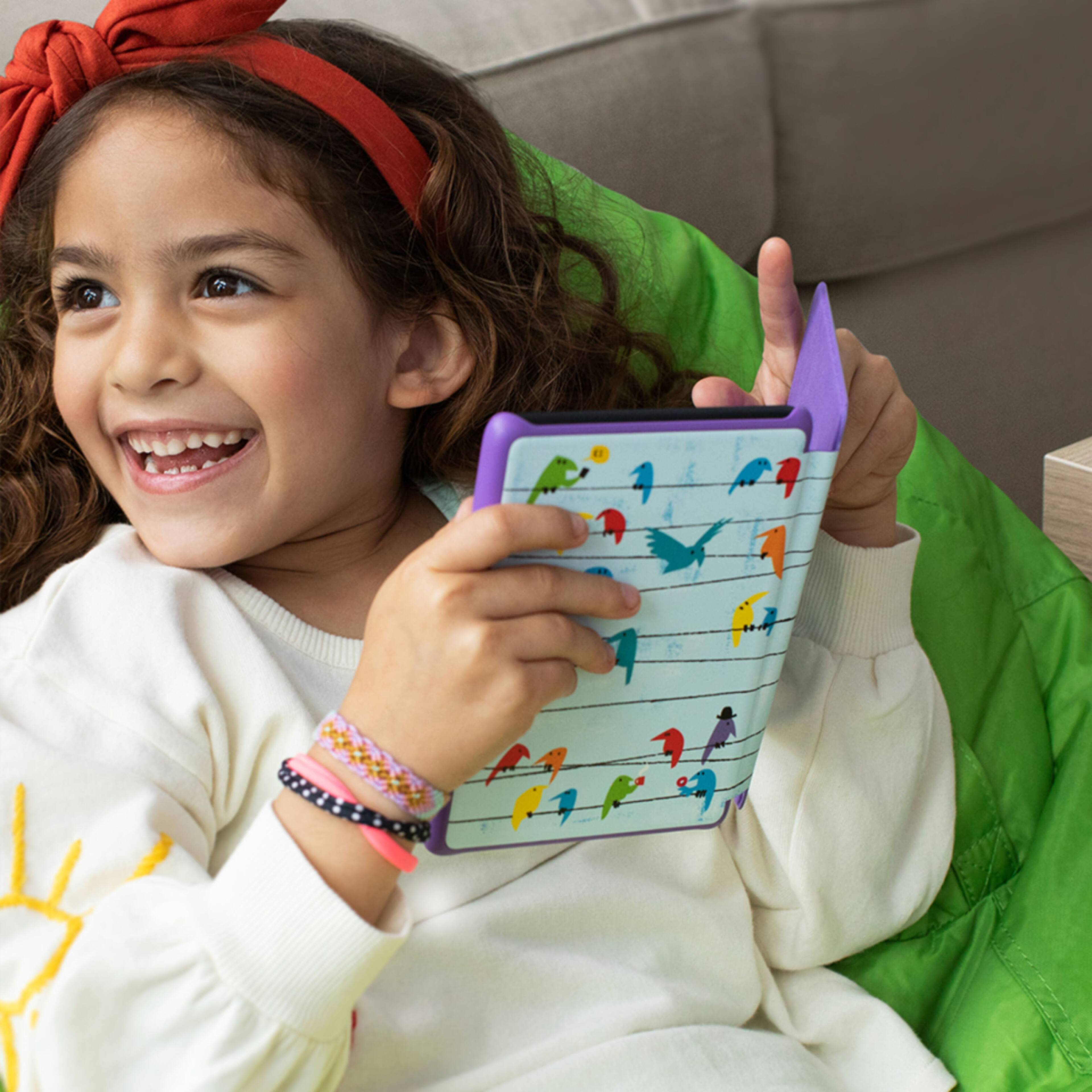
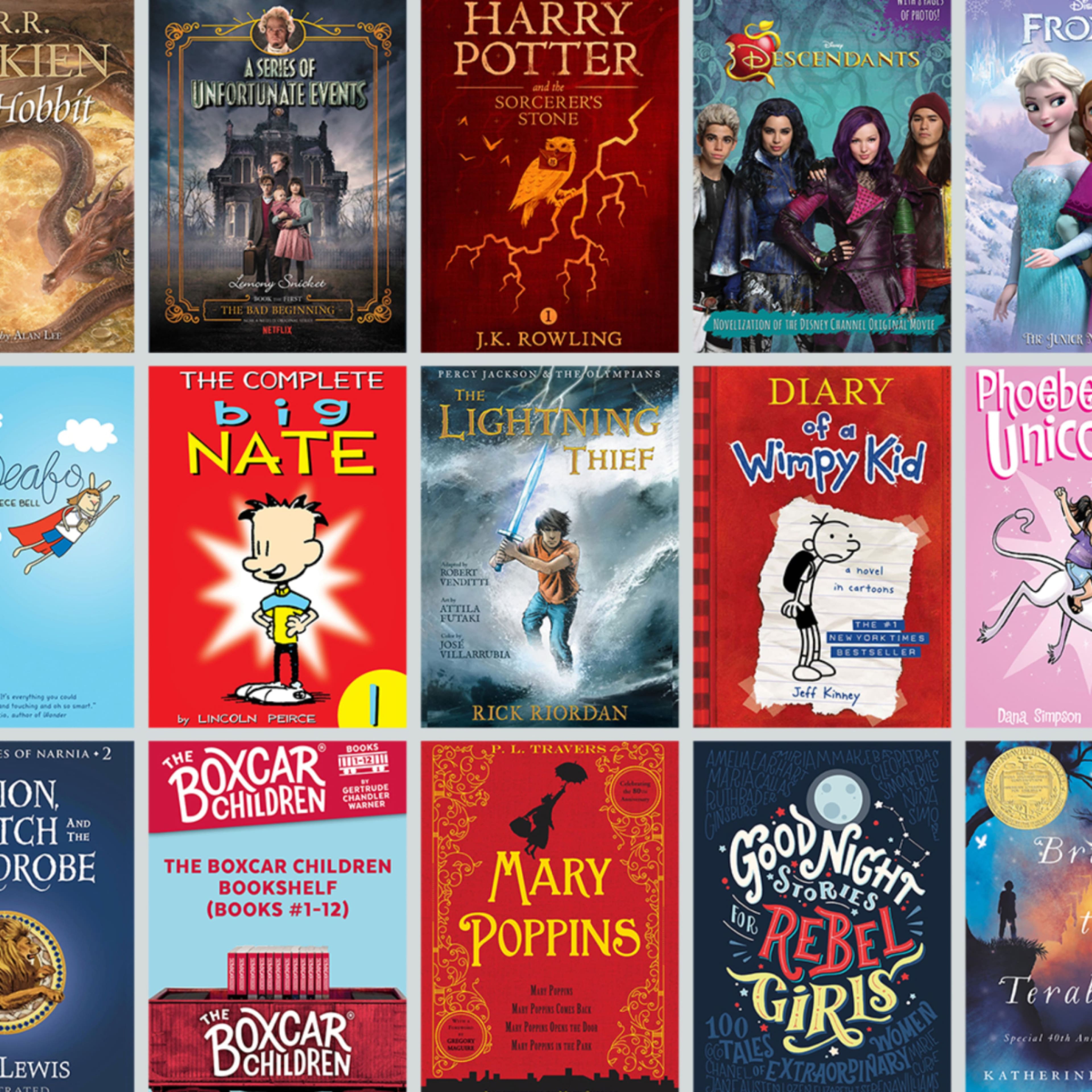
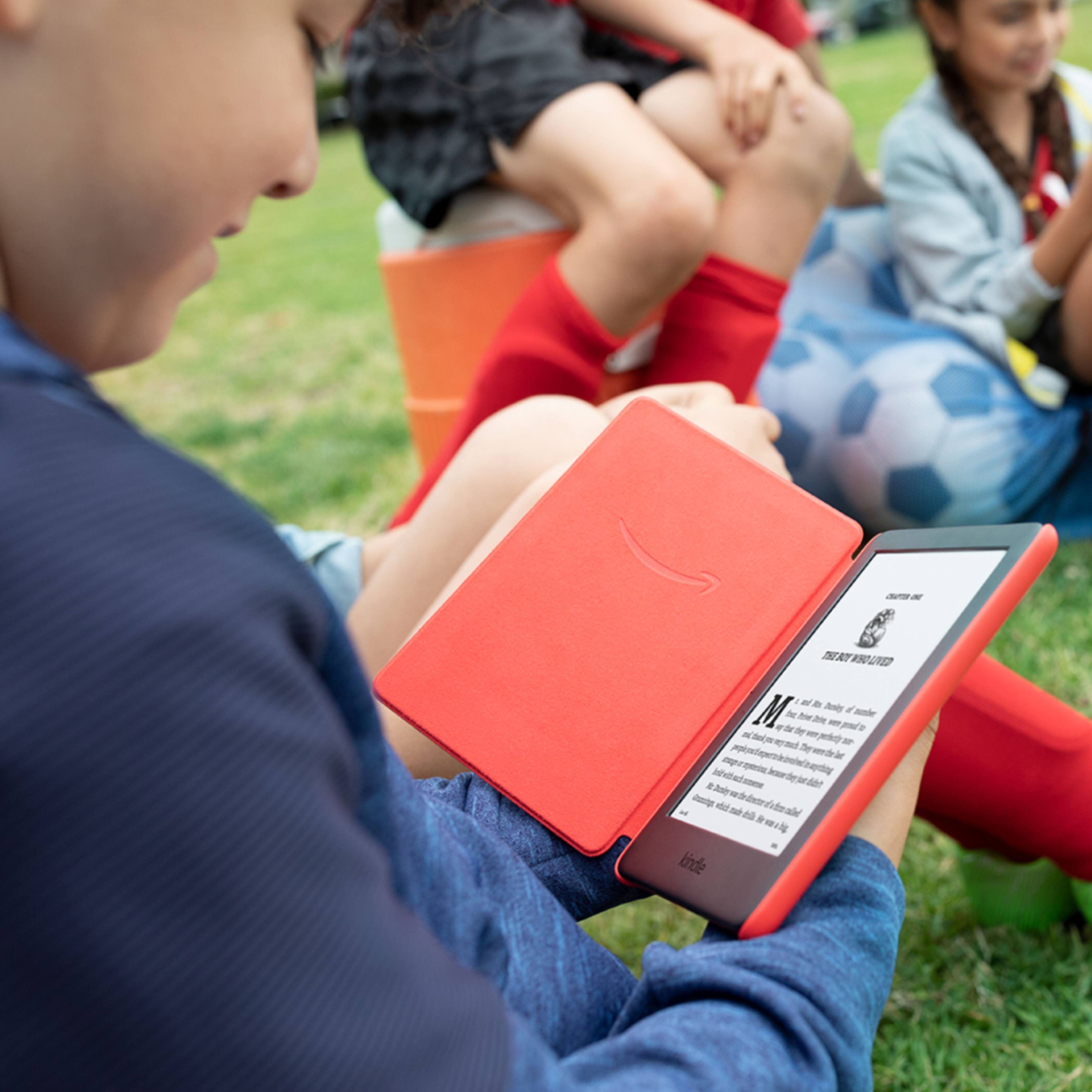
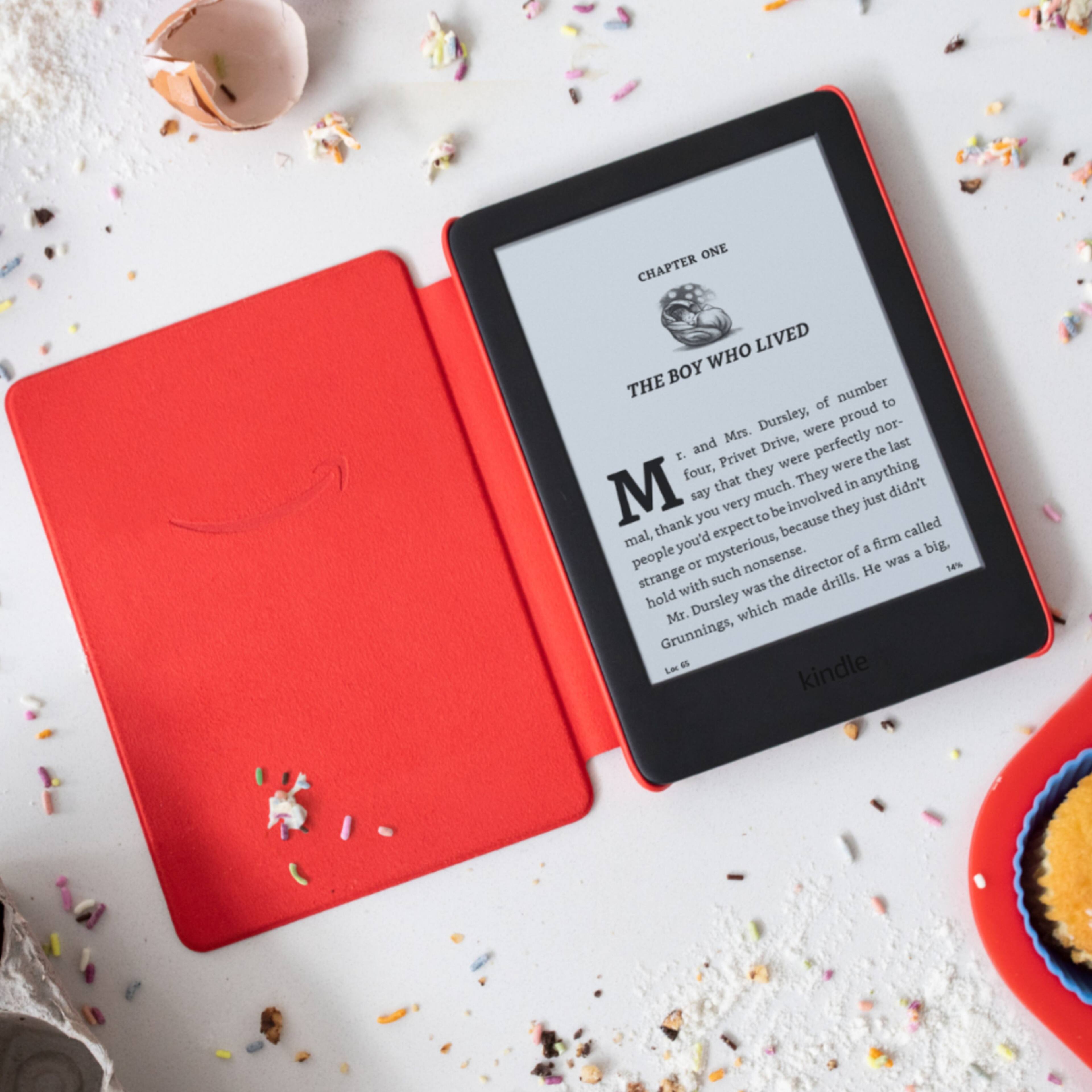
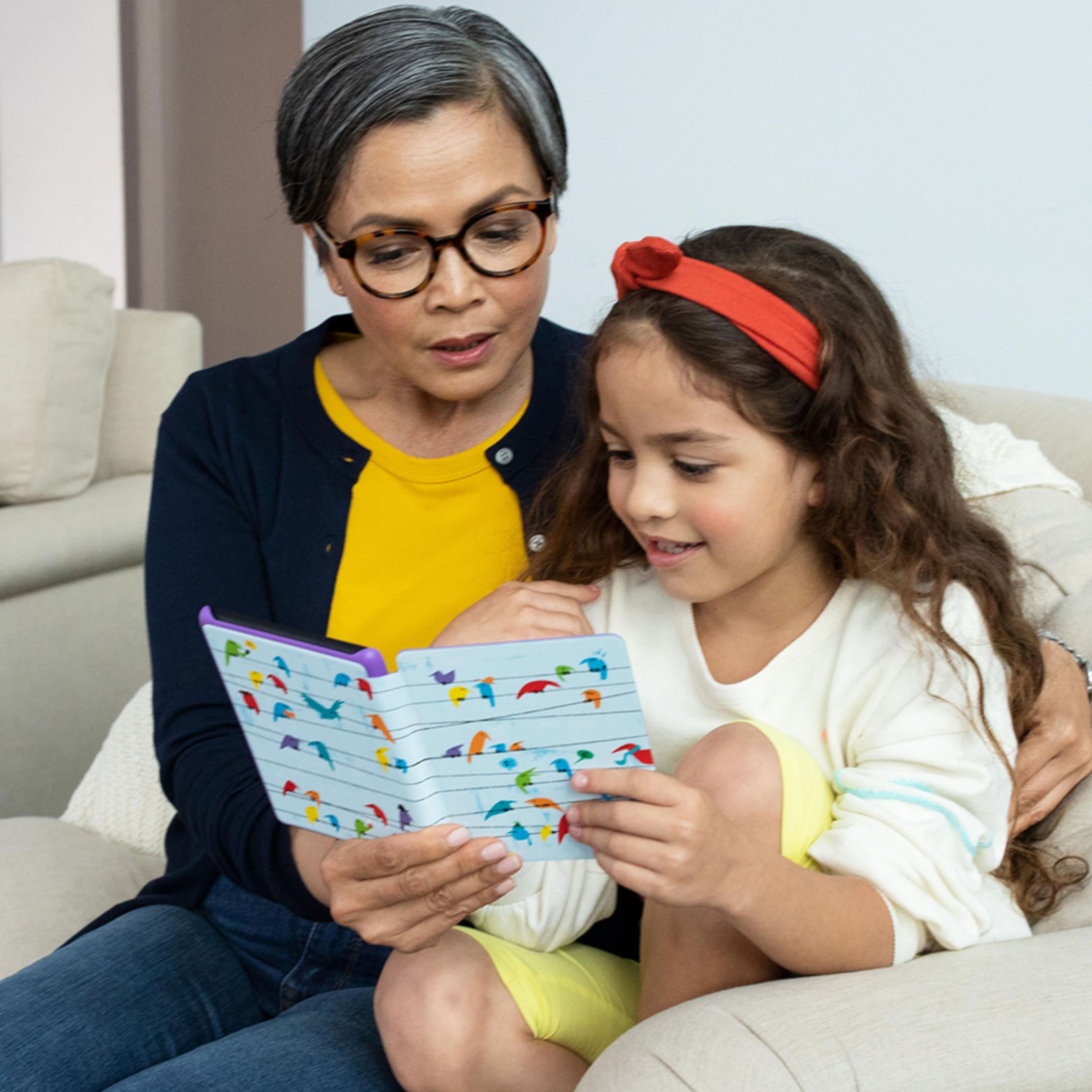
The Kindle Kids Edition is not waterproof. The Kindle Kids Edition comes with 1 year of FreeTime Unlimited, a kid-friendly cover, and a 2-year worry-free guarantee. It has a 6 inch black and white glare-free display and weeks of battery life.
A:AnswerAs far as I know, it is a hard no on Hoopla. With Libby you can sign in and browse on another device, and have it sent to you Kindle via the Amazon store.
A:AnswerHi Linds,
The Kids edition tablets do come with a 2 year worry free guarantee. This warranty is through Amazon, and you would contact them to get it taken care of. As long as you physically have the tablet, it would be covered. Hope this information helps.
A:AnswerHi Sue,
This would be fine for any age. The Kindle does include an adjustable front light which allows you to read in the dark, or adjust for reading in the sunlight. She would need to download books via wifi, or from another storage source such as a computer. The benefit of the kids edition is the extra warranty and kids content that comes with it. The Amazon - All-New Kindle - 6" - 8GB - Black may be a solution for you as well, and then you would just need a cover if that is something that you are interested in. Hope this info helps. Have a great day.
A:AnswerHi Mom! The Kindle does not have a slot for a Micro SD card, it does however offer 8gb of built in storage which will allow for thousands of books to be downloaded. Thanks for the question, have a great day!
A:AnswerHello Lisa,
Yes, there is a brightness setting that you can turn all the down so that it looks like a page in a book with no back light. And when you turn the brightness up, it looks more like a backlit tablet, I hope this information helps, have a great day!
A:AnswerHi Joy! The Child Profile can only be linked to one Prime account, your daughter would be able to view it on her device if you let her log in under your account though. Thanks for your question, have a great day!
A:AnswerHello, meb83!
When you set up the Kindle, you will see the Kids+ free subscription pop up. It will give you information about the subscription and what will happen after your free year. I hope that helps! Have a great day!
A:AnswerHi Jim!
Yes, this is compatible with Audible. You can pair with Bluetooth headphones or a Bluetooth speaker for it to read to you. Hope that info helps!!
A:AnswerHello! Unfortunately Kindle readers do not support Nook books. The books are in different formats, so the Nook books aren't compatible on the Kindle devices. Have a great day!
A:AnswerHi Kelley,
It would depend on the specific book. If the paperback has graphics they will transfer over to the digital version and look just like the paperback version just in black and white. Have a great day!
A:AnswerHEllo Glorygirl, Yes you can purchase and download books right on the Kindle from the Kindle Bookstore. Any purchases made on your device will be saved to the cloud so you can redownload at any time or enable WhisperSync to sync your content across devices, including the Kindle App. Hope this helps!

A:AnswerHi There,
There is a text to speech option however, the book that is purchased must have it enabled. It is not freely available for all books.
Have a great day!
A:AnswerHi Karen! This device is the Kids Edition Kindle. If you are giving this E-reader to a child, this is a great choice, however, if it is for you and your husband, I would consider a Kindle, Kindle Paperwhite or Kindle Oasis. Kindle being the entry level and Oasis being the most advanced model. Hope this helps!