A:Answer Hello,
Thanks for your question!
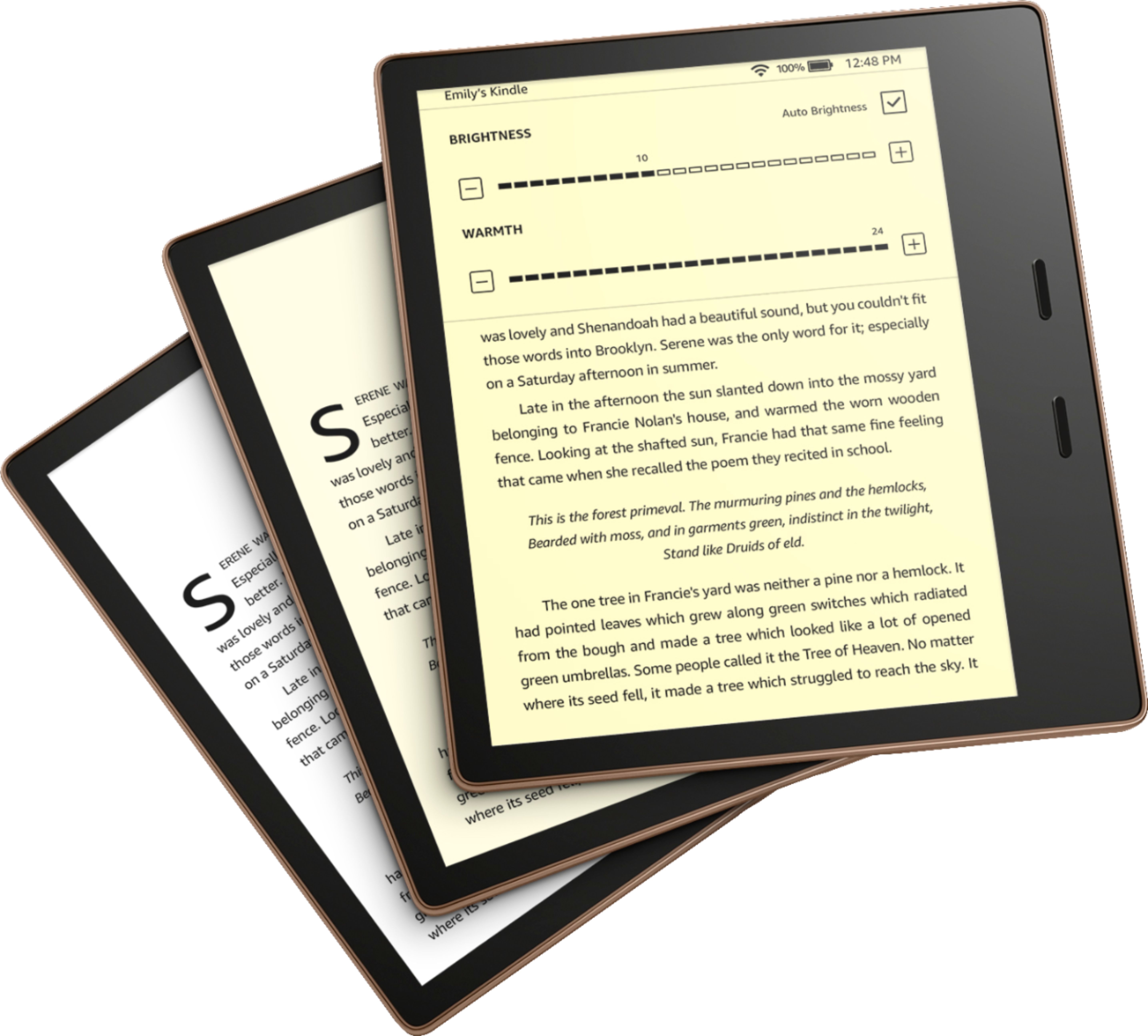
When you're reading, tap on the upper part of your screen, and you'll see menus pop up. Tap "Go To" and you'll see the table of contents of the book you have opened. You can jump from chapter to chapter. You can also tap "notes" to see your highlighted passages.
Hope that helps!