A:AnswerNo more than any smart phone or tablet. You can buy a waterproof case for it if you need to do so. I have a friend who carries hers along in a kayak, and she says that the waterproof case works.
A:AnswerYes, battery including the tools needef to open the cover are sold by Amazon, Newegg, and others. I have replaced batteries on several Kindles. Check carefully which model of Kindle, each generation is different.
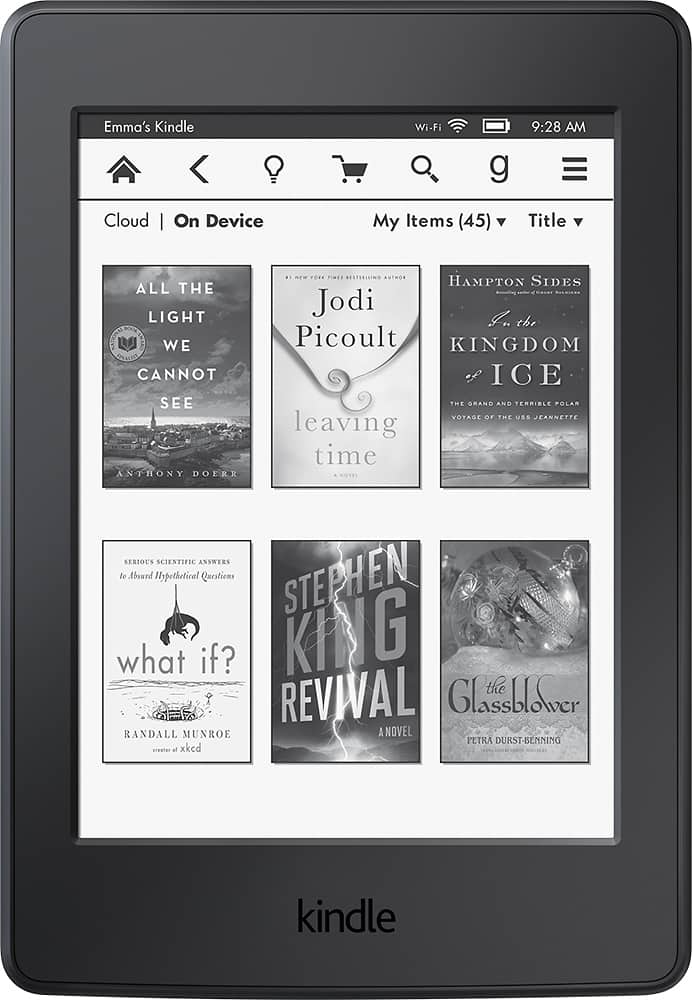
A:AnswerYes, any content you previously had on any other Kindle or Amazon Apps or devices is stored automatically in the Kindle/ Amazon cloud. You can download all of your old content to any new device. When you turn on your new Kindle Paper white on your home screen there will be a button on the top left corner that says cloud or device. Click, cloud and it will show you everything that you own thats not on this device. Then just download all of your old files that you want. I hope this helps you out. Enjoy your new Kindle Paper white.
A:AnswerFor sure. Any Kindle book can be read on any Kindle device. Just register the paperwhite to the account the Fires are on and you will have access to anything you have purchased. I read my books on my iPhone and iPad when I don't have my Kindle handy. It's all about what account you register the device to.
A:AnswerThe kindle has three options if connected to the internet. The dictionary, a Wikipedia page, and a translate page when you highlight a word you might not know. Only the dictionary is functional when not connected to the internet.
A:AnswerThis version does NOT support audiobook. I just had a negative experience buying it based on what was mentioned in the specifications.
Buy the ALl New Paperwhite if you want audible support
A:AnswerYou might trying doing a hard reset. Hold down on the power button and keep holding until it turns off and then back on. I had to do this with mine. Use your help menu and Google your problem also. Lots of helpful information.