A:AnswerNO special adapter needed. 2 were purchased. each charged on our corresponding phone chargers, 1 an android and the other was an I phone. Both charged fully. without problems
A:AnswerHi There,
Have you tried pressing and holding the power button in for 40 seconds? If so, and you are still seeing a blank screen, you do get a one year warranty. You can contact Amazon Customer Service VIA chat on the website.
A:AnswerHi Diana,
The new Kindle Paperwhite does have WiFi built in however it does not have 3G built in. You will need to connect the device to a WiFi network or if your cell phone has hotspot capability you may connect it to that(check with your wireless provider for terms and conditions).
Have a great day!
A:AnswerHi there,
To download ebooks on a kindle device you can either utilize the kindle store on the device itself or you can browse on The Amazon website and it will send it to the device!
A:AnswerHello! Yes, the Kindle Paperwhite has Audible. With Audible, the Kindle Paperwhite lets you switch seamlessly between reading and listening via Bluetooth-enabled speakers or headphones. I hope that helps. Have a good day!
A:AnswerHello Bjenkins, Libby allows you to send books to your Kindle device from its site, no app download required for Kindle. This link provides the steps for doing so (you'll be directed to Libby's website): https://help.libbyapp.com/6017.htm
A:AnswerHello!
All of your books are saved to your Amazon account. Once you set up your device, you will have access to your entire book library. You will have to select each book that you want downloaded to your new device, but they will all be available to you on your new device.
As far page numbers go, you can view your location in the book, but page numbers will vary depending on the font size you choose. I hope that helps answer your question! Have a great day!
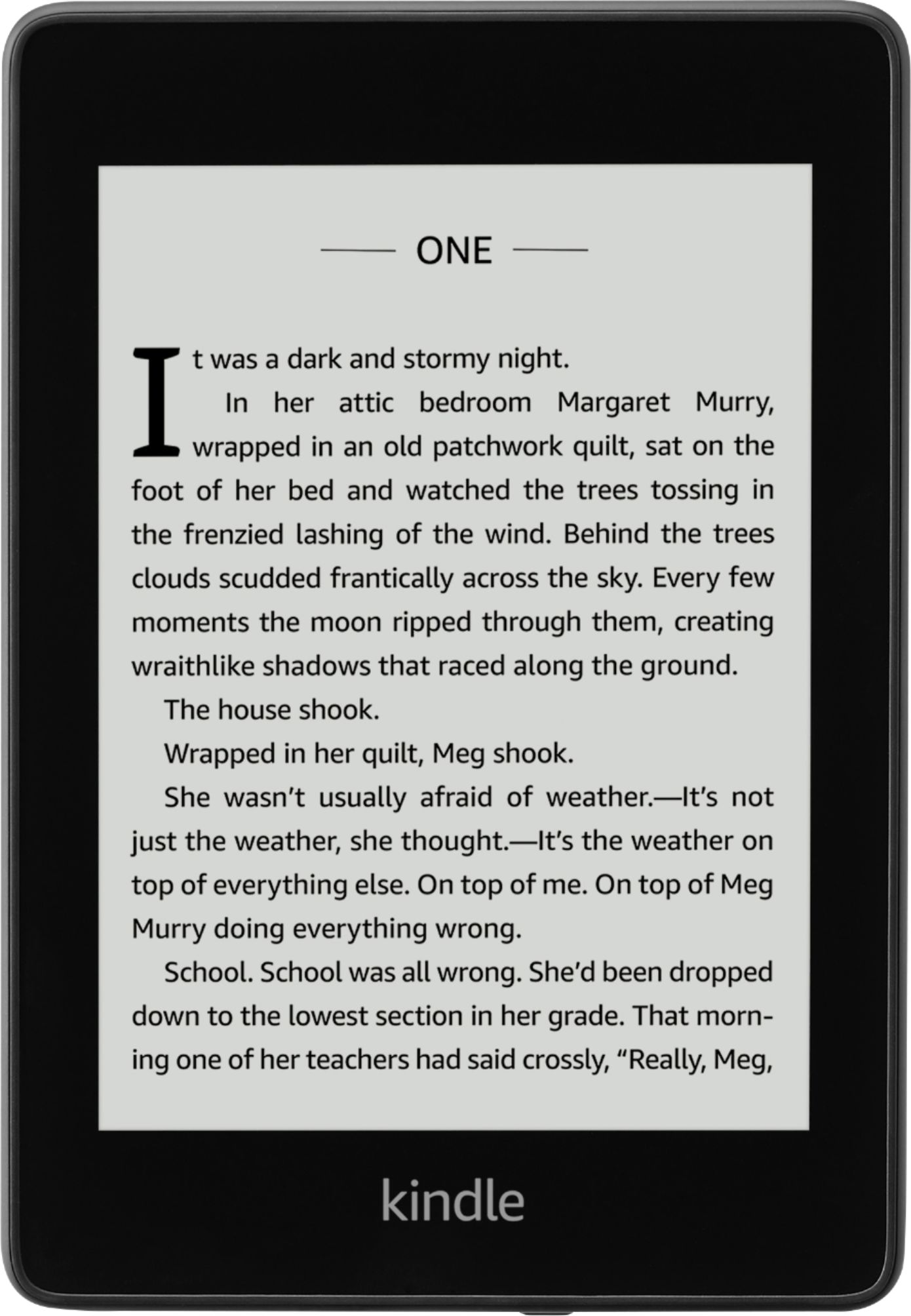
A:AnswerHello! You can purchase books to download and read or you can join Kindle Unlimited. Kindle Unlimited is a monthly subscription service where you have unlimited access to over a million titles. Have a great day!
A:AnswerHi There,
You can use a Visa Gift card and tie that to your account. You will need to update your one click settings as this is the method used for book purchases. This is found in your Amazon Account under one click payment settings.
Have a great day!