Questions & Answers
- Model:
- B07CXG6C9W
- |
- SKU:
- 6306574
Q: QuestionWhat cover will fit this one? Its 10th generation, but when i go to buy it says won't fit paper white.
Asked by Paperwhite.
- A:Answer Hello, The link you shared is for the Paperwhite, which there are several covers for on Best Buy. But if you read the Q&A on the site, it says that it will not fit the Kindle 6", but that is b/c that is a totally different product. The Kindle Paperwhite and Kindle are two different models.
Answered by Amazon Devices Customer Support
Q: QuestionCan I turn the page and see the page number continually on this device?
Asked by Harry9999.
- A:Answer Hello, Harry9999! To turn the pages while reading, you can touch the right or left side of the screen to go forward or backward. As far as page numbers are concerned, some books show them and others don't. To see what page you are on, touch the top of the screen to open your menu. You will then see at the bottom of the screen information about where you are in the book. I hope that helps! Have a great day!
Answered by Amazon Devices Customer Support
Q: QuestionDoes the Kindle have a thesaurus? How do you access it?
Asked by Ann.
- A:Answer Hello, The Kindle Paperwhite does not have a Thesaurus, but it does have a dictionary. When you long-tap (that is, tap and hold) a word, it will bring up the meaning, as well as some books offer a Wikipedia link option. Hope that helps.
Answered by Amazon Devices Customer Support
Q: QuestionLooking to upgrade my mom's kindle. Her kindle's font is the largest it has. I'm not sure which one she has now, but she's insisting that all the models don't get that large of a font size. Need a model with the LARGEST font possible please HELP
Asked by gab.
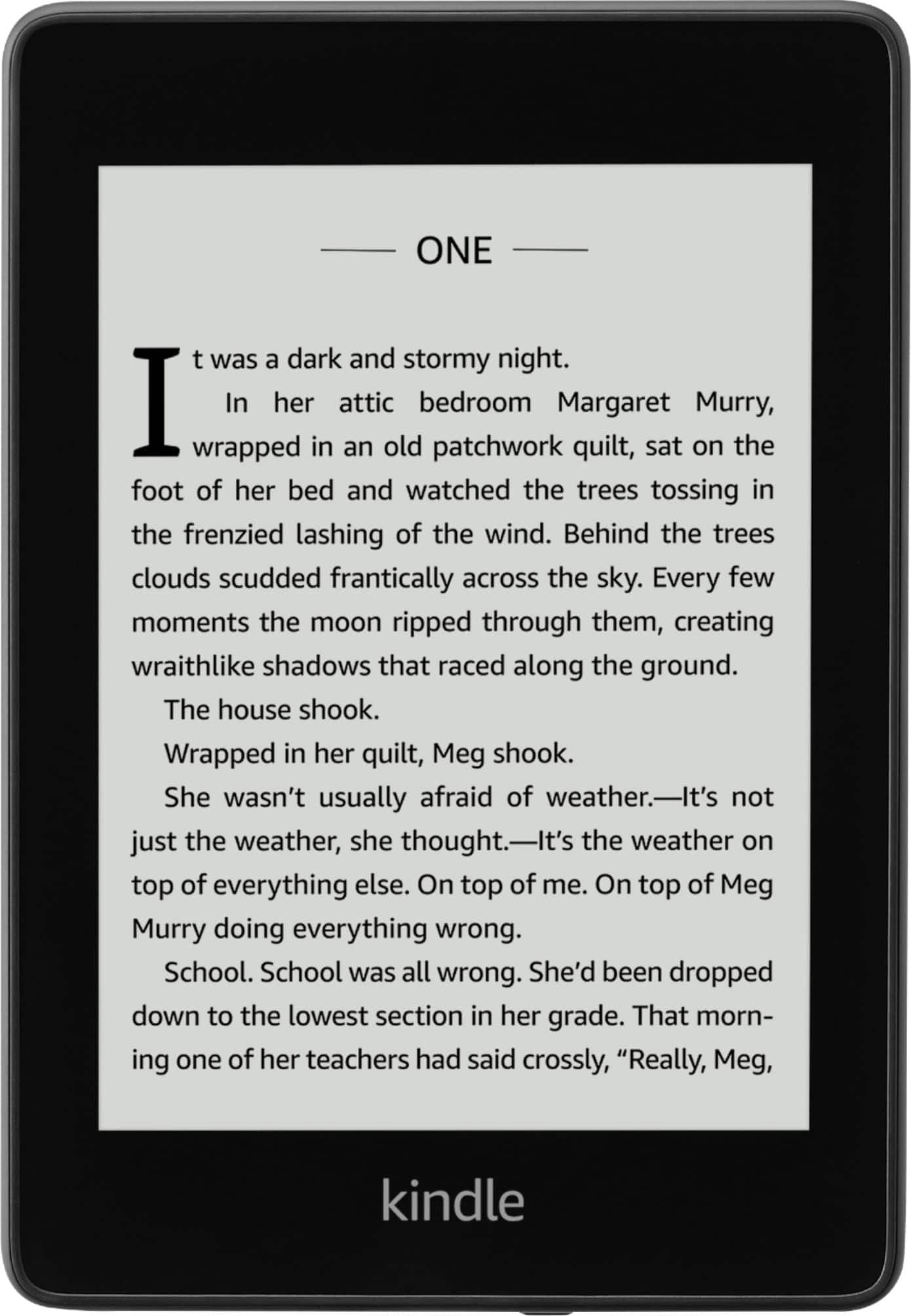
- A:Answer Good Morning, The Kindle paperwhite has various size fonts, from small to very large (not sure of the exact font size) but it allows you to change the font size, boldness, and brightness of the screen. I would say that there is a font size that will work for everyone. When you go into stores, you can sometimes play with the kindles to see the actual font size and settings to be sure that it will work for you.
Answered by Amazon Devices Customer Support
Q: QuestionWhat is the book capacity of the 8gig Kindle?
Asked by Gorp.
- A:Answer The 8gb Kindle can hold about 6000 ebooks.
Answered by Roxanne
Q: QuestionCan my ebooks I purchased on my NOOK be moved to my Kindle ?
Asked by Pidge.
- A:Answer Not easily. The two book ecosystems use different DRM to lock the files to your device once purchased, and I believe each company uses different file formats anyway. You can strip the DRM and manually move the files to your new kindle, but the legality of this is questionable even if you aren’t sharing the files with others.
Answered by rpdelk
Q: QuestionWhat accessories go with this. Does it come with a charger and case?
Asked by Bets.
- A:Answer No case...only charging chord.
Answered by Anonymous
Q: QuestionIs this 2020 version?
Asked by Tin.
- A:Answer Hi Tin, This is the most recent version of this device, it was released in 2019. Have a great day!
Answered by Amazon Devices Customer Support
Q: QuestionWill the charger from my 2011 Kindle work with this one?
Asked by Anonymous.
- A:Answer I don't know if your 2011 charger will work, but I use the cord that was included with the Kindle Paperwhite plus the adapter that I had used with my Kindle Fire so I could plug it into a socket, and it charges fine.
Answered by Minnie
Q: QuestionCan I use my Barnes and noble account with this? My (dying) nook has all my books purchased through B&N
Asked by Kat.
- A:Answer No. It only works with Kindle.
Answered by Mikey1007
Q: QuestionWhich Kindle will allow you to download the Hoopla app that lets you download books from your local library?
Asked by Anonymous.
- A:Answer Hello, the Hoopla app is available on Fire Tablets. Hope this helps!
Answered by Amazon Devices Customer Support
Q: QuestionCan the font be changed?
Asked by Marsha.
- A:Answer Hello Marsha, yes you can change the font while reading, tap the center of the screen to show the reading toolbar, and then tap Aa (Settings). Change the text display for your Kindle book: Font size - Select the size of the text. Font - Select the font of the text. Hope this helps!
Answered by Amazon Devices Customer Support
Q: QuestionDoes a new kindle come with power charging cord?
Asked by jan.
- A:Answer Hi Jan, Yes, it does! Have a great day!
Answered by Amazon Devices Customer Support
Q: QuestionDoes the Kindle Paperwhite E-Reader 6" 8GB Black come with a charger
Asked by Diane.
- A:Answer Yes
Answered by Galaxydude333
Q: QuestionIs this 10 th gen 2018 or 2019?
Asked by Loc.
- A:Answer Hello Loc, the 10th generation Kindle Paperwhite was released in 2019.
Answered by Amazon Devices Customer Support
Q: QuestionWhy does my kindle say low battery after using only a short time between recharges?
Asked by Terrylou.
- A:Answer Hi Terrylou! In the first few days as you download books and install updates, the battery drains. Please keep your Kindle charging during this time. After set up, use our tips to conserve battery power: 1. Lower your device's light settings: Devices with a built-in light use more battery. 2. Turn off your device's internet connection when not in use. 3. Make sure to use a compatible USB cable to charge your Kindle (preferably the one that came with it). 4. Put your device to sleep when done reading. Press the power button once briefly. 5. Keep your device charging during large downloads. 6. Keep your device charging for a period of time after large downloads. After downloading, your Kindle indexes your books to provide search capability, but it affects battery life. Note: Your Kindle automatically updates when it's not in use, affecting battery life. Hope this helps!
Answered by Amazon Devices Customer Support
Q: QuestionHow large can you make the font in the kindle? What are the measurements of this kindle?
Asked by Kuren.
- A:Answer Hello Kuren, measurements of the Kindle Paperwhite are as follows: 6.6” x 4.6” x 0.3” ( 167 x 116 x 8.18 mm). While reading a book the text can be enlarged to the point where only a couple of words fit on the screen. In essence, very large :)
Answered by Amazon Devices Customer Support
Q: QuestionCan my visually impaired mother tell the kindle to read a selected book she downloads?
Asked by Katie.
- A:Answer Hello, Kindles do not have a built in mic. However, Amazon Echo's can read audio books aloud by simply asking Alexa!
Answered by Amazon Devices Customer Support
Top Rated
- $249.99$249.99The price was $379.99
- $329.00$329.00The price was $349.00
- $99.99$99.99The price was $129.99
- $329.99$329.99The price was $469.99
- $1,399.99$1,399.99The price was $2,699.99
- $1,299.00$1,299.00The price was $2,799.00