A:AnswerHi There!
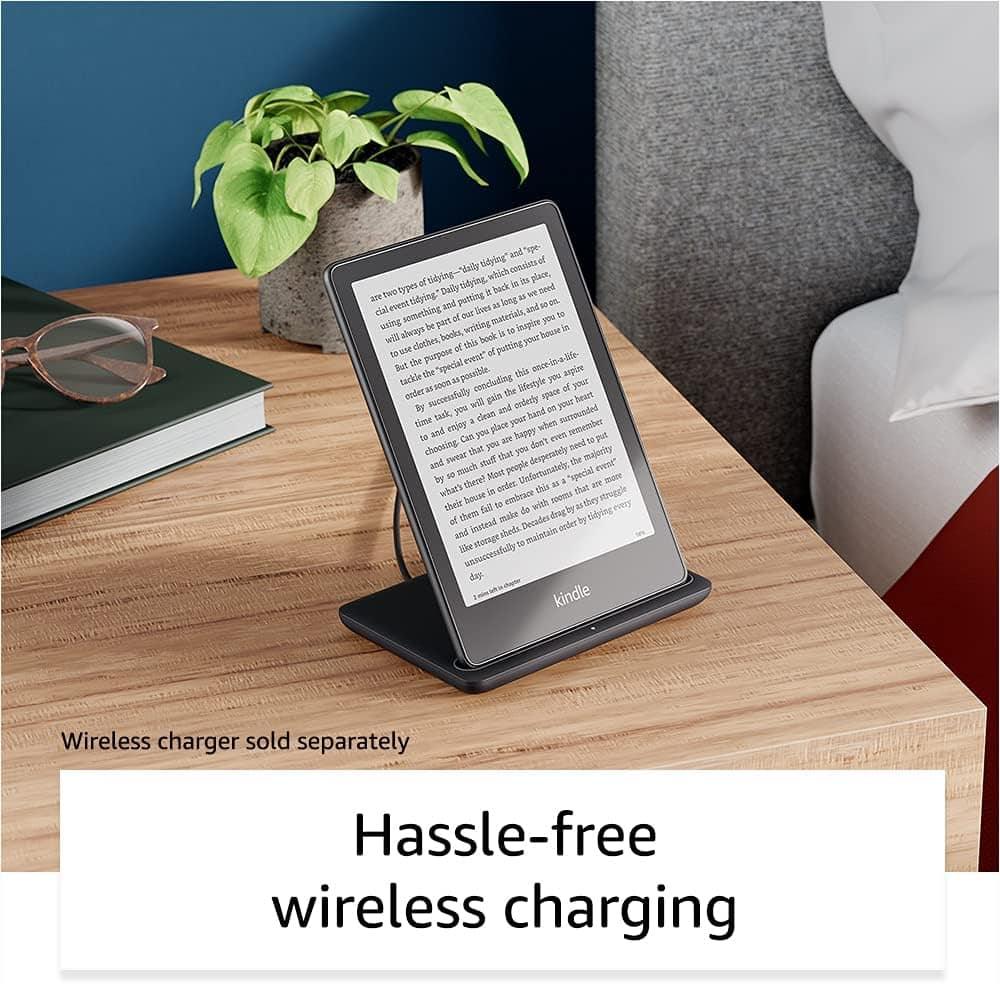
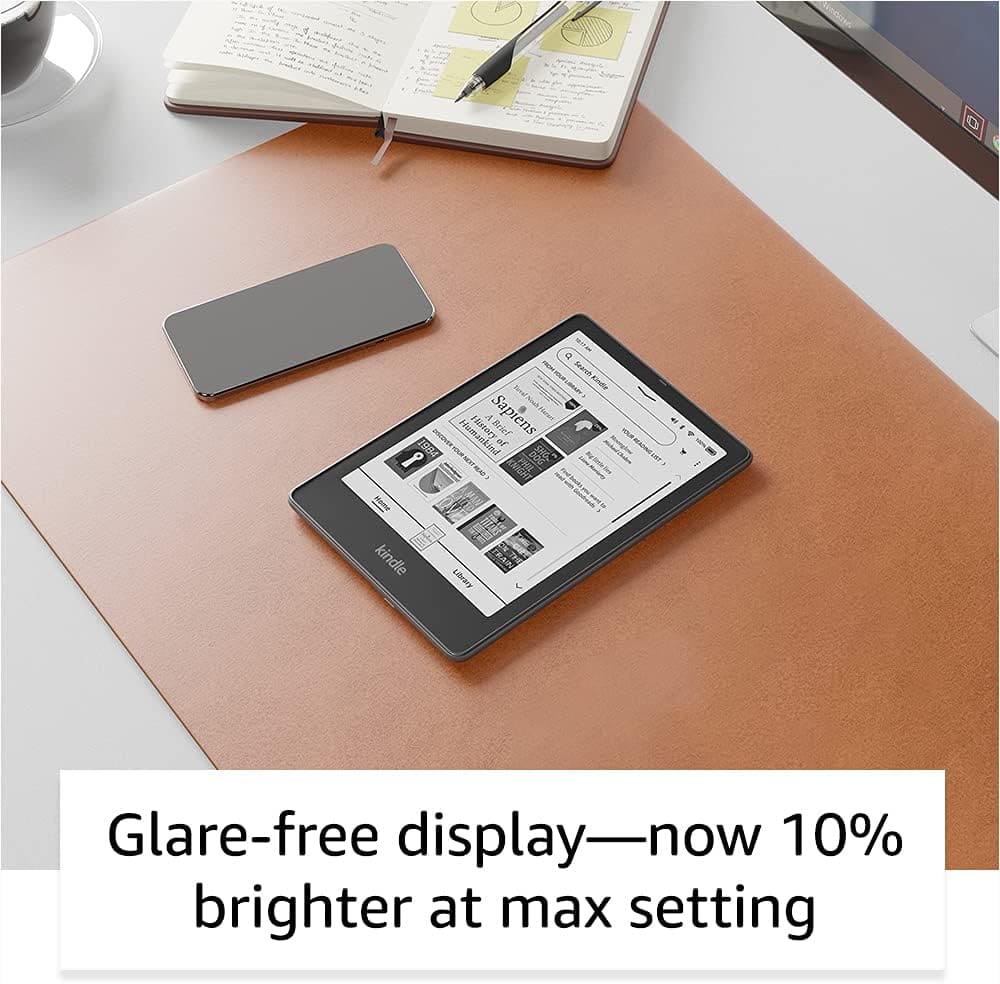
Thanks for your question, The Kindle Paperwhite comes with a charger and can be plugged into and outlet to prevent it from dying. You can adjust the brightness in the settings of your kindle under display and brightness.
Hope that helps!
A:AnswerI just tested this with a text book and Audible book. It didn't show the text at the same time it was being read, also the sound quality wasn't the greatest - it's better on my iPhone. I wouldn't buy this just for audio books.
I've also tried to have it just read text and it doesn't seem to. This may be a book by book feature tied to copywrite agreements. You CAN however download and use the OpenDyslexia font, which is weighted differently with serifs on the bottom of each letter, which supposed to help people with dyslexia track the text better. I don't have dyslexia so I can't tell you if it's helpful.
A:AnswerHI Rb1! You can absolutely use the internet connection from your iPhone hotspot to download books from Amazon. If you are looking to add books from Libby to your Kindle Paperwhite, follow these steps. 1. Tap the "bookshelf" icon near the top of the screen. 2. Tap "loans" 3. Tap "Read With..." 4. Tap "Kindle 5. You'll be taken to amazon's website to download the book. a) if you're signed into your amazon account, verify the "deliver to:" device, and tap "Get Library Book" b) If you're not signed into your amazon account, type "get Library Book" and sign in. Hope this helps, enjoy your day!
A:AnswerHello Cb116,
Thank you for your question! Yes you can password protect your Kindle Paperwhite Signature, here are the steps:
1.Swipe down from the top of the screen
2.Tap All Settings
3.Select Device Options
4.Tap Device Passcode
5.Create a passcode and enter it twice
6.Press OK to save changes
Hope this helps, have a nice day!
A:AnswerHi Jlarry77,
The Kindle Paperwhite Signature Edition is listed as the 2021 model in black, and the denim and green are listed as 2023 because those are in stock for both release years (2021 &2023) on Best Buy.com!
Hope that helps!
A:AnswerHi Patricua! The Kindle is compatible with a number of different eBook formats and does work with a number of different library book services such as Libby. In most cases, you will be able to take out the digital copy of a book using your library's eBook service and then there would be a "Send to Kindle" option for it. At that point you would be able to send it to your Kindle for the allotted time that you have it taken out for. Your best course of action to take to ensure that your library offers that service is to consult your local library's librarian. They would be best able to tell you what you would need to do and if they have that service available. Typically, you'll need to use a compatible smart device like a phone or tablet to access their app. Thanks so much for your question, and I hope you have a great day!
A:AnswerHello,
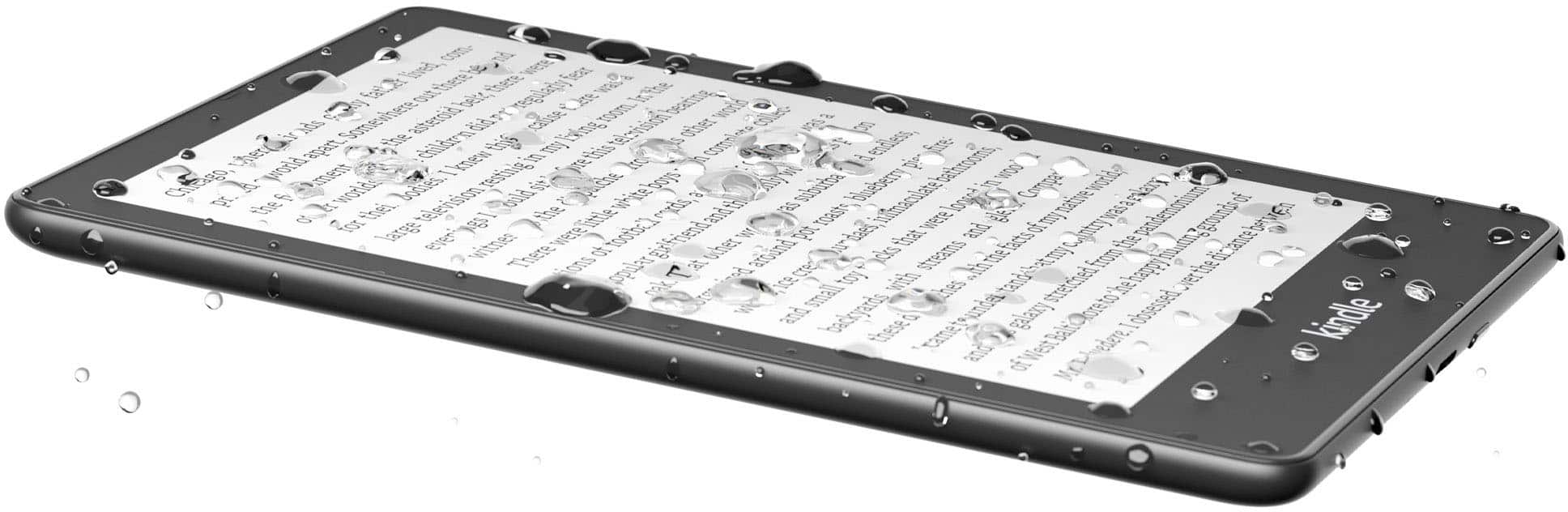
With the waterproof Kindle Paperwhite Signature Edition, you’re free to read and relax in more places, from the beach to the bath. Kindle Paperwhite is IPX8 rated to protect against accidental immersion in up to two meters of fresh water for up to 60 minutes, and up to 0.25 meters of seawater for up to 3 minutes! If your Kindle is splashed with water, wipe it off with a soft cloth and keep on reading. If your Kindle is immersed in water, remove its cover, make sure no cables are plugged into the device, and do not attempt to charge your Kindle until it is completely dry. If your Kindle is immersed in salt water, chlorinated water, soapy water, or liquids other than fresh water, make sure you rinse that liquid out of the device with fresh water such as cold tap water. Then dry your Kindle. We recommend not exposing your Kindle to pressurized water, high velocity water, extremely humid conditions (such as a steam room) or food, oil, lotion, or abrasive substances. If your Kindle is immersed in water, follow the care instructions on this page. For any questions, please contact customer service.
Hope this helped!
A:AnswerThat actually doesn’t work either. When she opens the case, the book cover is there for literally a fraction of a second and then it goes straight into her book. It still doesn’t allow her to do the “slide to unlock” like it does on mine. On mine it has “recommended for you” and then shows me books related to what I read, and I slide to unlock and then it goes into my book. That’s what I’m aiming for on her kindle but it’s not doing it for some reason. And we have the exact same kindle too.
A:AnswerHi wonderjoy! While you can listen to audiobooks you've purchased on the Kindle Paperwhite via bluetooth, it does not support Immersion Reading at this time. Hope that helps, have a great rest of your day!