Memorial Day SaleEnds 5/25. Limited quantities. No rainchecks.Shop now

Main Content

Questions & Answers

$99.99
Page Showing 1-11 of 11 questions
  • QuestionDoes this signage stick support high dynamic range?

    • Answer Yes, this signage stick supports high dynamic range (HDR).
    This question and answer was generated by AI based on customer and product data.
  • QuestionWhat maximum resolution is supported by this signage stick?

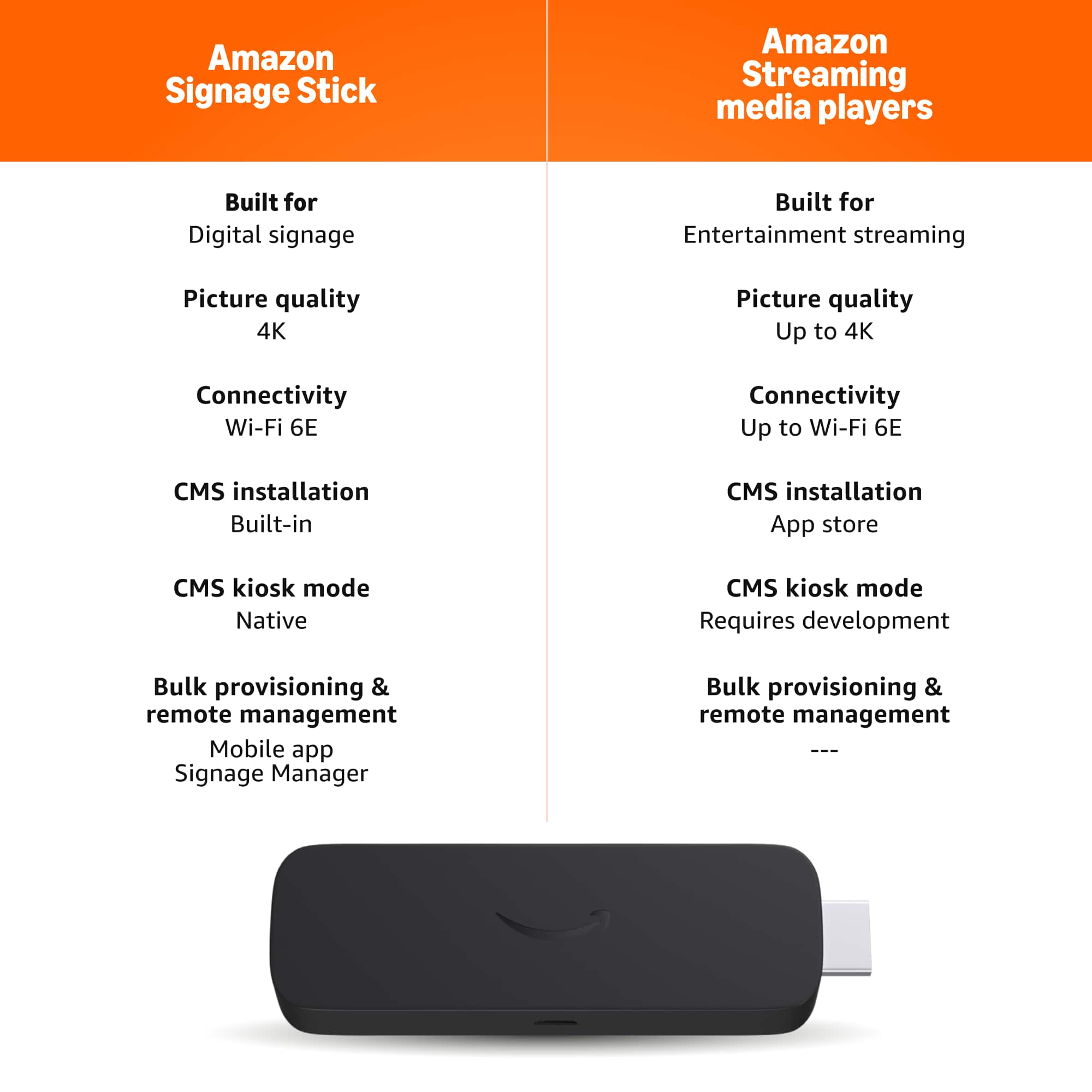
    • Answer This signage stick supports a maximum resolution of 2160p (4K).
    This question and answer was generated by AI based on customer and product data.
  • QuestionDoes this signage stick support high resolution audio?

    • Answer Yes, this signage stick supports high resolution audio.
    This question and answer was generated by AI based on customer and product data.
  • QuestionIs a remote control included with this signage stick?

    • Answer Yes, a remote control is included with this signage stick.
    This question and answer was generated by AI based on customer and product data.
  • QuestionWhat type of updates does this signage stick support?

    • Answer This signage stick supports automatic CMS updates.
    This question and answer was generated by AI based on customer and product data.
  • QuestionCan I manage this signage stick from my phone?

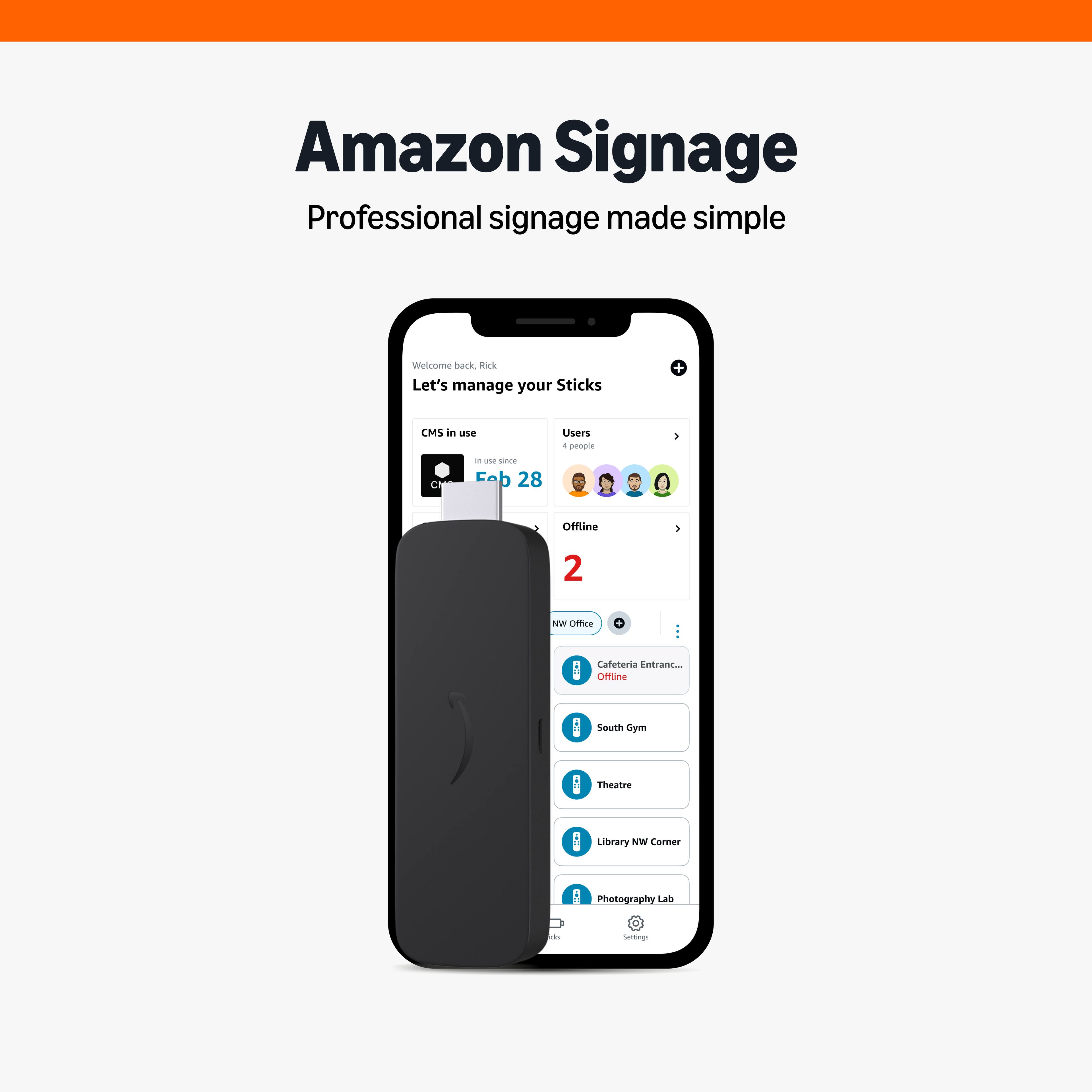
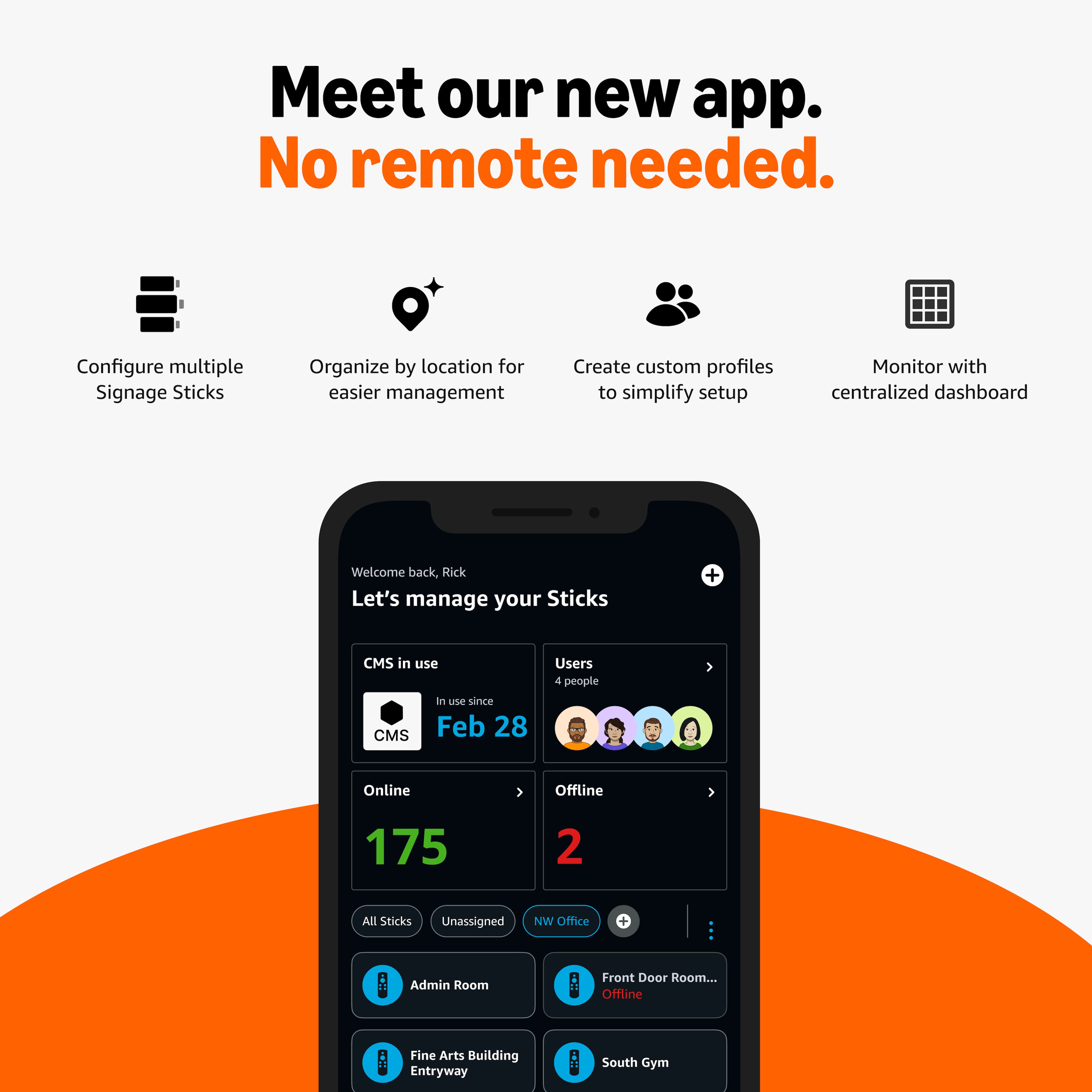
    • Answer Yes, you can manage the signage stick from your phone.
    This question and answer was generated by AI based on customer and product data.
  • QuestionWhat is the storage capacity of this signage stick?

    • Answer The storage capacity of this signage stick is 16 gigabytes.
    This question and answer was generated by AI based on customer and product data.
  • QuestionIs the Amazon Signage Stick designed for business digital signage, or is it a consumer streaming device?

    Asked by Ash.

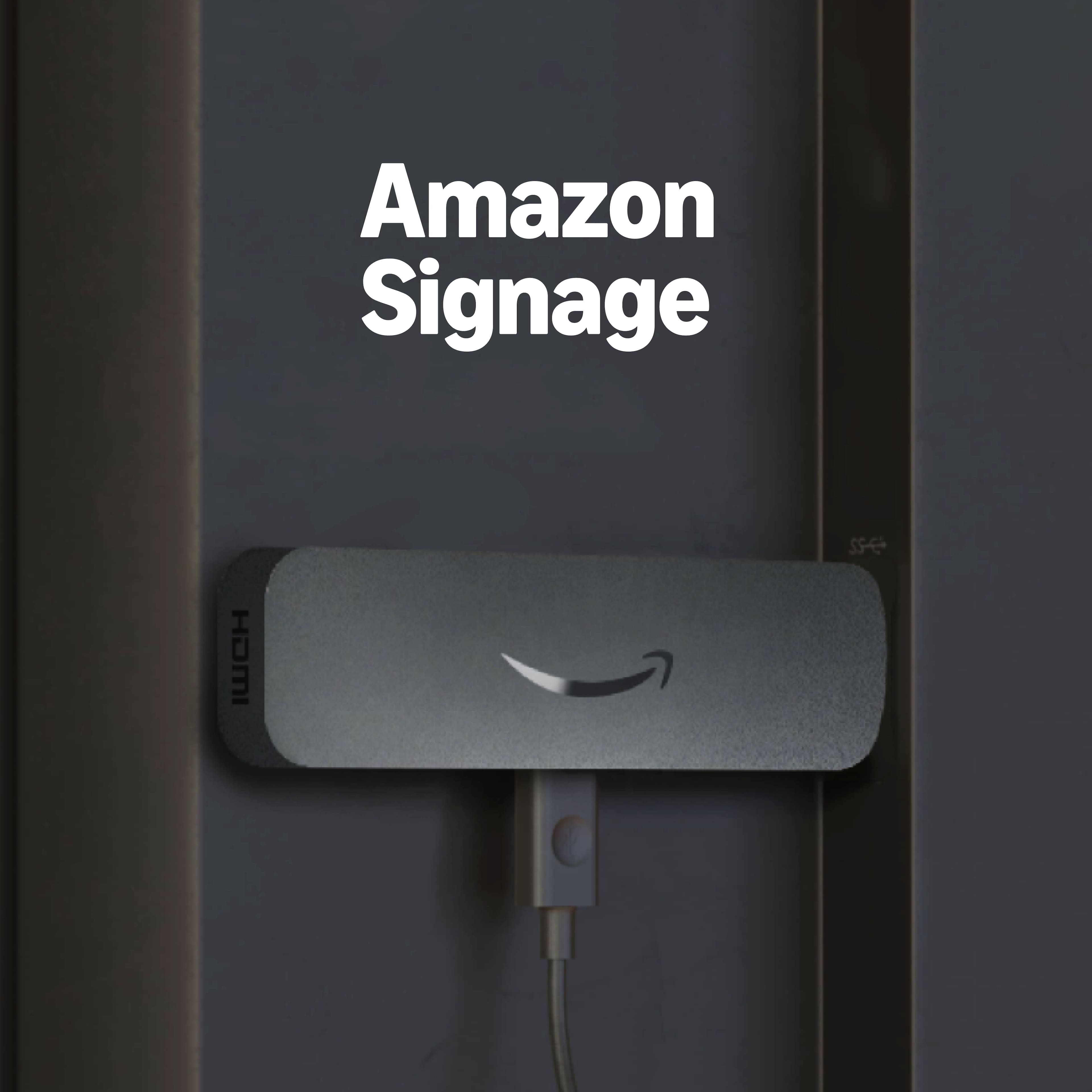
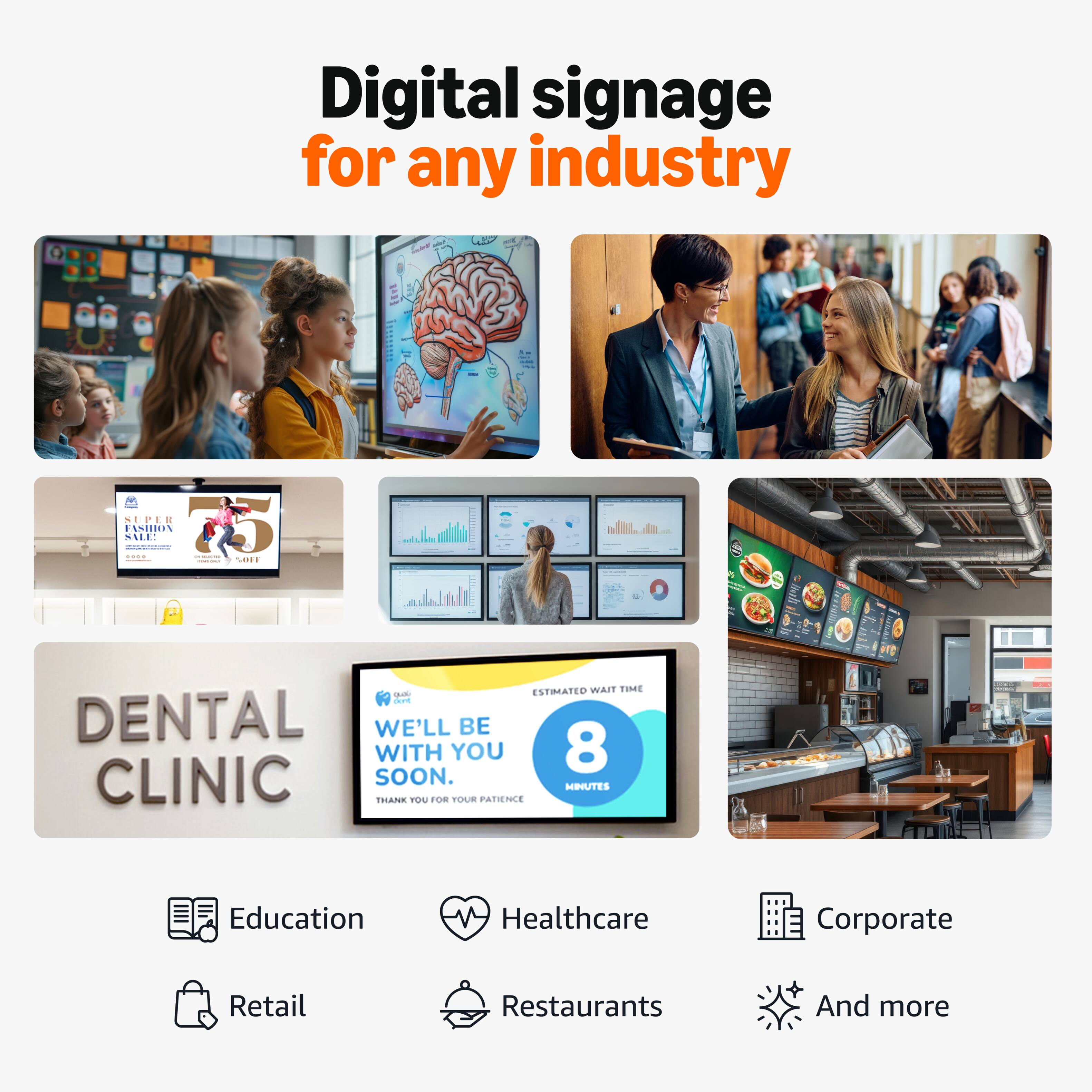
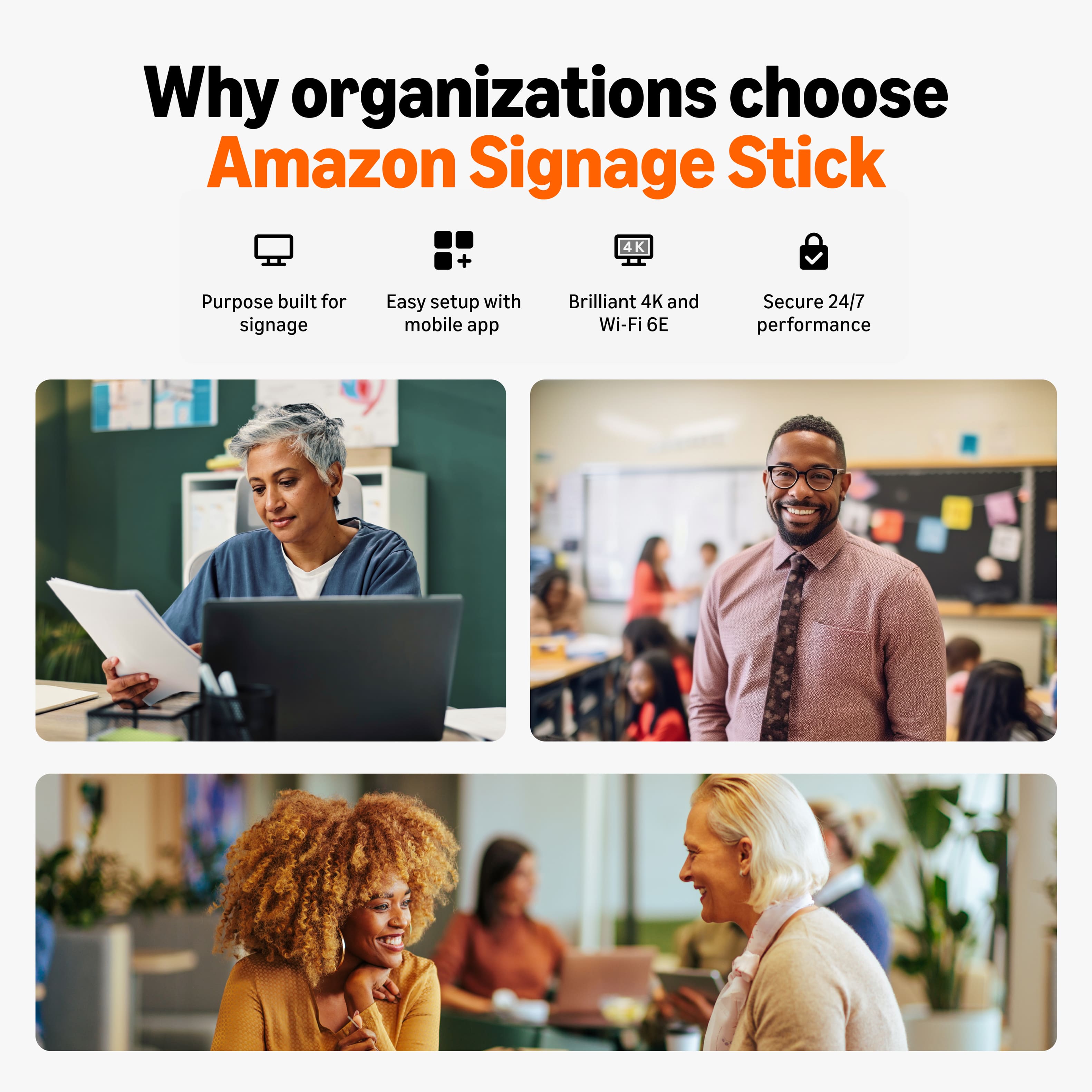
    • Answer Hello, Ash! The Amazon Signage Stick is a professional-grade media player built specifically for business digital signage. While it shares the same compact form factor and quad-core processor as the consumer Fire TV Stick 4K Max, it has been redesigned from the "inside out" to handle the demands of 24/7 commercial use. It strips away consumer streaming apps (like Netflix or Prime Video) and replaces them with a specialized operating system focused on security and uptime. Key Business-Specific Features The Signage Stick includes several critical features that are absent from consumer Fire TV sticks: Native Kiosk Mode: The device is engineered to boot directly into your chosen digital signage software. It locks the screen so viewers cannot exit to a home menu or see consumer ads. 24/7 Operation: It is built for continuous use and includes a "watchdog" feature that automatically restarts your signage app if it crashes. Centralized Management: Through a web portal and mobile app, businesses can remotely monitor the health of hundreds of sticks, take screenshots of what’s playing, and reboot devices from a single dashboard. Enterprise Security: Features like a verified secure boot chain and AES-256 disk encryption protect your media and data, making it suitable for corporate or healthcare environments. Enhanced Hardware: It includes 16GB of storage (double many consumer models) and a 15% larger heatsink to prevent overheating during constant operation. I hope this info helps!

      Answered by Amazon Devices Customer Support

  • QuestionDoes the Amazon Signage Stick come with content management software, or do I need a separate CMS provider?

    Asked by Ash.

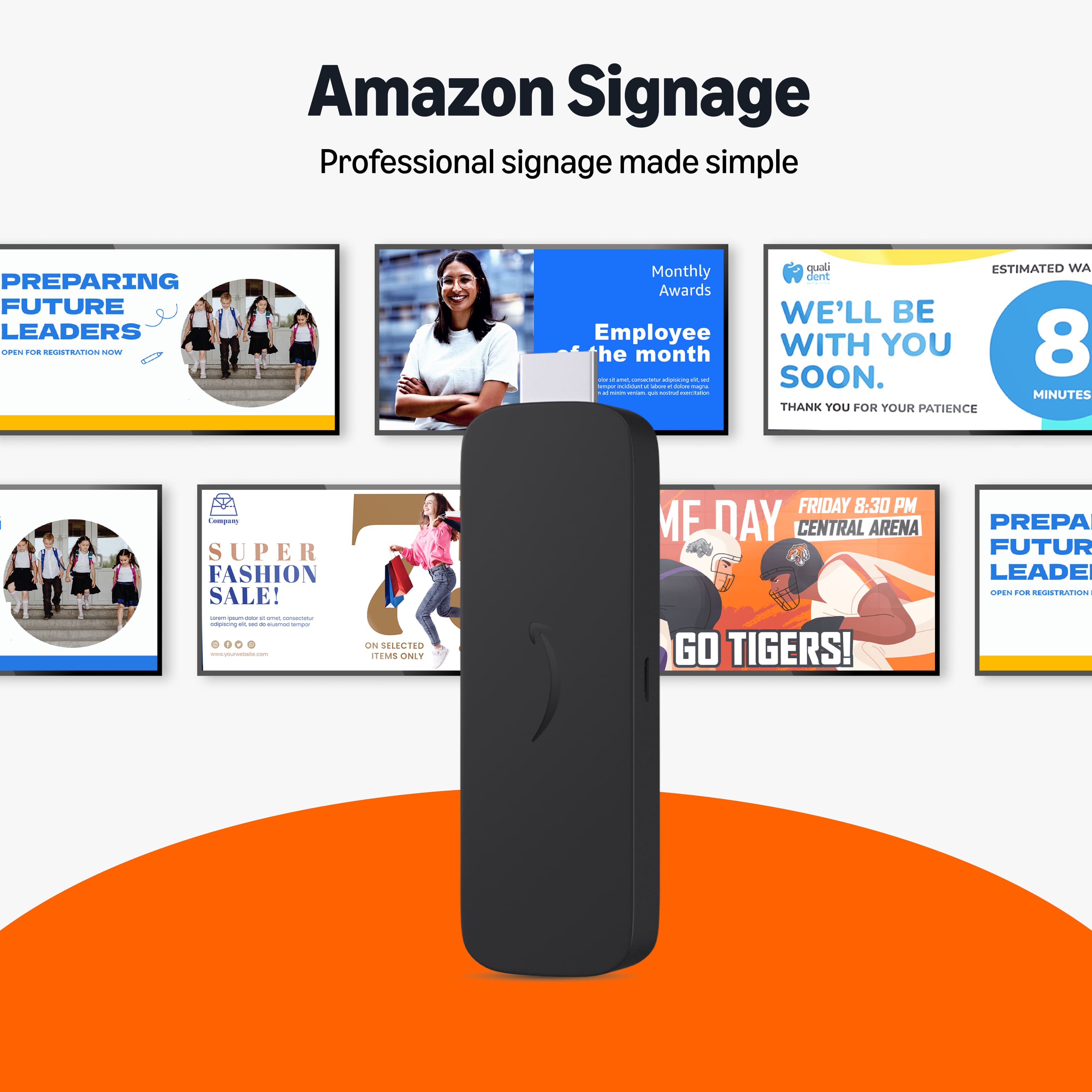
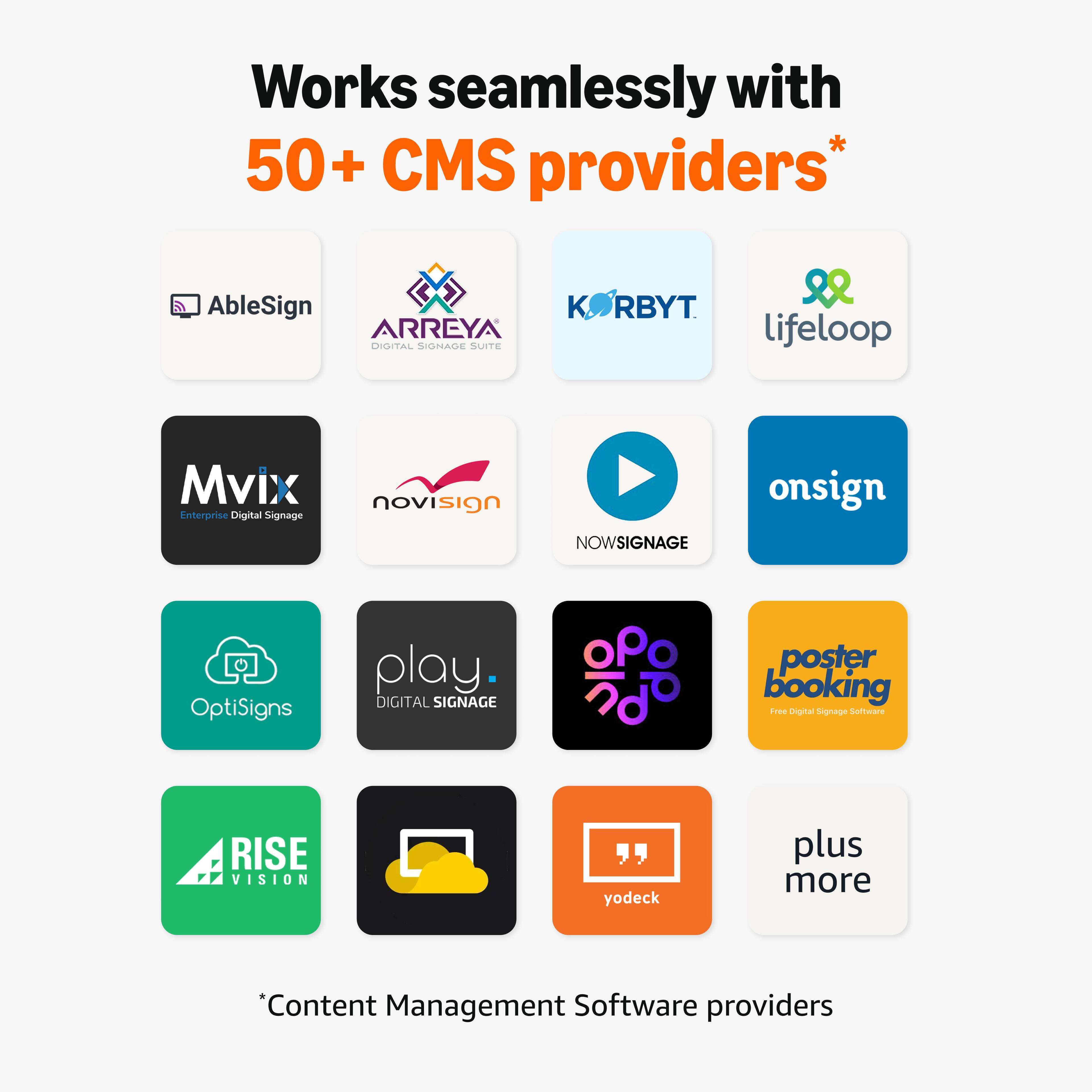
    • Answer Hello, Ash! The Amazon Signage Stick does not come with its own content creation software. Instead, it is designed as a specialized hardware "player" that requires a separate third-party Content Management System (CMS) provider to actually design, schedule, and push content to your screens. While Amazon provides the Signage Manager (a free tool to register and remotely manage the hardware itself), you must choose a partner CMS to handle the "creative" side of your digital signs. I hope this helps!

      Answered by Amazon Devices Customer Support

  • QuestionIf I need help setting up or troubleshooting the Amazon Signage Stick, where can I get support?

    Asked by Ash.

    • Answer Hello Ash and thank you for your question! If you are having issues with setting up or troubleshooting the Amazon Signage Stick, you can get support through the Amazon Signage support page or through the signage-support@amazon.com. Hope this helps! Have a great day!

      Answered by Amazon Devices Customer Support

  • QuestionWhat do I need to get started with the Amazon Signage Stick?

    Asked by Yolanda.

    • Answer Hello Yolanda and thank you for your question! In order to get your Amazon Signage Stick started, you will need the stick itself, a display (TV/monitor) with an HDMI port, a stable Wi-Fi connection (preferably 6E), and a separate Content Management System (CMS) subscription to manage content. You will also need the included power adapter and a smartphone for the setup app. Hope this helps! Have a great day!

      Answered by Amazon Devices Customer Support