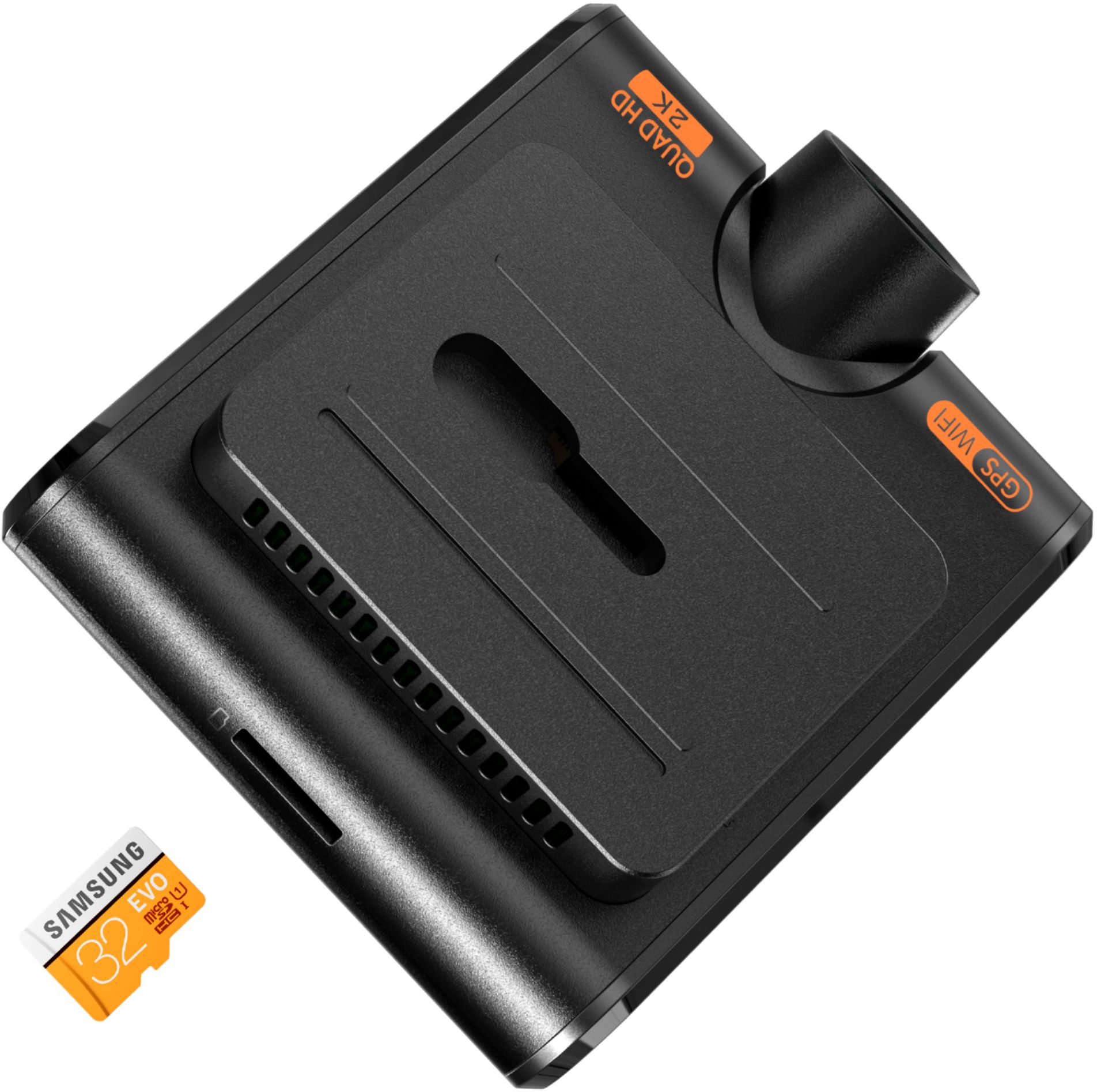
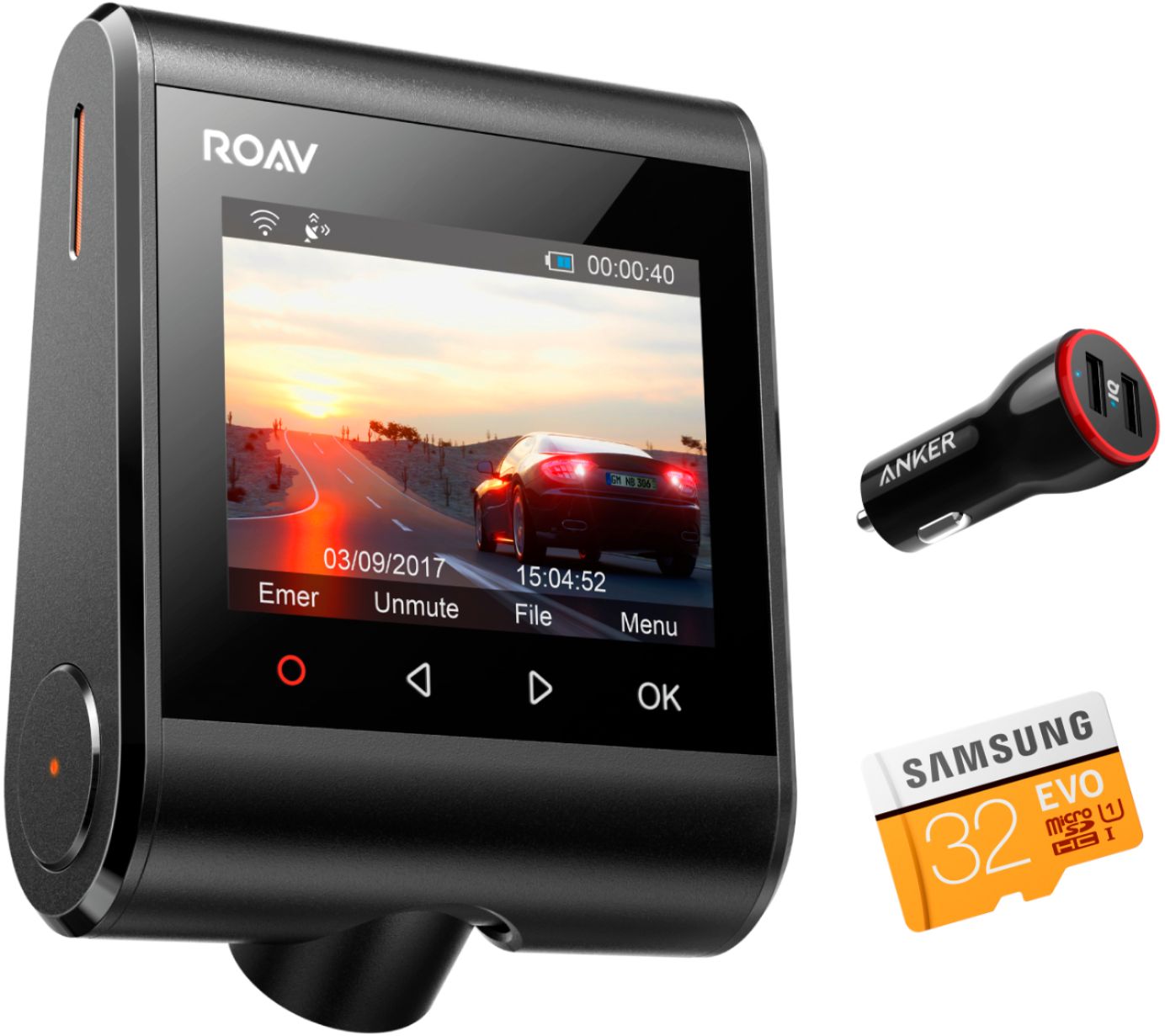
A:AnswerYes it does loop recording, and will delete the oldest file when the card is full. You can lock certain files as well so they will never be deleted.
Yes the screen can be set to turn off and still record.
A:AnswerThat is correct. It is forward facing. I back into parking spaces so it will work for me. If you can only nose into spaces then this feature will be of little help to you.
A:AnswerIf it’s a verified item that Amazon.com sells, then yes Best Buy has a policy of price matching, I’ve used the price match policy several times. Always check bestbuy.com if you are in the store because sometimes the same item in store is less on Best Buy’s website.
A:AnswerI have 3 of this cameras for each of my car for 5 month already I live in Florida so it’s humid and hot and nothing happened working perfect every day
A:AnswerYes. You can set the loop recording time up to 10 minutes in settings. After 10 min it will continue to record on another loop. All loops are identified by date and time. Will continue until memory is exhausted then it will overwrite first loop and continue overwriting.
A:AnswerIt will be continuously creating 10 minute files until it runs out of space. From there, it will record over the oldest 10-minute loops. In this sense it is continuous.
A:AnswerYou can't view the GPS tracking in real time. When you connect to the dashcam it will stop recording while your connected. While connected you can view the GPS tracking and it will give you a map showing the route of the current video. You can also see the GPS tracking of all the videos on the map and click on the locations to pull up the videos that are associated with that location/GPS.