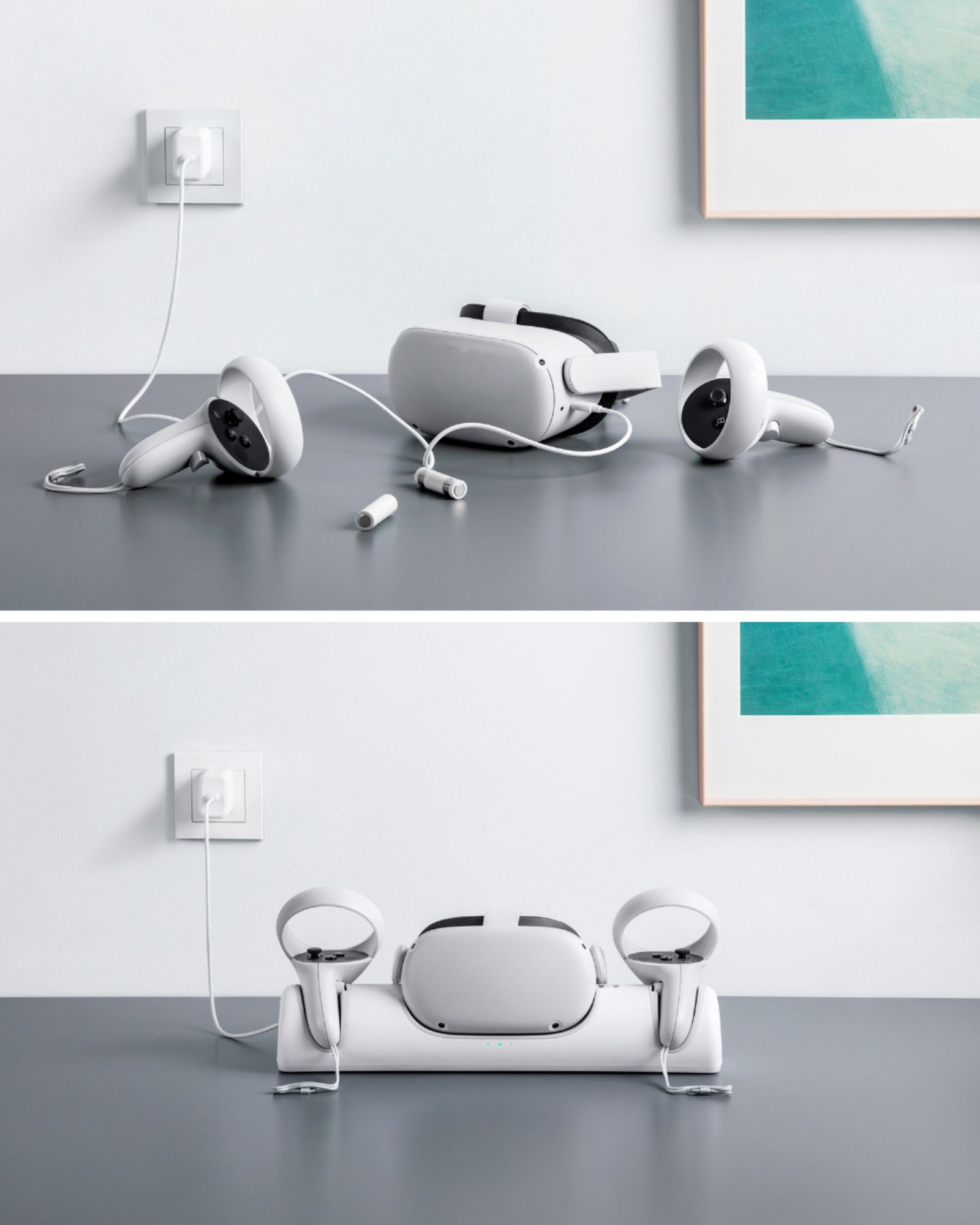
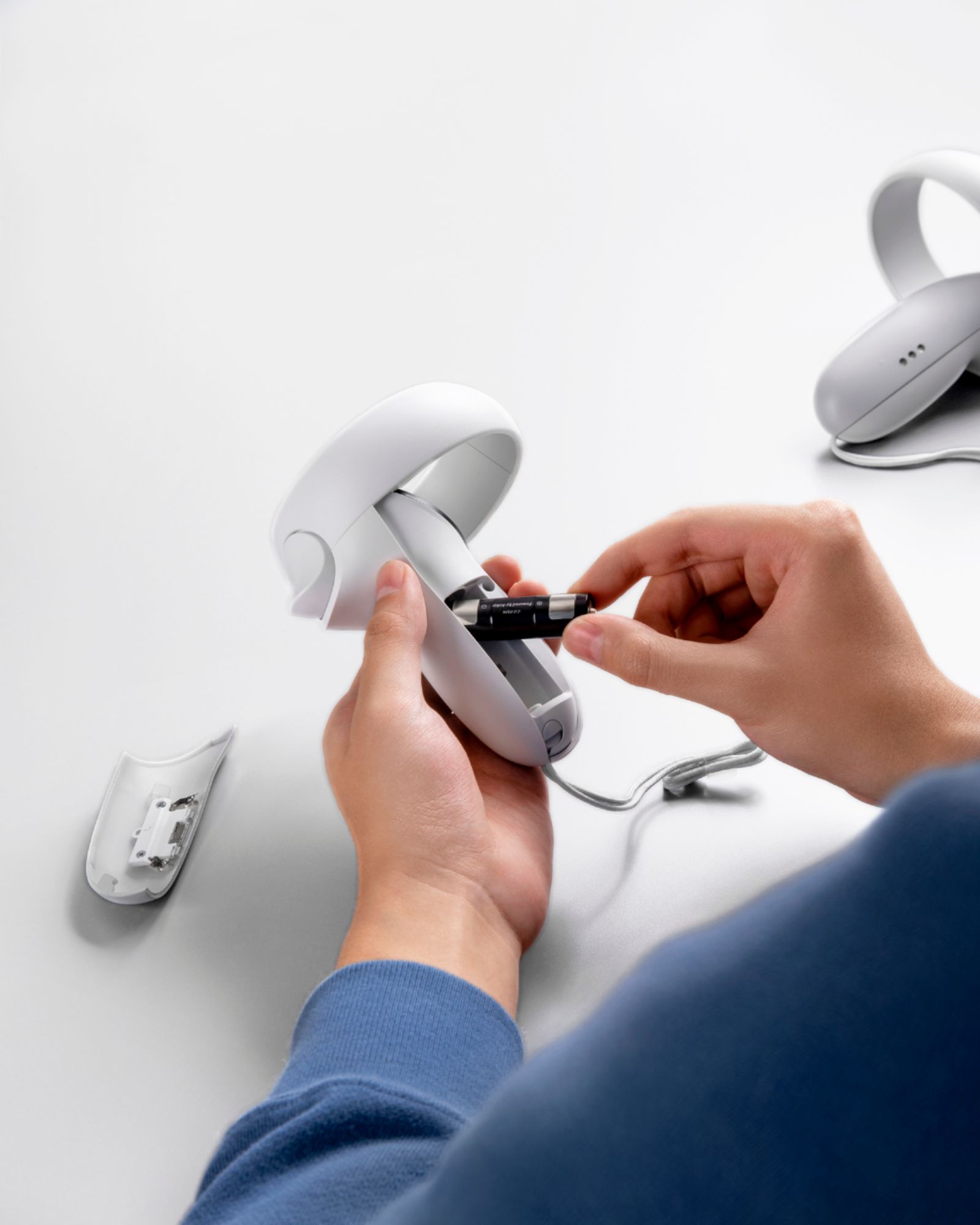
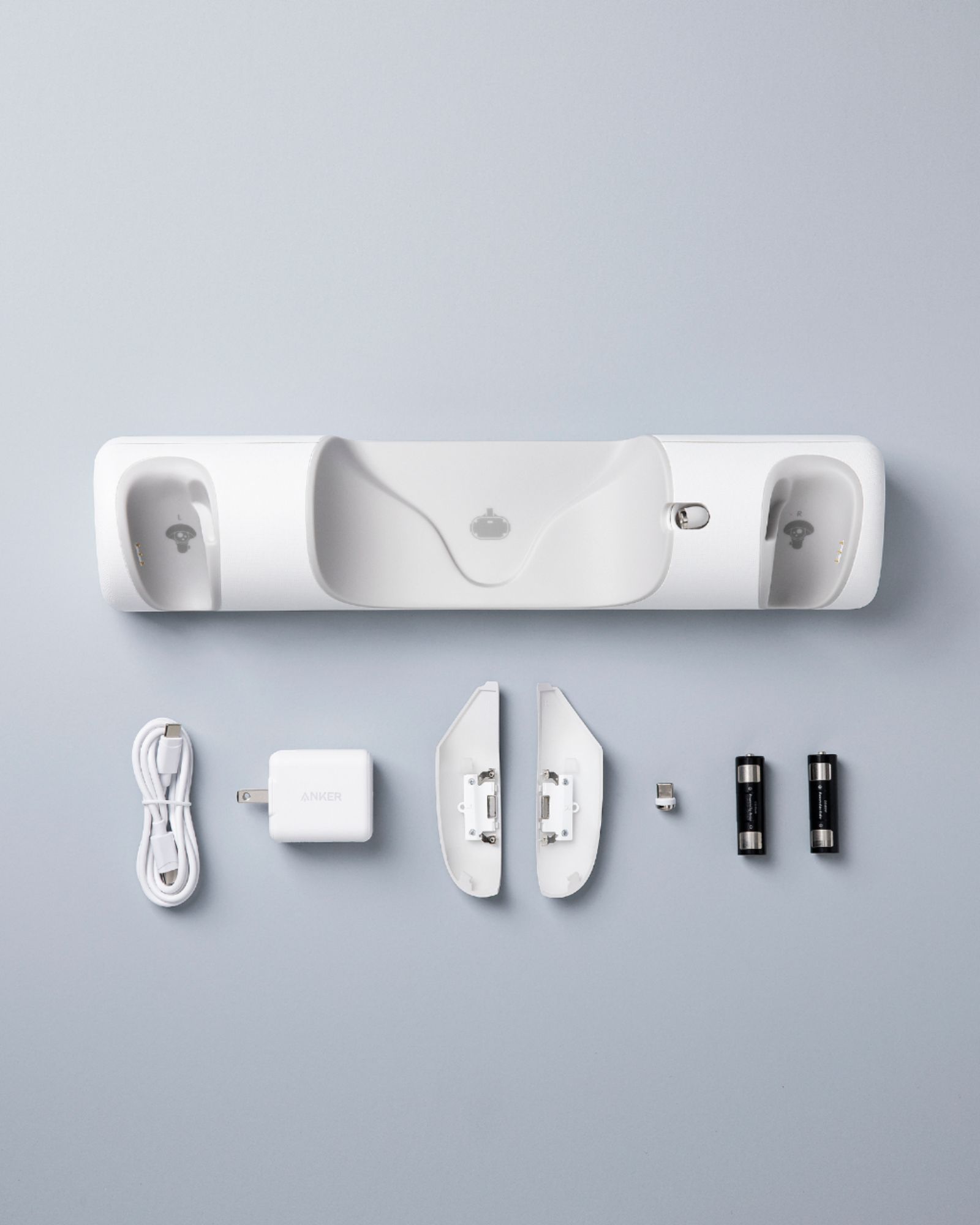
A:AnswerUse the included rechargeable batteries and custom covers to keep your controllers charged up. And with each battery supporting up to 500 recharges, you can hugely reduce the amount of batteries you throw away. After completing a full charge, your Anker dock will keep Quest 2 controllers slightly below a 100% charge to maximize battery life and health.
If you have any further questions, please feel free to contact us via [email protected] or call us at +1 (800) 988 7973.
A:AnswerNo, not unless you are planning to modify it by making holes and extending wires. The oculus quest 2 controller handle piece will not fit inside the controller 1.0 controller. You could try to modify it but you will have a difficult time and probably won't be worth it. One of the metal connection plates on the battery is covered by the controller and the headset itself wont fit inside it's spot on the dock, nor will the point of charge connect correctly.
A:AnswerIf possible, please try the following steps to see if the issue persists:
- Check if the controllers have been placed properly on the Charging Dock, make sure the charging ports on the Battey Cover and the Charging Dock connect properly.
- Check if the battery has been installed as instructed, make sure the contacts on the battery case are touching the metal tabs on the batteries.
If those don't help, please reach out to us via [email protected] or call us at +1 (800) 988 7973. We are more than happy to assist you further.
We offer an 18-month warranty for this product, plus lifetime technical support. Our standard for responding to email quests is less than 24 hours, and we look forward to hearing from you!
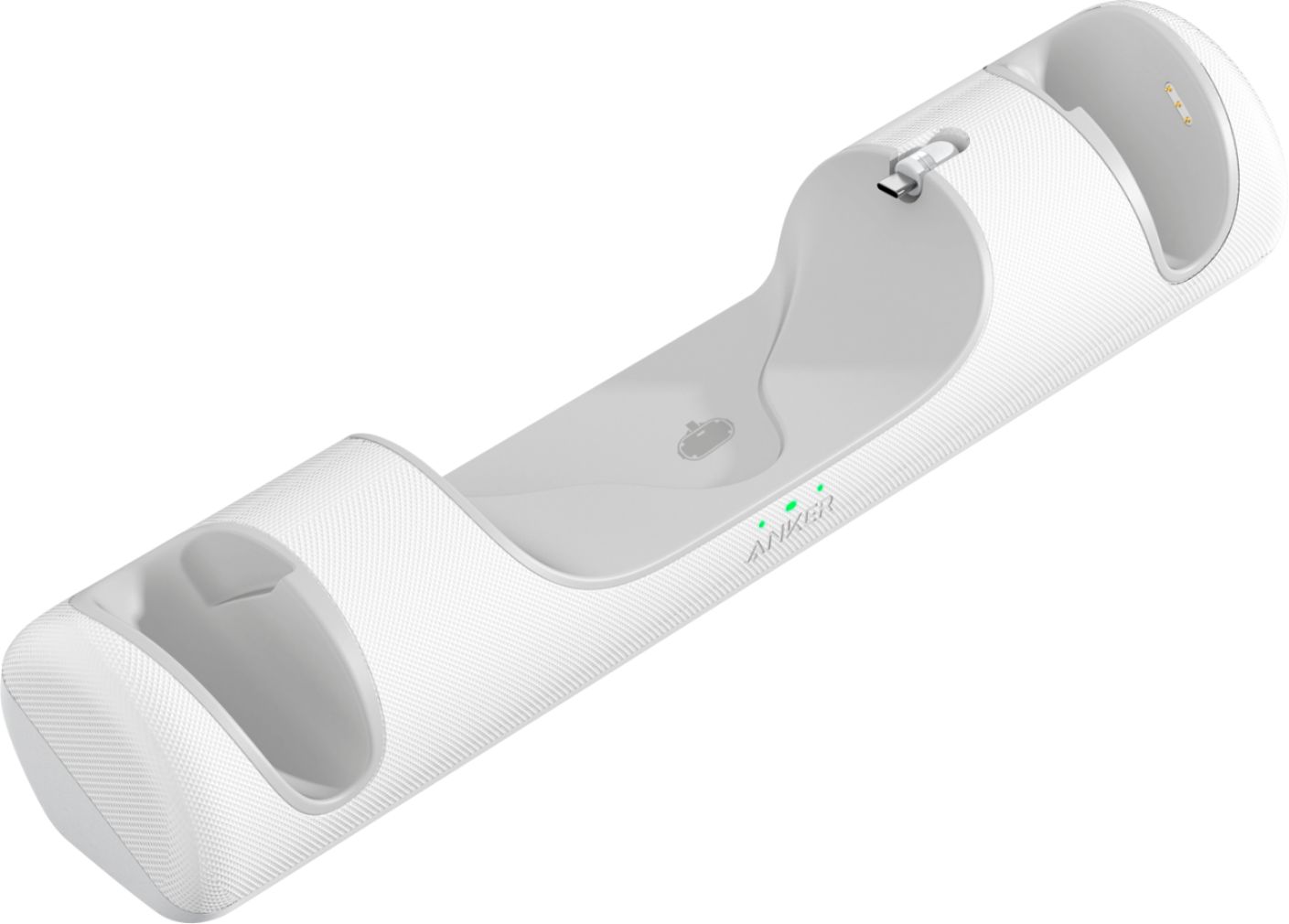
A:AnswerCheck the rechargeable batteries position. The silver on the batteries have to be lined up with the cover piece for them to charge. I keep having that problem and constantly have to turn the battery back to the correct place. T
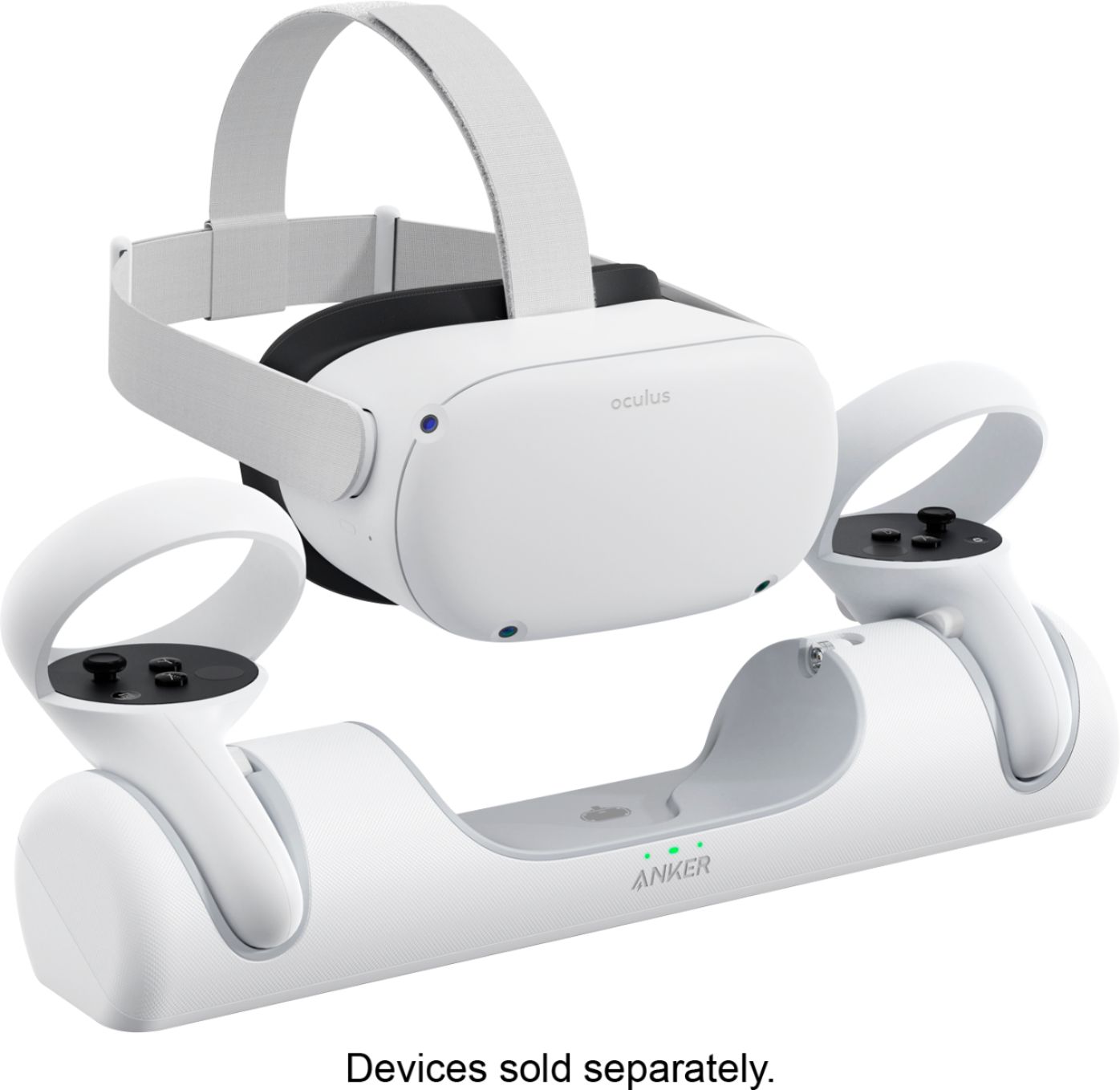
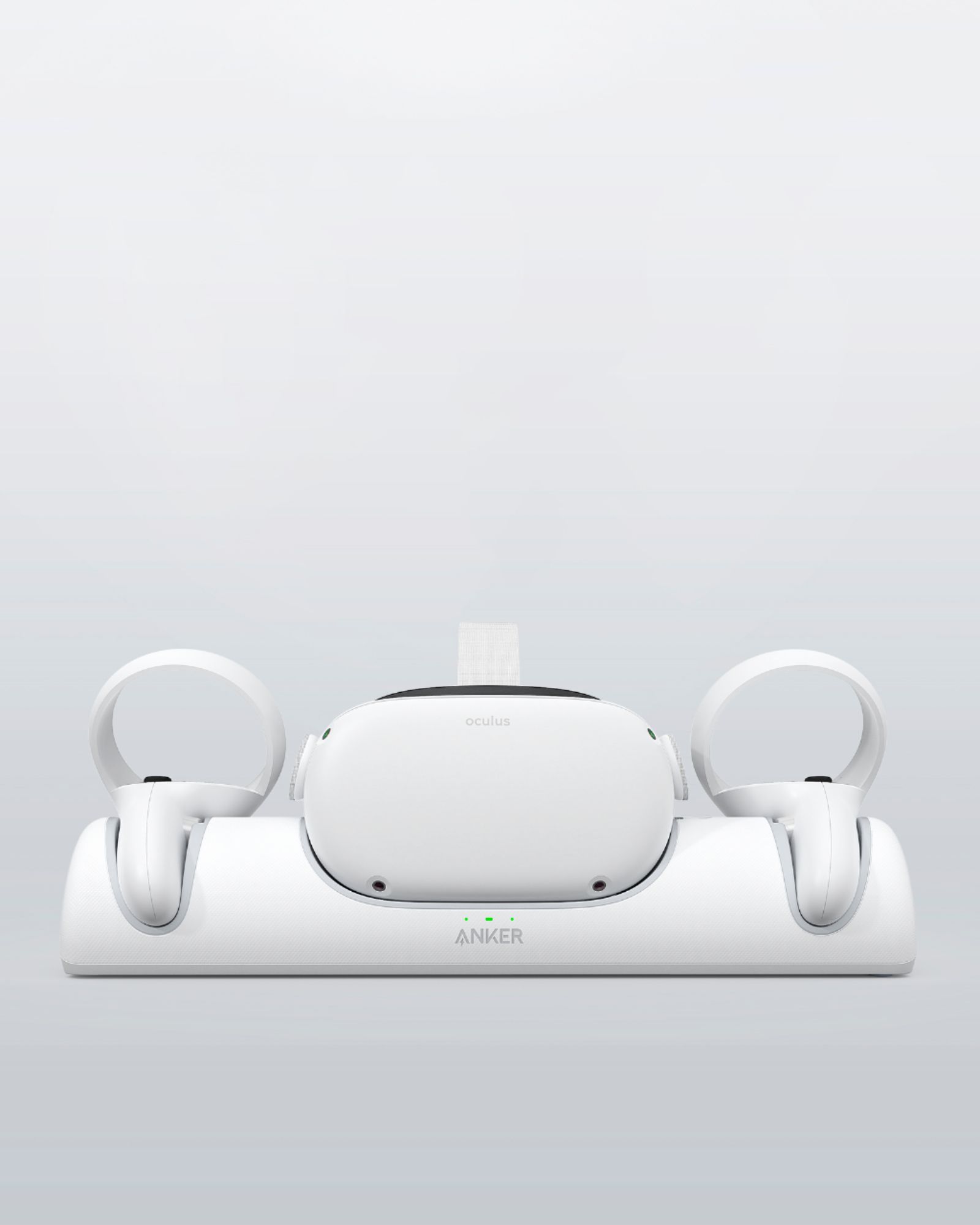
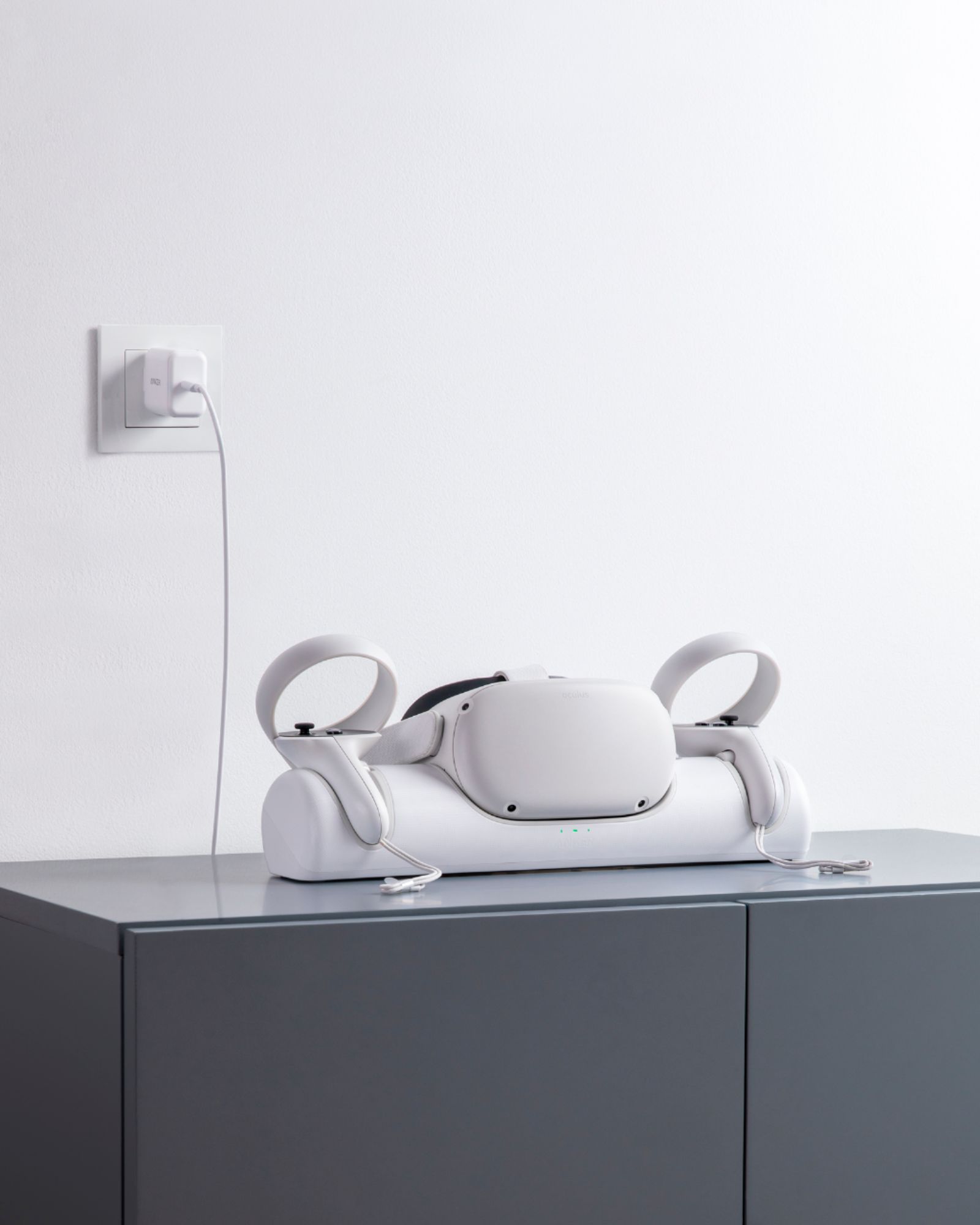
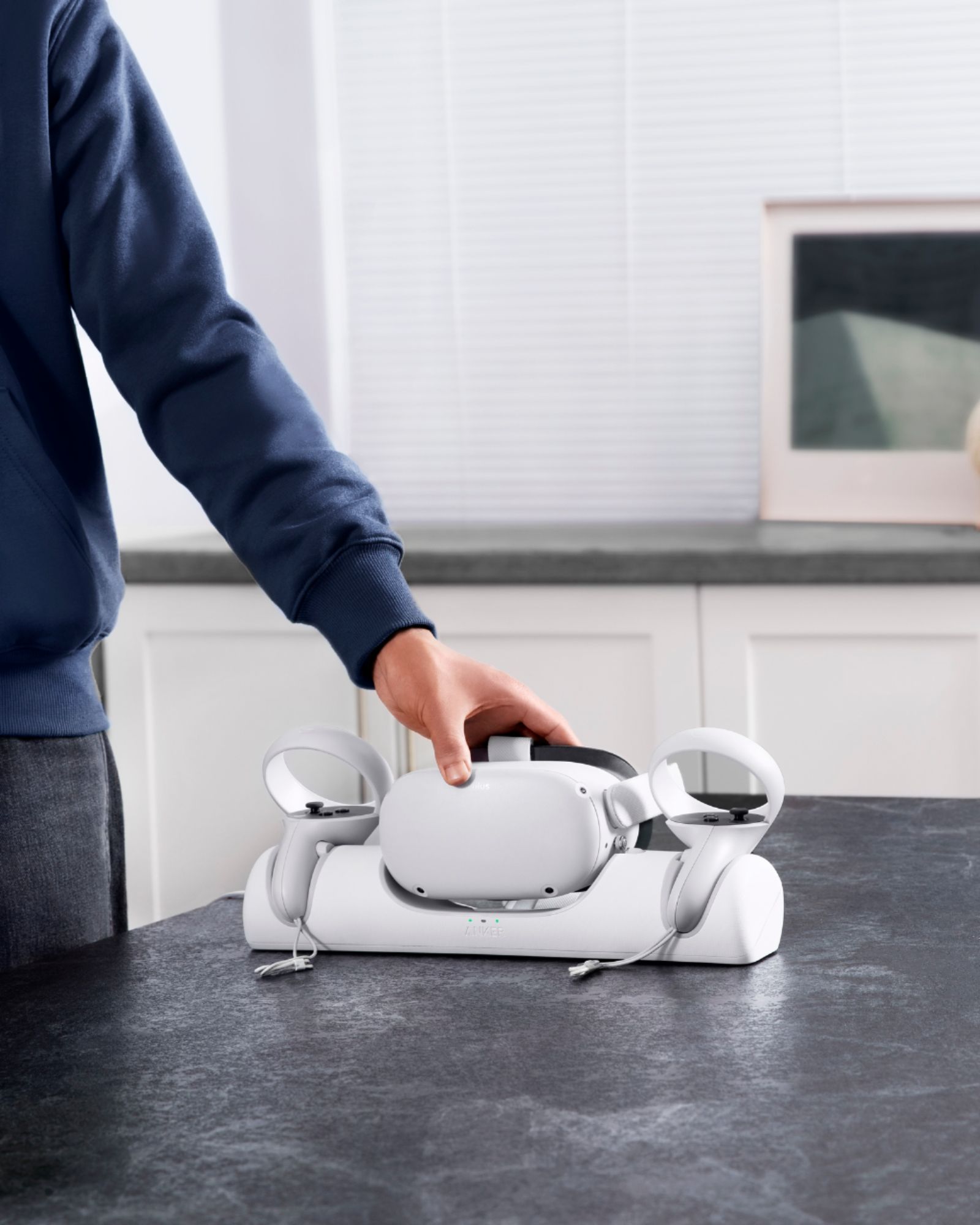
A:AnswerEffortlessly charge your Quest 2 and Touch controllers at the same time. Just place them on the dock when you’re done playing to start charging.
Note:
Oculus Quest 2 and Touch controllers are not included.
Not intended for use with the Oculus Elite Strap with Battery.
After completing a full charge, your Anker dock will keep Quest 2 controllers slightly below a 100% charge to maximize battery life and health.
If you use a protective case with your Quest 2 headset or controllers, remove it before charging.
To charge the headset and controllers at the same time, use the included wall charger. Using a charger with an output of less than 15W will only charge the headset.