A:AnswerIt works for Zoom. Our friends use the iPad for Zoom every day. However, we prefer the desktop for our Zoom activities. The desktop has more functionality. FYI, for FaceTime meetings, we use the iPad exclusively.
A:AnswerI have an iPad Air 2 with a LOT of photos on it. I also saved them in the iCloud. When I got my new iPad Air 3, I just logged into my iCloud account, and of course, my photos were there. When I got out of my iCloud account ... viola! my new iPad Air 3 had everything my old iPad Air 2 had! Just make sure your old iPad has everything backed up to your iCloud account first! Good luck!!
A:AnswerThe iPad Air does not come with any Microsoft apps installed. You can purchase and download mobile versions of some of the Office apps. I personally have Word, Excel, OneNote, and OneDrive on my iPad. In addition to these, I've installed Outlook, PowerPoint, Skype for Business, and Teams on my iPhone.
A:AnswerWifi means you can only connect to WiFi networks, like your home internet or internet at a hotel or cafe. Unlocked means it has cellular service that isn't locked down to a specific carrier. You can use any carrier's data plan to get a cellular data connection.
A:AnswerI use the IPad Air (new version from March 2019) and have all of the Microsoft Office suite on the device. Works great. I also use a Surface Book 2. If you safe to the cloud - it should work seamlessly for you.
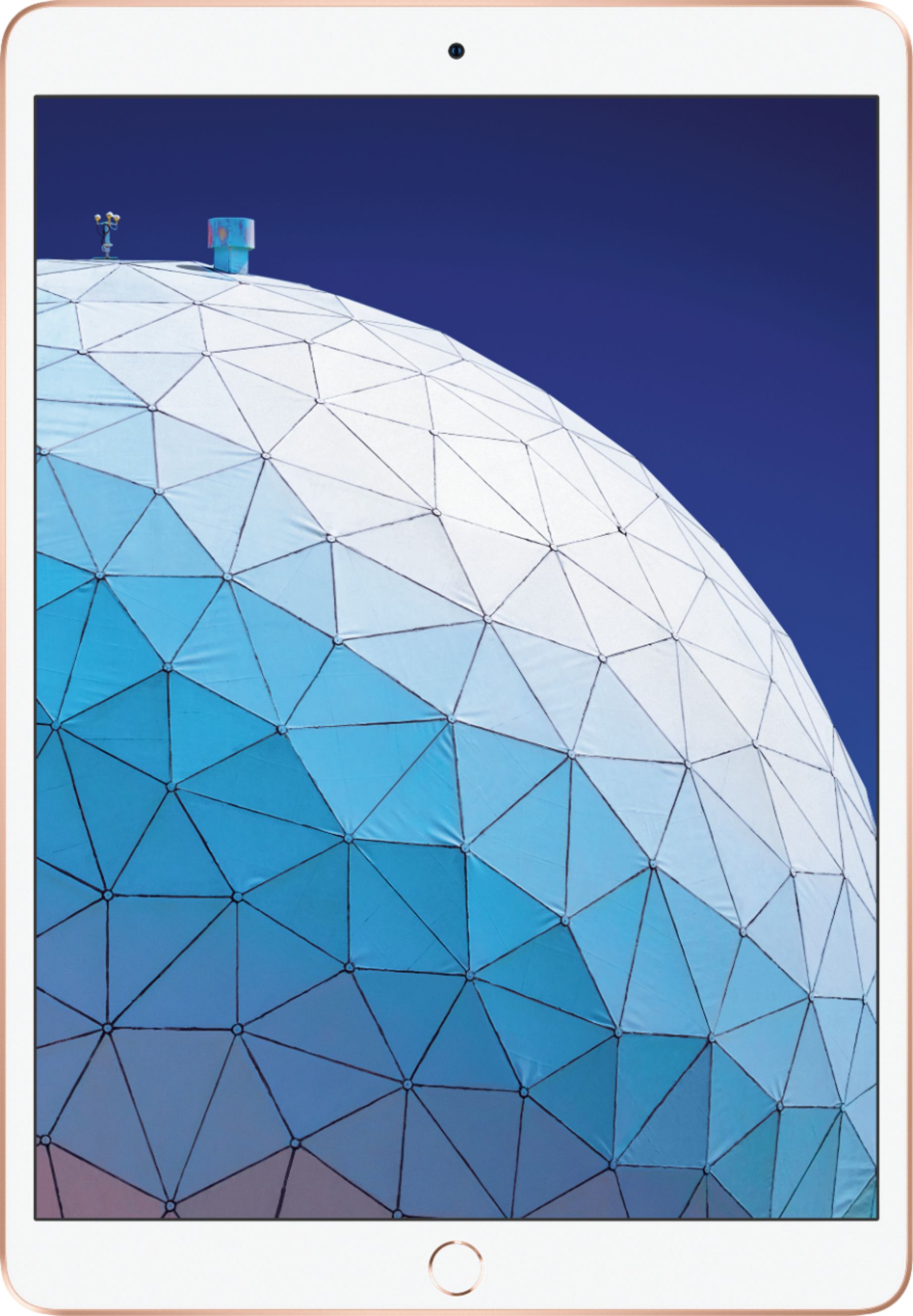
A:AnswerThis MUUJ2LL/A is also known as the Ipad Air (3rd Generation).
In December 2020 (when I purchased), the Ipad Air (4th Generation) was the latest Ipad Air model.