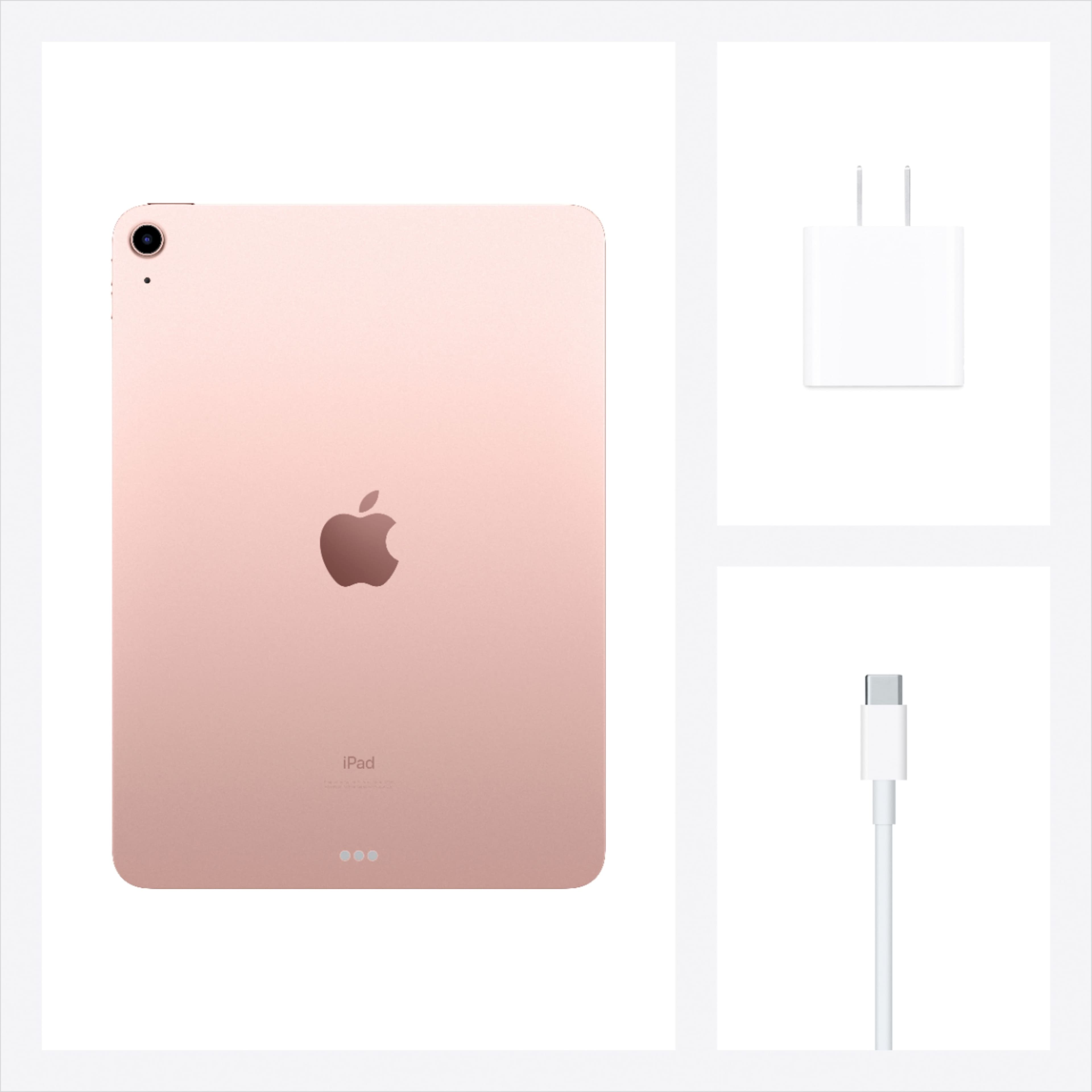
A:AnswerAny traditional auxiliary port headphones will work with an adaptor. Or, you can use any Bluetooth headphones which won’t require an adaptor. My AirPods that i already have work great!
A:AnswerYes you can place restrictions on apps and App Store
Launch Settings from your Home screen.
Tap Screen Time.
Tap Content & Privacy Restrictions.
Enter a four-digit passcode and then confirm it.
Tap the switch next to Content & Privacy.
Tap Allowed apps.
Tap the switch(es) next to the app or apps you'd like to disable.
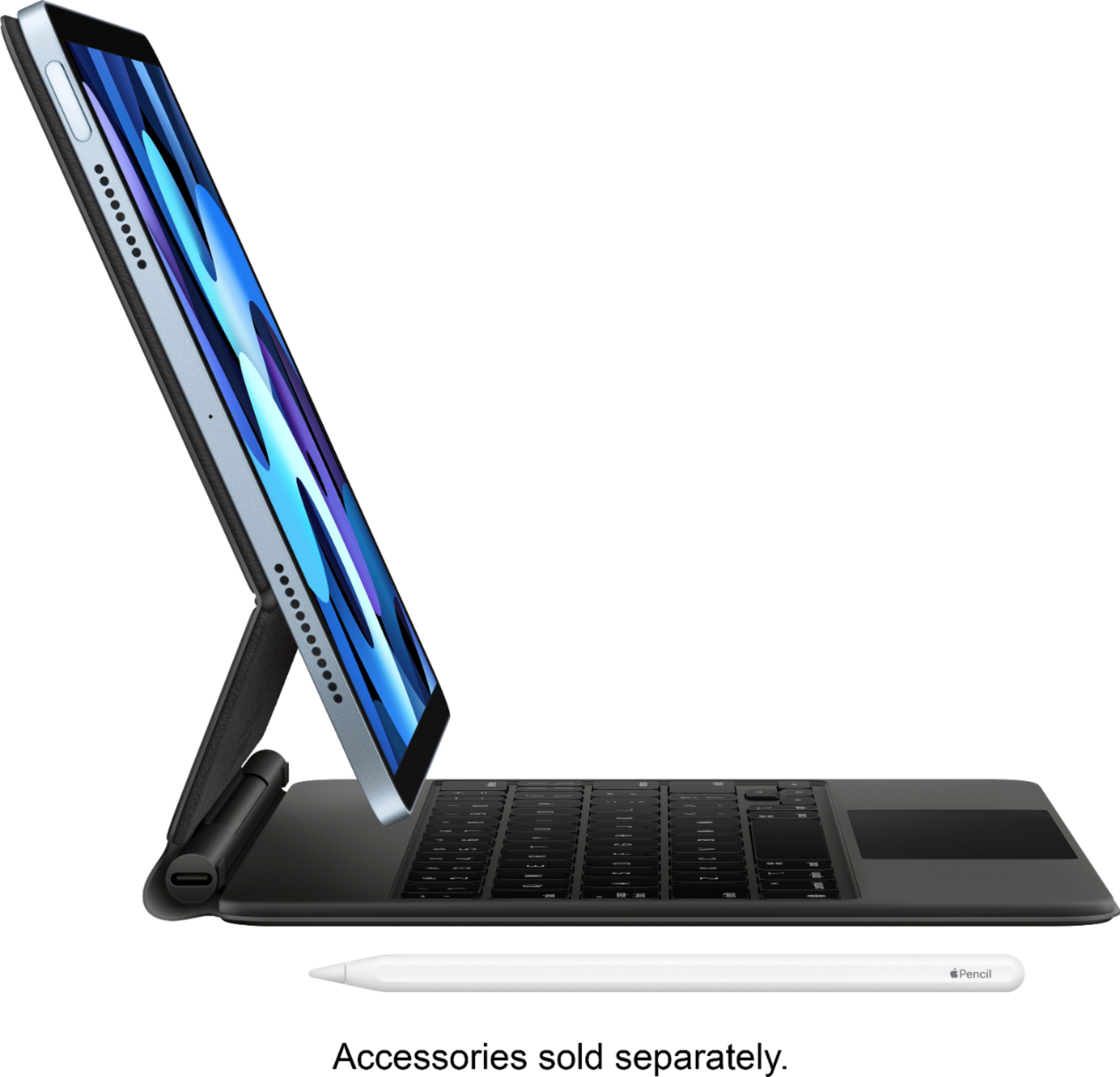
A:AnswerCurrently the included apps are about the same you’d get with a new iPhone so you can doodle with the notes app, if you’d like to create designs with an Apple Pencil on an iPad then I’d recommend procreate as its free.