A:AnswerNot sure if they're doing trade-ins on the Apple pencil. There is a tool on Best Buy's web site that will give you a general idea of the trade-in value of your current iPad just by answering some basic questions about its condition. If you decide to trade it in, first make a backup of your current iPad, then reset it so there is no personal information remaining on it. There are instructions on Apple's web site how to do this. When you take it in for the trade-in they will do a further evaluation and tell you what the trade-in value is.
A:AnswerI’m a little unclear what you’re asking here, but if you printer and iPad are on the same network you print wirelessly without issue. Also, if you’re printer is able to create it’s one ad hok network or worse case you host a network with your phone that both the printer and iPad can connect to, the iPad will automatically recognize the printer for what it is and send print commands wirelessly.
A:AnswerYou need a printer that supports air print. Once you set it up you can print to it wirelessly. I just did this weekend with an HP printer. I was able to print from my iphone and ipad pro. Really cool.
A:AnswerYou can download Microsoft Office apps directly from the App Store. Check the App Store or the developers website for details about any required subscriptions or in-app purchases.
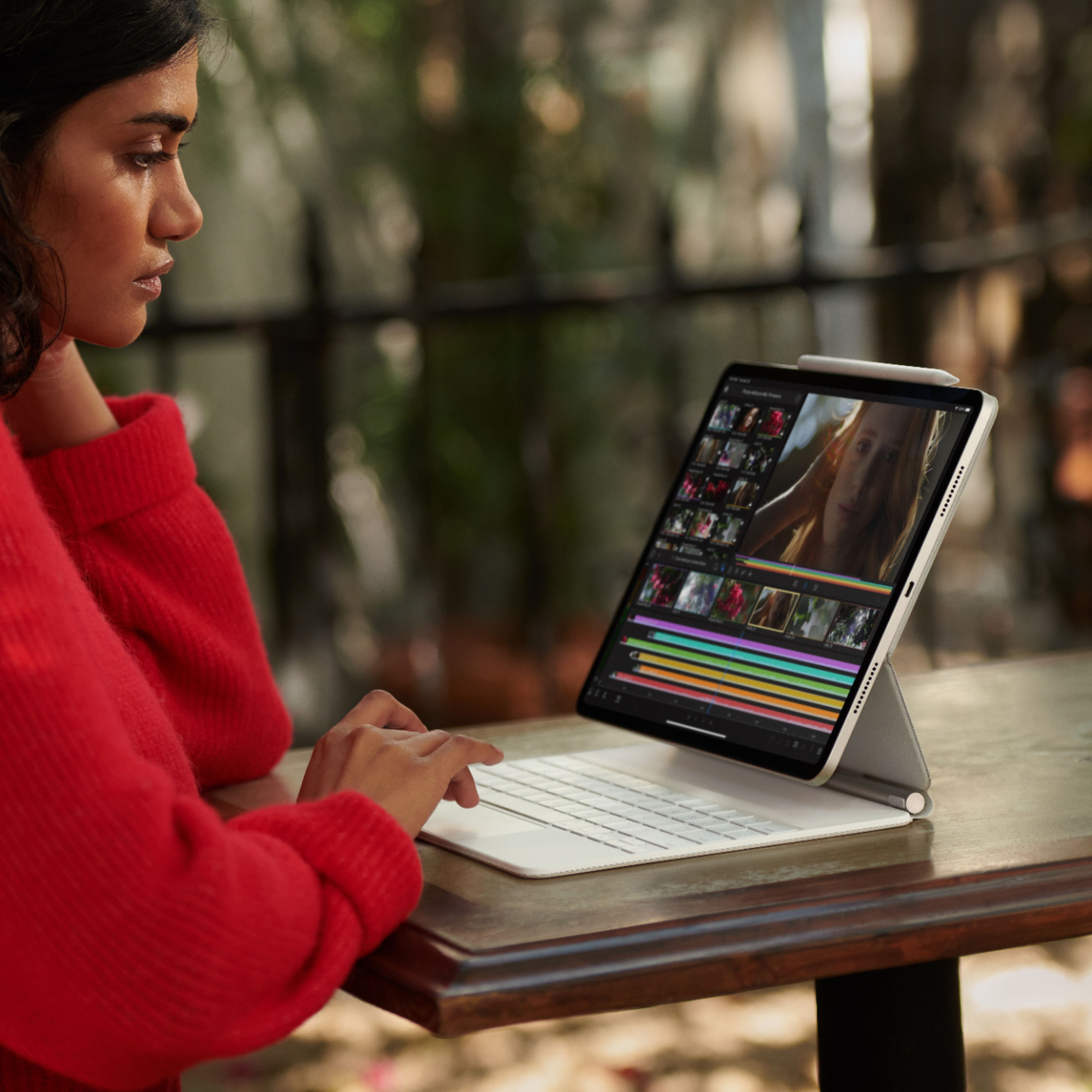
A:AnswerThe old black Magic keyboard and new White magic keyboards from Apple.There is also a new Logitech grey keyboard that just came out on the market that's about 100 dollars cheaper and does the same job as the Magic Keyboard if your looking to get something new and cheaper !Hope this helps!
A:AnswerThere are some ad hok ways to do this through various apps, but the better answer is to wait for iPad OS 16. With some minor limitations via the new stage manager desktop organization system, connecting an external monitor will be plug and play via usb c.