A:AnsweriPad Cellular is a separate plan. You can convert your regular phone plan to iPad plan but nobody can call you on the number unless they call you using the internet via Facetime, etc. Can only text you via online messaging ap like iMessage or FB messenger, etc.
A:AnswerHi there, Kay!
No, it does not come with Word pre-loaded, assuming you are referring to Microsoft Word. That is a program you will typically find on Microsoft/Windows related devices, not on any Apple devices. Apple has its own software suite similar to Microsoft Office called iWork. This comes pre-installed on the iPad Pro and is accessed by opening the “Pages”. You can also go to the App Store on the iPad Pro and download any of the Microsoft Office Apps (Word, Excel, Power Point, etc) should you prefer to use or need it.
Cheers!
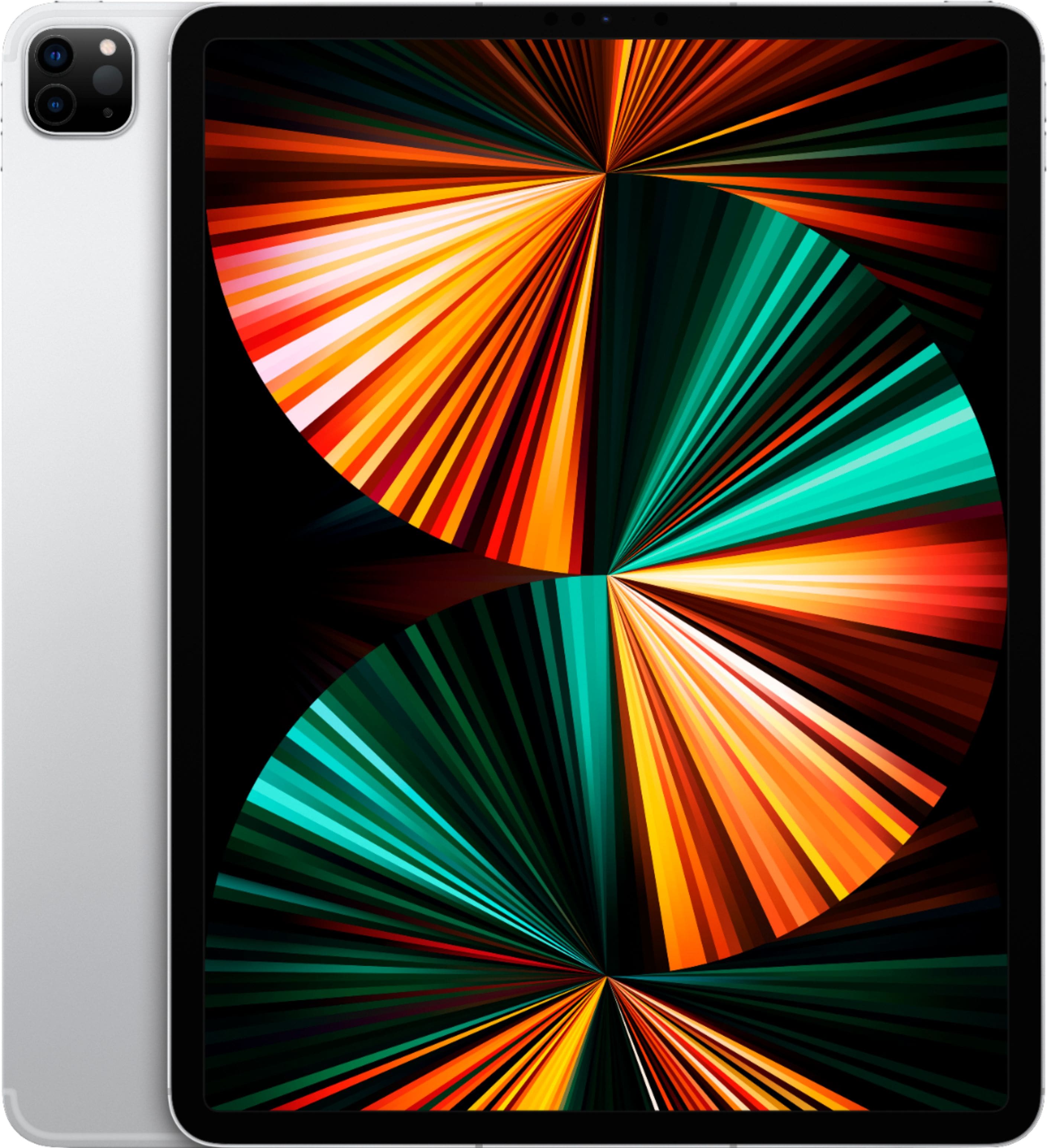
A:AnswerYou do not need to set up the cellular service. Usually the cost of an iPad is higher to have that capability but with this current sale
I’m thinking of buying it and not using the cell service.
A:AnswerSetting up the iPad is very straight forward. Either as new ipad or you want to transfer evrything from you’re old iPad, in which case just turn the one on and have them both very close. The new one will detect the old one and will ask you if you want to transfer everything and that’s it.
Good look.
A:AnswerDepends on the condition, if the condition is extremely good. You could still purchase Apple care. Usually Apple care comes with 2 years of services.
A:Answerthe latest model is with M2 processor. not this one, but for the discount and lack of innovation in the last model, I would advise buying this previous model. I did this and am delighted, as the difference in speed is imperceptible with the new model.