A:AnswerYes you can go to an Apple store with proof of purchase and they can replace it for you for an additional cost. If you have apple care it’ll be less than without it
A:AnswerI’ve had mine last 4+ hours until I’ve had to put them back in the case. The battery runs down faster in transparent mode and noise canceling. They charge very quickly if you’re using Apple chargers.
A:AnswerYes they do. You just have to go to Settings and click on Bluetooth and at the same time open the lid of your AirPods case and your cellphone will start to the searching of any device. Once you see AirPods on your cellphone just click connect and your done! And your AirPods will be ready to use.
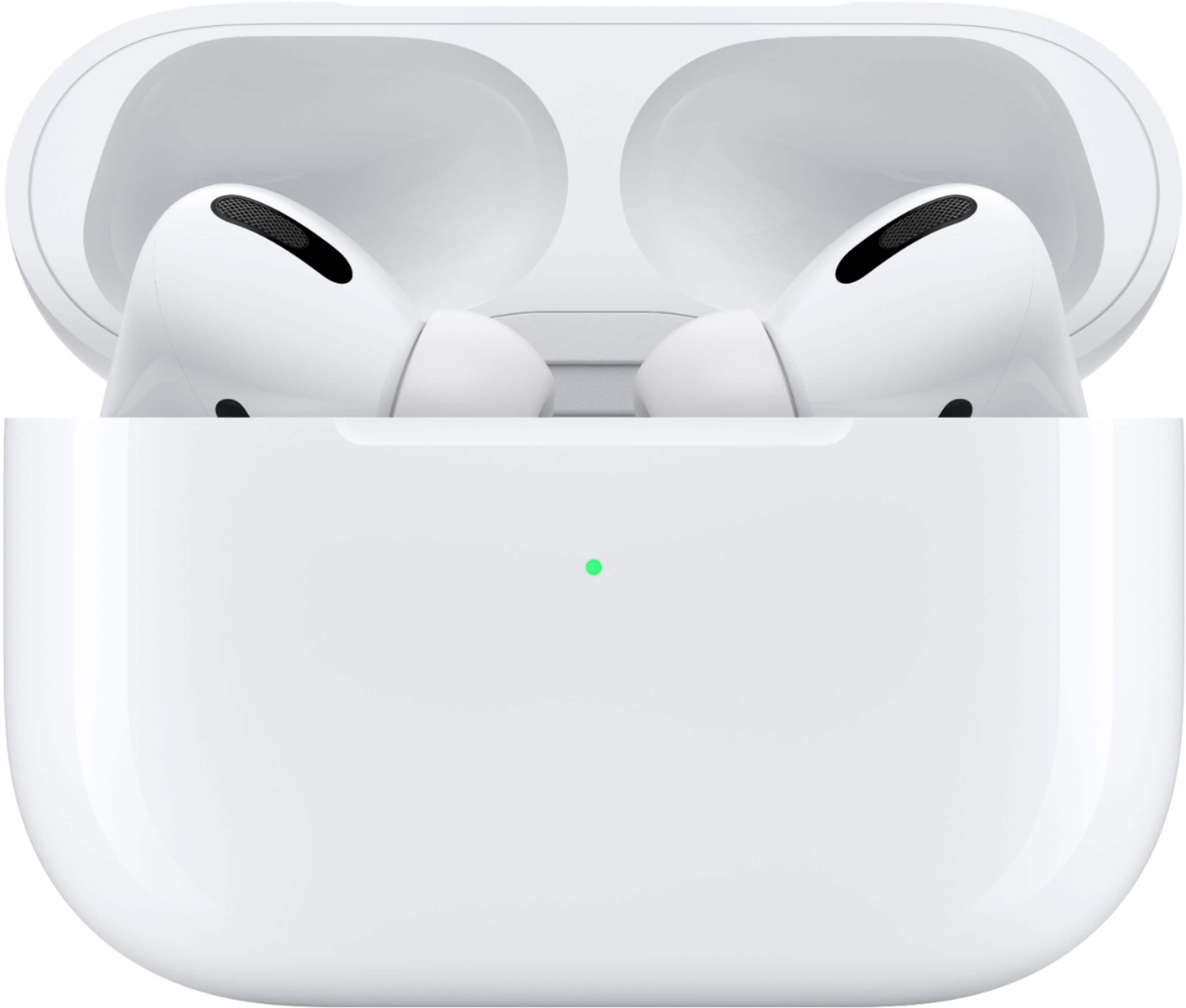
A:AnswerMake sure to hold the back button on the charging case until the light on the front blinks white, when it does then it should pop up in your Bluetooth settings.
A:AnswerYour old AirPods seem to have a worn out battery, so yes they do last longer. However compared to rated battery life of normal AirPods, these last 30 min shorter with ANC enabled(4.5 hrs instead of 5). After about 9-11 months I recommend you take advantage of the 1 year warranty Apple provides for its products and get a free replacement to keep your batter health in tip top shape!