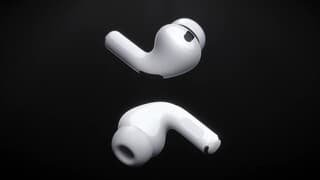
A:AnswerPretty hard to read your question, but if your computer has Bluetooth then these will work fine for you. That's a very specific question but one that can be tested with any Bluetooth headphones. These just sound better and have a nice mic.
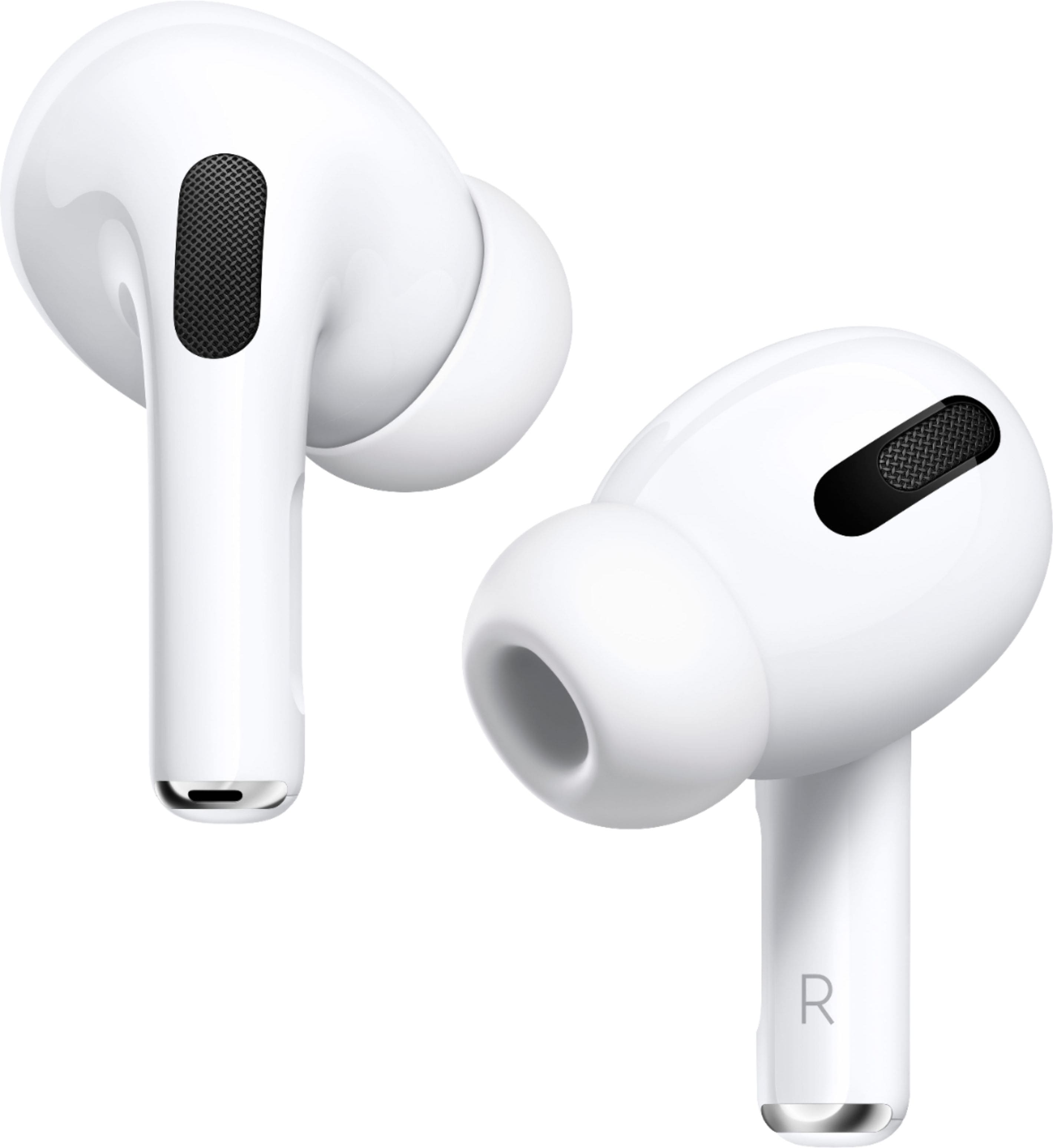
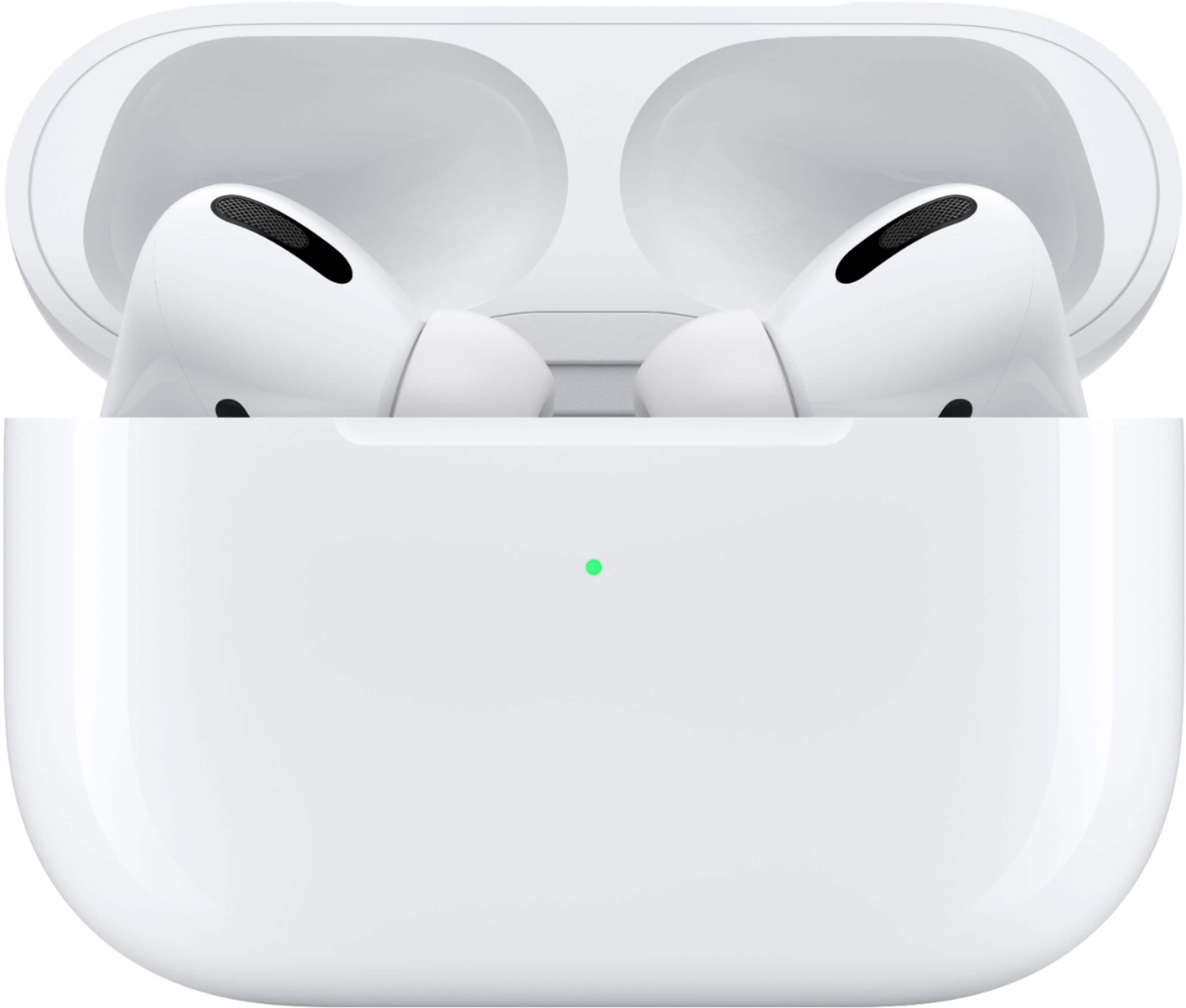
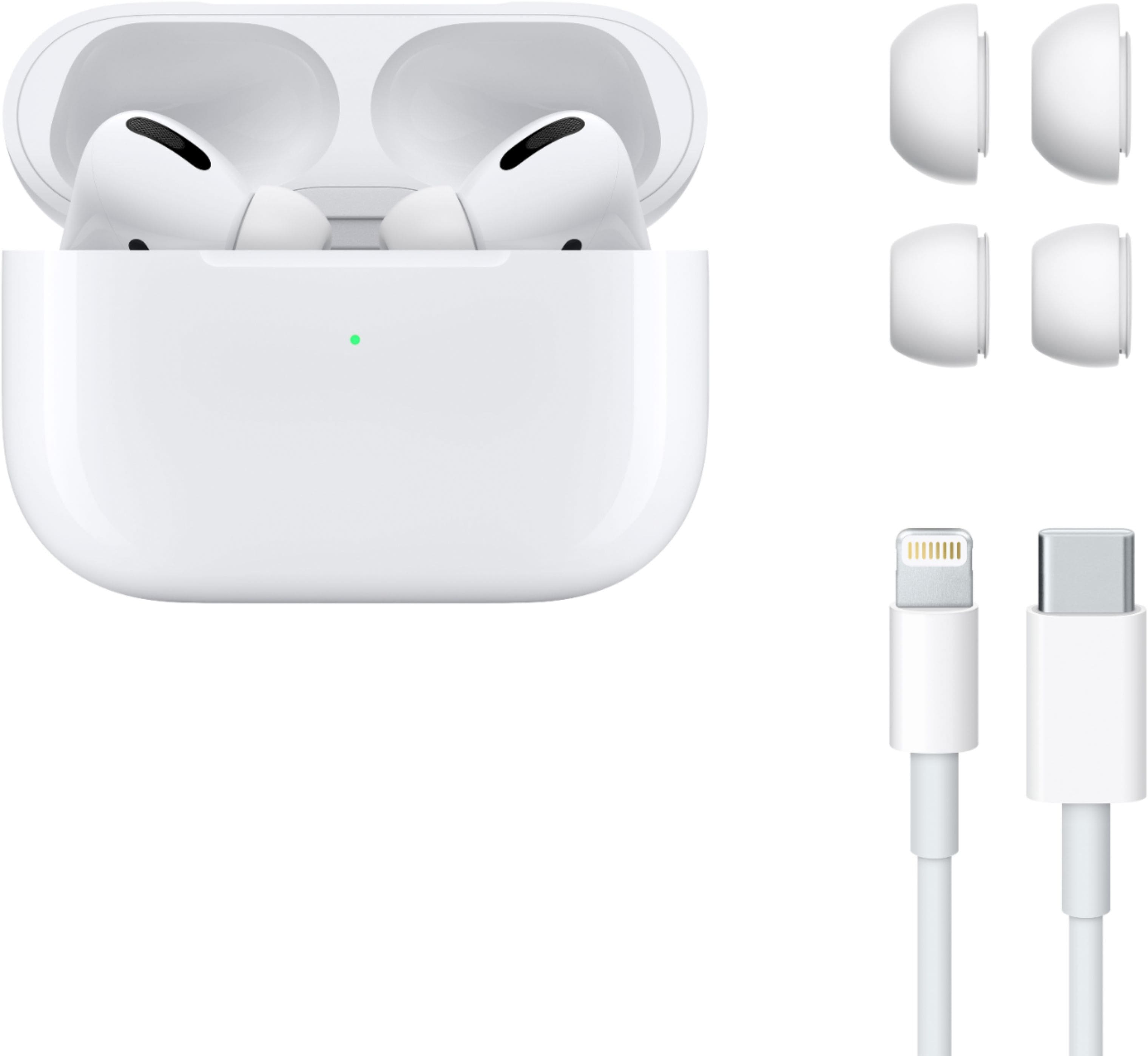
A:AnswerThey come in twos, with a charging case and a lightning cord. They will work individually unlike some competitor versions. As why only one?
- lost the other one?
- deaf in other ear?
- stylish? (like someone who likes pants that fall down and show off their underwear)
- don’t know how to shut off noise cancellation so one ear allows them to hear ambient sounds.
- brother got mad at her and stole one and hid it in the couch cushion along with her Polly Pockets from 2005.
- battery dead in other one and it is charging.
A:AnswerThere’s a whole big internet out there. A simple google search returned this... https://www.elitedaily.com/p/do-apple-airpods-work-with-galaxy-phones-heres-what-android-users-should-know-16508770...
A:AnswerThey will connect to any Bluetooth device. They are designed to work flawlessly with Apple devices though. By having it connected to an android. You will not be able to use the voice Assitant feature. Hey Siri or even hey google. There is also a listening mode Apple has on their device menu which gives you three options. Click transparency to get great sound similar to noise canceling. And there is noise canceling that cancels out all the outside noises. Great to use when you don’t want to hear much of anything but what is playing from you device. And finally there is a third option which is off. Which will be the only option on android. Sound still sounds good. But nearly as rich as the other two options. You can see your battery life of headphones and headphone battery case on android just like Apple. These are top notch headphones. Definitely worth the money. If you don’t need the voice assistant at your service from your earphones. Then maybe these are the ones for you
A:AnswerYes AirPods Pro, in-fact previous AirPods also can be paired with Android phones. It works like any Bluetooth device. Some features might be compatible only with Apple devices. Like easy pairing. For pairing with iPhone you just need to bring the AirPods with case close to iPhone and then open the case, then you will see a pop up in iPhone to pair with it. You don’t need to go through Bluetooth settings to pair with iPhone. For other devices you will have to go through that process.
A:AnswerI have not heard this before but you can just call them in there open hours and say that you lost your case and if you have warranty or Apple Care Then you can get a new one for free. If not them you will Have to buy a new one.
A:AnswerUnfortunately you would need to purchase a separate wireless pad to place them on. I have one for my phone and it charges them as well. Not at the same time though.
A:AnswerGoogle is your friend, use it... https://www.elitedaily.com/p/do-apple-airpods-work-with-galaxy-phones-heres-what-android-users-should-know-16508770