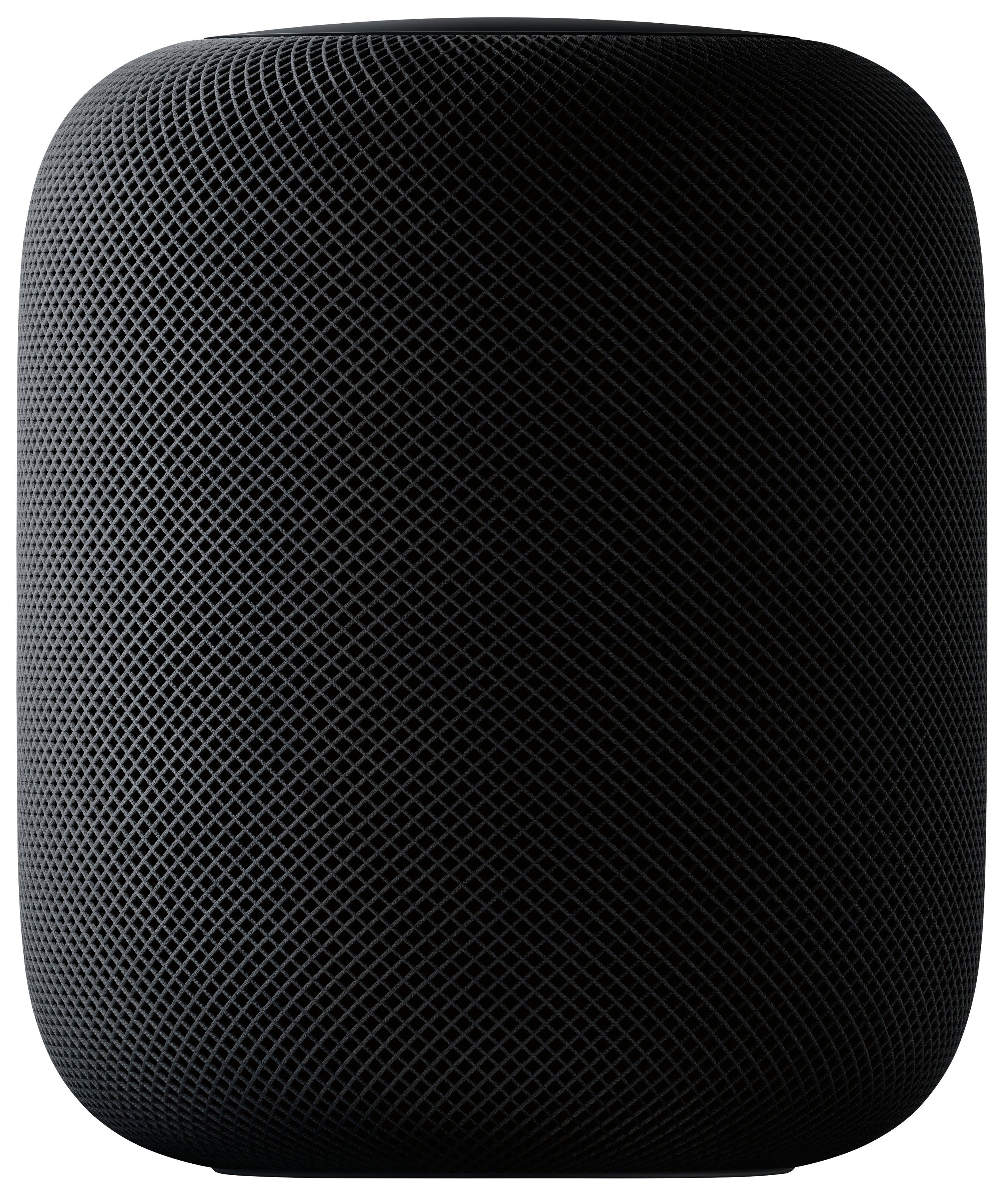
A:AnswerIf you’re asking if you can use 2 HomePods together to give you surround sound, the answer is yes. They will connect together and detect each other in the room so they can direct the sound in the room directly towards to.
A:AnswerThe algorithm Apple uses allows the sound to be distributed accordingly. I'm no audio engineer so my best answer would be to just check this link out.
https://www.apple.com/homepod/
A:AnswerTechnically... maybe. But it wouldn’t be pretty or easy. Not something I would recommend. And you would need an iPad. Okay, if I really was motivated to do this..
1. reset the HomePod if it was on another network. Remove it from HomeKit.
2. Turn on your iPhone... then move it a bit away, say 5 or 10 feet, from the HomePod.
3. Log your iPad Wi-Fi onto your phone.
4. Then pair your iPad to your HomePod.
That should work. More than likely it will take a few attempts. It really likes to be set to one network then squat.
A:AnswerIt is one speaker but a future update will allow you to buy a second one and use them a stereo speakers versus two speakers playing the same thing, each speaker would also know where it and the other speaker is in your room and adjust its individual sound output to best fit the room they are in.
A:Answeryes it can. Mission sales a battery base for the HomePod Mini that you can do just this. but if your just list to music with it and you want to walk around on battery and airplay 2 with it the sonos roam works great for that.