A:AnswerYes, there are many re-certified or renewed 27" iMac available. I just trade my 27' in, and in great shape, but not able to support muy main software application because its stops at OS 10 and will not be upgraded again.
A:AnswerI have found that the iMacs are compatible with either printers. It took little exploring and at one point I had to use a special app through brother called Print and Scan. They have since then adjusted it for the version of Mac OC I am using. The drivers seem to be depend on the type of MAC OS you use. brother has a great section on the website to guide your thought he process. It actually very easy to follow. The download buttons not the brother site look somewhat like those sketchy buttons you don't want to press with Malware, but they aren't.
A:Answerit does not come with it out of the box, but if you have a Microsoft 365 subscription that allows for download of the software you will be able to download Mac version of the software and they are much more Mac compatible then they use to be. I use them often and they work great with mac's Universal Clipboard and files saved on iCloud.
A:AnswerSoftware is integrated and named with its own version number(s). You just have to update apps you want automatically or manually. I had to update the software (it asked me) after I set iMac up. It also comes with Apple Dashboard where you have settings, Apple Store, Calculator, PhotoBooth, etc. Things you would see on any old MacBook Air. I had to download Zoom, Gmail, and Outlook for personal use from the Apple Store. It is quite easy.
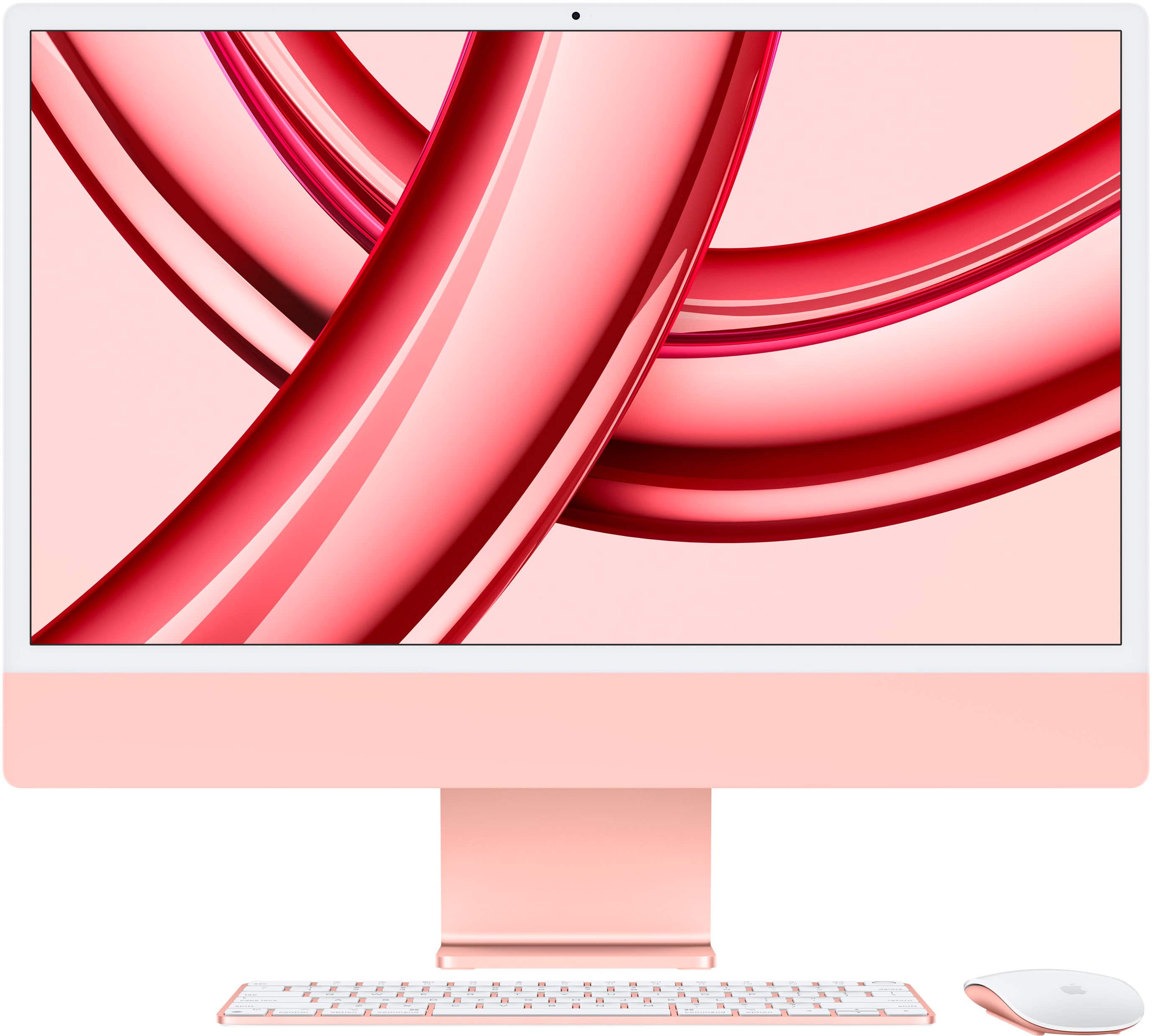
A:AnswerYou can make an appointment with a Geek Squad member and pay to transfer your data, although there is an option to do this yourself when you first set up your iMac.