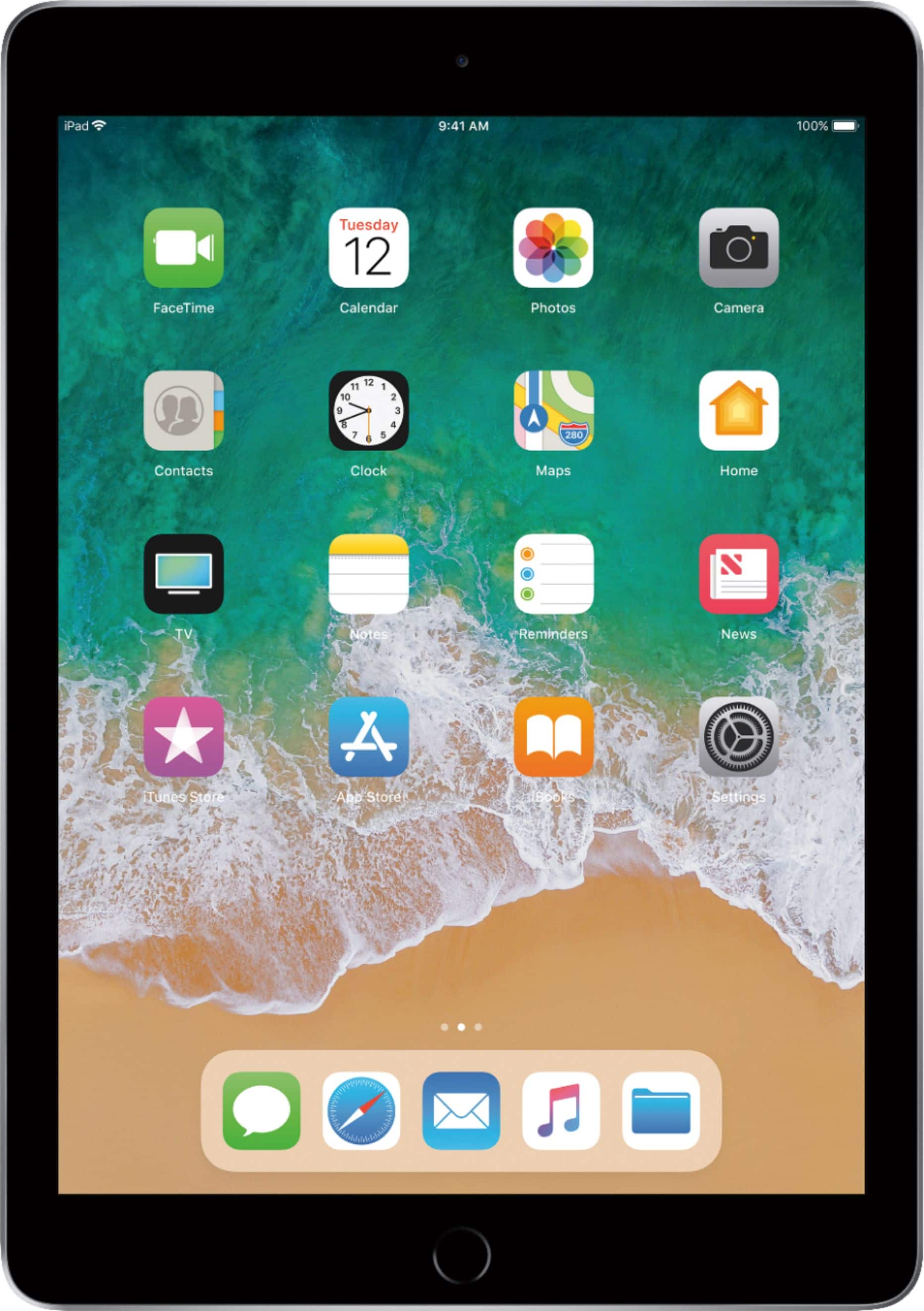
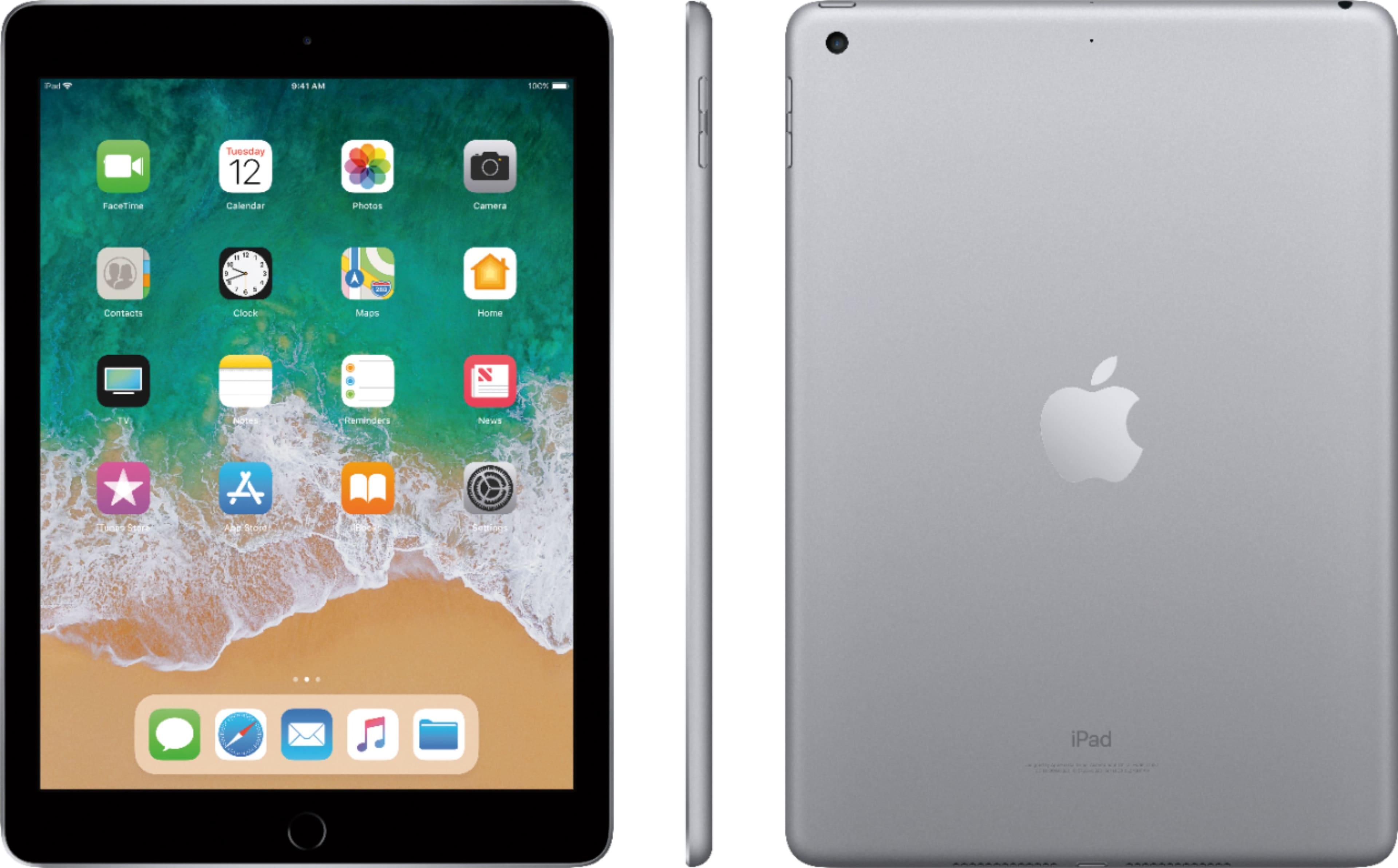
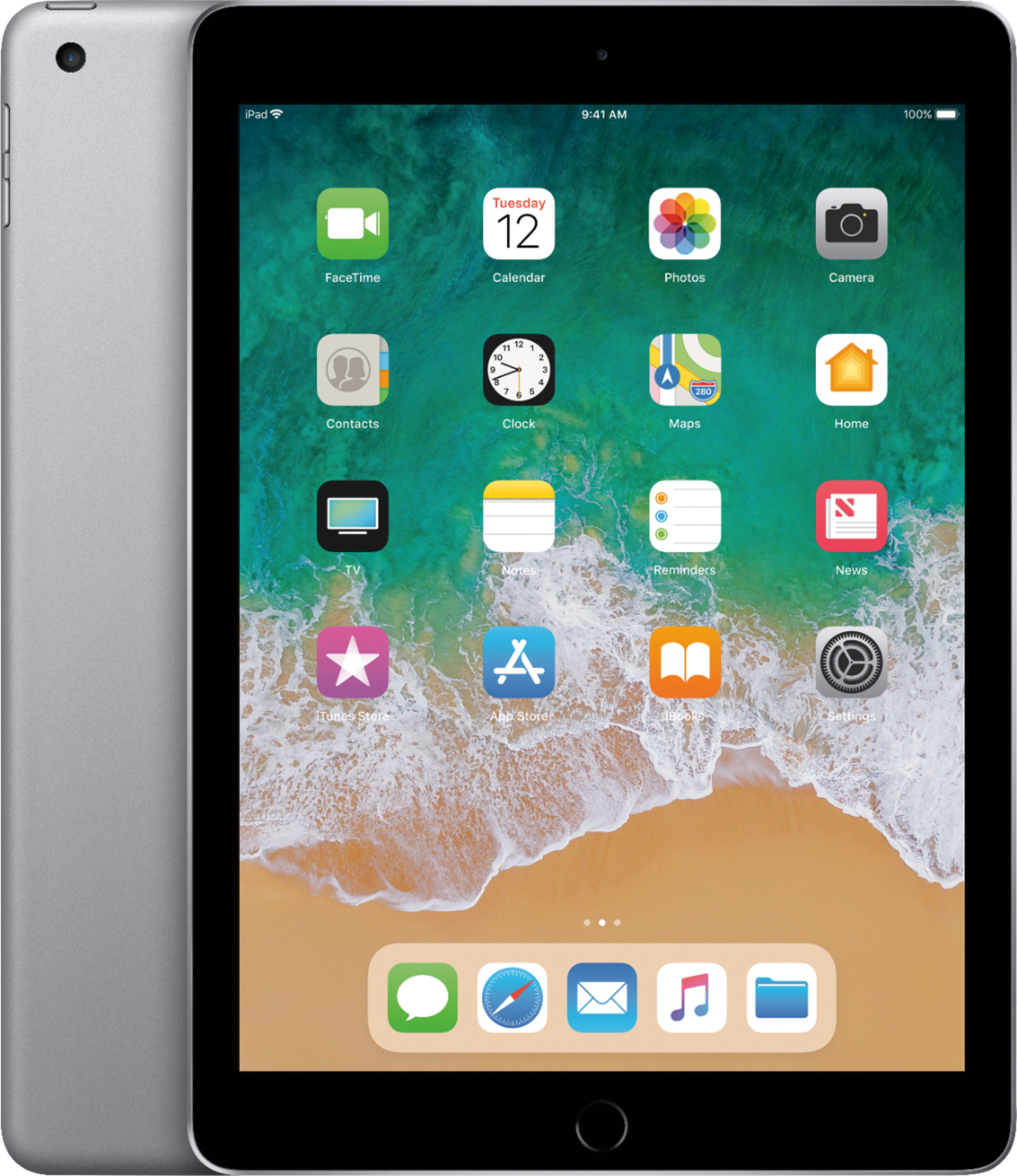
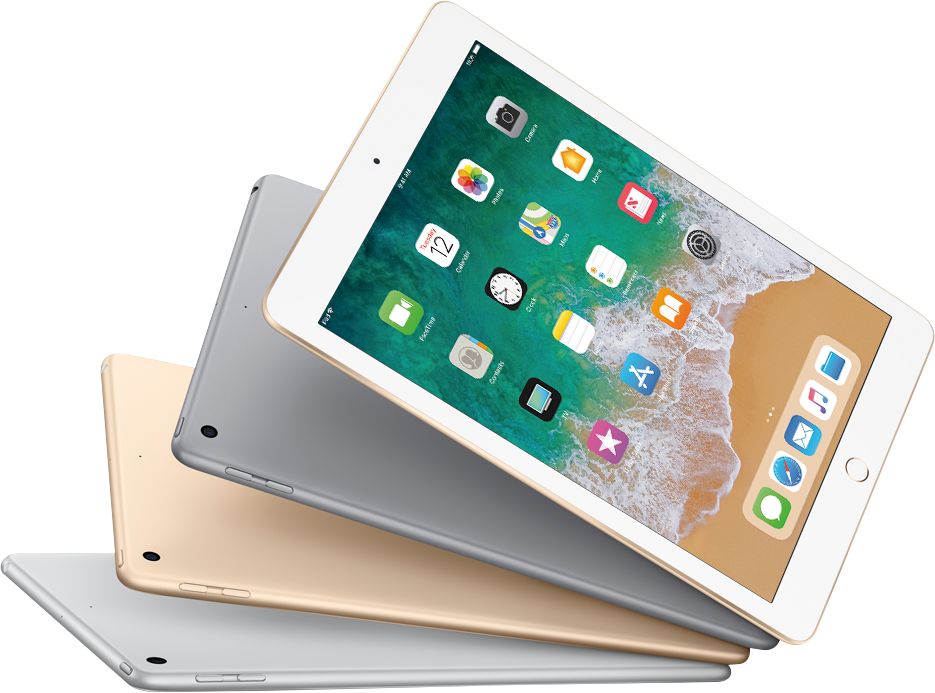
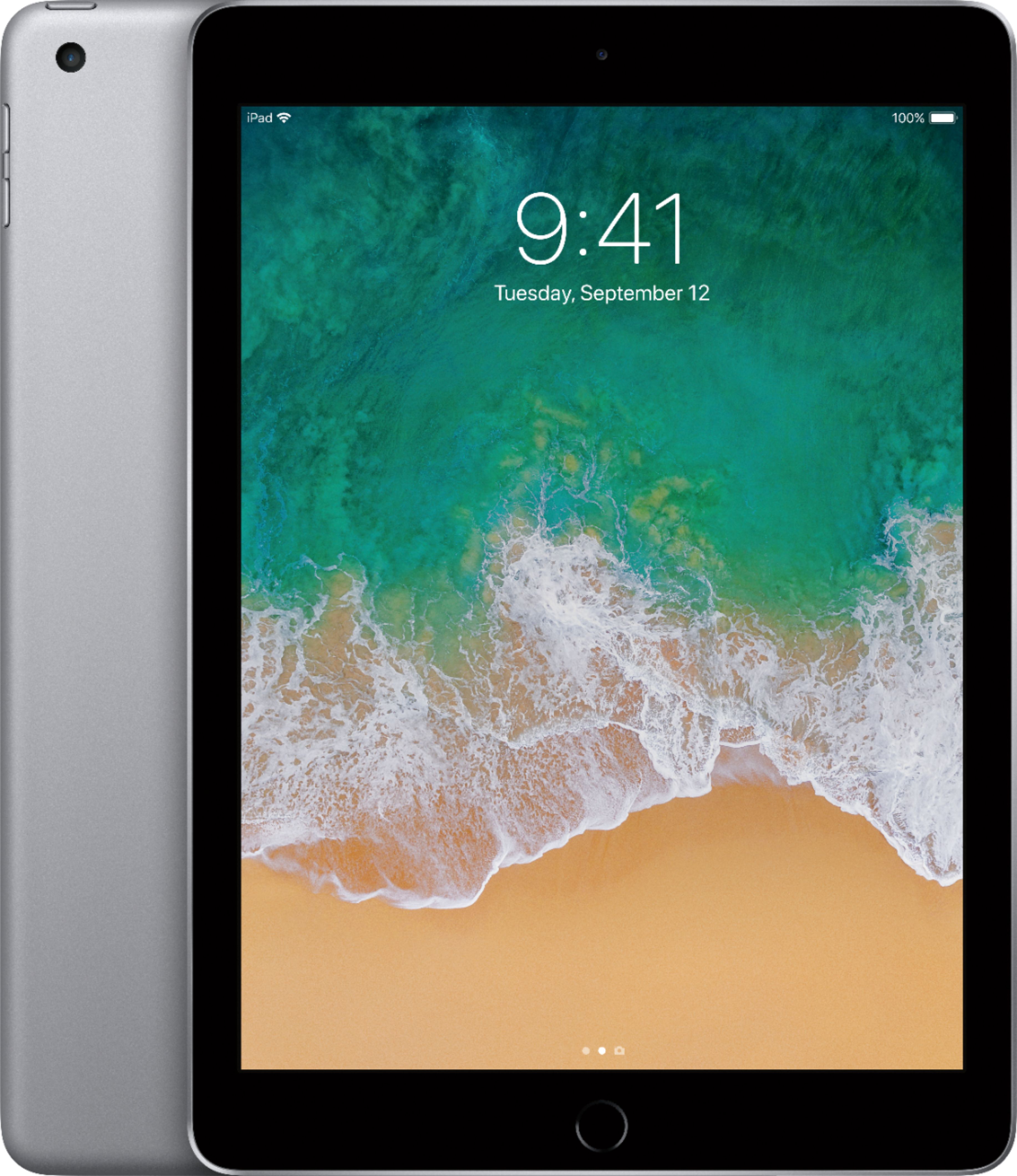
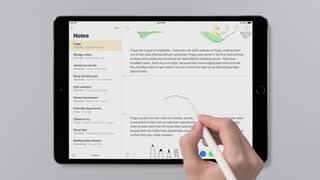
A:AnswerApple pencil is supported on the iPod pro models. The 9.7 inch 2017 model does not support the Apple pencil but a new 2018 model just being released does.
A:AnswerDo like what I done and contact Apple Support. They will help you with your problem but be at your computer have it plugged up ready when they answer your call.
A:AnswerHi Linda,
The Google Calendar app is available on the App Store and can be used on the iPad or even an iPhone. IIt's a free download so just hit the App Store icon on your screen and search for it in the store. Good luck.
A:Answerof course you can... plenty of options available in the App Store. Some free, some premium. If you mean your own audio books then you can add them in iTunes and listen to them that way, also.
A:AnswerYour device works the same as an IPhone but depends on the service and if you have enabled the location tracking software. This just happened to a coworker a couple of weeks ago. He lost the IPad on the commuter train and enabled the software locate my phone/IPad. He went out a brought a new one right away and found out it lost one had been sitting in the Amtrak lost and found at Union Station since the day it was lost. As soon as he attempted to enable the IPad the message popped up indicating it was lost and therefore locked, with his contact information.
A:AnswerThe new iPad gives you at least eight hours of battery life and I’ve tested it it works really well I’ve only had to recharge mine twice and it recharges very quickly
A:AnswerHi Deb,
The best way to get pictures onto your iPad is to attach it to your computer and add them that way. The other options you have are to save the pictures you want to some kind of online or "Cloud" type storage area and then you can log into your particular account and add whichever ones you want right to the iPad. I use three online storage methods and they are all accessible through their particluar apps. The easiest one to use is Google Drive. I also use Microsoft's One Drive (part of their office suite). Also since I have a Yahoo account I can use their service called Flickr. Any of these - or even Apple's own iCloud - all function the same way. The only limit to your photo viewing would be the storage on your iPad itself! Good luck!
A:AnswerHi Bob,
The site tells me your have a wi-fi iPad. If you do then you cannot install a SIM card. The iPads that are designed to work with the cellular carriers like t-Mobile, AT&T, or even Verizon all have the cellular radios built into them. If your model DOES have the cellular capability, you'd see a small slot on the side of the device for the SIM card. You can pop it open by unbending a paper clip and using the tip to pop the door off. Good luck sir.